The 5 Best Cloud Hosting for Mobile Apps in 2026, Ranked
5 best cloud hosting for mobile apps, with entry costs, free tiers and the buyer each one serves. Each tool is judged on the same checks. Clear verdicts.
- Editor's choiceMicrosoft Azure App Service
Managed PaaS for APIs and web apps
Starts atSee websiteVisit azure.microsoft.comFull review - Great alternativeGoogle Firebase
Mobile apps needing Google backend services
Starts at$9.37 per monthVisit firebase.google.comFull review - Also consider
 Heroku
Developers wanting managed app hosting
Starts at$5 per monthVisit heroku.comFull review
Direct answer
Our first pick is Microsoft Azure App Service, best for managed PaaS for APIs and web apps. Listed starting prices: Google Firebase from $9.37 per month, Heroku from $5 per month and Netlify from $9 a month. Alternatives: Google Firebase for mobile apps needing Google backend services, and Heroku for developers wanting managed app hosting. The other 2 tools in the list cover narrower or pricier cases.
TL;DR:
- Top of the list is Microsoft Azure App Service, which targets managed PaaS for APIs and web apps.
- The cheapest monthly starting price in the list is $5 per month, offered by Heroku.
- Free plans exist at 3 of 5 tools (Google Firebase, Netlify, AWS Amplify).
- Google Firebase comes with a trade-off: tied to Google ecosystem.
Last checked November 2026. Prices and plan details were read from the vendors' own pages in November 2026; vendors change plans often, so confirm the current price on the vendor site before you buy.
Quick comparison
| Tool | Best for | Starts at | Free plan? | |
|---|---|---|---|---|
| Microsoft Azure App Service | Managed PaaS for APIs and web apps | See website | Not stated | Visit |
| Google Firebase | Mobile apps needing Google backend services | $9.37 per month | Yes | Visit |
| Heroku | Developers wanting managed app hosting | $5 per month | No | Visit |
 Netlify | Launching apps from code or prompts | $9 a month | Yes | Visit |
 AWS Amplify | Full-stack mobile apps on AWS | See website | Yes | Visit |
Cloud Hosting for Mobile Apps, one by one
Short on time? The summary and table above give the quick view of 5 cloud hosting for mobile apps, and the profiles that follow give the detail behind each entry.
Microsoft Azure App Service
Best for: Managed PaaS for APIs and web apps
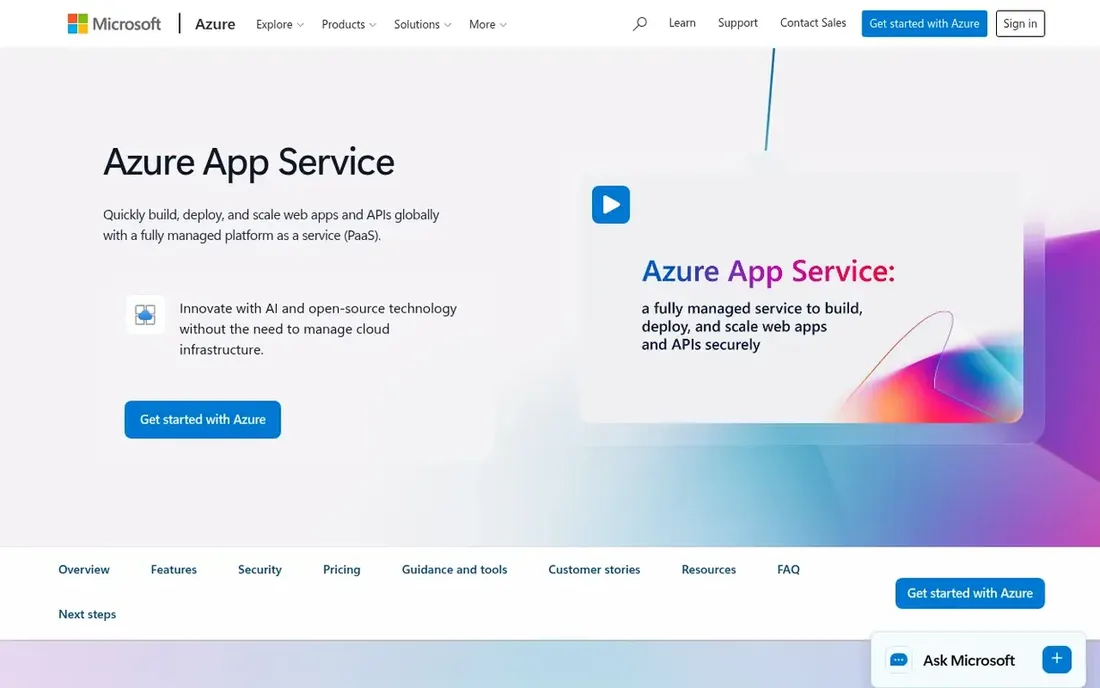
For managed PaaS for APIs and web apps, Microsoft Azure App Service is a natural candidate. Azure App Service is Microsoft's completely managed product as a service for building, deploying and scaling web apps and APIs globally.
As for the details, mobile teams frequently use it for the backend APIs their apps call. App Service is one piece of a large cloud system, so configuration and identity work can take effort to learn. Microsoft Azure App Service does not show a starting price in this comparison, so check the vendor site for current pricing. Free options: Not stated.
Downsides: Azure-centric setup.
- Global scale for apps and APIs
- Completely managed PaaS
- Broad product to navigate
Google Firebase
Best for: Mobile apps needing Google backend services
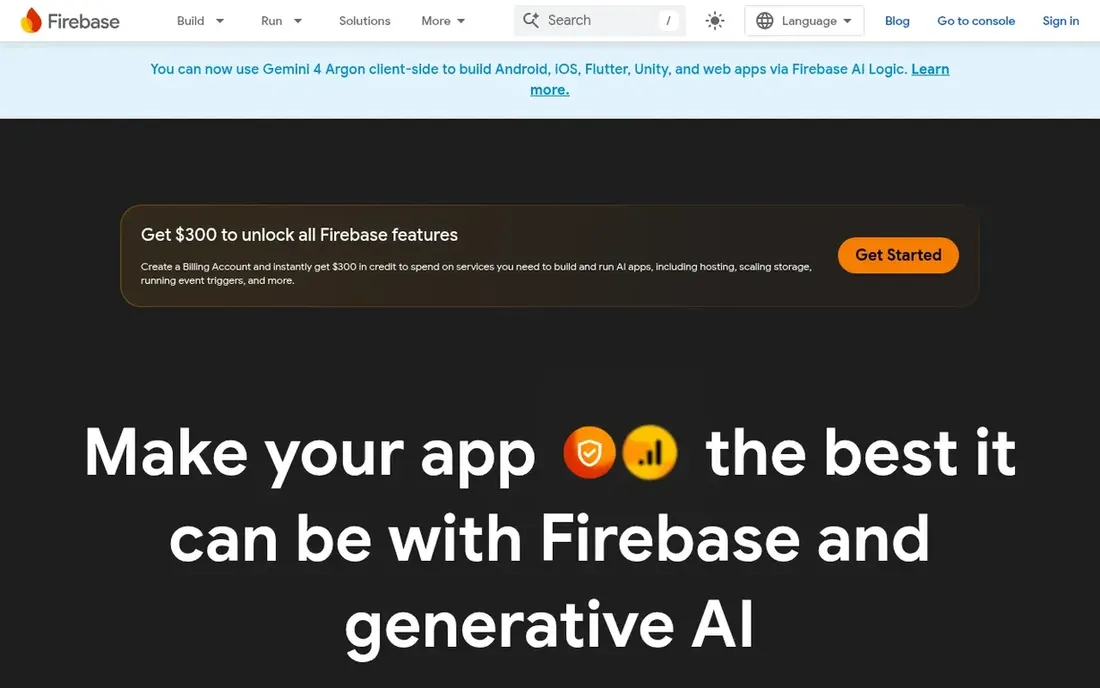
Google Firebase was built for mobile apps needing Google backend services. Firebase is Google's mobile and web app development system, targeted at developers building apps and games.
Where it falls short: Plenty of moving parts to learn.
It pairs hosting with managed backend services, so mobile teams can add data, auth and other app capabilities without standing up their own servers. In daily use, teams that require fine control over servers or prefer a different cloud provider may want to compare alternatives before committing. Google Firebase starts at: $9.37 per month. You can start on Google Firebase without paying.
- Mobile and web app product
- Capable fit for app and game teams
- Tied to Google ecosystem
In short, Heroku is for developers wanting managed app hosting. Heroku presents itself as a cloud application system for developers, offering completely managed app hosting that takes care of build, deploy and scale.
Highlights: deploy and scale in one place.
In daily use, since Heroku is completely managed, teams needing deep infrastructure customization may find it limiting, and the add-on model can add decisions. If you want direct control over servers or containers, a product built around that model may suit you better. On cost, Heroku starts like this: $5 per month. There is no free plan with Heroku. Points against: Extras can complicate choices.
- Build
- Completely managed hosting
- Less control over infrastructure
Where Netlify fits: launching apps from code or prompts. Netlify positions itself as a place where apps come to life, letting teams start with a prompt, an agent or code and then produce, share and run the app at any scale.
Netlify leans toward front-end and app delivery, so heavier backend requirements may call for additional services. Worth adding: if your mobile app is largely a thin client over a complicated server, a product built around backend hosting may fit better. What you pay to start with Netlify: $9 per month. Netlify includes a free tier.
Trade-offs to know: Front-end leaning.
- Scale-oriented hosting
- Share and run apps
- Backend needs may need extras
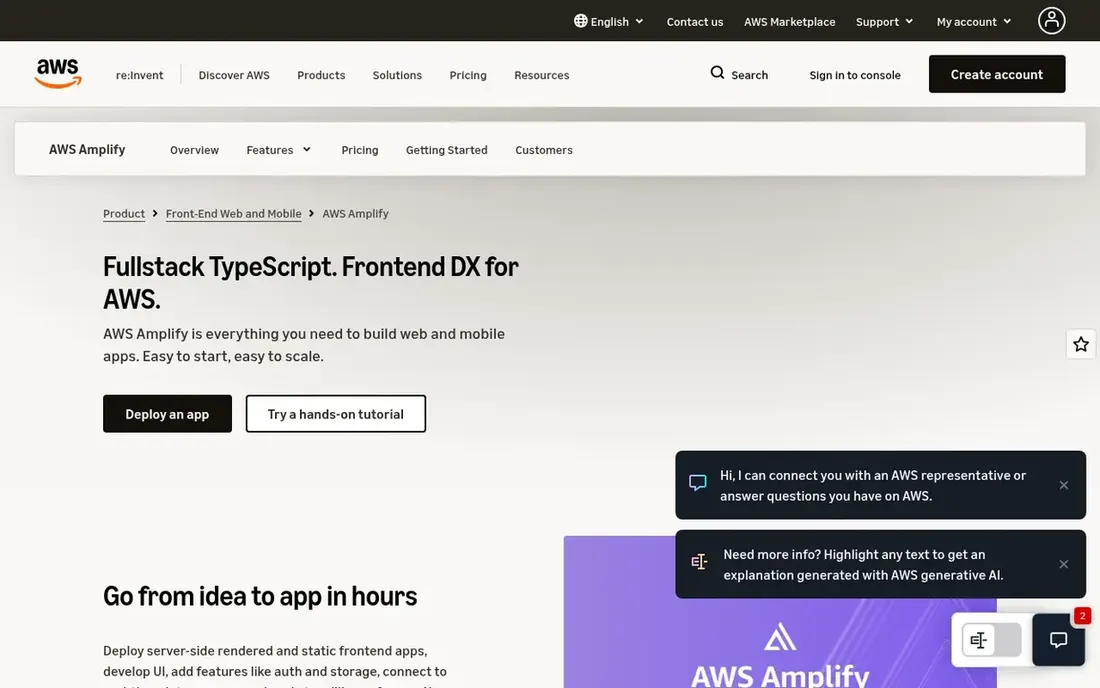
Pick AWS Amplify if this describes you: full-stack mobile apps on AWS. AWS Amplify is a full-stack development system for web and mobile apps, positioned by AWS as simple to start and simple to scale without cloud expertise.
Where it is weaker: Can feel broad for small apps.
In practice, the breadth that makes Amplify handy can also make it heavier than a single-purpose host. Teams outside AWS may find the surrounding ecosystem a lot to absorb. This comparison lists no price for AWS Amplify; ask the vendor. AWS Amplify offers a free plan.
- No cloud expertise needed
- Merges web and mobile tooling
- Deep AWS ties
How the list was put together
Selection started from tools commonly considered for cloud hosting for mobile apps, then narrowed to 5 that have clear pricing information or a clear quote process. Where a price is missing, the vendor does not list one publicly or ties it to a quote. Always confirm before budgeting. Tools are placed by general fit for cloud hosting for mobile apps, with price clarity and free access as tie-breakers. A different team can reasonably rank them differently.
Questions to settle before buying
- Confirm the entry price on the vendor page. For Microsoft Azure App Service and AWS Amplify that means a quote rather than a fixed price.
- Read the fine print on the free plans from Google Firebase, Netlify and AWS Amplify; seat, project and feature caps differ.
- Before choosing Microsoft Azure App Service, weigh its main limit: Azure-centric setup.
- Test how quickly AWS Amplify answers a pre-sales question; it hints at how support will feel later.
- Verify that exporting from Heroku is possible on your plan and covers all your records.
FAQ
How are the tools for cloud hosting for mobile apps ordered?
The order follows typical fit for cloud hosting for mobile apps, with Microsoft Azure App Service first and AWS Amplify last, then price clarity and free access. It is editorial judgement, not a score, so another team could rank the tools differently.
Do these tools publish their prices?
Not all of them. Microsoft Azure App Service and AWS Amplify publish no starting price, so expect a quote request for those. The rest, Google Firebase included, show a starting price, though seats and billing terms still change the final cost.
Is Microsoft Azure App Service the right pick for everyone comparing cloud hosting for mobile apps?
No single tool suits every team. Microsoft Azure App Service comes first because it fits managed PaaS for APIs and web apps, while Google Firebase suits mobile apps needing Google backend services and Heroku suits developers wanting managed app hosting. Match the tool to your own size, budget and workflow before deciding.
What should I verify before choosing?
Confirm the backend services included, regional availability, documented limits and SDK support for your mobile framework. Also check deployment and rollback workflows so your team can ship updates confidently.
Can I try these options before paying?
Often, yes. Google Firebase, Netlify and AWS Amplify have a free plan. Use your own data and a real task during the test, and check what the free tier or trial limits before you rely on it.
Sources
- https://azure.microsoft.com/en-us/products/app-service
- https://firebase.google.com
- https://www.heroku.com
- https://www.netlify.com
- https://aws.amazon.com/amplify