Best Cloud AI Services for Machine Learning in 2026: 8 Services Compared
We compared the best cloud ai services for machine learning, from managed training platforms to GPU clouds, so you can pick the right service for your models.

- Editor's choice
 Amazon SageMaker
AWS teams building and deploying ML at scale
Starts atPay as you goVisit aws.amazon.comFull review - Great alternative
 Google Vertex AI
Google Cloud teams and AutoML users
Starts atPay as you goVisit cloud.google.comFull review - Also consider
 Azure Machine Learning
Microsoft shops and enterprise ML teams
Starts atPay as you goVisit azure.microsoft.comFull review
TL;DR:
- Amazon SageMaker, Google Vertex AI, and Azure Machine Learning lead for managed machine learning, and the best choice often follows the cloud your team already uses.
- IBM watsonx.ai and Databricks suit teams that need governance, data, and AI together, rather than only model training.
- Hugging Face, Paperspace, and Lambda Cloud suit teams that want open models, notebooks, or GPU access without a full managed platform.
- The best ai cloud services for machine learning are priced on compute, storage, and inference, so model size and traffic matter more than headline rates.
Quick comparison
| Tool | Best for | Starts at | Free plan? | |
|---|---|---|---|---|
| Amazon SageMaker | AWS teams building and deploying ML at scale | Pay as you go | Free trial | Visit |
| Google Vertex AI | Google Cloud teams and AutoML users | Pay as you go | Free trial | Visit |
| Azure Machine Learning | Microsoft shops and enterprise ML teams | Pay as you go | Free trial | Visit |
 IBM watsonx.ai | Enterprises needing governed AI and foundation models | See website | Free trial | Visit |
 Databricks | Teams combining data engineering with ML | Pay as you go | Free trial | Visit |
 Hugging Face | Open model users and fast inference | See website | Yes | Visit |
 Paperspace | Individuals and teams needing GPU notebooks fast | Pay as you go | No | Visit |
 Lambda Cloud | AI teams needing dedicated GPU cloud capacity | Pay as you go | No | Visit |
The best cloud ai services for machine learning
Cloud AI services for machine learning cover a wide range, from fully managed training and deployment to raw GPU rentals for custom models. The right service depends on whether you need AutoML, custom training, model governance, or simply fast access to GPUs, and on how much operational work your team wants to take on.
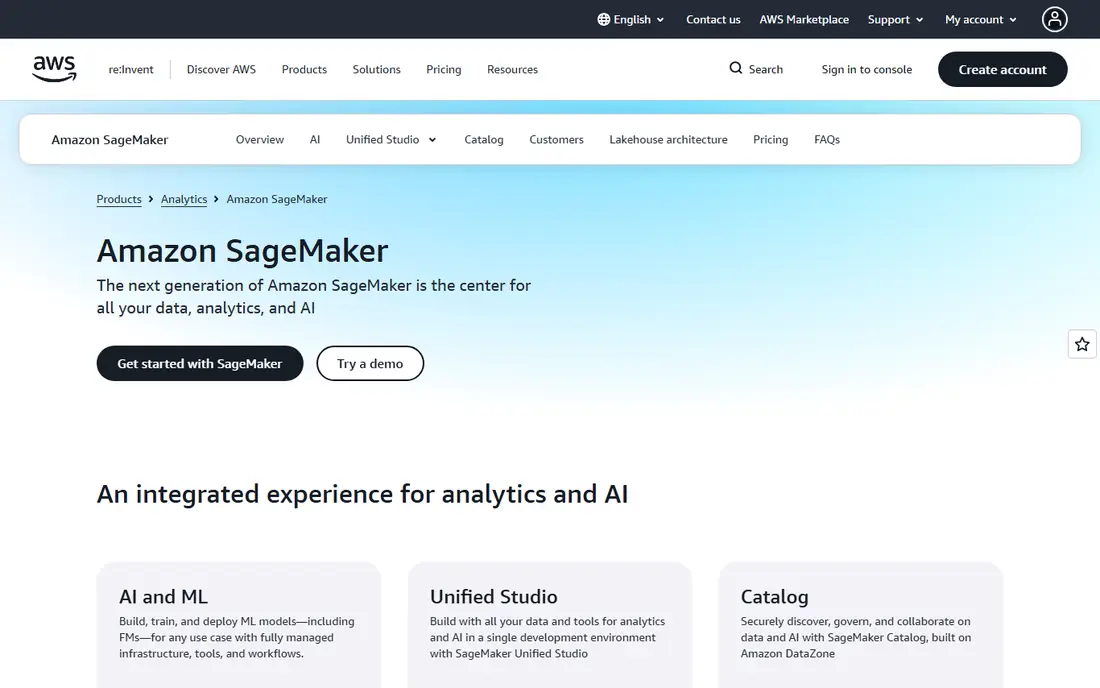
Amazon SageMaker covers data preparation, training, tuning, deployment, and monitoring in one managed service, with notebooks, pipelines, model registry, and monitoring built in. Teams can use built-in algorithms, bring custom containers, or use SageMaker Canvas for low-code model building. Serverless inference and managed endpoints help teams serve models without managing servers, while spot training can cut costs for fault-tolerant jobs.
The main drawback is complexity and cost visibility. SageMaker bills for compute, storage, and data processing across several services, so a bill can be hard to forecast without careful tagging and monitoring. Teams new to AWS may also face a steep learning curve. For an AWS-centered team that needs a complete, production-grade ML platform, SageMaker remains the most complete option.
- Full ML lifecycle in one service
- Many instance types
- Strong MLOps tools
- Cost is spread across many services
- Learning curve for new teams
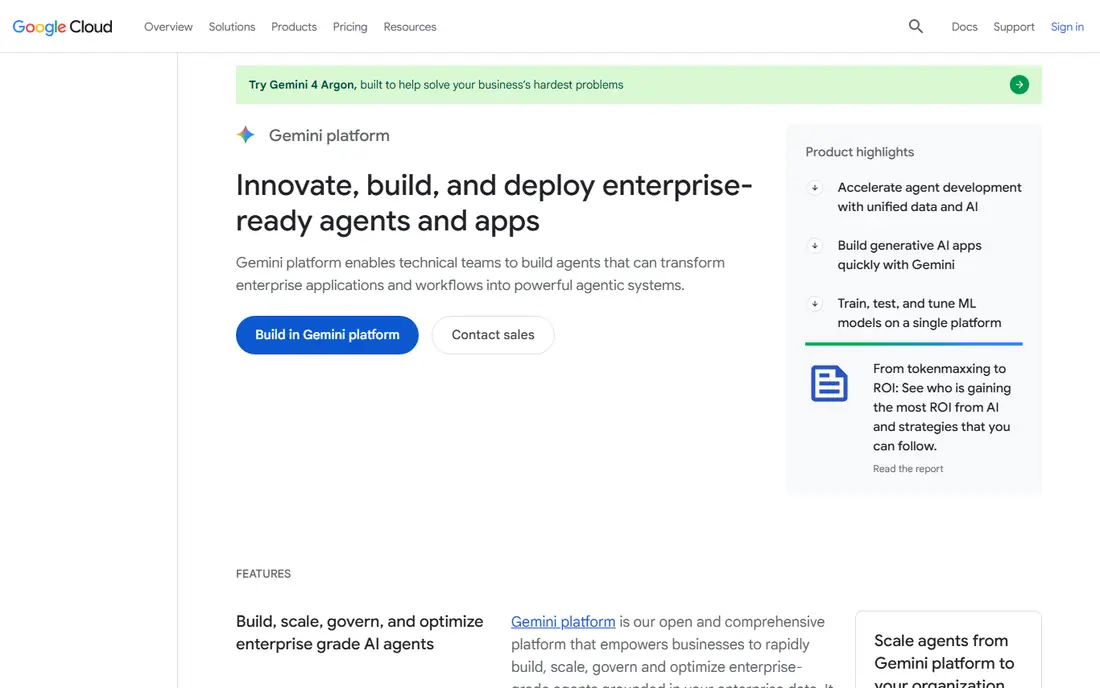
Google Vertex AI unifies training, AutoML, pipelines, model registry, and deployment on Google Cloud, with strong integration to BigQuery and Google storage. AutoML suits teams that want good tabular, image, or text models without deep ML expertise, while custom training supports TensorFlow, PyTorch, and other frameworks. Access to Google foundation models and TPUs is a further advantage for teams working on language and multimodal models.
Pricing is pay-as-you-go and depends on machine type, training time, and endpoint use, so low-traffic endpoints can still incur steady costs. Teams should check endpoint scaling options and use batch prediction where real-time serving is not needed. For a Google Cloud team, especially one that already uses BigQuery, Vertex AI offers a coherent and powerful ML platform.
- Strong AutoML
- Integrated notebooks and pipelines
- Access to Google models and TPUs
- Endpoint costs can add up for low-traffic models
- Pricing is usage-based and complex

Azure Machine Learning provides a managed workspace for training, AutoML, pipelines, and deployment, with a visual designer for teams that prefer drag-and-drop modeling. It integrates with Azure data services, Power BI, and Microsoft identity controls, which helps enterprises that already standardize on Microsoft. Responsible AI tools, model monitoring, and governance features suit regulated industries that need audit trails.
Like other hyperscale platforms, Azure ML pricing depends on compute, storage, and data transfer, so teams must choose instance types carefully and monitor usage. The breadth of Azure services can also make setup feel complex at first. For a Microsoft-centered enterprise, Azure ML is the natural and well-integrated choice.
- Visual designer and AutoML
- Strong enterprise controls
- Integration with Microsoft data tools
- Cost depends on compute choice
- Interface can feel complex
IBM watsonx.ai is a studio for building, tuning, and deploying AI models, with a focus on enterprise governance and hybrid deployment. Teams can use IBM and open foundation models, tune them on company data, and track model lineage, risk, and compliance through related watsonx governance tools. That governance focus appeals to banks, insurers, and other regulated firms that need to document model decisions.
Pricing is custom and the broader cloud ecosystem is smaller than AWS, Google, or Azure, so teams that need many native cloud services may prefer a hyperscaler. For an enterprise that prioritizes governance, data control, and foundation model work over raw cloud breadth, watsonx.ai offers a focused and credible platform.
- Foundation model studio
- Governance tools
- Strong enterprise and hybrid options
- Pricing is custom
- Ecosystem is smaller than hyperscalers
Databricks brings data engineering, analytics, and machine learning together on a lakehouse platform, so teams can prepare data, train models, and serve them without moving data between many systems. Its ML tools include notebooks, feature stores, model registry, and serving, with support for open models and popular frameworks. For teams whose main ML challenge is messy, large-scale data, that closeness is a real advantage.
Databricks pricing is based on compute units and can be hard to forecast without monitoring, and teams need data engineering skill to get full value. It is not a simple AutoML-only tool for beginners. For a data-heavy team that already uses Spark or a lakehouse, Databricks is one of the strongest ML platforms available.
- Unified data and ML platform
- Strong Spark and lakehouse tools
- MLOps and model serving
- Pricing is usage-based
- Setup needs data engineering skill
Hugging Face is best known as a hub for open models, datasets, and demos, but it also offers hosted inference, training, and enterprise tools. Teams can test thousands of models, fine-tune them, and deploy them through inference endpoints or spaces, without building a model catalog from scratch. For language, vision, and audio work, that catalog saves weeks of searching and setup.
Managed inference and enterprise features are paid, and costs scale with traffic and model size, so production use needs budgeting. Hugging Face is also not a full data platform, so teams still need storage and pipelines elsewhere. For a team that wants to use open models quickly and share work with the community, Hugging Face is an essential service.
- Large open model hub
- Inference endpoints
- Easy model sharing and testing
- Managed inference costs scale with use
- Enterprise controls are paid
Paperspace, now part of DigitalOcean, offers GPU-powered notebooks, training, and deployment with a simpler setup than a full hyperscale ML platform. Developers can start a notebook with a GPU, run training jobs, and deploy models without configuring a large cloud account. That simplicity suits researchers, students, startups, and small teams that need GPU time for a specific project.
The service range is narrower than SageMaker or Vertex AI, and enterprise governance, data tools, and managed MLOps are thinner. Teams that need a complete production platform may outgrow it. For fast, affordable GPU access for training and experimentation, Paperspace is a practical and approachable choice.
- Quick GPU access
- Notebooks and training jobs
- Simple pricing model
- Smaller service range than hyperscalers
- Enterprise features are thinner
Lambda Cloud provides GPU infrastructure built for AI training and inference, with on-demand and reserved instances, storage, and networking tuned for large models. Teams that already have ML code and pipelines can rent powerful GPUs without buying hardware or navigating a general cloud catalog. That focus appeals to AI startups and research teams that care most about GPU availability and price per hour.
Lambda is an infrastructure service, not a managed ML platform, so teams must handle training frameworks, deployment, and monitoring themselves. Support and managed services are thinner than hyperscaler offerings. For a team with ML engineering skill that wants GPU capacity at a competitive rate, Lambda Cloud is a strong option.
- GPU-focused infrastructure
- On-demand and reserved instances
- AI-optimized hardware
- Less managed ML tooling
- Requires more operational skill
How we picked these
We compared official product pages, pricing models, and public documentation for cloud services that train, deploy, or serve machine learning models in 2026. We favored services with live products, clear compute and inference options, and a real path from trial to production. We left out general cloud hosting without ML tools, and AI chat products without model training or deployment features.
What to check before you buy
Start with your model type and traffic pattern. A batch model that runs nightly needs different serving than a real-time model that must respond in milliseconds, and a small model needs different hardware than a large language model. Choose instance types and scaling options for that pattern, and test with real data before committing to reserved capacity.
Cost, data, and governance
Model costs on compute hours, storage, data transfer, and inference requests, so forecast all four, not only training time. Check where data lives, how it is encrypted, and whether the service meets your compliance needs, especially for sensitive data. Also check model monitoring, versioning, and rollback, since a model that drifts after deployment can cause harm long after launch.
Skills and lock-in
Match the service to your team's skill. AutoML and low-code tools suit teams without ML engineers, while raw GPU clouds suit teams that already write training code. Ask about export options for models and data, so you are not locked into one provider if prices or needs change. A portable model format and a clear data export path reduce that risk.
FAQ
What are the best ai cloud services for machine learning?
For managed ML, Amazon SageMaker, Google Vertex AI, and Azure Machine Learning lead, and the best choice often follows your existing cloud. Databricks suits data-heavy teams, while Hugging Face suits open model work and Lambda Cloud suits GPU-focused training.
Which cloud AI service is best for beginners?
Google Vertex AI AutoML, Azure Machine Learning designer, and SageMaker Canvas suit beginners, because they reduce coding for standard models. Hugging Face is also beginner-friendly for testing open models, though production deployment still needs care.
How much does cloud machine learning cost?
Costs are pay-as-you-go in most cases, based on compute hours, storage, and inference requests. Small experiments can cost a few dollars, while large model training can cost thousands, so use spot or preemptible instances, monitor usage, and set billing alerts before scaling.
Do I need a GPU for machine learning in the cloud?
Not for small tabular models, which often run well on CPUs. GPUs help for deep learning, image, video, and large language models, where training on CPUs would be too slow. Start on CPU or a small GPU, then scale only if training time justifies it.
Can I use open models on these cloud services?
Yes. Most services support open models from Hugging Face and other sources, either through hosted endpoints or custom training. Check license terms for each model, since open models still carry license and use restrictions that teams must follow.