Best Cloud Storage Services in Germany in 2026: 8 Services Compared
Compare the best cloud storage services in germany for GDPR-friendly storage, EU data centres, encryption, sharing controls and pricing. before you choose.
- Editor's choice
 pCloud
Lifetime plans and EU storage options
Starts at$7.99 per user per monthVisit pcloud.comFull review - Great alternative
 Proton Drive
End-to-end encrypted storage
Starts at$7.99 per user per monthVisit proton.meFull review - Also consider
 Tresorit
Business sharing with strict controls
Starts at$11.99 per monthVisit tresorit.comFull review
TL;DR:
- EU data location and a data processing agreement matter more than a low headline price.
- End-to-end encryption protects content from the provider, but it can limit recovery if you lose access.
- Collaboration strength and encryption strength often pull in opposite directions.
- Check whether the plan stores data in the EU and which region applies to your account.
Quick comparison
| Tool | Best for | Starts at | Free plan? | |
|---|---|---|---|---|
| pCloud | Lifetime plans and EU storage options | $7.99 per user per month | Yes | Visit |
| Proton Drive | End-to-end encrypted storage | $7.99 per user per month | Yes | Visit |
| Tresorit | Business sharing with strict controls | $11.99 per month | Free trial | Visit |
 Google Drive | Collaboration inside Google Workspace | $1.99 per month | Yes | Visit |
 Microsoft OneDrive | Windows and Microsoft 365 users | $99 per year | Yes | Visit |
 Dropbox | Creative teams needing fast sync | $9.99 per month | Yes | Visit |
 MEGA | Encrypted storage at a low price | $5.37 per month | Yes | Visit |
 STRATO HiDrive | German-hosted storage for local compliance | See website | Free trial | Visit |
The best cloud storage services in Germany
We compared cloud storage services available in Germany, with attention to EU data centres, GDPR support, encryption and sharing controls. Prices are shown in the provider's published currency where available, and you should confirm the current German offer before you buy.
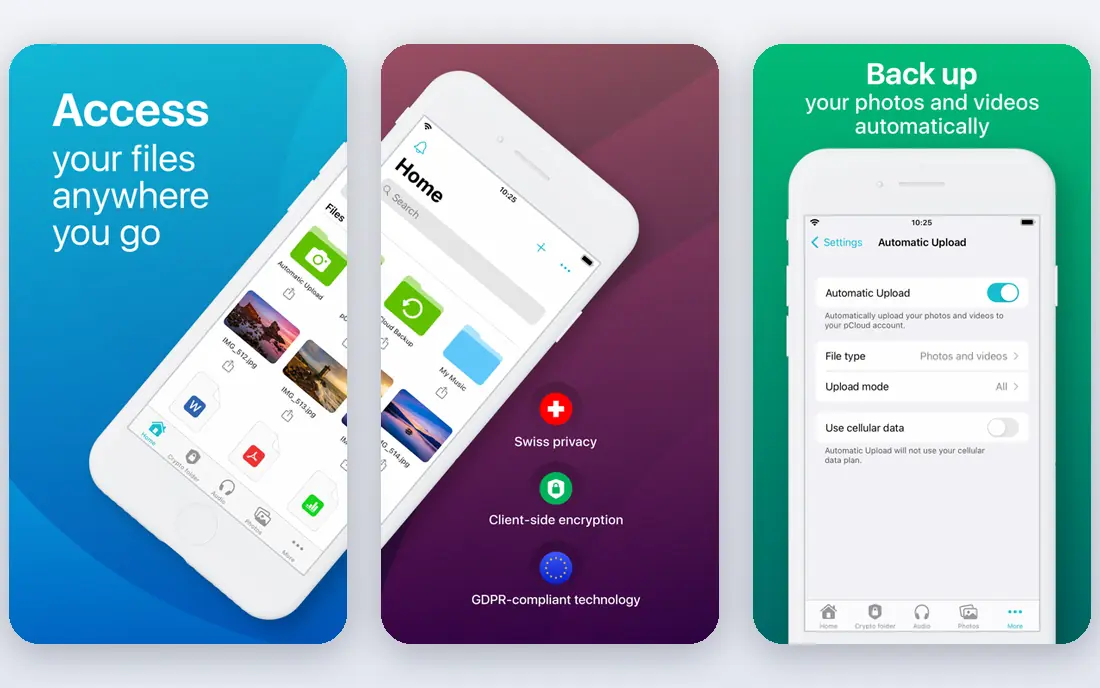
pCloud is a strong match for lifetime plans and eu storage options. Its main draw is a virtual drive with an EU data centre option and lifetime plans, which matters when a backup has to work without constant attention. We compared its official feature and pricing pages, and the plan structure is clear about what is included at the entry level and what costs extra. For a small team, that clarity helps when you are budgeting for the year ahead.
The honest catch is in the details. Check storage limits, retention periods and support hours before you commit, because those three items decide how useful a backup is during a real incident. Also test a restore early, while the stakes are low, so you learn the steps before you need them under pressure. A service that restores cleanly in a test is far more valuable than one with a longer feature list.
- EU data centre option
- Lifetime plans
- Virtual drive on desktop
- End-to-end encryption is a paid add-on
- Business pricing varies by seats
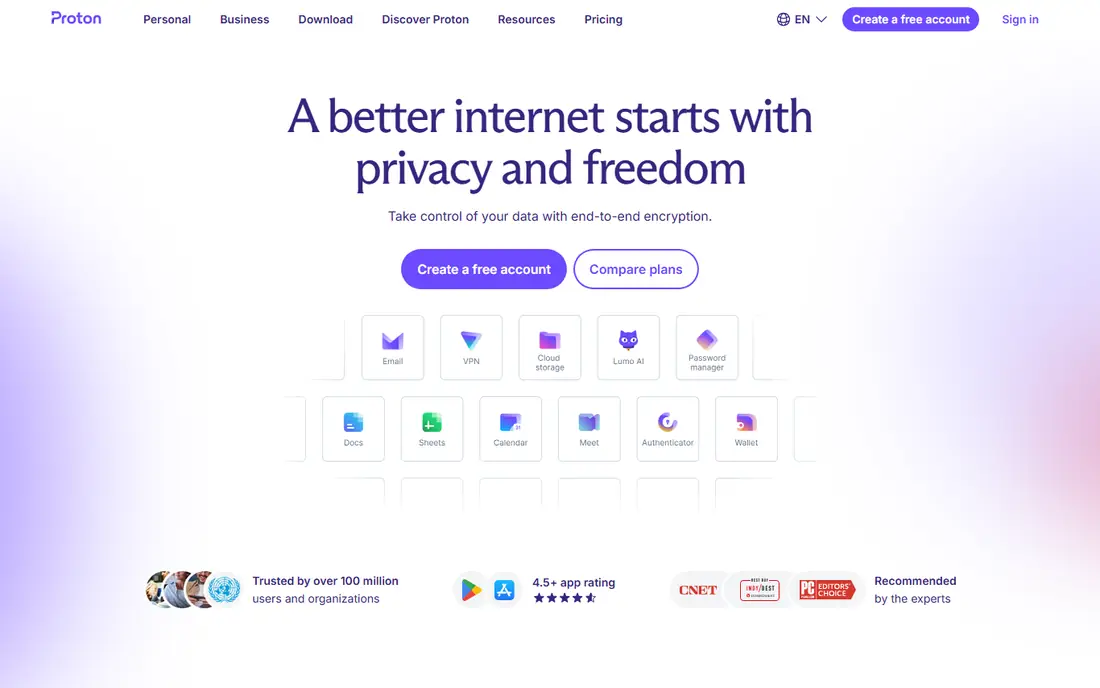
For teams that need end-to-end encrypted storage, Proton Drive deserves a close look. The standout point is end-to-end encrypted storage inside a privacy-focused suite, and it pairs with a setup flow that most administrators can complete without a specialist. We checked its public documentation and pricing page to confirm the current offer. The result is a service that suits steady, day-to-day protection rather than a one-off archive.
The trade-off to weigh is fit against cost. A cheaper plan can look attractive until you add the storage, seats or retention you actually need, so price the full setup, not just the headline rate. Also confirm who can access backups and how access is logged. Those controls matter for audits, and they are easy to overlook when you are focused on speed alone.
- End-to-end encryption by default
- Swiss base
- GDPR support
- Collaboration tools are simpler than Google or Microsoft
- Storage tiers vary
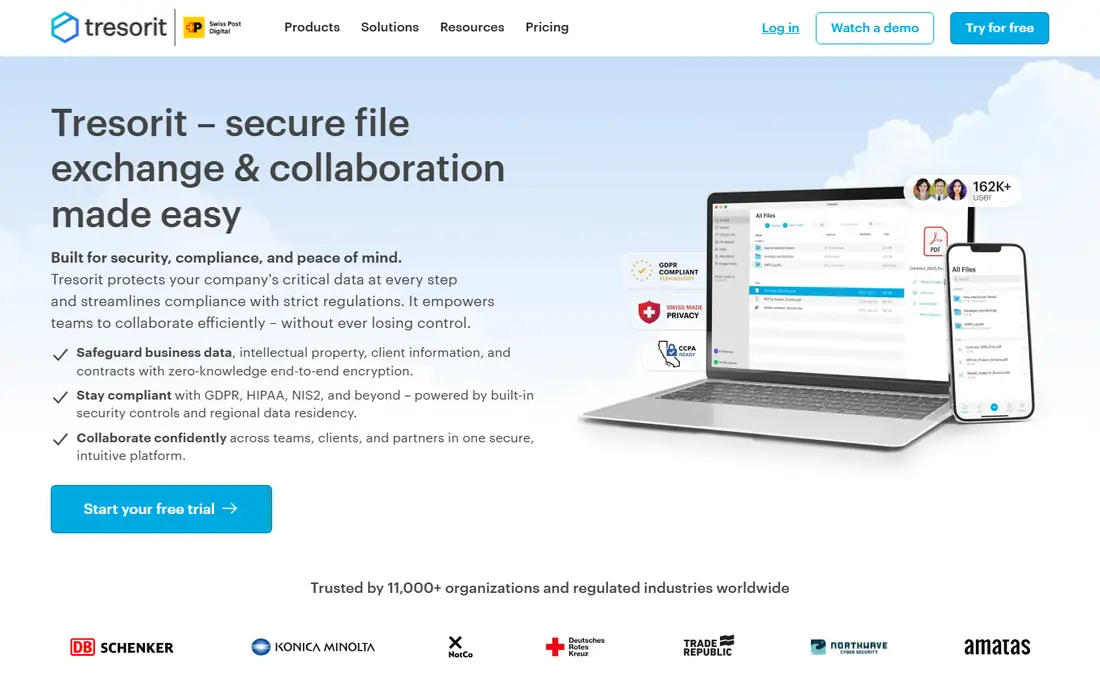
Teams focused on business sharing with strict controls will find Tresorit practical rather than flashy. The key point is encrypted business sharing with detailed admin and audit controls, which covers the everyday risks that cause most restore requests. Its documentation explains retention, recovery and account controls in plain terms. That makes it easier to explain the choice to colleagues who do not manage backups every day.
Before you buy, run a small trial on one machine or one data set. Watch how long the first backup takes, how it handles a changed file, and how clear the restore screen is. That short test reveals more than a sales page can. It also shows whether support answers quickly when a question comes up during setup.
- End-to-end encryption
- Detailed admin controls
- Audit logs
- Higher price than consumer rivals
- No long-term free consumer tier
If collaboration inside google workspace is your main need, Google Drive is worth shortlisting. It leads with collaboration inside Google Docs, Sheets and Slides with EU region options, and the surrounding features support that core job instead of distracting from it. We reviewed its official pages for current pricing and plan limits. The service feels built for regular use, with controls that a busy administrator can actually keep up with.
The main weakness is usually scope, not quality. No single backup covers every system perfectly, so list your must-protect items first, then match them against the plan. If a key system needs a separate add-on, factor that into the total cost. A clear match on your top three systems beats a broad promise that fits none of them well.
- Strong collaboration
- EU region options for Workspace
- Familiar apps
- No end-to-end encryption by default
- Privacy controls need setup
Microsoft OneDrive is a strong match for windows and microsoft 365 users. Its main draw is deep Microsoft 365 integration with EU data centre options, which matters when a backup has to work without constant attention. We compared its official feature and pricing pages, and the plan structure is clear about what is included at the entry level and what costs extra. For a small team, that clarity helps when you are budgeting for the year ahead.
The honest catch is in the details. Check storage limits, retention periods and support hours before you commit, because those three items decide how useful a backup is during a real incident. Also test a restore early, while the stakes are low, so you learn the steps before you need them under pressure. A service that restores cleanly in a test is far more valuable than one with a longer feature list.
- Deep Office integration
- EU data centre options
- Personal Vault
- No end-to-end encryption by default
- Best value inside Microsoft 365
For teams that need creative teams needing fast sync, Dropbox deserves a close look. The standout point is fast sync and broad integrations for creative teams, and it pairs with a setup flow that most administrators can complete without a specialist. We checked its public documentation and pricing page to confirm the current offer. The result is a service that suits steady, day-to-day protection rather than a one-off archive.
The trade-off to weigh is fit against cost. A cheaper plan can look attractive until you add the storage, seats or retention you actually need, so price the full setup, not just the headline rate. Also confirm who can access backups and how access is logged. Those controls matter for audits, and they are easy to overlook when you are focused on speed alone.
- Fast sync
- Broad app integrations
- Strong sharing controls
- No end-to-end encryption on standard plans
- Price rises with teams
Teams focused on encrypted storage at a low price will find MEGA practical rather than flashy. The key point is end-to-end encrypted storage with a generous free tier, which covers the everyday risks that cause most restore requests. Its documentation explains retention, recovery and account controls in plain terms. That makes it easier to explain the choice to colleagues who do not manage backups every day.
Before you buy, run a small trial on one machine or one data set. Watch how long the first backup takes, how it handles a changed file, and how clear the restore screen is. That short test reveals more than a sales page can. It also shows whether support answers quickly when a question comes up during setup.
- End-to-end encryption by default
- Generous free tier
- Large plans
- Collaboration tools are limited
- Transfer limits apply on some plans
If german-hosted storage for local compliance is your main need, STRATO HiDrive is worth shortlisting. It leads with German-hosted storage with a clear local compliance focus, and the surrounding features support that core job instead of distracting from it. We reviewed its official pages for current pricing and plan limits. The service feels built for regular use, with controls that a busy administrator can actually keep up with.
The main weakness is usually scope, not quality. No single backup covers every system perfectly, so list your must-protect items first, then match them against the plan. If a key system needs a separate add-on, factor that into the total cost. A clear match on your top three systems beats a broad promise that fits none of them well.
- German data centres
- GDPR-focused hosting
- Backup and sync options
- Interface is simpler than global rivals
- Business features vary by plan
How we picked these
We started with services that clearly fit cloud storage in Germany and are still offered today. We compared official feature pages, pricing pages and support documentation, and we set aside services with unclear pricing, missing security details or a poor fit for the topic. We gave weight to EU data location, encryption, data processing terms, and practical sharing and sync features. We also checked for honest limits, because a backup, security tool or service that hides its limits creates risk later. The final list mixes widely used names with smaller options that do a specific job well.
Choosing cloud storage in Germany
Confirm data location and legal terms
Check where your data is stored, whether an EU region is guaranteed, and whether a data processing agreement is available. A provider with EU data centres and clear GDPR terms suits regulated work better than a cheaper service with vague location details.
Decide how much encryption you need
End-to-end encryption keeps files unreadable to the provider, which helps for sensitive documents. It can also limit password recovery and some sharing features. For everyday collaboration, standard encryption with strong access controls may be enough.
Test sync, sharing and recovery
Install the desktop app, test sync on a large folder, and try sharing a file with an expiry date. Also test version history and recovery after a deleted file. Those everyday tasks reveal whether a service fits your workflow better than a feature list can.
FAQ
What is the best cloud storage service in Germany?
The best choice depends on your priority. Proton Drive and Tresorit suit sensitive files with end-to-end encryption, while Google Drive and OneDrive suit collaboration. pCloud and STRATO HiDrive offer EU-focused options. Check data location and terms for your account.
Does GDPR require data to stay in Germany?
GDPR does not require data to stay in Germany specifically, but it does require lawful transfer safeguards for data outside the EU or EEA. Many German users prefer EU data centres for simplicity. Check the provider region and data processing agreement before you store regulated data.
Is end-to-end encryption worth it?
End-to-end encryption is worth it for sensitive personal, legal or medical files, because only you hold the keys. It can limit recovery if you lose your password, and it may restrict some collaboration features. Use it for sensitive folders, and standard storage for everyday files.
How much storage do I need?
Photos and documents for one person often fit in 100 GB to 500 GB, while video projects and team archives need 2 TB or more. Check your current usage and allow room to grow. A plan with pooled team storage can be more flexible than fixed per-user limits.
Can I switch cloud storage providers later?
Yes, most services allow bulk download or transfer, but large libraries take time and may need a paid transfer tool. Keep a local copy during the move, and check sharing links and version history, which usually do not transfer. Plan the move in stages for large accounts.