The 5 Best Client Portal Software for Government Contractors in 2026, Ranked
5 best client portal software for government contractors, with entry costs, free tiers and the buyer each one serves. Real limits included. Straight answers.
- Editor's choice
 Intralinks
Secure deal and due diligence rooms
Starts atSee websiteVisit intralinks.comFull review - Great alternative
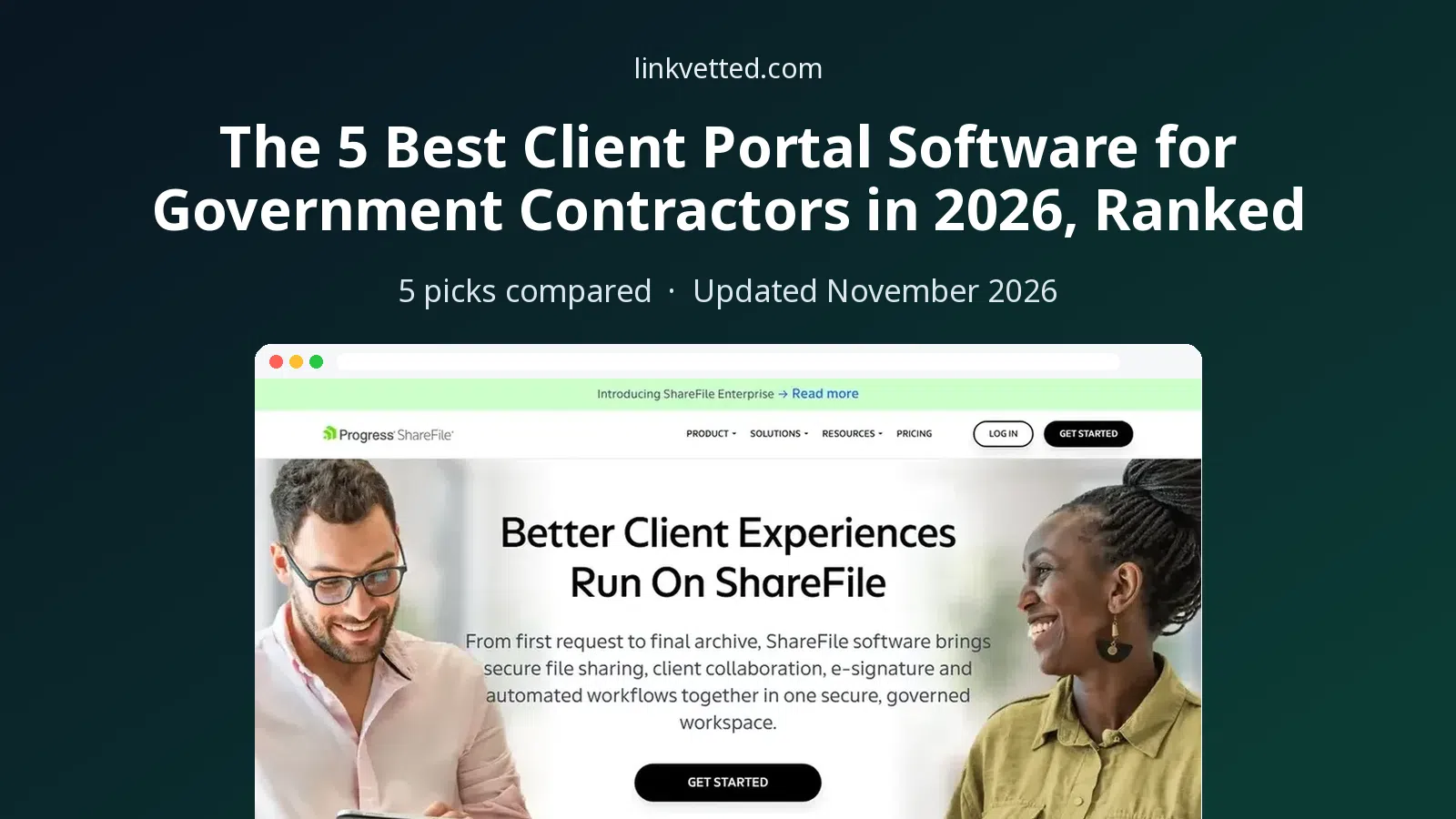
 ShareFile
Secure file sharing and document workflow
Starts at$16.50 per user per monthVisit sharefile.comFull review - Also consider
 M-Files
Document control with automatic workflows
Starts at€65 per seat a monthVisit m-files.comFull review
Direct answer
If you need secure deal and due diligence rooms, Intralinks is the first tool to look at here. Listed starting prices: ShareFile from $16.50 per user per month, M-Files from €65 per seat a month and Clinked from $11 per user per month. If your case is different, ShareFile suits secure file sharing and document workflow and M-Files suits document control with automatic workflows. Prices, free plans and limits for all 5 tools follow.
TL;DR:
- Intralinks takes the first slot, best suited to secure deal and due diligence rooms.
- Egnyte fits governing sensitive content at scale.
- Check the limits for M-Files before you commit: wide system may need configuration.
- None of the 5 tools, from Intralinks to Egnyte, has a free plan, so budget for a subscription or use a trial.
Last checked November 2026. Prices and plan details were read from the vendors' own pages in November 2026; vendors change plans often, so confirm the current price on the vendor site before you buy.
Quick comparison
| Tool | Best for | Starts at | Free plan? | |
|---|---|---|---|---|
| Intralinks | Secure deal and due diligence rooms | See website | Not stated | Visit |
| ShareFile | Secure file sharing and document workflow | $16.50 per user per month | Free trial | Visit |
| M-Files | Document control with automatic workflows | €65 per seat a month | Not stated | Visit |
 Clinked | Branded client collaboration spaces | $11 per user per month | Free trial | Visit |
 Egnyte | Governing sensitive content at scale | $22 per user a month | Free trial | Visit |
The 5 tools in detail
Short on time? The summary and table above give the quick view of 5 client portal software for government contractors, and the profiles that follow give the detail behind each entry.
Intralinks is aimed squarely at secure deal and due diligence rooms. Intralinks offers AI-powered datarooms for M&A dealmaking, due diligence, compliance and secure management of financial deals. For routine client portals, project updates or general file sharing, Intralinks is more specialized than most contractors need.
It shines in deal and diligence contexts where controlled access is essential. Consider other choices when the goal is continuing client communication instead of a transaction-focused dataroom. Intralinks shows no starting price here, so confirm the cost on the vendor site. Free plan details: Not stated.
Drawbacks to consider: Narrow fit for routine client portals.
- Due diligence and compliance focus
- Secure datarooms
- Deal-oriented instead of general collaboration
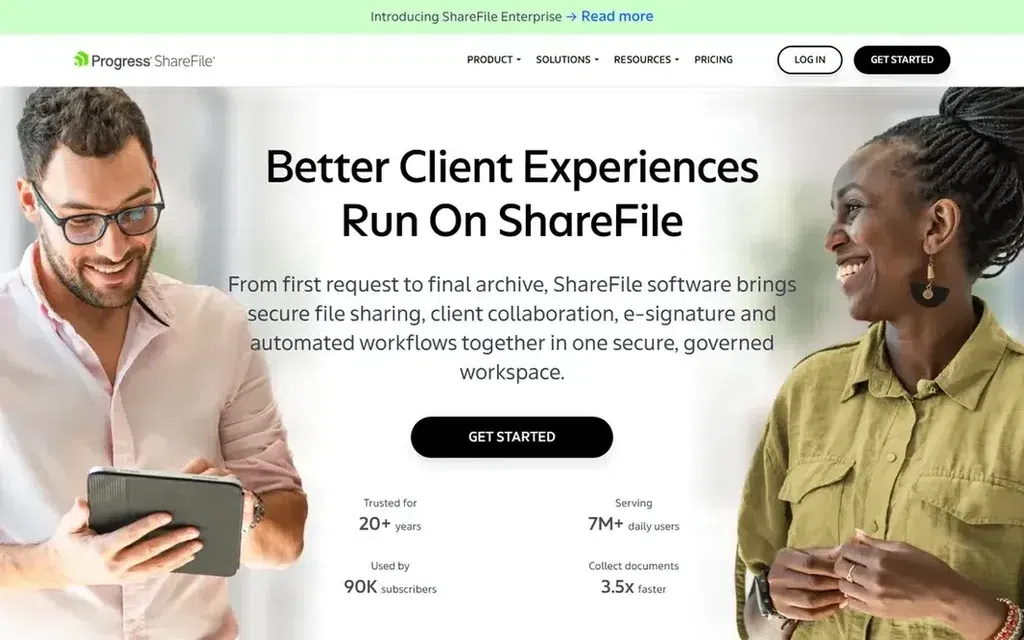
Choose ShareFile for secure file sharing and document workflow. ShareFile is built around secure document workflow and file sharing, letting teams collaborate without sacrificing security. On top of that, ShareFile is less suited to organizations wanting deep project tracking or deep client portal customization inside the same product.
Downsides: Portal branding choices are modest.
If your priority is a completely branded client workspace with project tools, a collaboration-focused choice may fit better. Also, choose ShareFile when secure, dependable document exchange is the core need. ShareFile pricing: $16.50 per user per month. Free options: Free trial.
- Security-focused sharing
- Supports collaboration
- Restricted project management depth
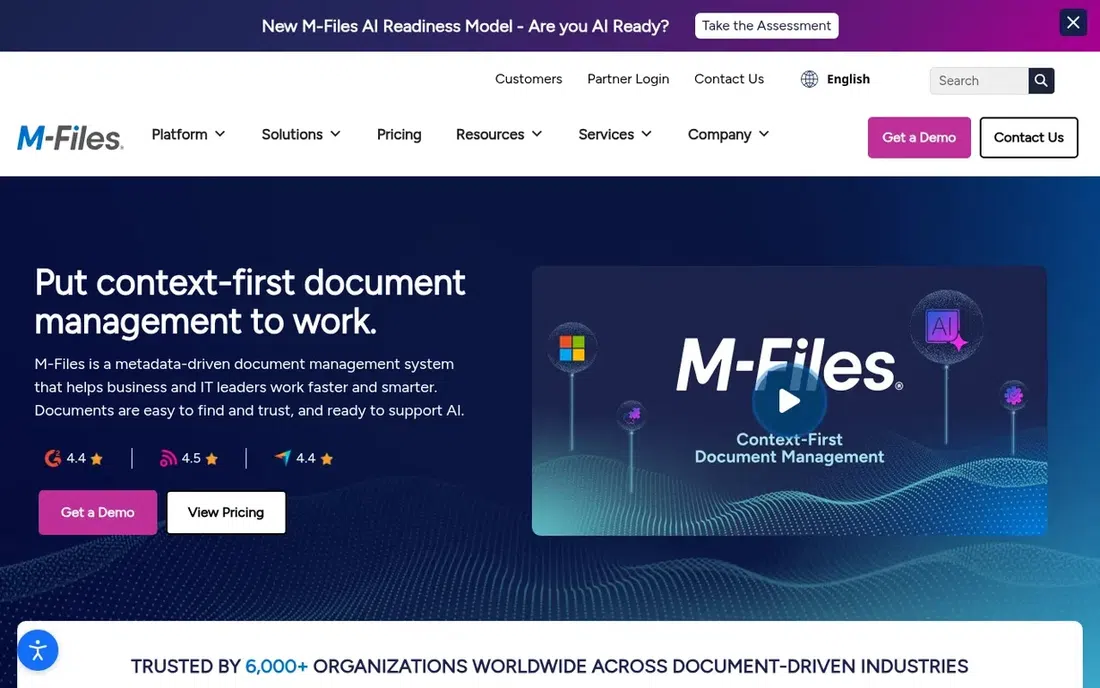
M-Files is aimed squarely at document control with automatic workflows. Configuration effort can be significant for small teams. For government contractors, that matters when contract files, deliverables and approvals need consistent handling.
Watch-outs: Wide product may need configuration.
It automates workflows and aims to cut risk through secure content management. For everyday use, since M-Files centers on document management, teams wanting a straightforward branded client space may find it heavier than needed. M-Files pricing: €65 per seat per month. As for free access: Not stated.
- Automates workflows
- Emphasizes risk reduction
- Not a client-branded portal first
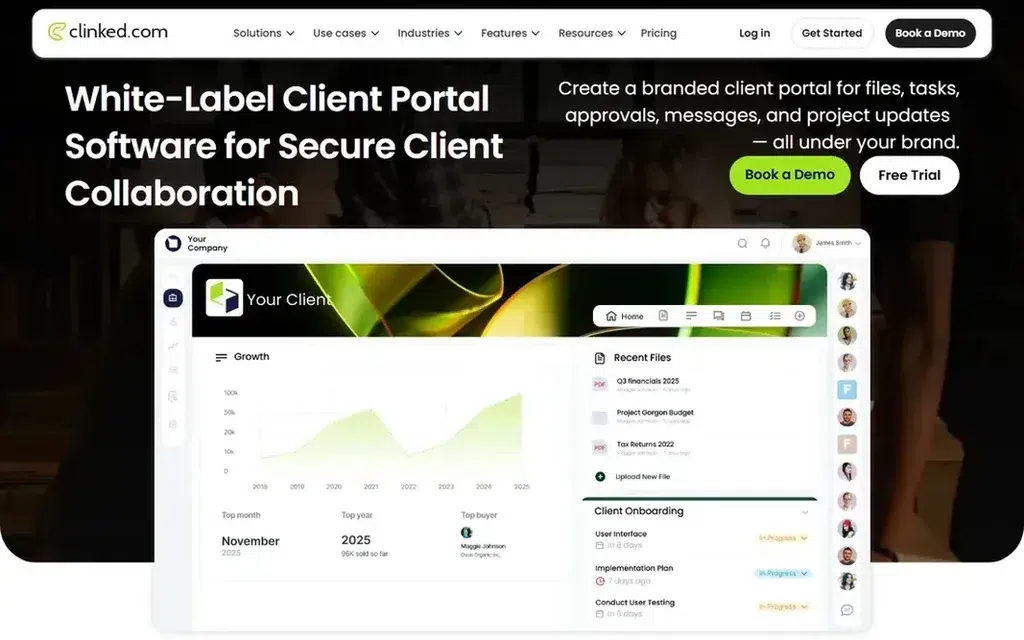
Clinked serves branded client collaboration spaces. That branding emphasis makes it a natural fit for contractors who want clients to see a professional, consistent workspace. It merges file sharing with project management, so routine client communication and deliverables can live in a single portal.
As for the details, Clinked is oriented toward collaboration instead of deep document control or compliance automation. As for the details, pick Clinked when a clean, branded client experience and everyday project collaboration are the priorities. On cost, Clinked starts like this: $11 per user per month. Free access: Free trial.
Where it falls short: May need setup for complicated workflows.
- File sharing and project management
- One place for clients and partners
- Less specialized for heavy document governance
Choose Egnyte for governing sensitive content at scale. It emphasizes control over where content lives and how it is accessed across the business. From a buyer's view, smaller teams may find the setup heavier than necessary.
Where it is weaker: Enterprise-oriented setup.
Choose it when large-file collaboration and content governance are central, and look at branding-focused portals when client experience is the primary goal. More specifically, Egnyte is oriented toward enterprise content governance instead of a refined client-facing portal. Price to start with Egnyte: $22 per user per month. As for free access: Free trial.
- Governs sensitive content
- Supports collaboration
- Portal experience is secondary
How we chose
Before you commit
- Get a written quote from Intralinks; the list shows no starting price for them.
- Run a trial of ShareFile, Clinked and Egnyte with real work before paying for a year; your own workflow is the best test.
- Before choosing Intralinks, weigh its main limit: narrow fit for routine client portals.
- Ask Egnyte which support channels and response times come with the plan you would buy.
- Get the contract term, renewal terms and any onboarding fees from Intralinks in writing.
FAQ
How are the tools for client portal software for government contractors ordered?
Intralinks sits first and Egnyte last because the order follows typical fit for client portal software for government contractors, then price clarity and free access. It is a judgement call, so read each profile for fit and limits.
How do branded portals differ from secure file sharing tools?
Branded portals present clients with a workspace that carries your organization's identity and commonly bundles project tools. Secure file sharing tools focus on controlled document exchange and may offer less customization for the client view.
What is the cheapest option for client portal software for government contractors in this list?
On published monthly entry prices, Clinked is the lowest here at $11 per user per month. Entry price is only part of the cost, because seats, add-ons and billing terms can change the total. For the full picture, the cards above cover all 5 entries of this client portal software for government contractors list, including price, free plan and limits.
Is Intralinks the right pick for everyone comparing client portal software for government contractors?
No single tool suits every team. Intralinks comes first because it fits secure deal and due diligence rooms, while ShareFile suits secure file sharing and document workflow and M-Files suits document control with automated workflows. Match the tool to your own size, budget and workflow before deciding.
Do these tools publish their prices?
Not all of them. Intralinks publishes no starting price, so expect a quote request for it. The rest, ShareFile included, show a starting price, though seats and billing terms still change the final cost.
Sources
- https://www.intralinks.com
- https://www.sharefile.com
- https://www.m-files.com
- https://www.clinked.com
- https://www.egnyte.com