Best Client Portal Software for Ecommerce Brands in 2026: Prices, Free Plans and 6 Picks
Best client portal software for ecommerce brands: 6 contenders ranked by fit, with entry costs and free tiers. Verdicts stay brief and factual. Compare quickly.
- Editor's choice
 Copilot
AI assistance for productivity
Starts atSee websiteVisit copilot.comFull review - Great alternative
 Moxo
AI workflow automation across organizations
Starts atSee websiteVisit moxo.comFull review - Also consider
 Clinked
Secure branded collaboration and file sharing
Starts at$11 per user a monthVisit clinked.comFull review
Direct answer
Start with Copilot if you need AI assistance for productivity. Listed starting prices: Clinked from $11 per user a month and SuiteDash from $19 a month. For a different need, Moxo covers AI workflow automation across organizations and Clinked covers secure branded collaboration and file sharing. The other 3 tools in the list cover narrower or pricier cases.
TL;DR:
- Copilot sits first on this list: AI assistance for productivity.
- Just one of the 6 tools, Tresorit, has a free plan.
- Clinked is the lowest-priced starter here at $11 per user per month.
- Moxo comes with a trade-off: not primarily a client portal.
- Tresorit fits end-to-end encrypted file sharing.
Last checked November 2026. Prices and plan details were read from the vendors' own pages in November 2026; vendors change plans often, so confirm the current price on the vendor site before you buy.
Quick comparison
| Tool | Best for | Starts at | Free plan? | |
|---|---|---|---|---|
| Copilot | AI assistance for productivity | See website | Not stated | Visit |
| Moxo | AI workflow automation across organizations | See website | Free trial | Visit |
| Clinked | Secure branded collaboration and file sharing | $11 per user a month | Free trial | Visit |
 SuiteDash | White-label client portal with branding | $19 a month | Free trial | Visit |
 Zoho Cliq | Team communication and workflow organization | See website | Not stated | Visit |
 Tresorit | End-to-end encrypted file sharing | See website | Yes | Visit |
The best client portal software for ecommerce brands
LinkVetted compared 6 client portal software for ecommerce brands. The goal is a practical shortlist: published prices, free plan facts, best-fit use cases and honest limits for every entry.
Copilot is built with AI assistance for productivity in mind. Copilot is Microsoft's AI assistant built to help users get things done by creating, brainstorming, learning, and solving problems through AI chat. It is not a client portal but can assist ecommerce teams in productivity tasks.
In daily use, for client portal needs, SuiteDash, Clinked, or Tresorit are more suitable. Copilot lacks client portal features like secure file sharing, branded dashboards, and client management. It is best used as an internal productivity tool rather than a client-facing portal. This comparison lists no price for Copilot; ask the vendor. Free options: Not stated.
Where Copilot stands out: Helps build, brainstorm, learn.
Where it falls short: Not a client portal.
- Integrated with Microsoft ecosystem
- AI chat that works across your day
- Needs Microsoft environment for full functionality
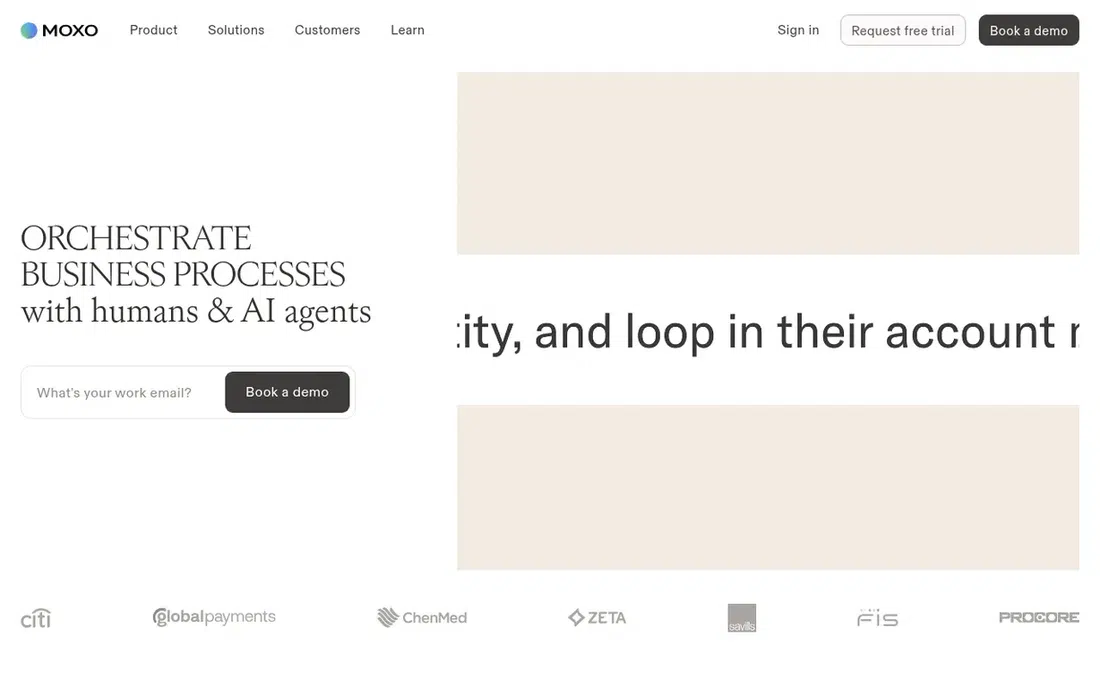
Moxo is built with AI workflow automation across organizations in mind. Ecommerce brands with intricate operational processes may find Moxo valuable for simplifying client interactions and internal tasks. For everyday use, Moxo is an AI workflow automation system built for business operations, enabling complicated processes that involve humans, AI agents, and systems across teams and organizations.
Honest limits: Not primarily a client portal.
More specifically, Moxo is not built as a dedicated client portal, so it may lack out-of-the-box portal features like branded dashboards. It is most useful for brands that require advanced automation instead of a straightforward portal. Check the vendor site for Moxo pricing; none is listed in this comparison. Free access: Free trial.
- Cross-team and cross-organization collaboration
- AI agents, systems
- May require technical setup for automation
Clinked is aimed squarely at secure branded collaboration and file sharing. For more advanced automation, Moxo could be considered. In daily use, Clinked may not offer broad automation or integration with ecommerce products, so brands requiring deep workflow automation might have to look elsewhere.
Honest limits: Restricted automation features.
It is a solid choice for straightforward, secure client collaboration. On top of that, the system emphasizes security and branding, making it a solid choice for client-facing collaboration. Clinked pricing: $11 per user per month. Free options: Free trial.
- Branded collaboration environment
- Secure place to share files and manage projects
- May lack deep ecommerce integrations
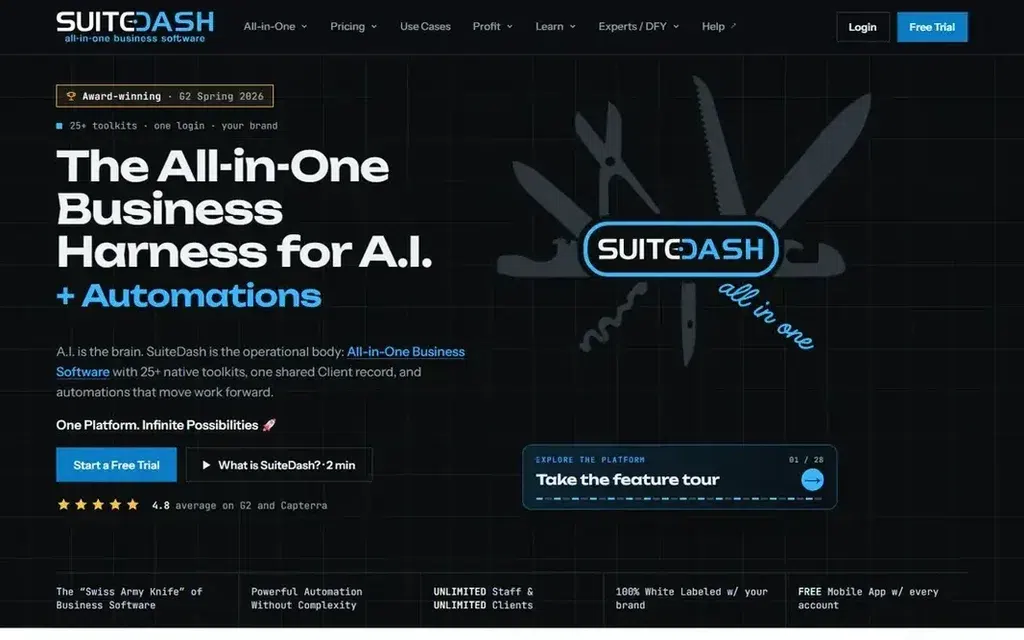
SuiteDash is designed for white-label client portal with branding. It bundles a branded dashboard and email notifications, making it right for ecommerce brands that want to present a cohesive brand experience to clients.
In practice, the product is geared toward agencies and service providers that require a secure, branded space for client collaboration. Entry price for SuiteDash: $19 per month. As for free access: Free trial.
Points against: Feature set can be overwhelming for small teams.
- Completely branded dashboard and email notifications
- White-label customization
- May need setup time for branding
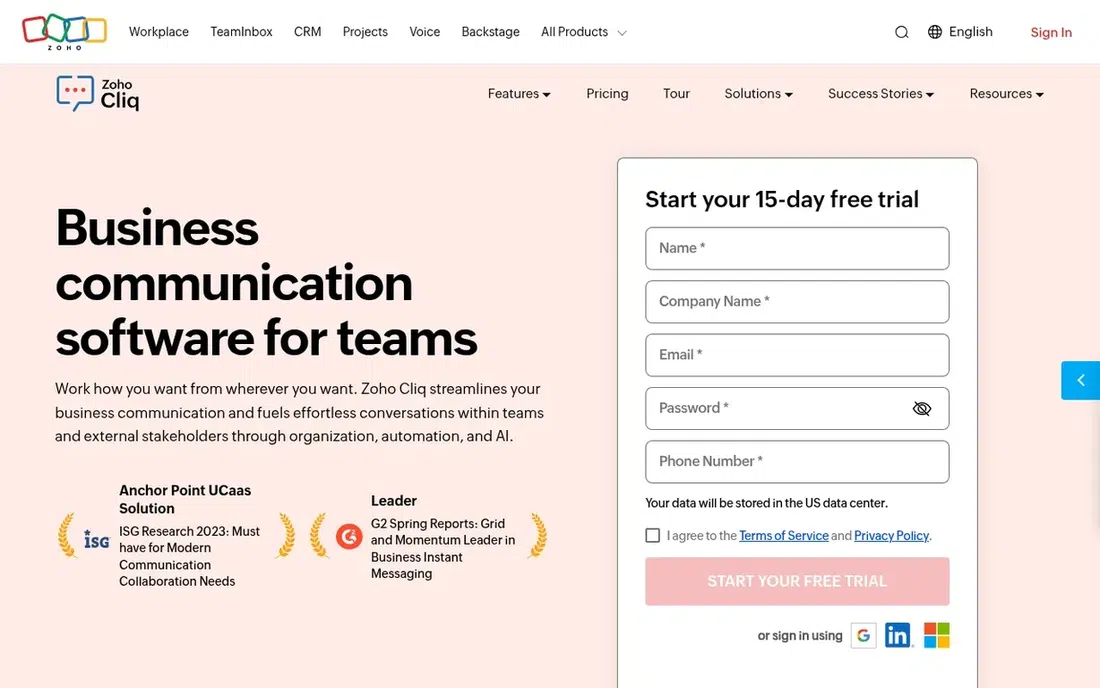
Pick Zoho Cliq if this describes you: team communication and workflow organization. Zoho Cliq is a team communication system that brings conversations, workflows, and meetings into a single interface. It is built to boost productivity for internal teams instead of serve as a full client portal.
Honest limits: Not a dedicated client portal.
More specifically, if your priority is a branded portal for clients to access files and project updates, consider a tool like SuiteDash or Clinked instead. Cliq performs best as an internal communication hub alongside a client portal. Zoho Cliq does not show a starting price in this comparison, so check the vendor site for current pricing. Free plan details: Not stated.
Where Zoho Cliq stands out: Integrates with other Zoho products.
- Organizes conversations, workflows
- Meetings in one place
- Restricted external client-facing branding
Choose Tresorit for end-to-end encrypted file sharing. Tresorit provides end-to-end encrypted cloud storage for businesses, allowing secure file sharing with anyone. It is well suited to ecommerce brands that prioritize data security when sharing sensitive files with clients.
More specifically, if you need a full-featured client portal, SuiteDash or Clinked would be better choices, but Tresorit can complement them for secure file exchange. In daily use, while not a complete client portal, Tresorit can serve as a secure file-sharing component within a broader client collaboration strategy. It is concentrated on encrypted storage and file sharing. Tresorit does not show a starting price in this comparison, so check the vendor site for current pricing. A free plan is available with Tresorit.
What to check first: Not a full client portal.
- High standard of data security
- Secure file sharing with anyone
- Restricted collaboration features beyond file sharing
How these tools were picked
What to check before you buy
- Confirm the entry price on the vendor page. For Copilot, Moxo, Zoho Cliq and Tresorit that means a quote rather than a fixed price.
- Test the free plan from Tresorit against your real workload before relying on it.
- Use real work to test the free trial from Moxo, Clinked and SuiteDash, rather than a demo project.
- Read the limits listed for Copilot first: not a client portal.
- Get the contract term, renewal terms and any onboarding fees from SuiteDash in writing.
- Price Moxo for your actual team size; headline prices rarely include add-ons or overage.
FAQ
Can I use a team communication tool like Zoho Cliq as a client portal?
Zoho Cliq is built for internal team communication and lacks dedicated client portal features like white-label branding and secure client login. It is better used alongside a dedicated client portal rather than as a replacement.
Can I try these tools before paying?
Often, yes. Tresorit has a free plan and Moxo, Clinked and SuiteDash offer a free trial. Use your own data and a real task during the test, and check what the free tier or trial limits before you rely on it.
Which options for client portal software for ecommerce brands have a free plan?
Tresorit is the only tool in this list with a free plan. Free plans usually cap users, projects or features, so check the limits on the vendor page. Several others offer a trial instead.
What security features should I look for in a client portal?
Look for secure login, encryption for data in transit and at rest, and access controls. For everyday use, tools like Tresorit offer end-to-end encryption for file sharing, whereas SuiteDash and Clinked offer secure client portals with branding.
How are the tools for client portal software for ecommerce brands ordered?
Copilot sits first and Tresorit last because the order follows typical fit for client portal software for ecommerce brands, then price clarity and free access. It is a judgement call, so read each profile for fit and limits.
Do these tools publish their prices?
Not all of them. Copilot, Moxo, Zoho Cliq and Tresorit publish no starting price, so expect a quote request for those. The rest, Clinked included, show a starting price, though seats and billing terms still change the final cost.
Sources
- https://www.copilot.com
- https://www.moxo.com
- https://www.clinked.com
- https://suitedash.com
- https://www.zoho.com/cliq
- https://tresorit.com