5 Best Cleaning CRM Software for 2026, Vetted and Compared
Best cleaning CRM software, compared. 5 tools with published prices, free plans and limits. Cost notes and weak points included. Pick with confidence.
- Editor's choice
 FieldEdge
Tracking customers, dispatches and service history
Starts atSee websiteVisit fieldedge.comFull review - Great alternative
 ServiceM8
Trade contractors wanting straightforward job tracking
Starts at$29 a monthVisit servicem8.comFull review - Also consider
 Kickserv
Managing jobs, customers and payments
Starts at$60 a monthVisit kickserv.comFull review
Direct answer
FieldEdge is the first pick on this list for tracking customers, dispatches and service history. Listed starting prices: ServiceM8 from $29 a month, Kickserv from $60 a month and Housecall Pro from $59 a month. ServiceM8 fits trade contractors wanting straightforward job tracking; Kickserv fits managing jobs, customers and payments. All 5 tools are compared below on price, free plan and limits.
TL;DR:
- FieldEdge takes the first slot, best suited to tracking customers, dispatches and service history.
- Housecall Pro fits home service teams managing field operations.
- ServiceM8 has the lowest monthly starting price in this list: $29 per month.
- Only ServiceM8 offers a free plan among these 5 tools.
- FieldEdge comes with a trade-off: needs a demo to evaluate fit.
Last checked November 2026. Prices and plan details were read from the vendors' own pages in November 2026; vendors change plans often, so confirm the current price on the vendor site before you buy.
Quick comparison
| Tool | Best for | Starts at | Free plan? | |
|---|---|---|---|---|
| FieldEdge | Tracking customers, dispatches and service history | See website | No | Visit |
| ServiceM8 | Trade contractors wanting straightforward job tracking | $29 a month | Yes | Visit |
| Kickserv | Managing jobs, customers and payments | $60 a month | Free trial | Visit |
 Jobber | All-in-one quoting, scheduling and invoicing | See website | Not stated | Visit |
 Housecall Pro | Home service teams managing field operations | $59 a month | Free trial | Visit |
Cleaning CRM Software, one by one
Choosing cleaning CRM software usually comes down to price, fit and limits. This LinkVetted guide sets 5 tools side by side on those three points, with the facts kept short and checkable.
Where FieldEdge fits: tracking customers, dispatches and service history. Cleaning firms that want a clear view of who was dispatched where, and what happened on past visits, can use those records to run repeat service more consistently.
Beyond that, the field service app supports staff working away from the office. No starting price is listed for FieldEdge here; confirm pricing on the vendor site. No free plan comes with FieldEdge.
What to check first: Cleaning-specific features are not the focus.
- Tracks customers and dispatch activity
- Field service app included
- Needs a demo to evaluate fit
For trade contractors wanting straightforward job tracking, ServiceM8 is a natural candidate. Cleaning operators who want to cut paperwork, keep job details organized and deliver consistent service may find the approach familiar.
Honest limits: Advanced reporting depth should be checked.
The product leans toward trade contractors, so cleaning companies with recurring schedules should verify that repeating jobs are handled cleanly. Entry price for ServiceM8: $29 per month. ServiceM8 offers a free plan.
- Job tracking and CRM in one tool
- Focus on reducing paperwork
- Oriented toward trades instead of cleaning specifically
Kickserv is designed for managing jobs, customers and payments. Kickserv supplies field service management software for jobs, customers, communication and payments in home service firms. Teams needing deep project accounting or complicated multi-branch reporting should compare bigger choices before committing.
Worth adding: the focus is on the daily essentials: who the customer is, what job is booked and how payment is collected. Compared to broader contractor platforms, the feature set is narrower, so companies planning rapid expansion may outgrow it. On cost, Kickserv starts like this: $60 per month. Free access: Free trial.
Drawbacks to consider: Fewer advanced features than bigger suites.
- Supports communication and payments
- Job and customer management in one tool
- Cleaning-specific templates are not highlighted
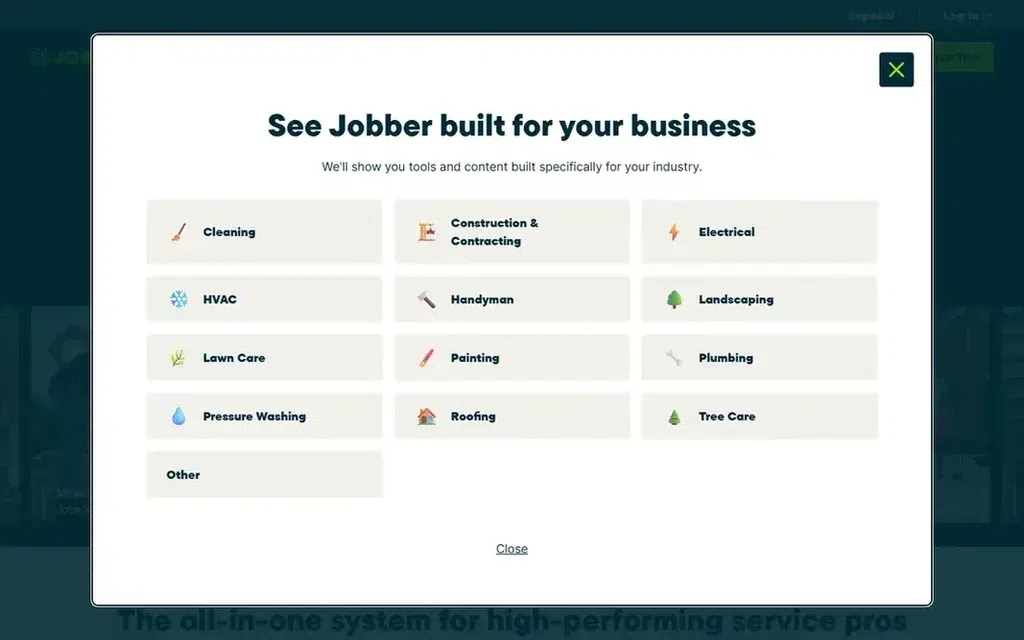
Pick Jobber if this describes you: all-in-one quoting, scheduling and invoicing. Since it serves plenty of service trades, the setup may feel wide if you only run a straightforward cleaning route.
Limits to weigh: Cleaning-specific workflows are not the sole focus.
It fits owners who want sales, operations and customer service handled together instead of through separate spreadsheets and calendars. No starting price is listed for Jobber here; confirm pricing on the vendor site. Free options: Not stated.
Upsides: Easy-to-use app for sales and operations.
- Designed for home and commercial service work
- Invoice and get premium in one place
- May be more than a small solo cleaner needs
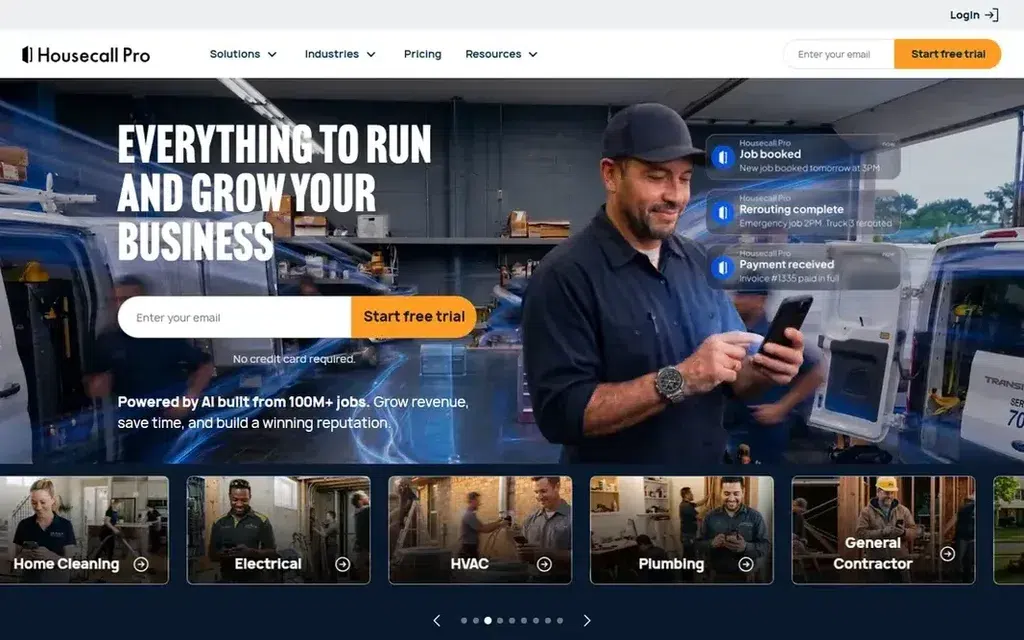
Housecall Pro is a good fit for home service teams managing field operations. Housecall Pro is a software pitched at home service firms, handling the operational side of running scheduled work for customers.
The system is built around home services broadly, so a cleaning-only business may not use every module. Housecall Pro pricing: $59 per month. Free options: Free trial.
Drawbacks to consider: Pricing details must be checked with the vendor.
- Spans scheduling and customer service workflows
- Positioned as a complete management option
- Feature depth may exceed very small operations
How we chose
Selection started from tools commonly considered for cleaning CRM software, then narrowed to 5 that have clear pricing information or a clear quote process. Where a price is missing, the vendor does not list one publicly or ties it to a quote. Always confirm before budgeting. Tools are placed by general fit for cleaning CRM software, with price clarity and free access as tie-breakers. A different team can reasonably rank them differently.
Pre-purchase checklist
- Get a written quote from FieldEdge and Jobber; the list shows no starting price for them.
- Look at the free plan from ServiceM8 closely: its caps decide whether it is usable for real work.
- Take the trial from Kickserv and Housecall Pro and push a live task through it before you pay.
- Before choosing FieldEdge, weigh its main limit: needs a demo to evaluate fit.
- Check whether ServiceM8 bills monthly or annually, and what cancelling early costs.
- Price Housecall Pro for your actual team size; headline prices rarely include add-ons or overage.
FAQ
Is FieldEdge the right pick for everyone comparing cleaning CRM software?
No single tool suits every team. FieldEdge comes first because it fits tracking customers, dispatches and service history, while ServiceM8 suits trade contractors wanting simple job tracking and Kickserv suits managing jobs, customers and payments. Match the tool to your own size, budget and workflow before deciding.
How are the tools for cleaning CRM software ordered?
The order follows typical fit for cleaning CRM software, with FieldEdge first and Housecall Pro last, then price clarity and free access. It is editorial judgement, not a score, so another team could rank the tools differently.
Which options for cleaning CRM software have a free plan?
ServiceM8 is the only tool in this list with a free plan. Free plans usually cap users, projects or features, so check the limits on the vendor page. Several others offer a trial instead. All 5 picks in this cleaning CRM software comparison list a starting price, free plan details and the main limits on their cards above.
Do these tools publish their prices?
Not all of them. FieldEdge and Jobber publish no starting price, so expect a quote request for those. The rest, ServiceM8 included, show a starting price, though seats and billing terms still change the final cost. For the full picture, the cards above cover all 5 entries of this cleaning CRM software list, including price, free plan and limits.
Sources
- https://www.fieldedge.com
- https://www.servicem8.com
- https://www.kickserv.com
- https://www.getjobber.com
- https://www.housecallpro.com