5 Best Cleaning Crew Management Software for 2026, Vetted and Compared
Searching for the best cleaning crew management software? Here are 5 options with prices and free plans. Cost notes and weak points included. See the full list.
- Editor's choice
 FieldPulse
Scheduling and team management
Starts atSee websiteVisit fieldpulse.comFull review - Great alternative
 Housecall Pro
Home service teams managing field work
Starts at$59 a monthVisit housecallpro.comFull review - Also consider
 Jobber
All-in-one service business operations
Starts atSee websiteVisit getjobber.comFull review
Direct answer
FieldPulse comes first here, mainly for scheduling and team management. Listed starting prices: Housecall Pro from $59 a month, Kickserv from $60 per month and ZenMaid from $19 a month. Housecall Pro is better for home service teams managing field work, and Jobber is better for all-in-one service business operations. All 5 tools are compared below on price, free plan and limits.
TL;DR:
- FieldPulse sits first on this list: scheduling and team management.
- None of the 5 tools, from FieldPulse to ZenMaid, has a free plan, so budget for a subscription or use a trial.
- The cheapest monthly starting price in the list is $19 per month, offered by ZenMaid.
- ZenMaid suits cleaning scheduling and communication.
- The main caution on FieldPulse: general field service focus.
Last checked November 2026. Prices and plan details were read from the vendors' own pages in November 2026; vendors change plans often, so confirm the current price on the vendor site before you buy.
Quick comparison
| Tool | Best for | Starts at | Free plan? | |
|---|---|---|---|---|
| FieldPulse | Scheduling and team management | See website | Not stated | Visit |
| Housecall Pro | Home service teams managing field work | $59 a month | Free trial | Visit |
| Jobber | All-in-one service business operations | See website | Not stated | Visit |
 Kickserv | Job and customer management basics | $60 per month | Free trial | Visit |
 ZenMaid | Cleaning scheduling and communication | $19 a month | Free trial | Visit |
Our 5 picks for cleaning crew management software
Short on time? The summary and table above give the quick view of 5 tools for cleaning crew management software, and the profiles that follow give the detail behind each entry.
FieldPulse is designed for scheduling and team management. FieldPulse is field service management software with tools for scheduling, invoicing, communication and team management in one place.
Where it is weaker: General field service focus.
Worth adding: cleaning crews that dispatch staff to several sites can use it to coordinate jobs and keep customer communication organized. Pick FieldPulse when scheduling, invoicing and team coordination are the priorities across varied service work. FieldPulse does not show a starting price in this comparison, so check the vendor site for current pricing. Free options: Not stated.
- Scheduling and invoicing in one place
- Team management features
- Cleaning-specific features are restricted
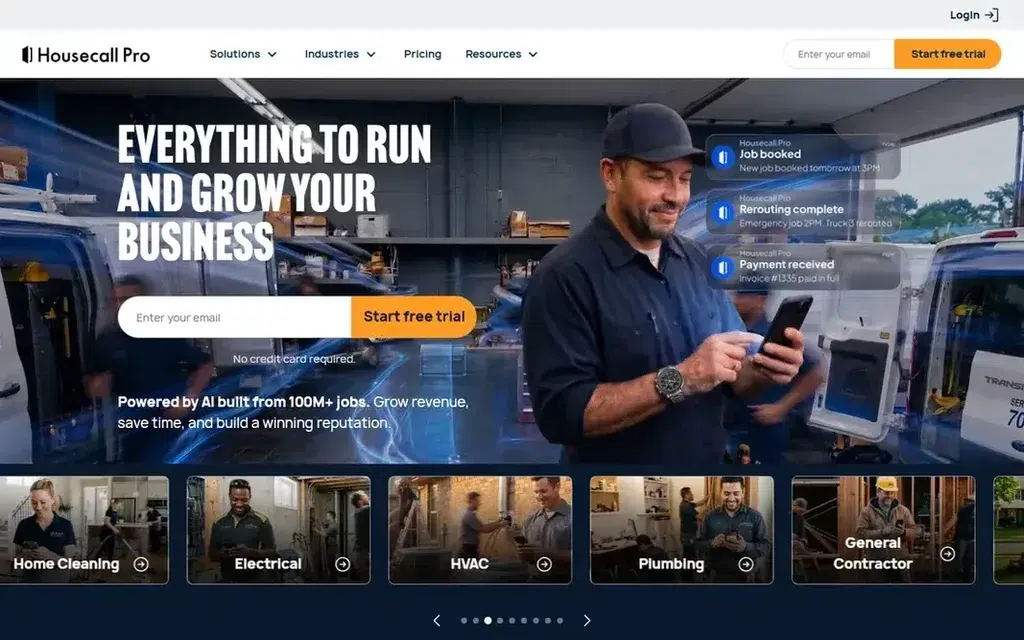
Housecall Pro is aimed squarely at home service teams managing field work. It suits cleaning companies that want scheduling and job management alongside customer-facing tools in a single product.
The main drawbacks: Feature depth varies by business type.
- Tools for customer communication
- Sales and operations in one product
- Not cleaning-specific
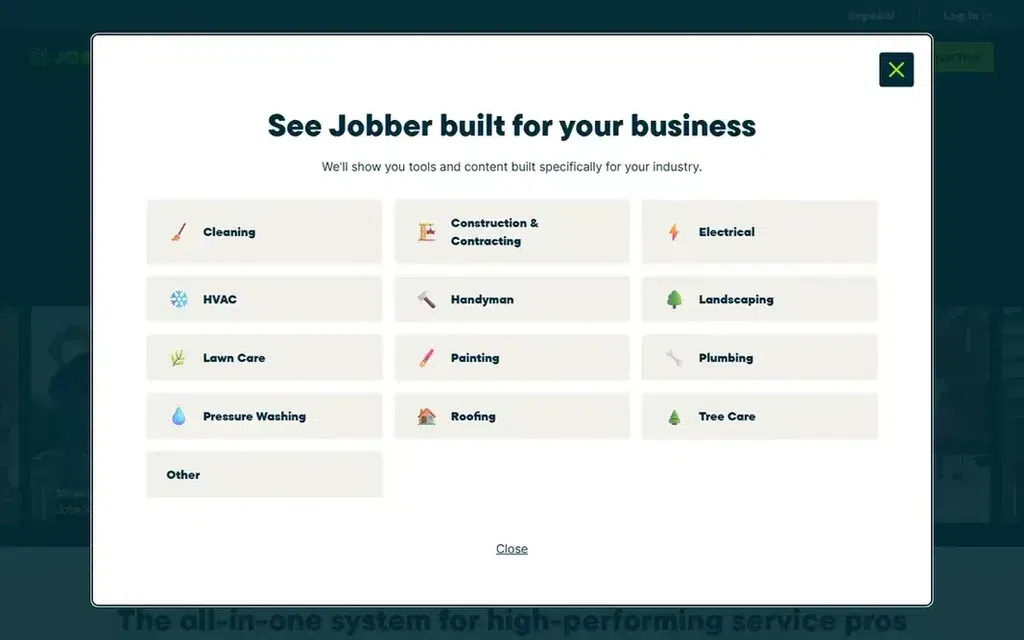
Jobber serves all-in-one service business operations. Jobber is home and commercial service software that brings quoting, scheduling, invoicing and payments into a single app. Its documented focus is organizing a service business so sales, operations and customer communication stay connected.
Highlights: Designed for home and commercial service work.
Where it is weaker: Advanced needs may need extras. From a buyer's view, teams whose work is almost entirely maid service scheduling and online booking may prefer a specialized choice. On top of that, since Jobber serves numerous service trades, it is not tailored exclusively to cleaning workflows, so niche booking features may be lighter than cleaning-only tools. Choose Jobber when you want wide operations coverage across varied job types. No starting price is listed for Jobber here; confirm pricing on the vendor site. As for free access: Not stated.
- Easy-to-use app for sales and operations
- Scheduling and invoicing together
- General service focus, not cleaning-only
Pick Kickserv if this describes you: job and customer management basics. Kickserv provides field service management for jobs, customers, communication and payments for home service companies.
It is a fit for cleaning crews that want to track jobs and customers and collect payments without a large, complicated product. Kickserv cost at the entry level: $60 per month. Free access: Free trial.
Downsides: May suit more straightforward operations best.
- Job and customer management
- Targeted at home service companies
- Restricted cleaning-specific depth
ZenMaid makes the most sense for cleaning scheduling and communication. ZenMaid is maid service software that automates scheduling, communication and booking so cleaning companies can focus on growth. It is targeted at cleaning firms that want to cut manual scheduling work and keep customers informed.
Where it falls short: Not for mixed-service contractors.
Companies expanding beyond cleaning may need a broader field service system. Teams running recurring residential cleans frequently benefit from this kind of focused automation, since the workflow matches how maid services actually operate day to day. What you pay to start with ZenMaid: $19 per month. Trial and free access: Free trial.
- Communication tools for cleaning teams
- Scheduling and booking automation
- Cleaning-only scope
How these tools were picked
For each of the 5 tools we noted price, free plan or trial, fit for cleaning crew management software and the main limit, using vendor pages and documentation. Where a price is missing, the vendor does not list one publicly or ties it to a quote. Always confirm before budgeting. The order reflects how well each tool fits the most common buying scenario for cleaning crew management software, then price clarity, then free plan access. It is a starting point, not a verdict.
Things to verify first
- Ask FieldPulse and Jobber for a written quote, since no starting price is shown.
- Take the trial from Housecall Pro, Kickserv and ZenMaid and push a live task through it before you pay.
- Before choosing FieldPulse, weigh its main limit: general field service focus.
- Test the integrations you rely on with Jobber before committing; some connectors sit on upper tiers.
- Look at the renewal terms for FieldPulse: auto-renewal, notice periods and price changes can matter more than the first-year price.
FAQ
Can I try these options before paying?
Often, yes. Housecall Pro, Kickserv and ZenMaid offer a free trial. Use your own data and a real task during the test, and check what the free tier or trial limits before you rely on it.
Does any tool for cleaning crew management software here have a free plan?
A permanent free plan is not offered by FieldPulse, ZenMaid or the other tools here. Housecall Pro, Kickserv, ZenMaid offer a trial. Plan a short evaluation period instead.
How are the tools for cleaning crew management software ordered?
The order follows typical fit for cleaning crew management software, with FieldPulse first and ZenMaid last, then price clarity and free access. It is editorial judgement, not a score, so another team could rank the tools differently.
Is FieldPulse the right pick for everyone comparing cleaning crew management software?
No single tool suits every team. FieldPulse comes first because it fits scheduling and team management, while Housecall Pro suits home service teams managing field work and Jobber suits all-in-one service business operations. Match the tool to your own size, budget and workflow before deciding.
What should cleaning crews look for in management software?
If you take online bookings, confirm the booking workflow suits how customers reach you. Match the tool to whether you run cleaning only or several service lines.
How do I switch my cleaning crew to new software?
Start by listing the jobs, customers and recurring schedules you have to move, then check how each tool imports or sets up that data. Run a short pilot with one crew before rolling out completely. Confirm training and support options with the vendor during evaluation.
Sources
- https://www.fieldpulse.com
- https://www.housecallpro.com
- https://www.getjobber.com
- https://www.kickserv.com
- https://www.zenmaid.com