5 Best Carpet Cleaning Software for 2026, Vetted and Compared
Best carpet cleaning software: 5 tools compared on price, free plans and fit. ServiceM8 comes first for trade contractors cutting paperwork. Pick by budget.
- Editor's choice
 ServiceM8
Trade contractors cutting paperwork
Starts at$29 a monthVisit servicem8.comFull review - Great alternative
 Kickserv
Managing jobs, customers and payments
Starts at$60 a monthVisit kickserv.comFull review - Also consider
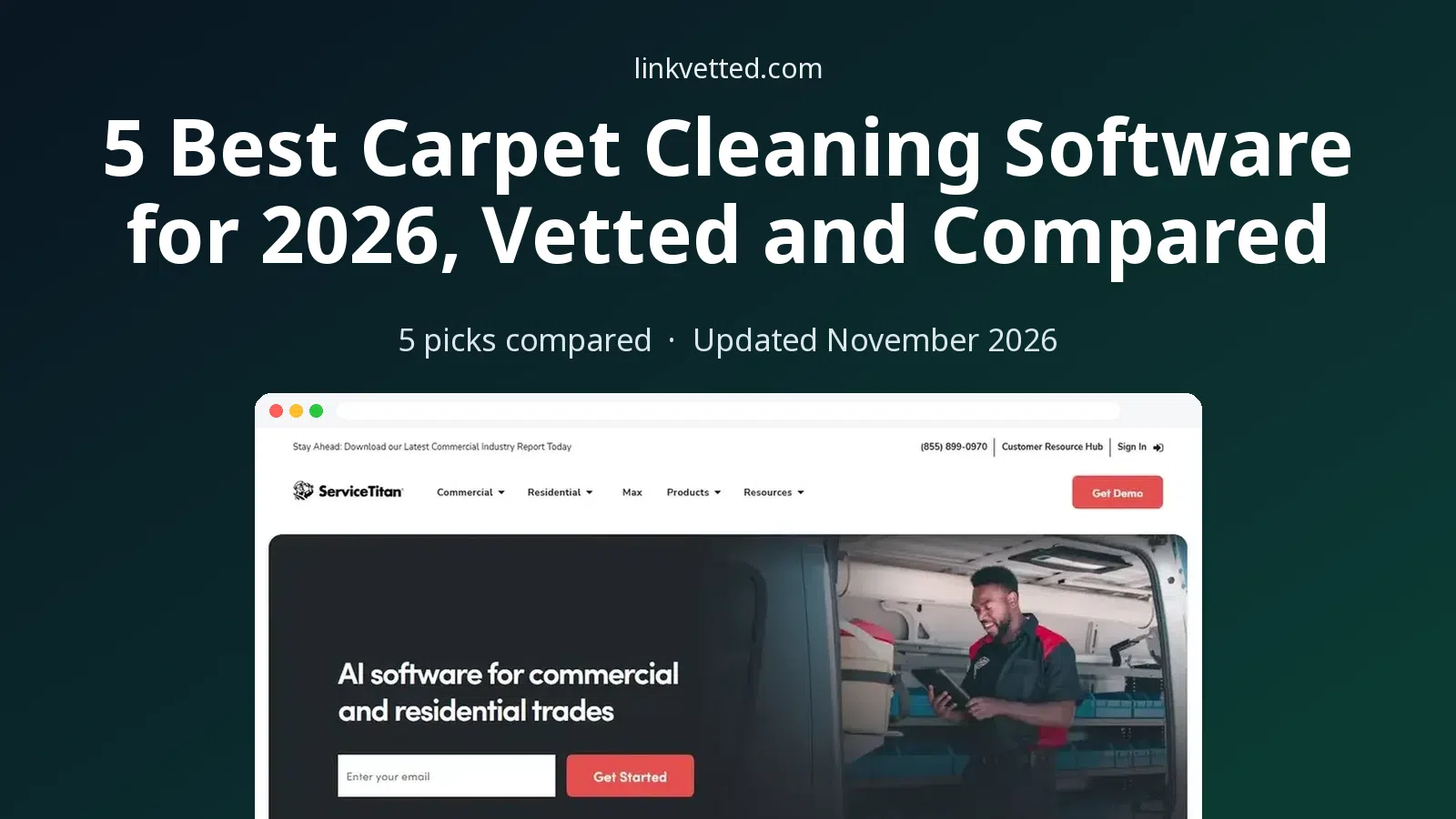
 ServiceTitan
Bigger carpet cleaning operations
Starts atSee websiteVisit servicetitan.comFull review
Direct answer
Start with ServiceM8 if you need trade contractors cutting paperwork. Listed starting prices: ServiceM8 from $29 a month, Kickserv from $60 a month and Housecall Pro from $59 a month. Kickserv is the stronger choice for managing jobs, customers and payments, while ServiceTitan suits larger carpet cleaning operations. All 5 tools are compared below on price, free plan and limits.
TL;DR:
- The list opens with ServiceM8, aimed at trade contractors cutting paperwork.
- What to know about ServiceTitan first: wide product may feel heavy for small crews.
- Starting prices begin at $29 per month with ServiceM8.
- For tracking customers and service history, FieldEdge is worth a look.
- Only ServiceM8 offers a free plan among these 5 tools.
Last checked November 2026. Prices and plan details were read from the vendors' own pages in November 2026; vendors change plans often, so confirm the current price on the vendor site before you buy.
Quick comparison
| Tool | Best for | Starts at | Free plan? | |
|---|---|---|---|---|
| ServiceM8 | Trade contractors cutting paperwork | $29 a month | Yes | Visit |
| Kickserv | Managing jobs, customers and payments | $60 a month | Free trial | Visit |
| ServiceTitan | Bigger carpet cleaning operations | See website | Free trial | Visit |
 Housecall Pro | Home service firms of numerous sizes | $59 a month | Free trial | Visit |
 FieldEdge | Tracking customers and service history | See website | No | Visit |
The full carpet cleaning software list
Short on time? The summary and table above give the quick view of 5 tools for carpet cleaning software, and the profiles that follow give the detail behind each entry.
Choose ServiceM8 for trade contractors cutting paperwork. As a general trade tool, it may not contain every cleaning-specific form or workflow from day one, so some configuration is likely.
What to check first: General trade orientation.
Worth adding: ServiceM8 provides smart job management software with job tracking and CRM targeted at trade contractors and home service companies. The starting price for ServiceM8: $29 per month. ServiceM8 includes a free tier.
- Job tracking and CRM for trade contractors
- Appeals to small home service companies
- May need setup for cleaning-specific forms
Kickserv makes the most sense for managing jobs, customers and payments. Very large carpet cleaning operations could find it entry-level.
Where it falls short: May be entry-level for large operations.
Kickserv field service management software offers management of jobs, customers, communication and payments for home service companies. The starting price for Kickserv: $60 per month. As for free access: Free trial.
- Includes communication and payments
- Runs jobs and customers
- Fewer cleaning-specific features
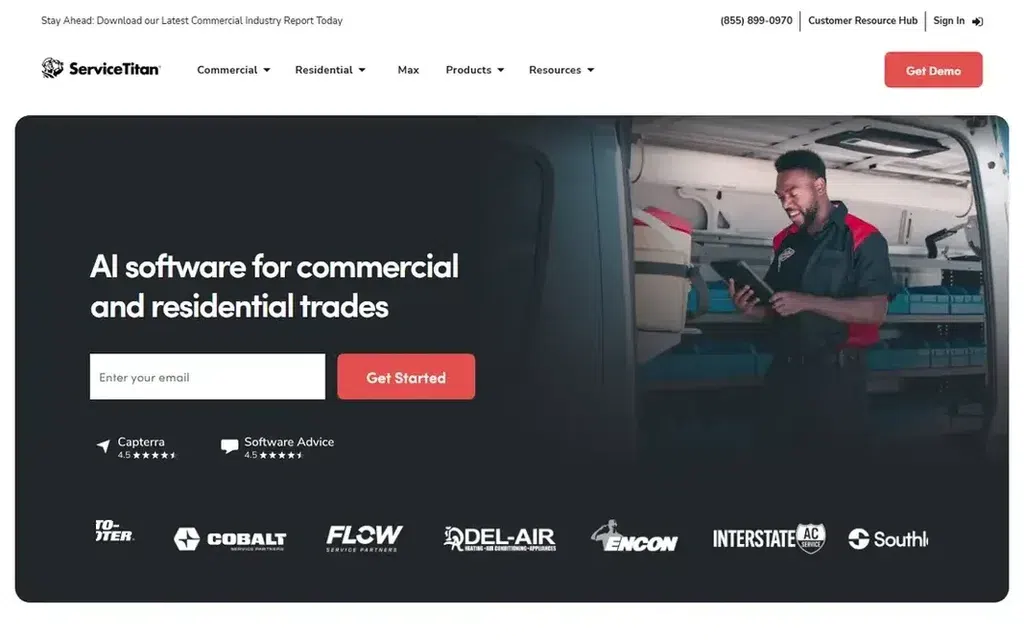
ServiceTitan is a good fit for bigger carpet cleaning operations. For carpet cleaning businesses that manage both routine jobs and bigger project work, it brings dispatch, job tracking and customer records together.
Choose ServiceTitan when scale and thorough tracking matter most. Check the vendor site for ServiceTitan pricing; none is listed in this comparison. Free access: Free trial.
Drawbacks to consider: Setup demands time and planning.
- Tracks service visits and construction projects
- All-in-one for home and commercial contractors
- Wide product may feel heavy for small crews
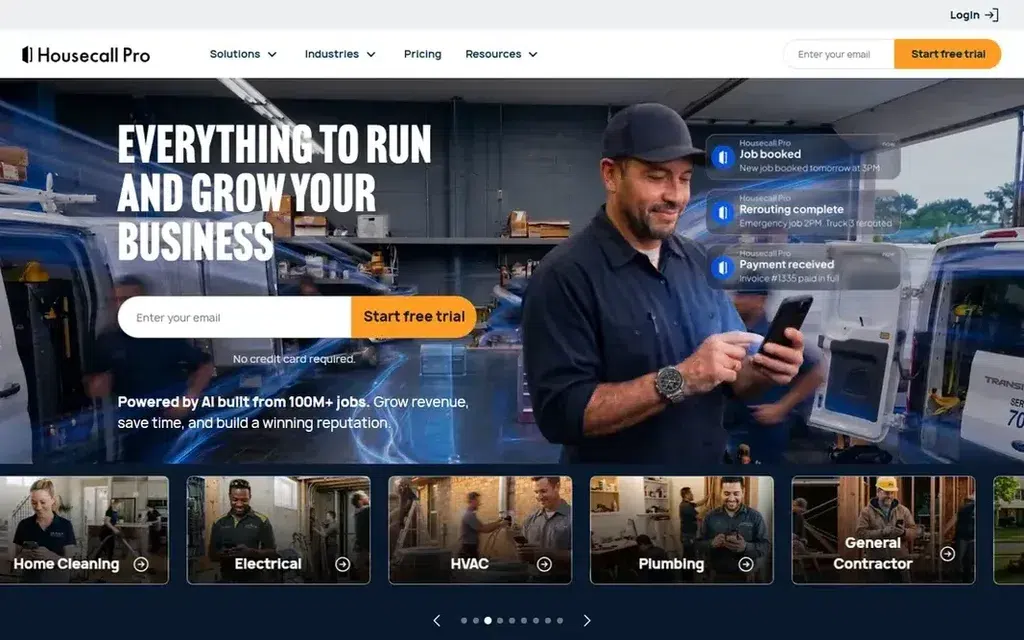
Housecall Pro serves home service firms of plenty of sizes. Housecall Pro is a software for home service companies, positioned around managing field service operations. For everyday use, pick Housecall Pro if you value a general-purpose system for running service calls, and look at a cleaning-focused tool if niche booking features are essential.
In daily use, for carpet cleaning businesses, it gives you a familiar structure for scheduling, dispatching and customer communication. It tends to appeal to firms that want a recognized product including daily service work without building a custom stack. Starting cost for Housecall Pro: $59 per month. Free plan details: Free trial.
Honest limits: Feature set may exceed small crews' needs.
- Built for home service firms
- Includes scheduling and field service workflows
- General trade focus, not cleaning-specific
FieldEdge was built for tracking customers and service history. FieldEdge provides efficient ways to track customers, dispatches, service history and more through its field service management software and app. Evaluation generally starts with a demo request, so buyers should plan time to see the workflow before committing.
More specifically, the system leans toward operational tracking instead of cleaning-specific booking and marketing tools. Choose it when dispatch and service history are the priorities, and look elsewhere if niche cleaning features lead your list. FieldEdge shows no starting price here, so confirm the cost on the vendor site. FieldEdge does not include a free plan.
Watch-outs: Demo request needed to evaluate.
- Centred on operational visibility
- Dispatches and service history
- Less emphasis on cleaning-specific marketing
How we chose
Selection started from tools commonly considered for carpet cleaning software, then narrowed to 5 that have clear pricing information or a clear quote process. Plan names, prices and limits change often. Treat the figures here as a starting point and verify them with the vendor. Order on the page follows fit for the typical buyer first, then price transparency and free access. Your own requirements should decide the final pick.
Before you commit
- Ask ServiceTitan and FieldEdge for a written quote, since no starting price is shown.
- Look at the free plan from ServiceM8 closely: its caps decide whether it is usable for real work.
- Take the trial from Kickserv, ServiceTitan and Housecall Pro and push a live task through it before you pay.
- Read the limits listed for ServiceM8 first: general trade orientation.
- Look at which plan of FieldEdge unlocks the features you need; entry tiers are often cut down.
- Confirm minimum seats and billing terms with ServiceTitan before you commit to an annual plan.
FAQ
Which options for carpet cleaning software have a free plan?
ServiceM8 is the only tool in this list with a free plan. Free plans usually cap users, projects or features, so check the limits on the vendor page. Several others offer a trial instead. For the full picture, the cards above cover all 5 entries of this Carpet cleaning software list, including price, free plan and limits.
Can these tools deal with both residential and commercial carpet cleaning jobs?
Multiple of the systems are made for home and commercial contractors, so they can track both types of work. Confirm that project tracking and dispatch features support the mix of jobs you manage before deciding.
What is the cheapest option for carpet cleaning software in this list?
On published monthly entry prices, ServiceM8 is the lowest here at $29 per month. Entry price is only part of the cost, because seats, add-ons and billing terms can change the total. Prices, free plan details and limits for all 5 tools in this Carpet cleaning software roundup sit on the individual cards above.
What should carpet cleaning companies look for in field service software?
Prioritize scheduling, dispatch, customer history and payment collection, since these drive daily carpet cleaning work. Also check mobile access for technicians and how easily the system takes care of repeat customers and referrals.
Do these tools publish their prices?
Not all of them. ServiceTitan and FieldEdge publish no starting price, so expect a quote request for those. The rest, ServiceM8 included, show a starting price, though seats and billing terms still change the final cost.
Can I try these options before paying?
Often, yes. ServiceM8 has a free plan and Kickserv, ServiceTitan and Housecall Pro offer a free trial. Use your own data and a real task during the test, and check what the free tier or trial limits before you rely on it. Each of the 5 options in this Carpet cleaning software guide has its own card above with the price, free plan and limits.
Sources
- https://www.servicem8.com
- https://www.kickserv.com
- https://www.servicetitan.com
- https://www.housecallpro.com
- https://www.fieldedge.com