Best Chatbot Development Company in 2026: 8 Companies Compared
Compare the best chatbot development company options, from chatbot platforms to agencies that build support, sales, and voice agents for companies today.
- Editor's choice
 Botpress
Developer led chatbot teams
Starts atFree planVisit botpress.comFull review - Great alternative
 Master of Code
Custom conversational AI builds
Starts atSee websiteVisit masterofcode.comFull review - Also consider
 Tidio
Small stores and live chat plus AI
Starts atFree planVisit tidio.comFull review
TL;DR:
- Botpress suits developer led teams that want control, integrations, and self hosting options for serious agents.
- Chatbase and Tidio suit smaller teams that want a support bot trained on their own content without hiring developers.
- Voiceflow suits teams that need chat plus voice agents designed on one canvas, with collaboration built in.
- Master of Code and other agencies suit companies that want a custom build, rather than learning a platform themselves.
Quick comparison
| Tool | Best for | Starts at | Free plan? | |
|---|---|---|---|---|
| Botpress | Developer led chatbot teams | Free plan | Yes | Visit |
| Master of Code | Custom conversational AI builds | See website | No | Visit |
| Tidio | Small stores and live chat plus AI | Free plan | Yes | Visit |
 Chatbase | Content trained support bots | $40 per month | Yes | Visit |
 Voiceflow | Chat plus voice agent design | See website | Yes | Visit |
 ManyChat | Social DM automation | $15 per month | Yes | Visit |
 Landbot | Visual conversational funnels | $40 per month | Yes | Visit |
 Intercom | Support teams with AI resolution | See website | No | Visit |
The best chatbot development companies
Chatbot development now covers two different needs, which are building a bot yourself on a platform, and hiring a company to build it for you. The list below mixes strong platforms with agencies and platform vendors, so you can pick the route that fits your team. In each case, check how the bot is trained, how it hands off to a human, and how it handles privacy and wrong answers.
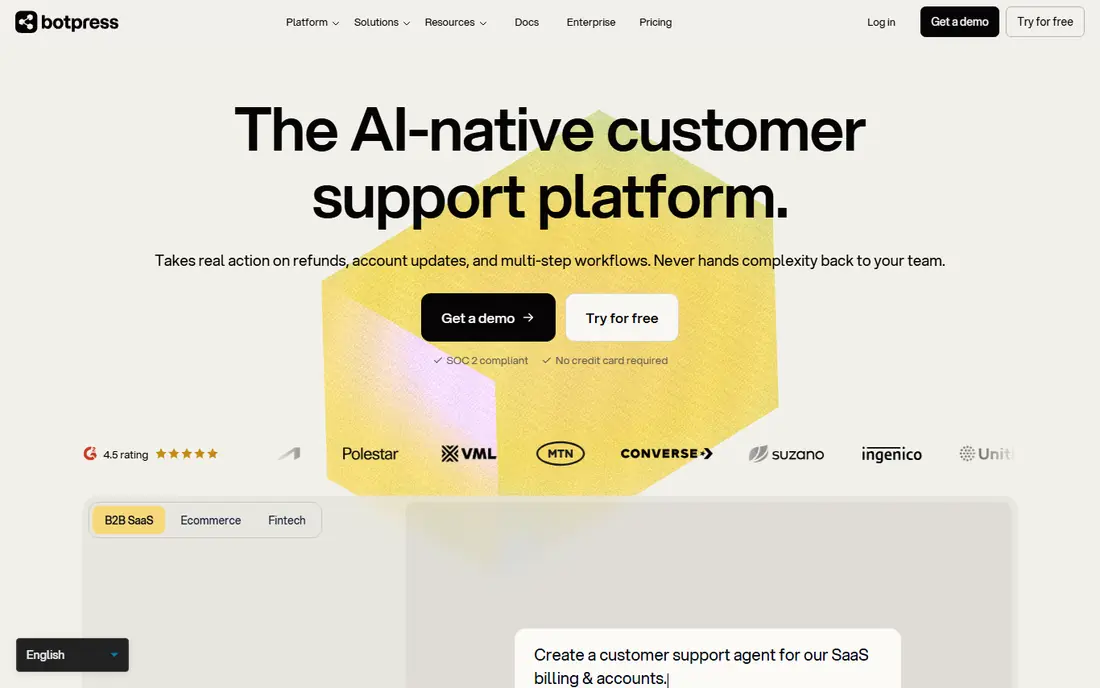
Botpress is the platform for teams with developers who want to build complex agents, not just answer FAQs. The integration range and code options give you control over logic, data, and deployment, though non technical teams may find the learning curve steep at first.
On the practical side, Botpress fits best when you value developer led chatbot teams over a long list of extras you may never open. The vendor pages we checked describe open and extensible platform in plain terms, and that focus shows in how the offer is presented. If you like a short setup path and a clear next step, this is a sensible place to start your shortlist.
The honest catch is steep learning curve. That trade off does not make Botpress a poor choice, but it does mean you should confirm it against your own workload, budget, and support needs before you sign up. A short trial, a demo call, or a careful read of the pricing page will usually settle the question quickly.
- Open and extensible platform
- Many integrations
- Self hosting options
- Steep learning curve
- Advanced plans cost more
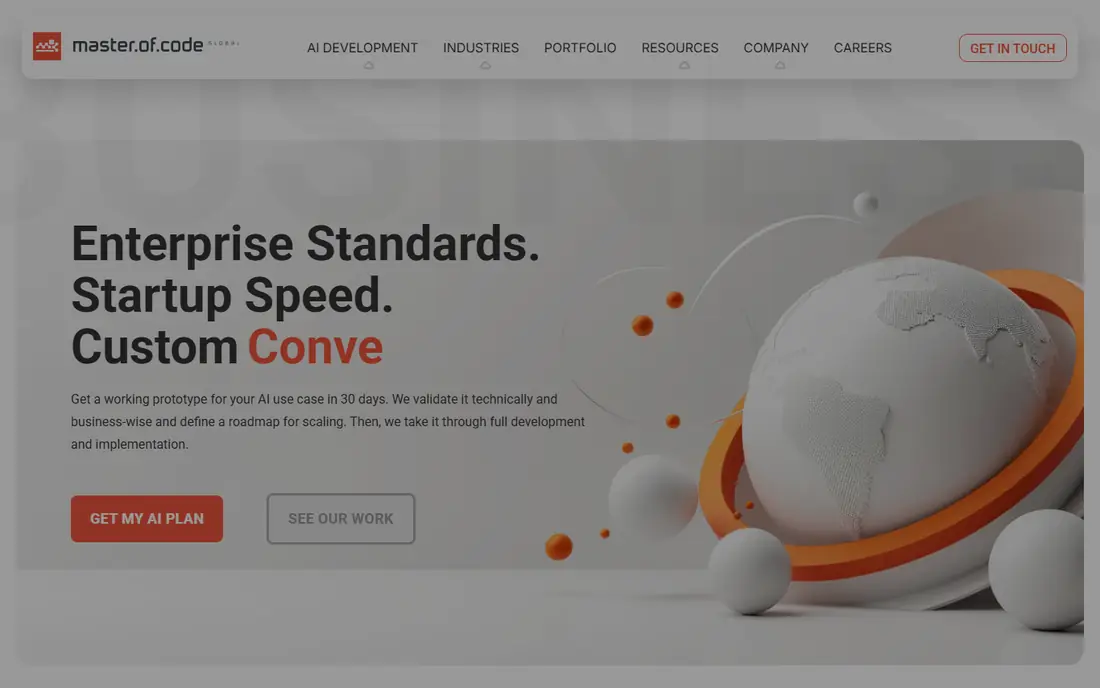
Master of Code suits companies that want an agency to design and build a conversational product, including voice agents, rather than building in house. The agency model helps when you need strategy, design, and engineering together, though costs and timelines depend on the project scope.
What stands out in day to day use, based on the official feature pages and public reviews we compared, is the emphasis on custom conversational ai builds. That emphasis lines up with agency build service, which matters more than a long feature list when you are choosing under time pressure. We would still check the current plan details before you commit, since vendors change tiers during the year.
Before you commit, weigh agency pricing against what you gain. Every option on this list has a weakness, and the right pick is often the one whose weakness bothers you least. With Master of Code, that means checking whether the limitation touches the work you do most often, or only an edge case you can work around.
- Agency build service
- Voice and chat experience
- Enterprise clients
- Agency pricing
- Timelines depend on scope
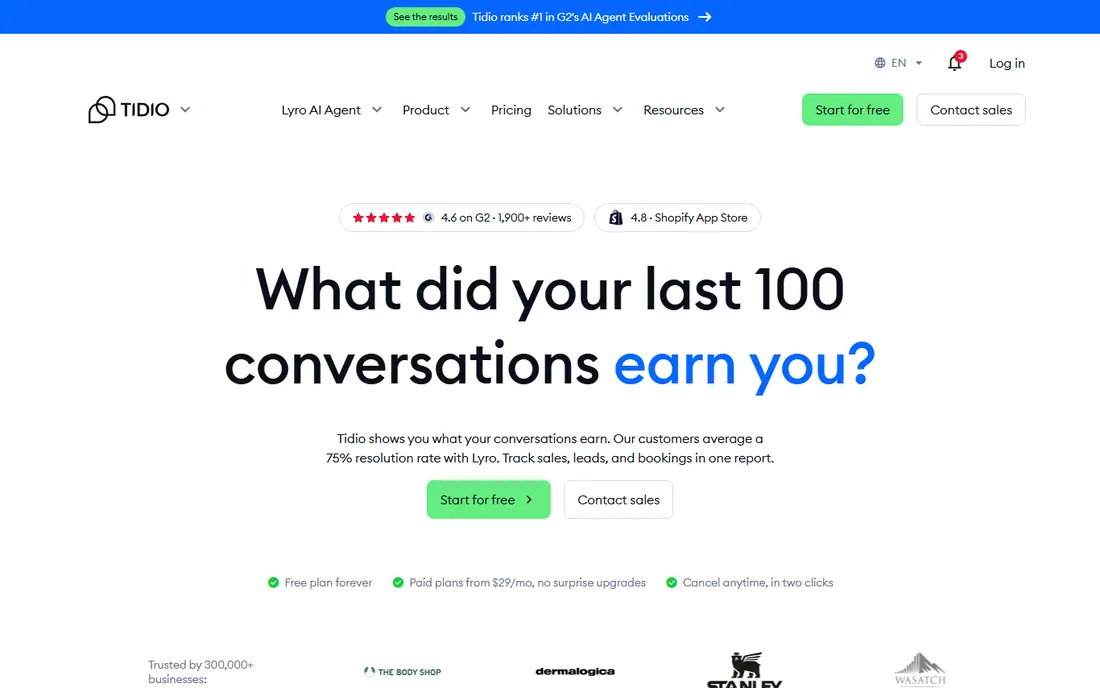
Tidio fits online stores that want live chat and an AI bot in one place, without stitching tools together. The Lyro AI bot can answer common store questions, while staff take over live chats when needed, which suits small teams with limited support hours.
For buyers who want a clear reason to choose one name over another, Tidio makes its case through small stores and live chat plus ai. The published material points to live chat plus ai bot in one tool as a central part of the offer, rather than a side note. That clarity helps when you are comparing several options and need to explain the choice to a colleague or a partner.
The main reason to pause is ai usage limits vary. If that limitation is central to your plans, look at another entry on this list first. If it is minor for your situation, the strengths above may still make Tidio the best fit, and you can plan around the gap from the start.
- Live chat plus AI bot in one tool
- Shopify fit
- Easy setup
- AI usage limits vary
- Advanced features cost more
Chatbase appeals to teams that want a support bot live quickly, trained on their own help pages and documents. The setup is fast, and the embed options suit websites of many sizes, though high volume teams should check message limits and pricing tiers.
A useful way to judge Chatbase is to ask whether content trained support bots is the problem you actually need solved this month. If the answer is yes, then trains on your website and documents gives you a concrete reason to keep it on the list. If the answer is no, a simpler or cheaper option may serve you better, even if this name is more widely known.
No option here is perfect, and Chatbase is no exception, because per message and usage limits apply. We include it because its strengths are real for the right buyer, not because it suits everyone. Match the weakness to your own use case, and the decision becomes much easier.
- Trains on your website and documents
- Fast setup
- Embed anywhere
- Per message and usage limits apply
- Customization depth varies
Voiceflow suits teams that design agents together, especially when voice phone agents matter as much as web chat. The visual canvas makes conversation design clearer for non developers, and the voice support sets it apart from text only builders.
On the practical side, Voiceflow fits best when you value chat plus voice agent design over a long list of extras you may never open. The vendor pages we checked describe design chat and voice on one canvas in plain terms, and that focus shows in how the offer is presented. If you like a short setup path and a clear next step, this is a sensible place to start your shortlist.
The honest catch is pricing details vary. That trade off does not make Voiceflow a poor choice, but it does mean you should confirm it against your own workload, budget, and support needs before you sign up. A short trial, a demo call, or a careful read of the pricing page will usually settle the question quickly.
- Design chat and voice on one canvas
- Team collaboration
- Prototyping speed
- Pricing details vary
- Enterprise features may cost more
ManyChat fits marketers and creators who sell and support customers mainly through Instagram, WhatsApp, and Messenger. The automation flows capture leads and answer common questions in DMs, though it is less of a fit for a full website support bot.
What stands out in day to day use, based on the official feature pages and public reviews we compared, is the emphasis on social dm automation. That emphasis lines up with instagram, whatsapp, and messenger automation, which matters more than a long feature list when you are choosing under time pressure. We would still check the current plan details before you commit, since vendors change tiers during the year.
Before you commit, weigh social focus against what you gain. Every option on this list has a weakness, and the right pick is often the one whose weakness bothers you least. With ManyChat, that means checking whether the limitation touches the work you do most often, or only an edge case you can work around.
- Instagram, WhatsApp, and Messenger automation
- Lead capture flows
- Social focus
- Website support bot use is lighter
Landbot suits teams that want visual, no code conversation flows for lead capture, onboarding, and support triage. The builder is friendly for marketers, and WhatsApp support helps firms whose customers prefer messaging to email or web forms.
For buyers who want a clear reason to choose one name over another, Landbot makes its case through visual conversational funnels. The published material points to visual flow builder as a central part of the offer, rather than a side note. That clarity helps when you are comparing several options and need to explain the choice to a colleague or a partner.
The main reason to pause is ai features vary by plan. If that limitation is central to your plans, look at another entry on this list first. If it is minor for your situation, the strengths above may still make Landbot the best fit, and you can plan around the gap from the start.
- Visual flow builder
- Web and WhatsApp flows
- No code setup
- AI features vary by plan
- High volume pricing can rise
Intercom fits support teams already using Intercom for chat and tickets, who want an AI agent that resolves common tickets inside that system. The per resolution model ties cost to outcomes, though the total suite cost needs careful review for small teams today.
A useful way to judge Intercom is to ask whether support teams with ai resolution is the problem you actually need solved this month. If the answer is yes, then fin ai agent inside intercom gives you a concrete reason to keep it on the list. If the answer is no, a simpler or cheaper option may serve you better, even if this name is more widely known.
No option here is perfect, and Intercom is no exception, because fin pricing is per resolution plus a plan. We include it because its strengths are real for the right buyer, not because it suits everyone. Match the weakness to your own use case, and the decision becomes much easier.
- Fin AI agent inside Intercom
- Ticket and chat in one system
- Strong analytics
- Fin pricing is per resolution plus a plan
- Full suite cost can be high
How we picked these
We compared official pricing pages, feature pages, and app store listings, and we checked public reviews for recurring complaints and praise. We kept only names that exist and work today, in October 2026, and that truly fit the topic, rather than names that only mention the topic in passing. We also favored options with clear pricing or a clear route to a quote, and we noted where pricing depends on your situation, so you can verify the current figure on the vendor site before you buy.
How to choose a chatbot development route
Decide build, platform, or agency first
A platform suits teams with time to learn and maintain a bot. An agency suits firms that want a custom build without hiring. A simple content trained tool suits teams that only need FAQ answers. The wrong route costs more time than the wrong vendor, so settle this choice before comparing features.
Test answers, handoff, and failure modes
Give each bot your hardest real questions, including vague, angry, and out of scope messages. Check how it hands off to a human, what it says when it does not know, and whether it invents facts. A bot that answers confidently when wrong will cost you trust faster than a bot that admits a gap.
Check training data and privacy
Ask what content the bot trains on, where conversation data is stored, how long it is kept, and whether it is used to train other models. For health, finance, or regulated topics, data controls matter more than demo quality. Get the privacy terms in writing before launch.
Price volume, not just the starter plan
Starter prices often cover limited messages, resolutions, or contacts, and costs rise with traffic. Estimate monthly conversations, peak days, and growth for year one, then compare total cost at that volume. A cheap starter plan can become an expensive plan at scale.
FAQ
### What is the best chatbot development company for a small business?
Tidio or Chatbase suit many small businesses, because setup is fast and no developers are needed for a basic support bot. Botpress suits teams with developers who want deeper control. Pick based on team skills and whether you need live chat, social DMs, or voice.
### How much does a chatbot cost?
Platforms range from free plans to about $40 per month for starter paid tiers, with higher team and enterprise plans above that. Agency builds are quoted per project and cost far more. Always check message, resolution, or contact limits, since those drive the real monthly cost.
### Can a chatbot replace human support?
No, a good chatbot handles common questions and triage, while humans handle complex, sensitive, and high value cases. The best setups offer a clear handoff, with conversation history passed to staff. Teams that hide human help usually see lower satisfaction, not lower costs.
### How do I train a chatbot on my own content?
Most content trained tools let you import website pages, help docs, and files, then answer from that material. Check how often the content updates, how the bot cites sources, and how it handles outdated pages. Review answers weekly at first, and fix gaps in the source content.
### Should I choose an agency or a platform?
Choose a platform if you have staff time to build and maintain the bot and want lower ongoing cost. Choose an agency if you need custom design, voice work, or deep integrations and lack in house skills. Hybrid options exist, where an agency builds on a platform you can later maintain.