Best Chatbot Apps in 2026: 8 Apps Compared
Looking for the best chatbot apps? We compare 8 leading chatbot apps and platforms on quality, price, search, voice, and everyday use in 2026 for daily work.

- Editor's choice
 ChatGPT
Everyday all-round use
Starts atFreeVisit chatgpt.comFull review - Great alternative
 Claude
Long documents and writing
Starts atFreeVisit claude.comFull review - Also consider
 Gemini
Google ecosystem users
Starts atFreeVisit gemini.google.comFull review
TL;DR:
- ChatGPT is the best all-rounder for most people, with writing, images, voice, and a large app ecosystem.
- Claude is the best pick for long documents, careful writing, and coding help.
- Gemini is the best value for Google users, with a low-cost entry plan and strong Google app links.
- Perplexity is the best chatbot for research, because it shows sources for its answers.
- Free tiers are genuinely useful, but paid plans raise limits and give access to the strongest models.
Quick comparison
| Tool | Best for | Starts at | Free plan? | |
|---|---|---|---|---|
| ChatGPT | Everyday all-round use | Free | Yes | Visit |
| Claude | Long documents and writing | Free | Yes | Visit |
| Gemini | Google ecosystem users | Free | Yes | Visit |
 Microsoft Copilot | Microsoft 365 work | Free | Yes | Visit |
 Perplexity | Research with sources | Free | Yes | Visit |
 Poe | Trying many models in one app | Free | Yes | Visit |
 Meta AI | Social and casual chat | Free | Yes | Visit |
 Grok | Real-time and social topics | Free | Yes | Visit |
The best chatbot apps
A chatbot app is now a daily tool for writing, research, planning, and coding help, not just a novelty. The eight apps here all answer questions in natural language, but they differ in model quality, search, voice, price, and the apps they connect to. We compared official pricing pages, feature pages, and public reviews to match each app to the job it does best.
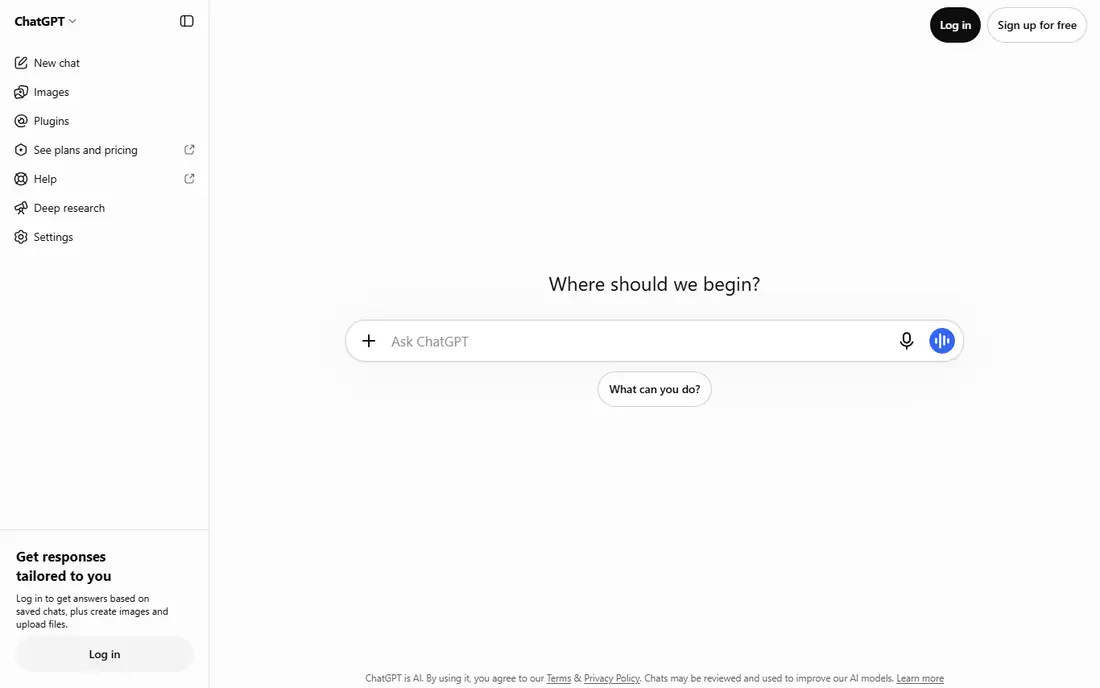
ChatGPT remains the default chatbot for most people, and the reason is breadth. It handles drafting, brainstorming, summarizing, coding help, image generation, and voice conversations in one app. That range means one subscription can replace several single-purpose tools for a small business owner or student.
The honest catch is accuracy. ChatGPT can sound confident while giving a wrong fact, so check important claims against a primary source. Paid plans raise limits and give access to stronger models, while the free tier is enough for everyday questions. If you only pick one chatbot, this is the safest starting point.
- Broad abilities across writing, images, and voice
- Large ecosystem of apps and connectors
- Easy to use
- Paid plans needed for highest limits
- Answers can still be wrong
- Usage caps vary by plan
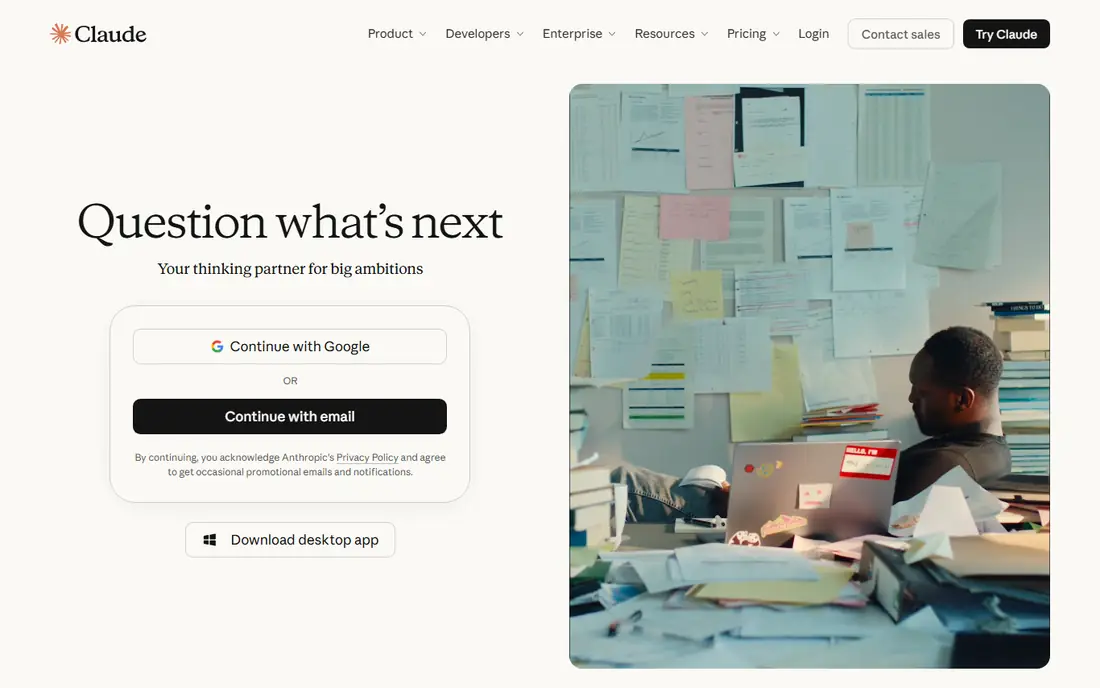
Claude, from Anthropic, is our pick when the work involves long text. It reads large documents, summarizes them accurately, and helps rewrite drafts without losing the original meaning. Writers, researchers, and developers often prefer its tone, which tends to be clear and measured rather than flashy.
It does not generate images, so pair it with a separate image tool if you need visuals. The free tier is useful for testing, while Pro at $20 per month suits regular users. If your main chatbot job is writing and analysis, Claude is worth trying first.
- Strong writing and editing
- Handles long documents well
- Careful, clear reasoning
- Paid plan costs $20 per month for Pro
- No built-in image generation
- Usage limits on heavy use
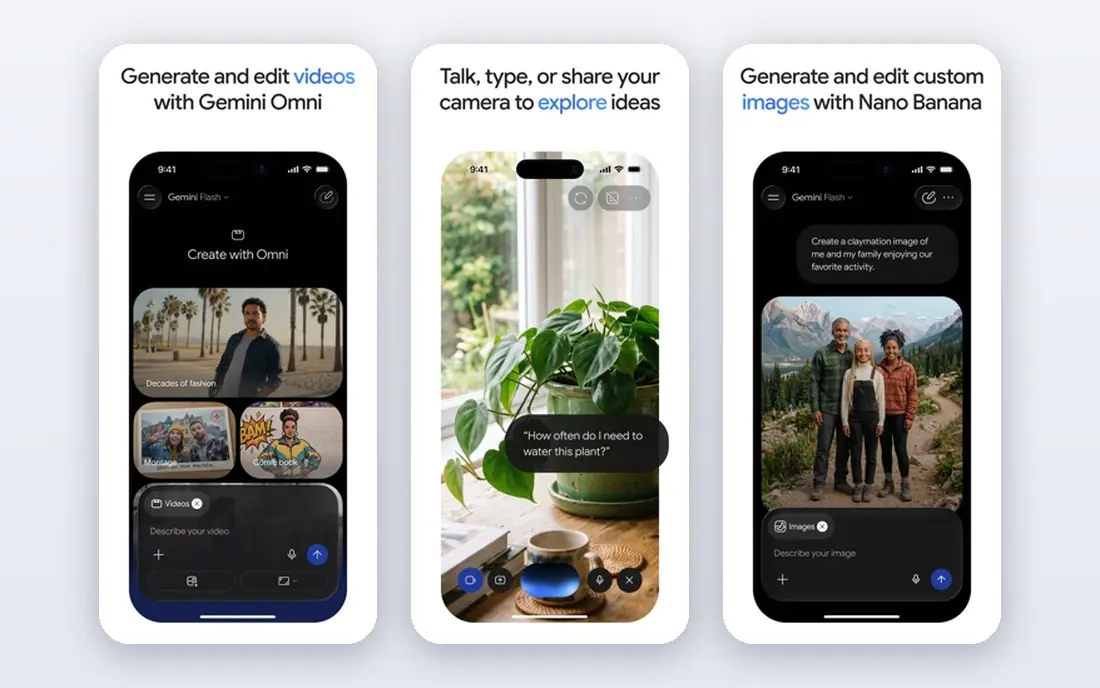
Gemini is the natural pick if your work already lives in Gmail, Google Docs, Drive, and Search. It can pull context from those apps, help draft emails, and summarize documents without constant copying and pasting. The entry paid plan is cheaper than several rivals, which makes it an easy upgrade from the free tier.
Outside the Google ecosystem, some of that advantage fades. Paid plan names and bundles have changed over time, so check the current Google AI plan page before subscribing. For Google-heavy users, Gemini offers strong value for the price.
- Low-cost entry plan
- Strong Google app links
- Good for search, video, and long documents
- Paid tiers vary by Google plan
- Some features need a Google subscription
- Tone can feel generic
Microsoft Copilot shines inside Word, Excel, PowerPoint, Outlook, and Teams. It drafts documents from a prompt, analyzes spreadsheet data in plain language, and summarizes meetings. For offices already on Microsoft 365, that integration saves more time than a slightly better standalone chatbot.
The free Copilot app is useful for general chat, but the full Microsoft 365 features sit behind paid bundles. Check which bundle your organization already pays for before buying an add-on. If you live in Google apps instead, Gemini is the closer match.
- Deep Word, Excel, and Outlook links
- Meeting summaries in Teams
- Free chat version
- Best features need a Microsoft 365 plan
- Less useful outside Microsoft apps
- Pricing bundles can confuse
Perplexity is built for questions where the source matters. Instead of a plain answer, it shows links and citations you can open and check. That makes it a better research tool than general chatbots for news, product comparisons, and unfamiliar topics. Students and journalists often keep it alongside a general chatbot.
It is less strong for long creative writing or complex coding, where ChatGPT and Claude do better. The free tier covers limited Pro searches, while the $20 per month Pro plan raises limits. Use Perplexity to verify facts, and a general chatbot to draft from those facts.
- Citations for most answers
- Strong web search
- Good for fact-checking and learning new topics
- Weaker for creative writing and coding
- Pro costs $20 per month
- Some answers still need verification
Poe, from Quora, lets you chat with many different models inside a single app, rather than subscribing to each one separately. That is useful if you want to compare answers, try a new model, or use a specialist bot for a task. It also offers community-created bots for writing, coding, and learning.
The trade-off is pricing complexity. Costs depend on points and which models you use, so heavy use of one top model may cost more than subscribing to that model directly. For exploration and comparison, Poe is excellent. For daily heavy use of one model, a direct subscription is usually simpler.
- Access to many chatbot models in one place
- Easy model comparison
- Bots for specific tasks
- Costs depend on points and model choice
- Not the cheapest way to use one model heavily
- Quality varies by model
Meta AI is the chatbot most people meet inside apps they already use, including WhatsApp, Instagram, and Facebook. That placement makes it the easiest chatbot to try, with no new app to install and no subscription to start. It handles quick questions, ideas, translations, and casual help well.
For serious research or long writing, ChatGPT, Claude, and Perplexity are stronger. Meta AI also raises privacy questions, because it sits inside social apps, so check your settings and avoid sharing sensitive personal or business information. As a free, always-available helper, it is hard to beat on convenience.
- Free and widely available
- Built into WhatsApp, Instagram, and Facebook
- Good for quick questions
- Privacy controls need attention
- Weaker for deep work
- Answers can lack citations
Grok, from xAI, is best for questions about what is happening right now, especially topics trending on social platforms. Its tone is direct and conversational, and it handles images and voice alongside text. Users who follow news, markets, and online culture often like its freshness.
For careful research, always verify fast-moving claims against a primary source, because social trends change quickly and early reports can be wrong. Paid plans raise limits for heavy users, while the free tier covers casual use. Grok is a useful second chatbot, even if it is not the best first pick for office work.
- Strong on current events and social trends
- Conversational and direct tone
- Image and voice features
- Paid plans for higher limits
- Accuracy on fast-moving news still needs checking
- Smaller business ecosystem
How we picked these
We compared official pricing pages, feature pages, and public reviews for chatbot apps that were active and widely available in October 2026. We kept only apps an ordinary US consumer could sign up for and use on web or mobile, and we favored apps with a free tier and clear pricing. We weighted answer quality, search and citations, voice and image features, ecosystem links, and the real cost of regular use.
How to choose the right chatbot app
Start with where you already work. Google users get the most from Gemini, Microsoft 365 users from Copilot, and social app users from Meta AI. If you do not fit one ecosystem, ChatGPT is the best general pick, Claude is best for writing, and Perplexity is best for research.
Use two chatbots, not five
Most people get the best results from a general chatbot plus a research chatbot. Draft with ChatGPT or Claude, then check key facts with Perplexity or a primary source. Adding a third or fourth subscription rarely improves results as much as learning to prompt well and verify answers.
Protect private information
Do not paste passwords, client data, medical details, or unreleased business plans into a chatbot unless you understand the privacy terms for your plan. Business and enterprise plans often offer stronger data controls than free consumer plans. When in doubt, anonymize the details or use a tool your organization has approved.
FAQ
What is the best chatbot app for most people?
ChatGPT is the best all-rounder for most people, thanks to its range across writing, images, voice, and apps. Claude is a better pick for long writing, Gemini for Google users, and Perplexity for research. Try the free tiers of two or three before paying.
What is the best chatbot platform for business?
The best chatbot platform depends on your existing tools. Microsoft Copilot fits Microsoft 365 offices, Gemini fits Google Workspace teams, and ChatGPT and Claude both offer business plans with admin controls. Compare data controls, not just model quality, before choosing for a team.
Is there a good free chatbot app?
Yes. ChatGPT, Claude, Gemini, Copilot, Perplexity, Poe, Meta AI, and Grok all offer free tiers that cover everyday questions. Free tiers have limits on stronger models and usage, but they are enough to learn prompting and decide whether a paid plan is worth it.
Which chatbot app gives sources?
Perplexity is the strongest choice for sourced answers, because it links to the pages behind its claims. Gemini and Copilot also link to web sources in many answers. Even with citations, open the source for important facts, because summaries can still miss context.
Can chatbot apps replace search engines?
For explanations and summaries, often yes, but not for every task. Search engines remain better for finding a specific page, checking a current price, or browsing many sources at once. Use a chatbot to understand a topic, then use search to verify facts and find primary sources.