Chat Software for Website Feedback in 2026: The 5 Best Options Side by Side
Shortlisting the best chat software for website feedback? 5 products compared on cost, free access and ideal buyer. Includes honest limits for each tool.
- Editor's choice
 HubSpot Service Hub
Expanding teams already in HubSpot
Starts atSee websiteVisit hubspot.comFull review - Great alternative
 Crisp
Multichannel messaging with AI support
Starts at$45 a month per workspaceVisit crisp.chatFull review - Also consider
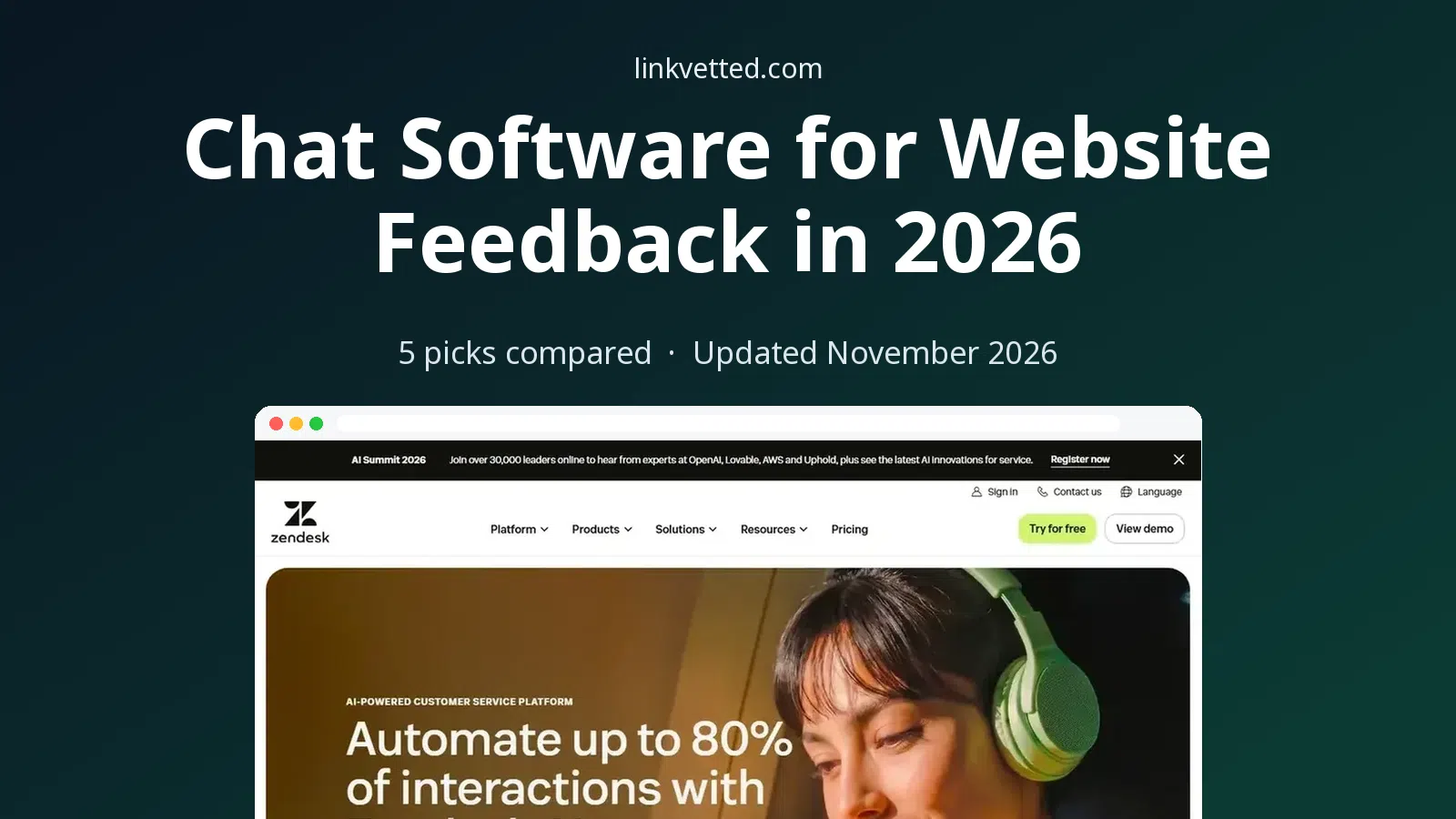
 Zendesk
End-to-end AI issue resolution
Starts at$19 agent/month premium yearlyVisit zendesk.comFull review
Direct answer
Our first pick is HubSpot Service Hub, best for expanding teams already in HubSpot. Listed starting prices: Crisp from $45 a month per workspace, Zendesk from $19 agent/month premium yearly and LiveChat from $19 per user a month. Alternatives: Crisp for multichannel messaging with AI support, and Zendesk for end-to-end AI issue resolution. All 5 tools are compared below on price, free plan and limits.
TL;DR:
- The list opens with HubSpot Service Hub, aimed at expanding teams already in HubSpot.
- Starting prices begin at $19 agent/month premium yearly with Zendesk.
- Olark suits Marketers running an AI agent.
- A fair warning about LiveChat: deeper service workflows may need another system.
Last checked November 2026. Prices and plan details were read from the vendors' own pages in November 2026; vendors change plans often, so confirm the current price on the vendor site before you buy.
Quick comparison
| Tool | Best for | Starts at | Free plan? | |
|---|---|---|---|---|
| HubSpot Service Hub | Expanding teams already in HubSpot | See website | Not stated | Visit |
| Crisp | Multichannel messaging with AI support | $45 a month per workspace | Free trial | Visit |
| Zendesk | End-to-end AI issue resolution | $19 agent/month premium yearly | Free trial | Visit |
 LiveChat | Round-the-clock chat with AI backup | $19 per user a month | Free trial | Visit |
 Olark | Marketers running an AI agent | $29 per agent per month | Free trial | Visit |
The best chat software for website feedback
If you are comparing chat software for website feedback, this page covers 5 tools in one place: what each is best for, what it costs to start, whether it has a free plan, and the main limit to know about.
For expanding teams already in HubSpot, HubSpot Service Hub is a natural candidate. It makes most sense for organizations already working inside HubSpot, where website conversations can connect to contact records and service workflows.
It fits teams planning to scale service alongside marketing and sales in one ecosystem. HubSpot Service Hub shows no starting price here, so confirm the cost on the vendor site. As for free access: Not stated.
What to check first: Most handy when paired with HubSpot tools.
- Part of a connected customer system
- AI-powered customer service system
- Service depth may exceed straightforward chat needs
Crisp works best for multichannel messaging with AI support. Crisp is an all-in-one AI-powered multichannel messaging system that helps companies link immediately with customers or leads waiting for support.
Where it falls short: May be more than a single-site team needs.
If you only need a chat widget on one site, a narrower tool could cut setup effort. What you pay to start with Crisp: $45 per month per workspace. Free options: Free trial.
- AI-powered support tools
- All-in-one multichannel messaging system
- Numerous features to learn and configure
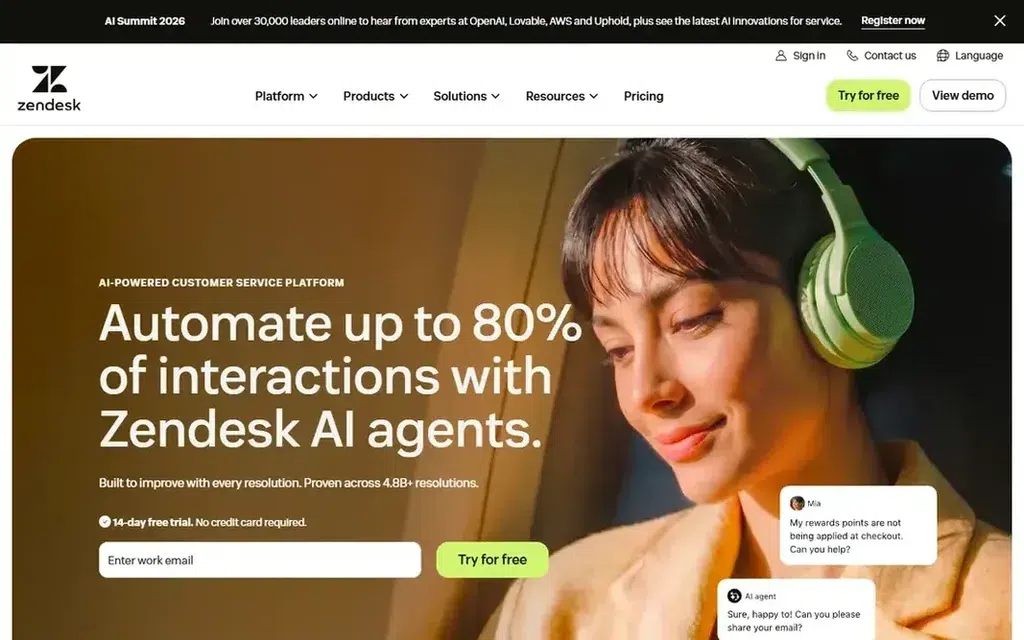
Zendesk serves end-to-end AI issue resolution. The breadth of a full service product can feel heavy for a small site that primarily wants a straightforward chat box.
Watch-outs: Setup may need planning across teams.
On top of that, if your goal is fast feedback capture with minimal configuration, a lighter chat-first tool may be simpler to adopt. Entry price for Zendesk: $19 agent/month premium yearly. Trial and free access: Free trial.
- Emphasis on service quality and scale
- Wide customer service product
- Can be more than a small team needs
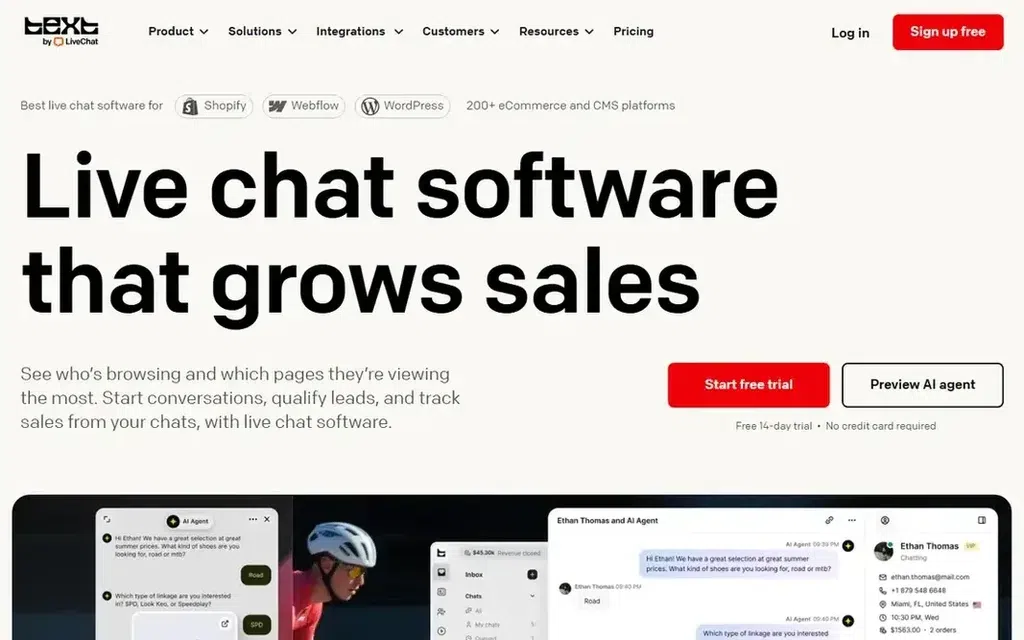
Pick LiveChat if this describes you: round-the-clock chat with AI backup. Pick something else if your priority is end-to-end issue resolution across plenty of channels rather than quick, conversational website feedback.
On cost, LiveChat starts like this: $19 per user per month. As for free access: Free trial.
Where it falls short: Deeper service workflows may need another product.
- Focused live chat experience for websites
- Lead qualification and sales tracking from chats
- AI quality relies on how well it is configured
Olark makes the most sense for Marketers running an AI agent. Olark describes itself as more than a chatbot, an AI agent that works your marketing funnel around the clock.
Drawbacks to consider: Positioned chiefly for marketing funnels.
That makes it a solid fit for marketers juggling multiple responsibilities who want website conversations handled without constant staffing. Starting cost for Olark: $29 per agent per month. As for free access: Free trial.
- Answers questions and qualifies visitors
- AI agent trained on your own site rapidly
- Less suited to complicated service operations
Our selection method
We compared the tools on published pricing, free plan or trial availability, feature coverage for chat software for website feedback, and the limits each vendor documents. Figures are shown as the vendors publish them. Billing terms, seat minimums and add-ons can change the real cost. The sequence is a judgement call: typical use case first, then pricing transparency, then free access. Use the profiles to check fit.
A buyer's checklist
- Ask HubSpot Service Hub for a written quote, since no starting price is shown.
- Take the trial from Crisp, Zendesk, LiveChat and Olark and push a live task through it before you pay.
- Read the limits listed for HubSpot Service Hub first: most handy when paired with HubSpot tools.
- Price LiveChat for your actual team size; headline prices rarely include add-ons or overage.
- Check whether the features you need in Zendesk sit on the entry plan or only on higher tiers.
FAQ
Does any tool for chat software for website feedback here have a free plan?
A permanent free plan is not offered by HubSpot Service Hub, Olark or the other tools here. Crisp, Zendesk, LiveChat, Olark offer a trial. Plan a short evaluation period instead.
How are the tools for chat software for website feedback ordered?
HubSpot Service Hub sits first and Olark last because the order follows typical fit for chat software for website feedback, then price clarity and free access. It is a judgement call, so read each profile for fit and limits.
Is HubSpot Service Hub the right pick for everyone comparing chat software for website feedback?
No single tool suits every team. HubSpot Service Hub comes first because it fits growing teams already in HubSpot, while Crisp suits multichannel messaging with AI support and Zendesk suits end-to-end AI issue resolution. Match the tool to your own size, budget and workflow before deciding.
Is an all-in-one inbox better than a dedicated chat tool?
An all-in-one inbox keeps chat, ticketing and knowledge in one workspace, which eases follow-up. A dedicated chat tool is frequently quicker to set up and cleaner for teams that only need website conversations.
Do these tools publish their prices?
Not all of them. HubSpot Service Hub publishes no starting price, so expect a quote request for it. The rest, Crisp included, show a starting price, though seats and billing terms still change the final cost.
Sources
- https://www.hubspot.com/products/service
- https://crisp.chat
- https://www.zendesk.com
- https://www.livechat.com
- https://www.olark.com