Best Website Feedback Tool in 2026: 8 Tools Compared
We compared the best website feedback tool options for surveys, bug reports and boards, so product teams can collect useful input without extra noise.

- Editor's choice
 Hotjar
Behaviour, surveys and recordings
Starts atSee websiteVisit hotjar.comFull review - Great alternative
 Marker.io
Visual bug reports for dev teams
Starts at$39 per monthVisit marker.ioFull review - Also consider
 BugHerd
Pinned client feedback for agencies
Starts at$42 per monthVisit bugherd.comFull review
TL;DR:
- Hotjar is best for behaviour feedback, combining surveys, heatmaps and session recordings in one plan.
- Marker.io and BugHerd are best for visual bug reports, with pinned comments and developer data that engineers can act on.
- Usersnap and Userback combine bug reports with surveys and boards, suiting product teams that want one feedback home.
- Canny suits teams that need a public board and roadmap, while Qualaroo suits teams that mainly need targeted on-site surveys.
Quick comparison
| Tool | Best for | Starts at | Free plan? | |
|---|---|---|---|---|
| Hotjar | Behaviour, surveys and recordings | See website | Yes | Visit |
| Marker.io | Visual bug reports for dev teams | $39 per month | Free trial | Visit |
| BugHerd | Pinned client feedback for agencies | $42 per month | Free trial | Visit |
 Usersnap | Bug reports plus surveys and boards | See website | Free trial | Visit |
 Userback | Feedback inbox with a free plan | $29 per month | Yes | Visit |
 Qualaroo | Targeted on-site surveys | See website | Free trial | Visit |
 Canny | Public feedback board and roadmap | See website | Free trial | Visit |
 Mopinion | Enterprise website and app feedback | See website | Free trial | Visit |
The best website feedback tools
Website feedback comes in three forms: what users say, what they do, and what breaks. The best tool for you depends on which of those three you need most, because few tools do all three equally well.
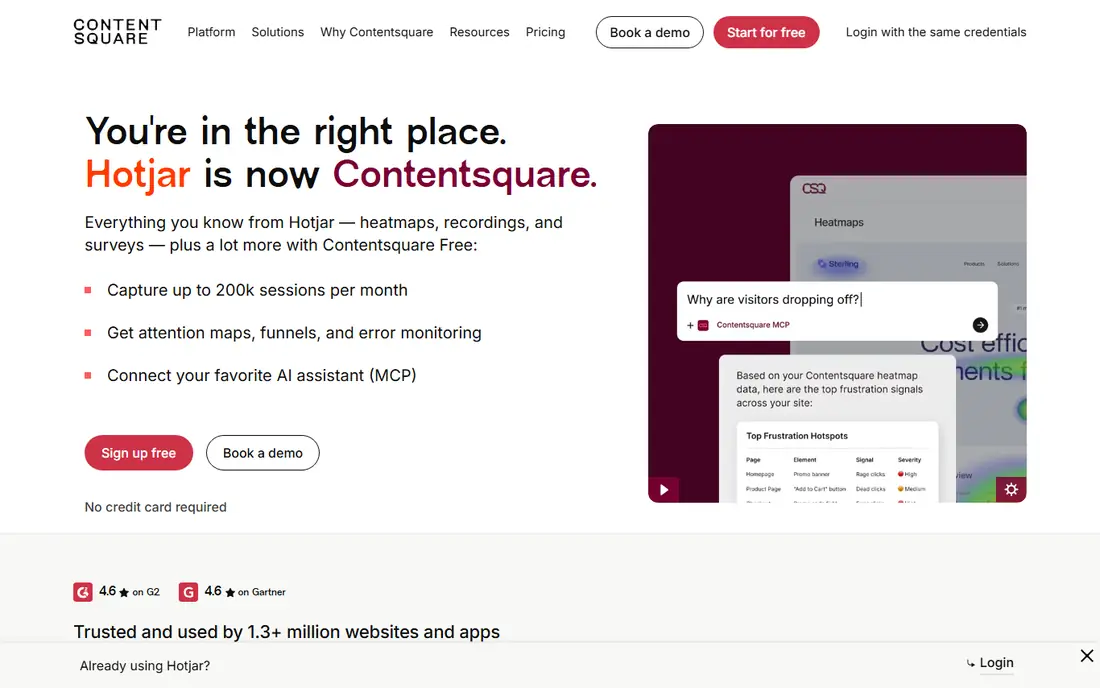
For teams that need behaviour, surveys and recordings, this option earns its place. Hotjar is the best all-round behaviour tool, because heatmaps, recordings and surveys together show both what users do and what they say about it. In practice, that means a team with this job can get started without a long setup phase, and the core workflow stays close to the task at hand. We checked official feature pages, pricing pages and app listings to confirm what is included at the entry level, rather than trusting marketing summaries alone.
The catch is scope, since it is not a bug tracker, so teams that need developer-grade bug reports with console logs will pair it with a second tool. Pricing also matters here, because the starting price is see website, with a free option listed as yes. Check plan limits, seat rules and export options before committing, since those details decide whether the entry tier fits real work. If those limits fit your volume and team size, this is a sensible shortlist pick, and if they do not, the next tool in this list may fit better.
- Heatmaps, recordings and surveys together
- Free plan
- Easy setup
- Paid limits are session-based
- Bug tracking is not its core job

Start here if visual bug reports for dev teams is your main job. Marker.io is the pick for teams whose feedback is mostly bug reports, because annotated screenshots arrive in Jira or Linear with the technical context engineers need. In practice, that means a team with this job can get started without a long setup phase, and the core workflow stays close to the task at hand. We checked official feature pages, pricing pages and app listings to confirm what is included at the entry level, rather than trusting marketing summaries alone.
The catch is that it has no public feedback board, so product teams that also want voting and roadmaps need another tool for that job. Pricing also matters here, because the starting price is $39 per month, with a free option listed as free trial. Check plan limits, seat rules and export options before committing, since those details decide whether the entry tier fits real work. If those limits fit your volume and team size, this is a sensible shortlist pick, and if they do not, the next tool in this list may fit better.
- Annotated screenshots and session data
- Jira and Linear integrations
- Guest reviewers
- No feedback board
- Higher tiers needed for some integrations
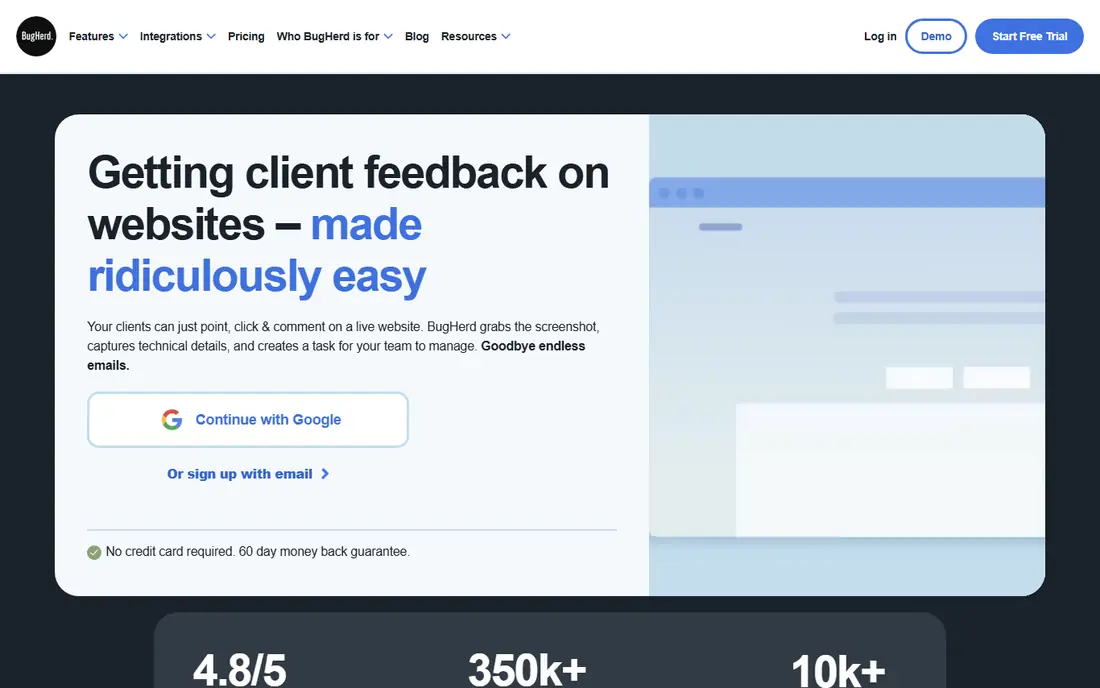
This one suits buyers who put pinned client feedback for agencies first. BugHerd suits agencies because clients can pin a comment exactly where they see a problem, and the built-in board turns those pins into tasks. In practice, that means a team with this job can get started without a long setup phase, and the core workflow stays close to the task at hand. We checked official feature pages, pricing pages and app listings to confirm what is included at the entry level, rather than trusting marketing summaries alone.
The catch is integration pricing, since Jira sync sits on a higher plan, so teams that live in Jira should budget for that tier from the start. Pricing also matters here, because the starting price is $42 per month, with a free option listed as free trial. Check plan limits, seat rules and export options before committing, since those details decide whether the entry tier fits real work. If those limits fit your volume and team size, this is a sensible shortlist pick, and if they do not, the next tool in this list may fit better.
- Pin comments to page elements
- Built-in kanban board
- Client-friendly widget
- Jira integration sits on a higher tier
- No permanent free plan
If bug reports plus surveys and boards matters most, this tool deserves a close look. Usersnap suits product teams that want capture tools and a board from one vendor, with surveys, bug reports and announcements in the same system. In practice, that means a team with this job can get started without a long setup phase, and the core workflow stays close to the task at hand. We checked official feature pages, pricing pages and app listings to confirm what is included at the entry level, rather than trusting marketing summaries alone.
The catch is tiering, since the board and roadmap features that many buyers want sit on higher plans, so the entry price does not buy the full product. Pricing also matters here, because the starting price is see website, with a free option listed as free trial. Check plan limits, seat rules and export options before committing, since those details decide whether the entry tier fits real work. If those limits fit your volume and team size, this is a sensible shortlist pick, and if they do not, the next tool in this list may fit better.
- Screenshots, recordings and console logs
- Surveys
- Feedback board on higher plans
- Pricing has risen and board features sit on higher tiers
- No free plan
Consider this tool when feedback inbox with a free plan is the priority. Userback is a strong value pick, with visual feedback, a free plan and tracker integrations that suit agencies and QA teams without a large budget. In practice, that means a team with this job can get started without a long setup phase, and the core workflow stays close to the task at hand. We checked official feature pages, pricing pages and app listings to confirm what is included at the entry level, rather than trusting marketing summaries alone.
The catch is add-ons, since the feature request portal is sold separately, so teams that want a public board should check that cost before committing. Pricing also matters here, because the starting price is $29 per month, with a free option listed as yes. Check plan limits, seat rules and export options before committing, since those details decide whether the entry tier fits real work. If those limits fit your volume and team size, this is a sensible shortlist pick, and if they do not, the next tool in this list may fit better.
- Screenshot and video feedback
- Free plan
- Tracker integrations
- Feature portal is a paid add-on
- Some depth sits on higher tiers
Teams focused on targeted on-site surveys will find a lot to like here. Qualaroo suits teams whose main need is asking the right users the right question at the right moment, with targeting and sentiment tools built for that job. In practice, that means a team with this job can get started without a long setup phase, and the core workflow stays close to the task at hand. We checked official feature pages, pricing pages and app listings to confirm what is included at the entry level, rather than trusting marketing summaries alone.
The catch is narrow scope, since it does not handle bug reports or roadmaps, and pricing often requires a conversation with sales. Pricing also matters here, because the starting price is see website, with a free option listed as free trial. Check plan limits, seat rules and export options before committing, since those details decide whether the entry tier fits real work. If those limits fit your volume and team size, this is a sensible shortlist pick, and if they do not, the next tool in this list may fit better.
- Targeted surveys and NPS
- Sentiment analysis
- Strong targeting rules
- No bug reporting or board
- Pricing is quote-based for many teams
This pick makes sense when public feedback board and roadmap drives the decision. Canny is the pick for teams that want customers to post, vote and follow a roadmap in public, with changelogs that close the feedback loop. In practice, that means a team with this job can get started without a long setup phase, and the core workflow stays close to the task at hand. We checked official feature pages, pricing pages and app listings to confirm what is included at the entry level, rather than trusting marketing summaries alone.
The catch is pricing by tracked users, since costs grow with your voter base, and teams that need bug capture will still need a second tool. Pricing also matters here, because the starting price is see website, with a free option listed as free trial. Check plan limits, seat rules and export options before committing, since those details decide whether the entry tier fits real work. If those limits fit your volume and team size, this is a sensible shortlist pick, and if they do not, the next tool in this list may fit better.
- Voting boards
- Public roadmap and changelog
- Tracker integrations
- Priced by tracked users
- No bug capture widget
Buyers who need enterprise website and app feedback should shortlist this one. Mopinion suits larger organisations that need feedback across web and app with dashboards and controls that satisfy enterprise requirements. In practice, that means a team with this job can get started without a long setup phase, and the core workflow stays close to the task at hand. We checked official feature pages, pricing pages and app listings to confirm what is included at the entry level, rather than trusting marketing summaries alone.
The catch is access, since pricing is largely quote-based and the platform is built for scale, so small teams may find it heavy and slow to buy. Pricing also matters here, because the starting price is see website, with a free option listed as free trial. Check plan limits, seat rules and export options before committing, since those details decide whether the entry tier fits real work. If those limits fit your volume and team size, this is a sensible shortlist pick, and if they do not, the next tool in this list may fit better.
- Surveys across web and app
- Dashboards and reporting
- Enterprise controls
- Pricing is quote-based
- Overkill for very small sites
How we picked these
We compared official feature pages, pricing pages and plan limits for tools that collect feedback directly on websites. We checked widget types, survey targeting, bug report data, board and roadmap features, and integrations with issue trackers. We favoured tools that make feedback actionable, with context attached, over tools that only collect free-text comments.
How to collect website feedback people actually act on
Start by choosing one question per widget. A survey that asks five things gets fewer, messier answers than a short, well-timed question on the page where the issue happens. Place bug widgets where users hit problems, and surveys where decisions happen.
Next, attach context automatically. A bug report without a screenshot, browser and page URL is a guessing game for engineers. A survey answer without page and segment context is hard to prioritise. Check those fields before you buy.
Finally, close the loop. Tell users what changed, even briefly, through a changelog or reply. Teams that reply to feedback get more of it, and better feedback, because users learn that their time was not wasted.
FAQ
What is the best website feedback tool?
Hotjar is best for behaviour and surveys, Marker.io is best for visual bug reports, and Canny is best for a public feedback board. Pick by the feedback type you need most, not by feature count.
What are the best website feedback tools for agencies?
BugHerd and Marker.io suit agencies because clients can pin comments on live pages and reports flow into project tools. Userback also works well for agencies that want a free plan to start.
Do website feedback tools slow down a site?
They can, if widgets load heavily or fire on every page. Load the widget only where needed, test page speed after install, and use targeting to limit surveys to relevant pages and visitors.
Can feedback tools replace user testing?
No. They collect real-world signals at scale, but they do not replace moderated testing for understanding why users struggle. Use both: feedback tools for volume, testing for depth.
How much does a website feedback tool cost?
Free plans cover small sites, while paid plans for teams usually start in the tens of dollars per month. Bug-report tools with tracker integrations and unlimited reviewers can cost more, so check seat rules.