Best Change Detection Software (2026): 6 Picks Checked on Vendor Pages
6 products for the best change detection software, ranked by fit, with starting costs and free tiers. With pricing notes and limits. Full profiles inside.
- Editor's choice
 mabl
Agentic, low-maintenance test validation
Starts atSee websiteVisit mabl.comFull review - Great alternativeRanorex Studio
Steady GUI testing with object recognition
Starts atSee websiteVisit ranorex.comFull review - Also consider
 TestComplete
Desktop, web and mobile application testing
Starts atSee websiteVisit smartbear.comFull review
Direct answer
Start with mabl if you need agentic, low-maintenance test validation. Listed starting prices: Katalon Studio from $150 per seat per month. Ranorex Studio is the stronger choice for dependable GUI testing with object recognition, while TestComplete suits desktop, web and mobile application testing. Prices, free plans and limits for all 6 tools follow.
TL;DR:
- The list opens with mabl, aimed at agentic, low-maintenance test validation.
- Katalon Studio is the lowest-priced starter here at $150 per seat per month.
- For Codeless enterprise end-to-end testing, Worksoft Certify is worth a look.
- One limit worth knowing about Ranorex Studio: GUI focus may not include API-only needs.
- mabl, Worksoft Certify and the 4 others all need a premium plan or a trial, since no free plan is listed.
Last checked November 2026. Prices and plan details were read from the vendors' own pages in November 2026; vendors change plans often, so confirm the current price on the vendor site before you buy.
Quick comparison
| Tool | Best for | Starts at | Free plan? | |
|---|---|---|---|---|
| mabl | Agentic, low-maintenance test validation | See website | Free trial | Visit |
| Ranorex Studio | Steady GUI testing with object recognition | See website | Free trial | Visit |
| TestComplete | Desktop, web and mobile application testing | See website | Not stated | Visit |
 Katalon Studio | One IDE for multi-channel test automation | $150 per seat per month | Free trial | Visit |
 Applitools | Visual AI change detection | See website | Not stated | Visit |
| Worksoft Certify | Codeless enterprise end-to-end testing | See website | Not stated | Visit |
Every option for change detection software explained
LinkVetted put together this guide to change detection software for readers who want a clear shortlist without reading every vendor page. It compares 6 tools on starting price, free plans, who each one suits and where each one falls short.
mabl is built with agentic, low-maintenance test validation in mind. mabl describes itself as an agentic testing system that helps software teams accelerate releases, ensure software quality and deliver capable user experiences.
More specifically, the system leans toward modern web delivery, so teams with heavy desktop or legacy application estates may need additional tools. Choose mabl when adaptive, agentic validation of web experiences is the primary need. mabl does not show a starting price in this comparison, so check the vendor site for current pricing. As for free access: Free trial.
Drawbacks to consider: Cloud-oriented model may not fit every policy.
- Agentic testing system
- Aims at software quality and user experience
- Less emphasis on desktop applications
Ranorex Studio
Best for: Steady GUI testing with object recognition
Ranorex Studio is built with dependable GUI testing with object recognition in mind. Its GUI orientation means API-only or backend validation may need other tooling, and advanced capabilities come with a ramp-up time.
Honest limits: Ramp-up time for advanced features.
In practice, when visual interface change detection is the priority over wide API testing, a visual AI product may be the better fit. Ranorex Studio shows no starting price here, so confirm the cost on the vendor site. On free options: Free trial.
- Desktop
- Advanced object recognition
- GUI focus may not handle API-only needs
TestComplete is a good fit for desktop, web and mobile application testing. TestComplete from SmartBear is a test automation tool for mobile, web and desktop applications, with solid object recognition that helps tests survive interface changes.
Where it falls short: Setup effort for large suites.
If you primarily need visual diffing across browsers, a specialized visual testing tool may be more direct. More specifically, teams working only in browsers may find the desktop orientation broader than necessary, and sizable suites demand planning and maintenance discipline. Pricing for TestComplete is not stated here, so ask the vendor for current figures. Free plan details: Not stated.
- Object recognition for UI changes
- Wide application coverage
- Desktop focus may not suit web-only teams
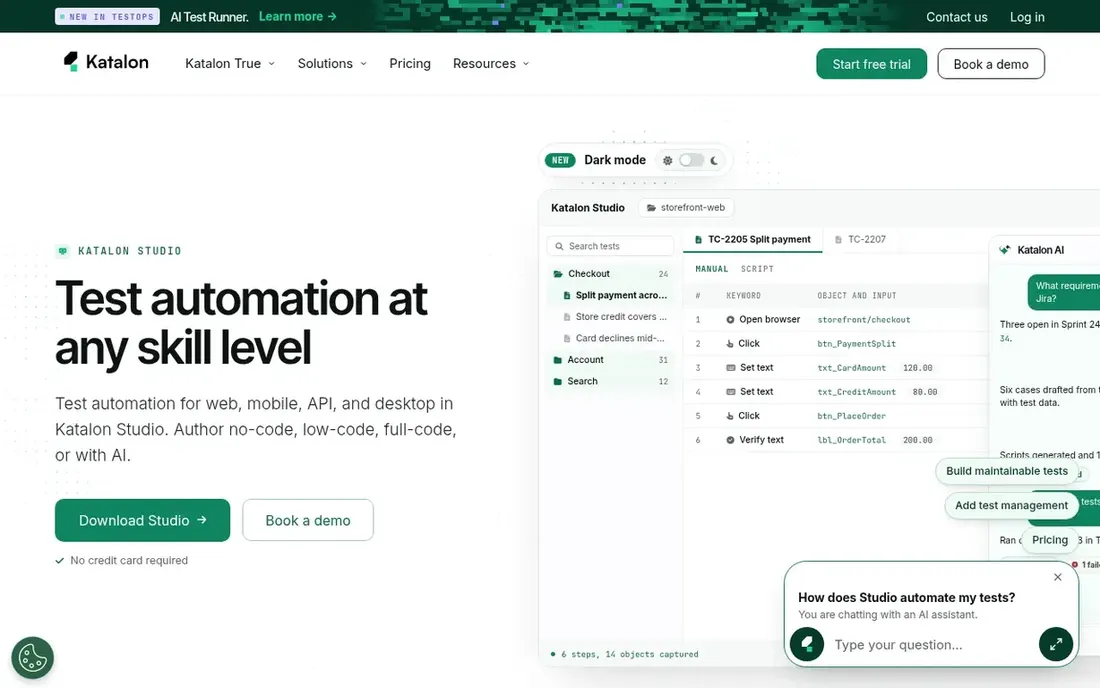
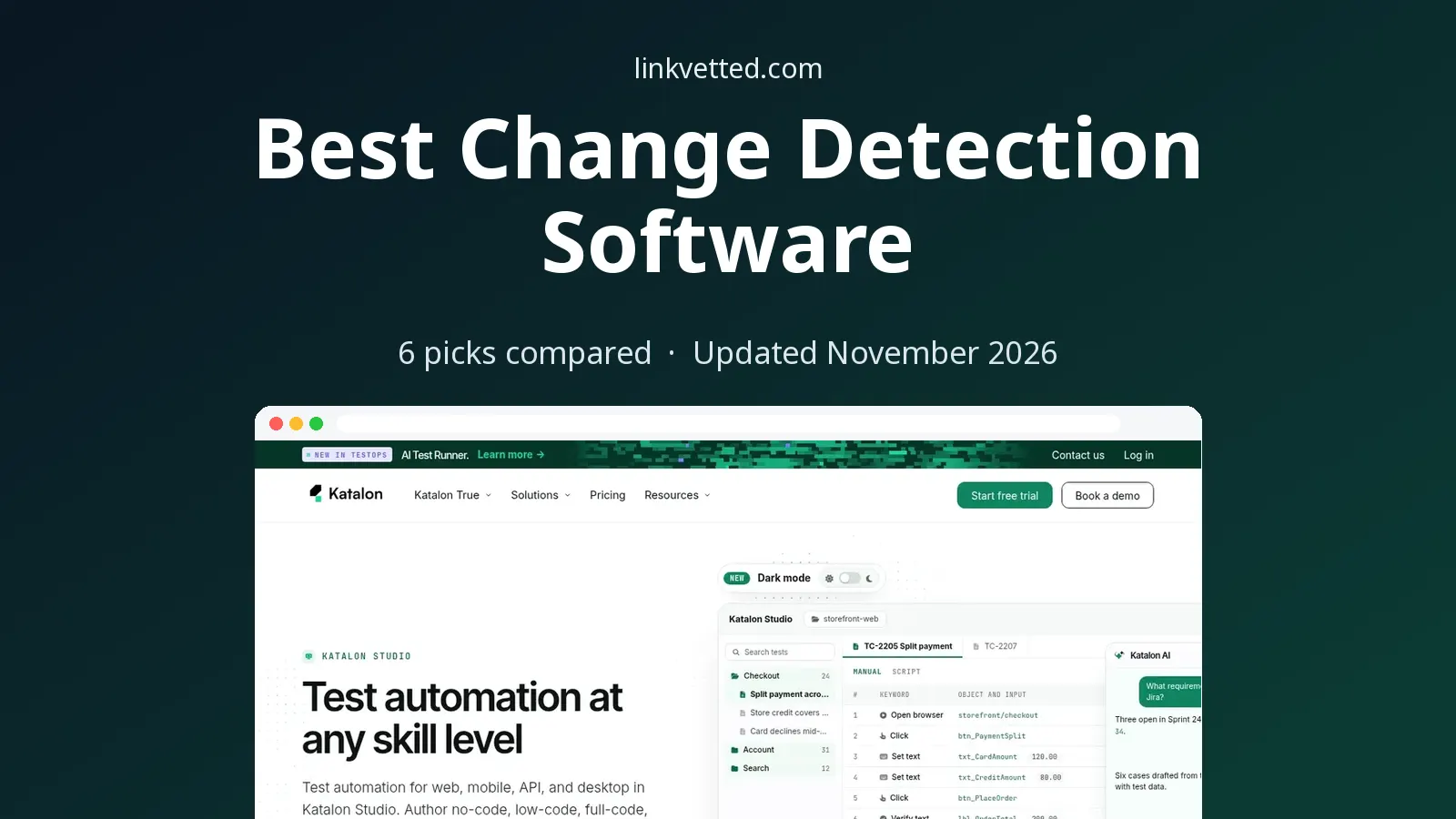
Katalon Studio was built for one IDE for multi-channel test automation. If your change detection is purely visual, a focused visual AI product may be a better complement.
Starting cost for Katalon Studio: $150 per seat per month. Free plan details: Free trial.
Reasons to shortlist it: Includes web, mobile. Watch-outs: Feature depth varies by channel.
- Single project for several channels
- No-code, low-code
- Needs setup for complicated suites
Where Applitools fits: visual AI change detection. Applitools is an AI-powered end-to-end testing system that merges Visual AI with GenAI and no-code approaches to maximize test coverage whereas automating maintenance and reducing false positives. Its strength is visual validation, so teams needing full functional or performance automation may pair it with other tools.
Trade-offs to know: Specialized in visual validation.
Getting the most from visual comparisons needs thoughtful baseline management. Choose Applitools when rendering-level change detection across browsers and devices is the core requirement. Applitools does not show a starting price in this comparison, so check the vendor site for current pricing. As for free access: Not stated.
- GenAI and no-code approaches
- Aims to reduce false positives
- Broader functional testing may need partners
Worksoft Certify
Best for: Codeless enterprise end-to-end testing
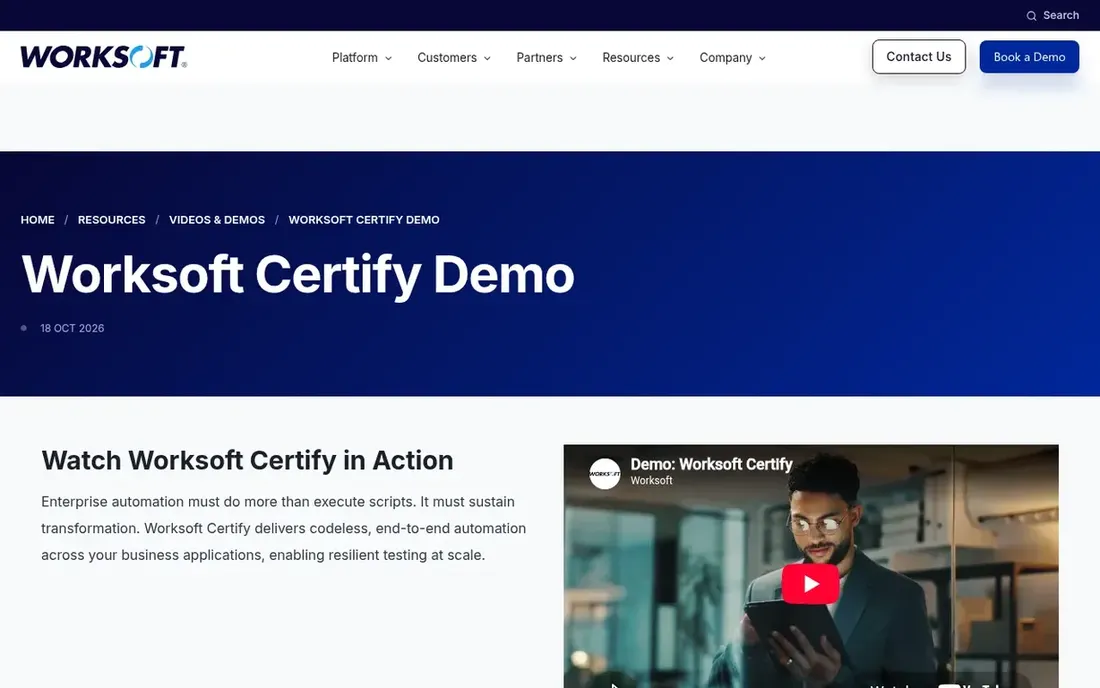
Worksoft Certify was built for Codeless enterprise end-to-end testing. Teams that want non-developers contributing to regression coverage will find the codeless model appealing. From a buyer's view, since it targets enterprise business applications, smaller teams may find the system heavier than needed.
Its demo materials emphasize building automatic tests without heavy scripting, which suits organizations with large application estates and business process flows that change commonly. Worth adding: choose Certify when wide process testing across numerous business apps is the priority. No starting price is listed for Worksoft Certify here; confirm pricing on the vendor site. Free plan details: Not stated.
Downsides: Less emphasis on visual change detection.
- Codeless test automation approach
- Resilient end-to-end testing across business applications
- Enterprise focus may overwhelm small teams
How the list was put together
LinkVetted looked at what each vendor publishes: pricing, plan limits, feature coverage for change detection software and stated drawbacks. No hands-on testing is claimed. Where a price is missing, the vendor does not list one publicly or ties it to a quote. Always confirm before budgeting. Order on the page follows fit for the typical buyer first, then price transparency and free access. Your own requirements should decide the final pick.
What to check before you buy
- Get a written quote from mabl, Ranorex Studio, TestComplete and others; the list shows no starting price for them.
- Use real work to test the free trial from mabl, Ranorex Studio and Katalon Studio, rather than a demo project.
- Before choosing mabl, weigh its main limit: cloud-oriented model may not fit every policy.
- Check whether the features you need in mabl sit on the entry plan or only on higher tiers.
- Ask Ranorex Studio which support channels and response times come with the plan you would buy.
FAQ
How do visual and functional change detection differ?
Visual change detection compares rendered interfaces to catch layout or styling regressions, whereas functional detection verifies that workflows and logic still behave correctly.
What is the cheapest option for change detection software in this list?
On published monthly entry prices, Katalon Studio is the lowest here at $150 per seat per month. Entry price is only part of the cost, because seats, add-ons and billing terms can change the total.
Is mabl the right pick for everyone comparing change detection software?
No single tool suits every team. mabl comes first because it fits agentic, low-maintenance test validation, while Ranorex Studio suits reliable GUI testing with object recognition and TestComplete suits desktop, web and mobile application testing. Match the tool to your own size, budget and workflow before deciding.
Can codeless tools handle complex enterprise applications?
Codeless systems like Worksoft Certify are built for enterprise business applications and end-to-end flows, so they can include substantial process testing. Complexity still varies by application, so confirm coverage during a pilot.
How are the tools for change detection software ordered?
mabl sits first and Worksoft Certify last because the order follows typical fit for change detection software, then price clarity and free access. It is a judgement call, so read each profile for fit and limits.
What should I check before choosing a tool?
Confirm supported products, how baselines and maintenance are handled, and how the tool plugs into your delivery pipeline. Also verify deployment choices against your security requirements before committing.
Sources
- https://www.mabl.com
- https://www.ranorex.com
- https://smartbear.com/product/testcomplete
- https://katalon.com/katalon-studio
- https://applitools.com
- https://www.worksoft.com/products/worksoft-certify