Best Cell Phone Security Software for 2026: Our 6 Vetted Picks
Best cell phone security software: 6 contenders ranked by fit, with entry costs and free tiers. Clear notes on pricing gaps and limits. Checked this month.
- Editor's choiceLookout Mobile Security
Phishing and account takeover defense
Starts atPricing on requestVisit lookout.comFull review - Great alternativeZimperium Mobile Threat Defense
Enterprise mobile device and app security
Starts atPricing on requestVisit zimperium.comFull review - Also consider
 Microsoft Defender for Endpoint
Endpoint protection across devices
Starts atPricing on requestVisit microsoft.comFull review
Direct answer
Lookout Mobile Security is the first pick on this list for phishing and account takeover defense. Zimperium Mobile Threat Defense fits enterprise mobile device and app security; Microsoft Defender for Endpoint fits Endpoint protection across devices. The remaining 3 options are covered below with pricing notes and limits. None of these vendors publish plan prices, so pricing is on request for every option.
TL;DR:
- Lookout Mobile Security takes the first slot, best suited to phishing and account takeover defense.
- Lookout Mobile Security, Norton Mobile Security and the 4 others all need a premium plan or a trial, since no free plan is listed.
- Norton Mobile Security fits wide consumer protection on Android and iOS.
- Kaspersky Mobile Security comes with a trade-off: plan details vary by region.
Last checked November 2026. Pricing on request: vendors did not publish plan prices when this guide was last checked (November 2026), so ask each vendor for a written quote.
Quick comparison
| Tool | Best for | Starts at | Free plan? | |
|---|---|---|---|---|
| Lookout Mobile Security | Phishing and account takeover defense | Pricing on request | Not stated | Visit |
| Zimperium Mobile Threat Defense | Enterprise mobile device and app security | Pricing on request | Not stated | Visit |
| Microsoft Defender for Endpoint | Endpoint protection across devices | Pricing on request | Not stated | Visit |
| Kaspersky Mobile Security | Malware, privacy and fraud protection | Pricing on request | Not stated | Visit |
 ESET Mobile Security | Android antivirus with anti-theft | Pricing on request | Free trial | Visit |
| Norton Mobile Security | Wide consumer protection on Android and iOS | Pricing on request | Not stated | Visit |
Cell Phone Security Software, one by one
This LinkVetted guide covers 6 options for cell phone security software. Each profile lists a starting price, free plan details, strengths and drawbacks, so you can drop poor fits quickly.
Lookout Mobile Security
Best for: Phishing and account takeover defense
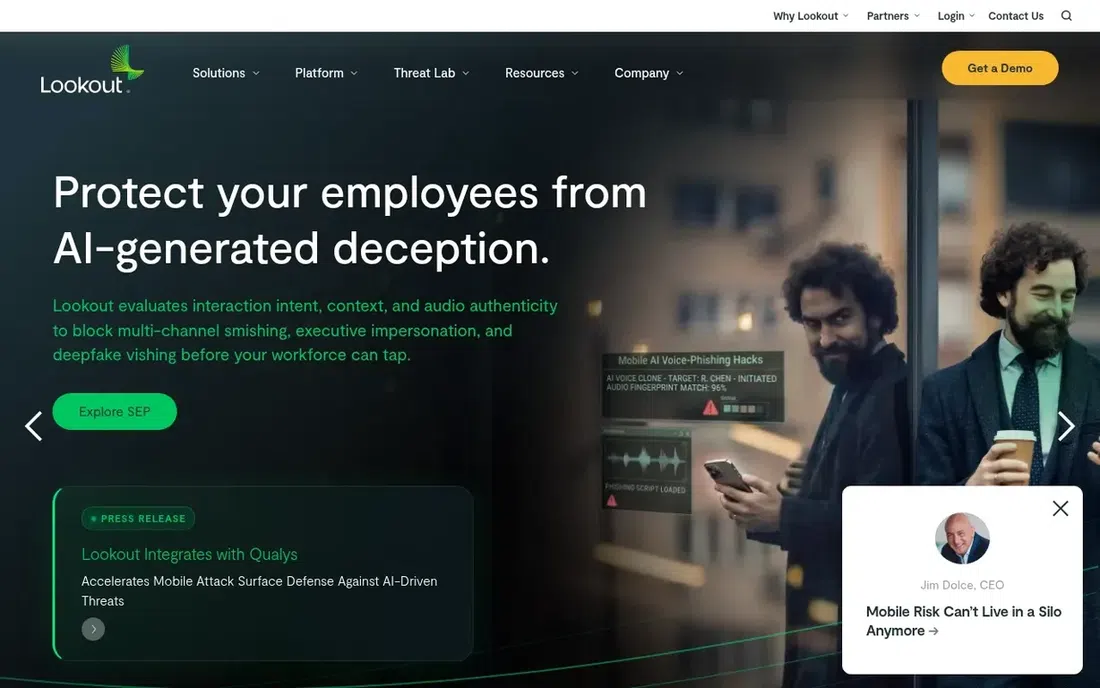
Lookout Mobile Security makes the most sense for phishing and account takeover defense. Lookout Mobile Security is described as an AI-powered system that defends against phishing, social engineering and account takeovers.
It offers visibility and control that traditional security tools can miss. No starting price is listed for Lookout Mobile Security here; confirm pricing on the vendor site. Free options: Not stated.
The main drawbacks: Consumer fit may be restricted.
- Focus on phishing and social engineering
- Addresses account takeovers
- Enterprise-oriented positioning
Zimperium Mobile Threat Defense
Best for: Enterprise mobile device and app security
In short, Zimperium Mobile Threat Defense is for enterprise mobile device and app security. Zimperium Mobile Threat Defense is described as a mobile security system purpose-built for enterprise, securing both mobile devices and applications so they can securely access data.
This is an enterprise system instead of a consumer antivirus app, so individuals will likely find it unnecessary. Zimperium Mobile Threat Defense does not show a starting price in this comparison, so check the vendor site for current pricing. Trial and free access: Not stated.
Limits to weigh: Not pitched at individual consumers.
- Secures devices and applications
- Purpose-built for enterprise
- Enterprise-only focus
Microsoft Defender for Endpoint is built with Endpoint protection across devices in mind. Microsoft Defender for Endpoint is an endpoint security product from Microsoft Security that the vendor says strengthens endpoint protection, uses AI to boost security and helps stop cyberattacks.
Where it is weaker: May need Microsoft ecosystem familiarity.
No starting price is listed for Microsoft Defender for Endpoint here; confirm pricing on the vendor site. On free options: Not stated.
- Targeted at stopping cyberattacks
- Part of Microsoft Security
- Business-oriented product
Kaspersky Mobile Security
Best for: Malware, privacy and fraud protection
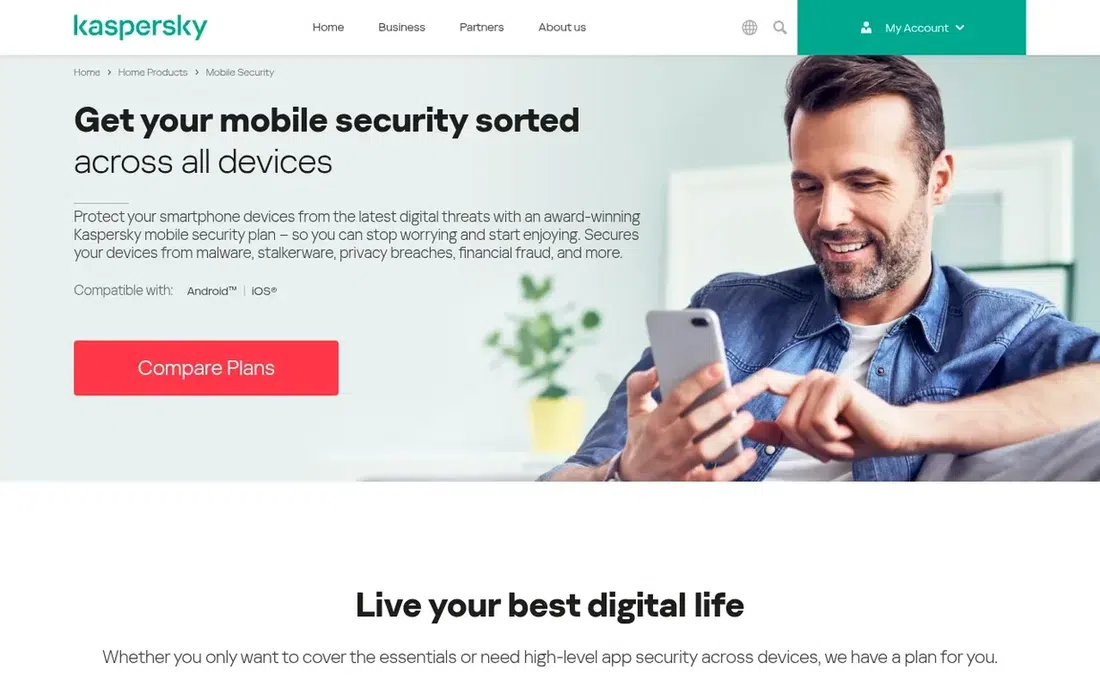
Kaspersky Mobile Security makes the most sense for malware, privacy and fraud protection. If your priority is enterprise app and device security instead of consumer antivirus, consider a dedicated enterprise product instead.
As for the details, availability and included features can vary by region and system, so confirm what applies to your device. On top of that, Kaspersky Mobile Security is a phone security and antivirus app that the vendor describes as protecting smartphones from malware, privacy breaches and financial fraud. Pricing for Kaspersky Mobile Security is not stated here, so ask the vendor for current figures. Trial and free access: Not stated.
Watch-outs: Plan details vary by region.
- Targets malware and privacy breaches
- Addresses financial fraud risks
- Some features platform-specific
ESET Mobile Security is aimed squarely at Android antivirus with anti-theft. It suits Android users who want a security app that merges malware scanning with device and app safeguards for everyday use.
Drawbacks to consider: Android-focused product page.
In daily use, the product page centers on Android, so iPhone users should check what is offered for iOS before choosing. No starting price is listed for ESET Mobile Security here; confirm pricing on the vendor site. Free access: Free trial.
- Proactive anti-theft features
- Antivirus and app lock
- IOS feature set may differ
Norton Mobile Security
Best for: Wide consumer protection on Android and iOS
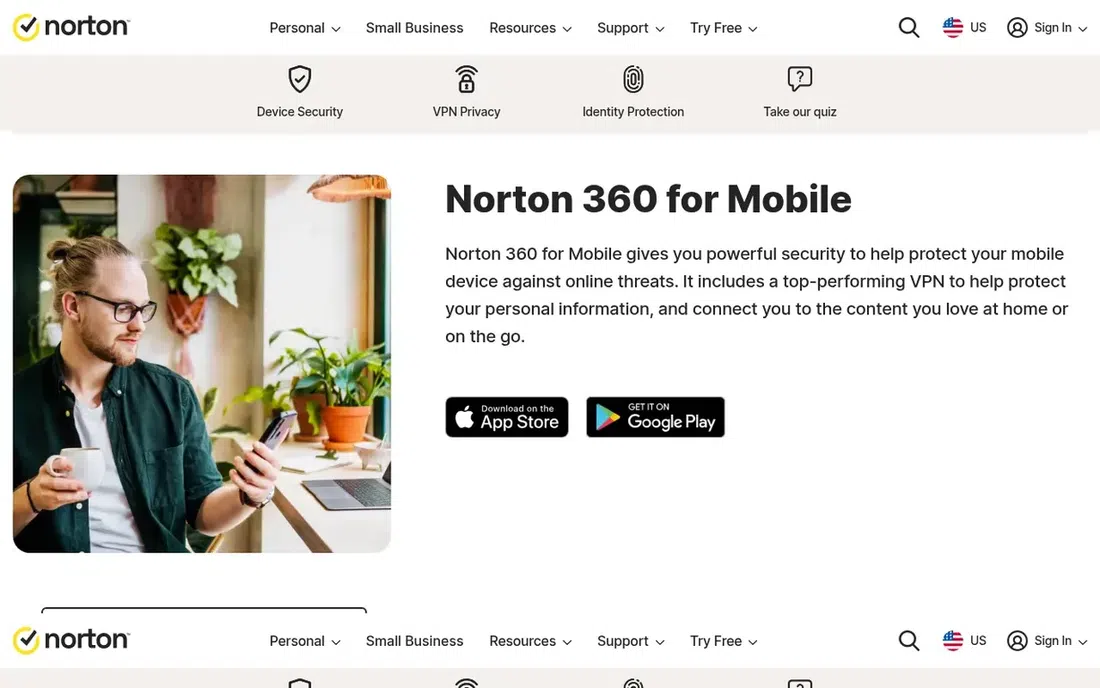
Choose Norton Mobile Security for wide consumer protection on Android and iOS. Its page describes defense against changing cyberthreats to mobile devices.
What to check first: May overlap with other Norton services.
For everyday use, the exact feature set can differ between Android and iOS, so check the platform-specific details before buying. Pricing for Norton Mobile Security is not stated here, so ask the vendor for current figures. Free access: Not stated.
- Focus on evolving mobile threats
- Consumer-friendly product line
- Feature depth varies by product
How we compared the tools
Each tool was reviewed on what its vendor publishes: price, plan limits, core features and stated drawbacks. We did not run hands-on tests. Figures are shown as the vendors publish them. Billing terms, seat minimums and add-ons can change the real cost. The order reflects how well each tool fits the most common buying scenario for cell phone security software, then price clarity, then free plan access. It is a starting point, not a verdict.
Pre-purchase checklist
- Ask each vendor, from Lookout Mobile Security to Norton Mobile Security, for a written quote; none of them publishes a starting price.
- Use real work to test the free trial from ESET Mobile Security, rather than a demo project.
- Read the limits listed for Lookout Mobile Security first: enterprise-oriented positioning.
- Find out whether the entry plan of Kaspersky Mobile Security covers your must-haves or only a trimmed-down version.
- Look at the help docs and support options for Microsoft Defender for Endpoint before you commit.
FAQ
How do I choose between the tools compared here?
Start with your primary risk: malware, phishing, privacy tracking or enterprise app access. Reading each vendor page alongside this comparison helps you avoid paying for features you will not use.
Can I try these options before paying?
Often, yes. ESET Mobile Security offers a free trial. Use your own data and a real task during the test, and check what the free tier or trial limits before you rely on it.
How are the tools for cell phone security software ordered?
The order follows typical fit for cell phone security software, with Lookout Mobile Security first and Norton Mobile Security last, then price clarity and free access. It is editorial judgement, not a score, so another team could rank the tools differently.
Is consumer security software enough for a business phone?
Consumer apps can handle malware and privacy basics, but companies frequently need device and app management controls. Systems like Zimperium Mobile Threat Defense and Microsoft Defender for Endpoint are positioned for organizational use.
Is Lookout Mobile Security the right pick for everyone comparing cell phone security software?
No single tool suits every team. Lookout Mobile Security comes first because it fits phishing and account takeover defense, while Zimperium Mobile Threat Defense suits enterprise mobile device and app security and Microsoft Defender for Endpoint suits Endpoint protection across devices. Match the tool to your own size, budget and workflow before deciding.
Do these tools publish their prices?
No. None of the tools, from Lookout Mobile Security to Norton Mobile Security, shows a fixed starting price here, so budget time for quotes.
Sources
- https://www.lookout.com
- https://www.zimperium.com
- https://www.microsoft.com/en-us/security/business/endpoint-security/microsoft-defender-endpoint
- https://www.kaspersky.com/mobile-security
- https://www.eset.com/us/home/mobile-security-android
- https://us.norton.com/products/norton-mobile-security