Top 5 Capital Project Management Software for Startups for 2026 (Prices and Free Plans)
Best capital project management software for startups in 2026: 5 tools with starting prices, free plans and limits. Strengths and weak spots are spelled out.

- Editor's choice
 ClickUp
Consolidating numerous work tools
Starts at$9 per user a monthVisit clickup.comFull review - Great alternative
 Monday.com
Visual workflow building
Starts at$9 per seat per monthVisit monday.comFull review - Also consider
 Airtable
Custom capital tracking apps
Starts at$20 per user per monthVisit airtable.comFull review
Direct answer
ClickUp leads the list, best for consolidating plenty of work tools. Listed starting prices: ClickUp from $9 per user a month, Monday.com from $9 per seat per month and Airtable from $20 per user per month. Monday.com is the stronger choice for visual workflow building, while Airtable suits custom capital tracking apps. Details, prices and limits for the rest of the 5 tools are below.
TL;DR:
- This list starts with ClickUp, which is built for consolidating numerous work tools.
- Notion is the one to check for docs and project knowledge.
- What to know about ClickUp first: feature depth can overwhelm new users.
- The cheapest monthly starting price in the list is $9 per user per month, offered by ClickUp.
Last checked November 2026. Prices and plan details were read from the vendors' own pages in November 2026; vendors change plans often, so confirm the current price on the vendor site before you buy.
Quick comparison
| Tool | Best for | Starts at | Free plan? | |
|---|---|---|---|---|
| ClickUp | Consolidating numerous work tools | $9 per user a month | Yes | Visit |
| Monday.com | Visual workflow building | $9 per seat per month | Yes | Visit |
| Airtable | Custom capital tracking apps | $20 per user per month | Yes | Visit |
 Asana | Straightforward planning and team adoption | $10.99 per user per month | Yes | Visit |
 Notion | Docs and project knowledge | $10 per member a month | Yes | Visit |
The best capital project management software for startups
This LinkVetted guide covers 5 capital project management software for startups. Each profile lists a starting price, free plan details, strengths and drawbacks, so you can drop poor fits quickly.
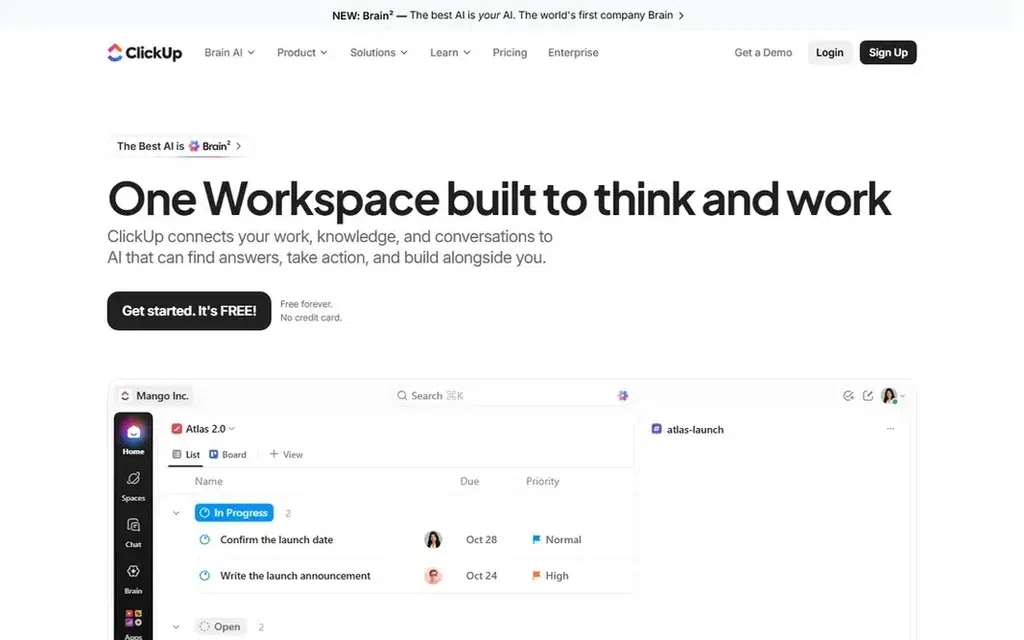
ClickUp works best for consolidating numerous work tools. For startups running capital projects, that means milestones, documentation and team communication can live in one place rather than multiple subscriptions.
It suits expanding teams that want to consolidate tools early and are comfortable configuring views and hierarchies to match how they operate. On cost, ClickUp starts like this: $9 per user per month. Free access exists with ClickUp.
Points against: Setup discipline is required.
- Wide feature coverage
- Customizable views for projects
- Feature depth can overwhelm new users
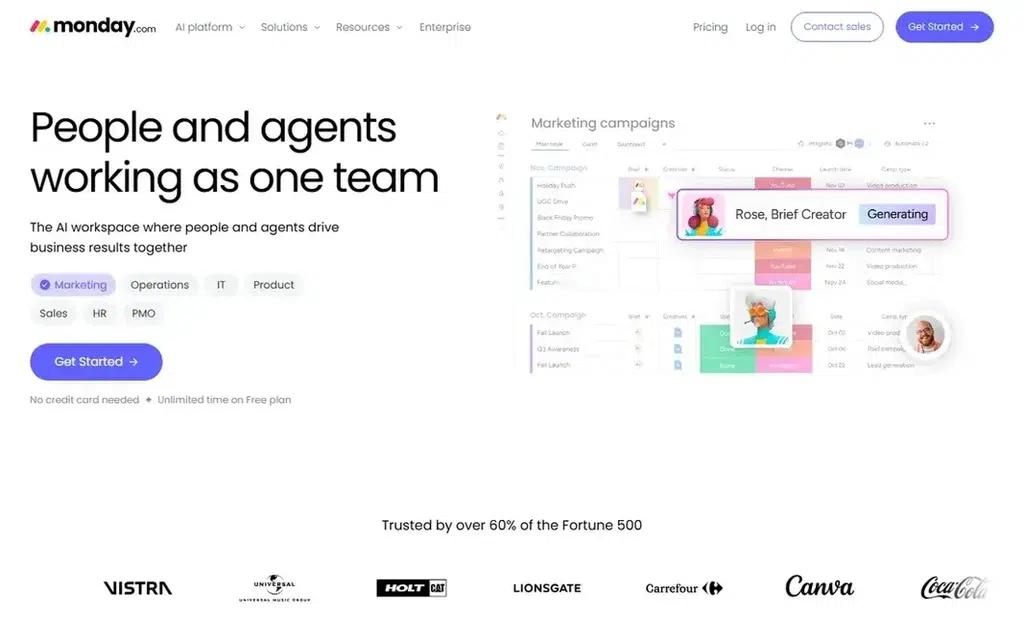
Monday.com makes the most sense for visual workflow building. Heavy customization can result in scattered boards and inconsistent reporting if no one owns the structure. Beyond that, founders commonly pick it when multiple projects run in parallel and need one shared workspace.
Trade-offs to know: Governance features are lighter.
In practice, choose something else if you need strict financial governance or spreadsheet-style modeling from day one. As for the details, Monday.com positions itself as an AI workspace where people and agents execute work together. Worth adding: boards, views and automations let startups shape capital project tracking around their own process instead of a fixed template. Monday.com starts at: $9 per seat per month. You can start on Monday.com without paying.
- AI agents work alongside people
- Simple to customize per project
- Complicated setups can sprawl
Airtable is designed for custom capital tracking apps. Airtable lets teams build enterprise-ready AI workflows, apps and agents on an adaptable database foundation. As for the details, since Airtable is a building system, results rely on how well the base is designed, and poorly planned structures become hard to maintain.
Also, startups can model capital projects as custom bases, linking budgets, milestones and owners in ways a fixed template cannot. Teams wanting out-of-the-box project views may be better served by Asana or ClickUp. On cost, Airtable starts like this: $20 per user per month. Airtable includes a free tier.
Honest limits: Not a turnkey project template.
- Adaptable database-style bases
- Automation of repetitive tasks
- Needs design decisions upfront
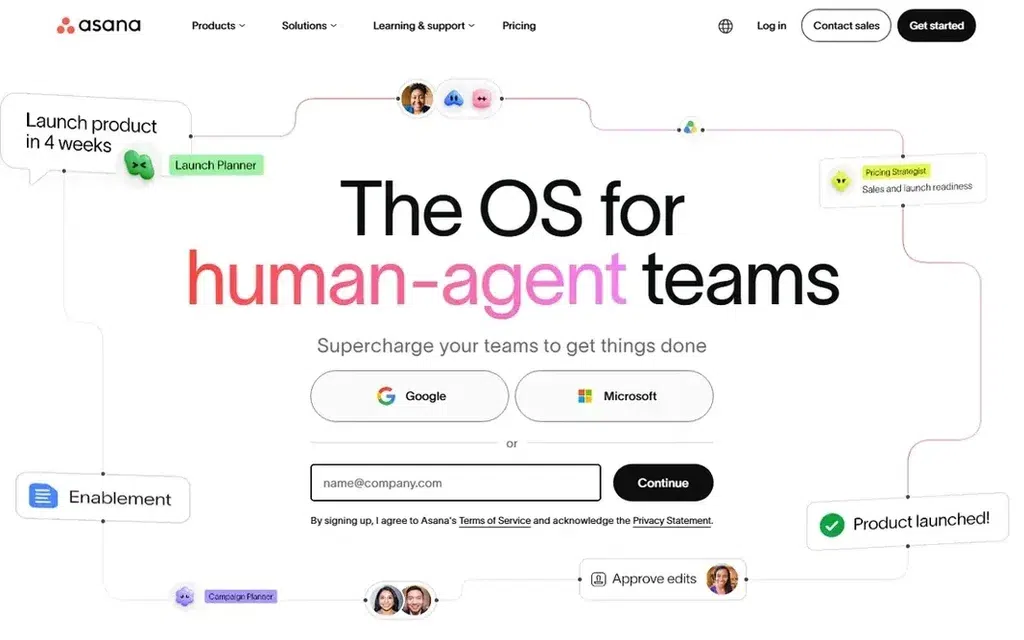
Asana makes the most sense for straightforward planning and team adoption. Asana is work management software built around planning, automating and executing critical workflows.
Limits to weigh: Advanced reporting sits higher up.
Reporting depth is lighter than enterprise-grade systems. Asana cost at the entry level: $10.99 per user per month. A free plan is available with Asana.
- Automation for recurring work
- Clear task and workflow planning
- Restricted native budget tracking
Where Notion fits: docs and project knowledge. Startups frequently use it to house capital project documentation, meeting notes and light trackers in one connected workspace.
Points against: Project tracking needs manual setup.
It suits teams that value written context and want project knowledge to sit beside planning pages, with automation handling routine updates. Starting cost for Notion: $10 per member per month. Notion offers a free plan.
- Docs and project pages together
- Adaptable workspace structure
- Governance features are minimal
How we compared the tools
We compared the tools on published pricing, free plan or trial availability, feature coverage for capital project management software for startups, and the limits each vendor documents. Treat prices as a snapshot: vendors change plans often, so check the vendor site for the figure that applies today. The ranking is editorial: typical fit first, then clear pricing, then free access. If your needs are unusual, read the profiles rather than relying on position.
Questions to settle before buying
- Confirm the entry price on the vendor page: ClickUp starts at $9 per user per month, but seat counts and billing terms change the total.
- Read the fine print on the free plans from ClickUp, Monday.com, Airtable and others; seat, project and feature caps differ.
- Before choosing ClickUp, weigh its main limit: feature depth can overwhelm new users.
- Pick one real project and run it in Airtable first; a small pilot shows fit faster than a checklist.
- Ask ClickUp which support channels and response times come with the plan you would buy.
FAQ
What is the cheapest option for capital project management software for startups in this list?
On published monthly entry prices, ClickUp is the lowest here at $9 per user per month. Entry price is only part of the cost, because seats, add-ons and billing terms can change the total. For the full picture, the cards above cover all 5 entries of this capital project management software for startups list, including price, free plan and limits.
How are the tools for capital project management software for startups ordered?
The order follows typical fit for capital project management software for startups, with ClickUp first and Notion last, then price clarity and free access. It is editorial judgement, not a score, so another team could rank the tools differently.
Is ClickUp the right pick for everyone comparing capital project management software for startups?
No single tool suits every team. ClickUp comes first because it fits consolidating many work tools, while Monday.com suits visual workflow building and Airtable suits custom capital tracking apps. Match the tool to your own size, budget and workflow before deciding.
Do these tools publish their prices?
Yes. Every tool from ClickUp to Notion shows a starting price, though seats, add-ons and billing terms still change the final cost. Prices, free plan details and limits for all 5 tools in this capital project management software for startups roundup sit on the individual cards above.
What should a startup look for in capital project management software?
Governance and budget controls matter more as capital processes formalize, so check whether the tool can grow with you or connect with finance systems.
How do Airtable and Notion differ for project tracking?
Notion centers on documents and knowledge, making it capable for project context and notes but lighter for structured delivery tracking. Some teams use both together.
Sources
- https://clickup.com
- https://monday.com
- https://www.airtable.com
- https://asana.com
- https://www.notion.so