Best Capital Project Management Software in 2026: 8 Tools Compared
Compare the best capital project management software for owners, contractors, and engineers, with budgets, schedules, documents, and field tools for 2026.
- Editor's choice
 Procore
Contractors and owners on large builds
Starts atSee websiteVisit procore.comFull review - Great alternative
 Autodesk Construction Cloud
Design-led teams needing BIM and documents
Starts atSee websiteVisit construction.autodesk.comFull review - Also consider
 Oracle Aconex
Owners needing document control at scale
Starts atSee websiteVisit oracle.comFull review
TL;DR:
- Capital project tools differ from general project tools because they must handle budgets, funding, contracts, and field execution together.
- Procore and Autodesk Construction Cloud lead for contractors and design teams, while Oracle Aconex and Primavera P6 lead for owners and infrastructure.
- Most enterprise capital tools are quote-only, so compare total cost including implementation, training, and integrations.
- Field adoption matters as much as head-office reporting, because a system field teams avoid will not produce reliable progress data.
Quick comparison
| Tool | Best for | Starts at | Free plan? | |
|---|---|---|---|---|
| Procore | Contractors and owners on large builds | See website | No | Visit |
| Autodesk Construction Cloud | Design-led teams needing BIM and documents | See website | No | Visit |
| Oracle Aconex | Owners needing document control at scale | See website | No | Visit |
 Oracle Primavera P6 | Complex schedules for infrastructure | See website | No | Visit |
 Bentley ProjectWise | Engineering firms managing design data | See website | No | Visit |
 Fieldwire | Field teams needing plans and tasks | See website | Free trial | Visit |
 Smartsheet | Teams wanting flexible project tracking | $9 per user per month | Free trial | Visit |
 Buildertrend | Residential builders and remodelers | See website | No | Visit |
The best capital project management software
We compared vendor feature pages and public pricing reports for tools that manage capital projects, from planning and budgeting through design, construction, and handover. These eight cover owners, contractors, and engineering firms.

Procore is the broadest capital project platform for contractors and owners, covering preconstruction, project management, quality, safety, and financials. Its forecasting tools let teams lay out budget line items over time, compare actual spend with forecast, and adjust remaining projections as delays or changes arrive. Field teams can log progress, labor, and daily reports from mobile devices, so head-office reports reflect site reality rather than last month's spreadsheet.
Pricing is based on annual construction volume, not per user for most products, which helps large teams but makes small firms work harder to get a number. Procore is also a large system to implement well. Firms should pilot it on one live project, with field staff involved from day one, before committing the whole portfolio.
- Project management, quality, safety, and financials in one platform
- Strong mobile app
- Unlimited users on most products
- Pricing is quote-only and based on construction volume
- Implementation takes time
Autodesk Construction Cloud
Best for: Design-led teams needing BIM and documents
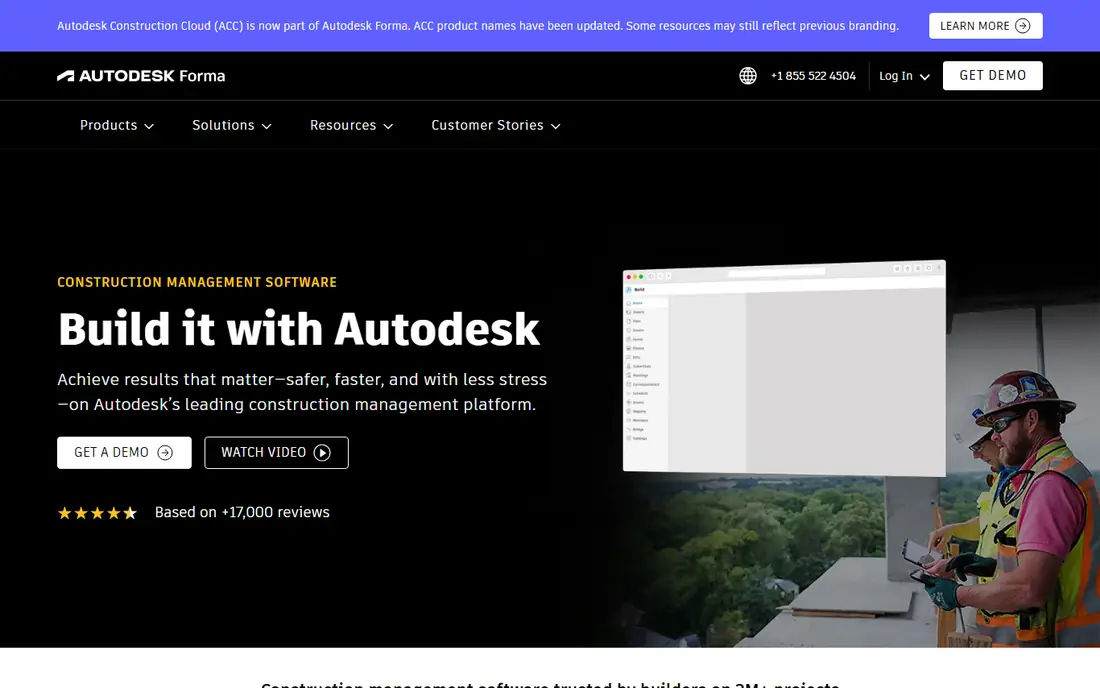
Autodesk Construction Cloud brings together document management, BIM coordination, cost control, and field management in a common data environment. Design teams can coordinate models, track issues, and share current drawings, while owners and contractors work from the same approved set. That single source for documents and models reduces the classic problem of teams building from outdated sheets.
The platform is modular, so cost depends on which products and sheet counts a firm needs, and teams outside the Autodesk ecosystem will need integration work. For firms already using Revit, AutoCAD, or BIM Collaborate, the fit is strong. For firms with simple field needs, a lighter tool like Fieldwire may be enough.
- Common data environment for documents and models
- Strong BIM coordination
- Broad Autodesk integrations
- Pricing varies by module
- Learning curve for teams new to Autodesk
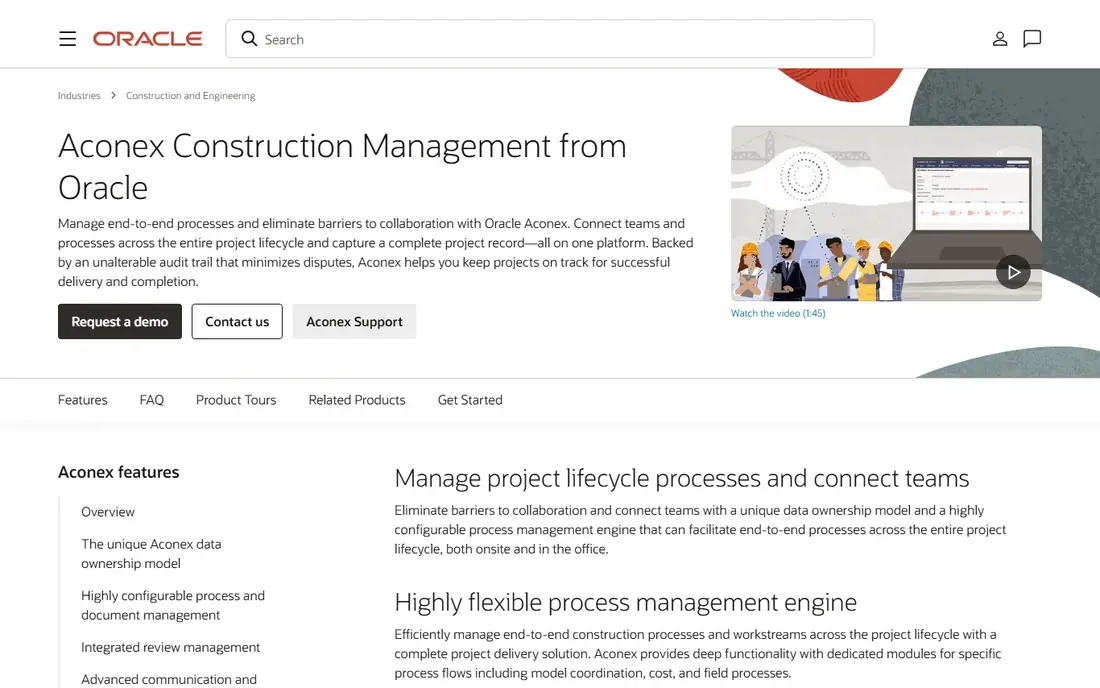
Oracle Aconex is a document and workflow platform for large capital projects, used by owners, contractors, and engineers to control drawings, correspondence, and approvals. Every transmittal, review, and approval is recorded, which gives owners an audit trail that matters on multi-year infrastructure and building programs. Workflow automation routes documents to the right reviewers and flags overdue items before they become delays.
Aconex is an enterprise purchase, priced on request, and it works best when all project parties adopt it consistently. If only one party uses it, much of the audit value is lost. Owners should require its use in contracts and plan training for every firm on the project.
- Central document management and workflow automation
- Audit trails for large projects
- Strong owner controls
- Pricing is on request
- Needs reliable connectivity for full use
Primavera P6, often called P6, is the scheduling standard for large, complex capital programs, from highways and energy plants to major building portfolios. It handles critical path analysis, resource loading, cost loading, and baseline comparisons at a depth that general project tools cannot match. Program managers can model thousands of activities, test delay impacts, and report earned value across a portfolio.
That depth comes with a skill requirement. P6 needs trained schedulers, and casual users can misread its outputs without proper setup. Firms with simple schedules should use Smartsheet or Procore scheduling instead. Firms with contractual schedule obligations and delay claims exposure will find P6 worth the investment.
- Deep critical path scheduling
- Resource and cost loading
- Proven on large infrastructure programs
- Pricing is on request
- Specialist skills needed to run it well
Bentley ProjectWise manages engineering content, including CAD files, models, and documents, with version control and workflow for design teams. It helps engineering firms keep design data consistent across offices and disciplines, track revisions, and control who can change approved work. For infrastructure and industrial design, that control is central to quality and compliance.
ProjectWise is less of a general contractor platform than Procore or Autodesk Construction Cloud, and firms that need field, safety, and financial tools will pair it with another system. Engineering-led firms already using Bentley design software will get the most value, because the integration is native.
- Engineering document and design data management
- Version control for CAD and models
- Integration with Bentley design tools
- Pricing is on request
- Best fit is engineering-led work, not general contracting
Fieldwire, by Hilti, is built for field teams that need current plans, tasks, punch lists, and RFIs on a phone or tablet. Its mobile experience is a strength: foremen can view drawings, mark issues, and close tasks without returning to the trailer, and office staff see progress in near real time. That field-first design drives adoption, which is often the hardest part of a capital project rollout.
Fieldwire does not replace Procore or Autodesk for full financials, forecasting, and portfolio reporting. It fits best as the field layer for firms that want simple, reliable execution tools, or as a complement to a larger head-office platform.
- Mobile-first plan viewing and task tracking
- Punch lists and RFIs
- Easy field adoption
- Less financial and portfolio depth than Procore
- Pricing varies by plan
Smartsheet suits capital teams that want flexible tracking without a heavy enterprise rollout. Its grid, Gantt, card, and dashboard views let owners and contractors track budgets, milestones, risks, and tasks in a format most staff already understand. Automation can send reminders, route approvals, and update dashboards as work changes, which reduces manual reporting.
Smartsheet is not a dedicated capital platform: it lacks the deep forecasting, document control, and BIM features of Procore, Autodesk, and Aconex. It fits smaller capital programs, owner teams tracking a portfolio in one place, and firms that need a fast, affordable start before moving to an enterprise system.
- Spreadsheet-like interface teams learn fast
- Pro plan from 9 dollars per user per month
- Automation and dashboards
- Limited capital-specific features like cost forecasting and BIM
- Advanced project controls need higher tiers
Buildertrend serves residential builders and remodelers with scheduling, estimating, change orders, job costing, client communication, and a client portal. Homeowners can see progress, selections, and payments, while builders track budgets and schedules in one place. That residential focus, including selections and client updates, is why it fits home builders better than general capital tools.
Buildertrend stopped publishing plan prices in early 2025, so buyers need a sales quote tied to construction volume. Large commercial and infrastructure firms should choose Procore, Autodesk, or Oracle instead. For a residential builder, Buildertrend offers a complete, client-friendly system without enterprise complexity.
- Scheduling, client communication, and job costing for residential work
- Unlimited users on many plans
- Easy client portal
- Pricing is now quote-based
- Less suited to large commercial or infrastructure programs
How we picked these
We compared vendor feature pages and public pricing reports for tools that manage capital projects as a core job, including budgets, schedules, documents, contracts, and field work. We favored tools still sold in 2026, with real capital project use, and we excluded general task tools without project controls, budgeting, or field features. Prices marked as See website mean the vendor does not publish a starting price.
How to choose for your project type
Start with who owns the project. Owners need document control, budget tracking, and audit trails, which points to Aconex, Procore, or Autodesk. Contractors need field execution, quality, safety, and financials, which points to Procore or Autodesk. Engineering firms need design data control, which points to ProjectWise or Autodesk. Infrastructure programs with strict schedules need P6.
Next, test field adoption. Give field staff the mobile app on a real project for two weeks and watch whether daily logs, tasks, and photos actually appear. A system that only head office uses will not produce reliable forecasts. Finally, price implementation, training, and integrations together, because license cost alone understates enterprise capital software by a wide margin.
Portfolio versus single-project needs
A single project can run on Smartsheet, Fieldwire, or Buildertrend, depending on type. A portfolio needs consistent budgets, standard workflows, and cross-project reporting, which is where Procore, Autodesk, and Oracle earn their cost. Do not buy portfolio software for one project, and do not stretch a single-project tool across twenty projects without testing its reporting limits.
FAQ
What is the best capital project management software for owners?
Procore and Autodesk Construction Cloud suit most owners, with Oracle Aconex leading when document control and audit trails dominate. Owners running infrastructure programs should add Primavera P6 for scheduling depth.
What is the best capital project management software for contractors?
Procore is the broadest contractor platform, covering project management, quality, safety, and financials, while Autodesk Construction Cloud leads for design-heavy work. Fieldwire suits field teams that need simple plan and task tools.
How much does capital project management software cost?
Most enterprise tools are quote-only, with Procore priced by annual construction volume and Autodesk and Oracle priced by module and scope. Smartsheet is the transparent exception here, with a Pro plan from 9 dollars per user per month.
Can Smartsheet replace Procore for capital projects?
For small programs and portfolio tracking, Smartsheet can work well. For large construction with forecasting, quality, safety, BIM, and field execution, Procore or Autodesk provide depth that Smartsheet does not match.
How long does implementation take?
Small tools like Smartsheet and Fieldwire can start in days or weeks, while enterprise platforms like Procore, Autodesk, and Oracle often take months, including workflow design, data migration, training, and pilot projects. Plan a pilot on one live project before a full rollout.
Sources
- https://www.procore.com
- https://construction.autodesk.com
- https://www.oracle.com/construction-and-engineering/aconex/
- https://www.oracle.com/construction-and-engineering/primavera-p6/
- https://www.bentley.com/software/projectwise/
- https://www.fieldwire.com
- https://www.smartsheet.com
- https://buildertrend.com