Best Call Center Coaching Software for 2026: Our 5 Vetted Picks
5 tools for the best call center coaching software, compared on pricing, free plans and best-fit use. The catches are listed up front. Skim the table first.
- Editor's choice
 Scorebuddy
AI-driven QA and CX intelligence
Starts atSee websiteVisit scorebuddyqa.comFull review - Great alternative
 Klaus
Zendesk-integrated QA
Starts at$19 agent/month premium yearlyVisit klausapp.comFull review - Also consider
 Observe.AI
AI-powered coaching and QA
Starts atSee websiteVisit observe.aiFull review
Direct answer
If you need AI-driven QA and CX intelligence, Scorebuddy is the first tool to look at here. Listed starting prices: Klaus from $19 agent/month premium yearly, EvaluAgent from $35 per user a month and MaestroQA from $1 per GB per month. Look at Klaus for Zendesk-integrated QA, and at Observe.AI for AI-powered coaching and QA. Prices, free plans and limits for all 5 tools follow.
TL;DR:
- The list opens with Scorebuddy, aimed at AI-driven QA and CX intelligence.
- Scorebuddy comes with a trade-off: may need training for full use.
- Just one of the 5 tools, MaestroQA, has a free plan.
- MaestroQA is the lowest-priced starter here at $1 per GB per month.
- For growth data and QA insights, MaestroQA is worth a look.
Last checked November 2026. Prices and plan details were read from the vendors' own pages in November 2026; vendors change plans often, so confirm the current price on the vendor site before you buy.
Quick comparison
| Tool | Best for | Starts at | Free plan? | |
|---|---|---|---|---|
| Scorebuddy | AI-driven QA and CX intelligence | See website | Free trial | Visit |
| Klaus | Zendesk-integrated QA | $19 agent/month premium yearly | Free trial | Visit |
| Observe.AI | AI-powered coaching and QA | See website | Not stated | Visit |
 EvaluAgent | Auto-QA and agent coaching | $35 per user a month | Not stated | Visit |
 MaestroQA | Growth data and QA insights | $1 per GB per month | Yes | Visit |
Call Center Coaching Software profiles
If you are comparing call center coaching software, this page covers 5 tools in one place: what each is best for, what it costs to start, whether it has a free plan, and the main limit to know about.
In short, Scorebuddy is for AI-driven QA and CX intelligence. Whereas capable in QA and analytics, Scorebuddy may not offer the same depth in live agent assist as some competitors.
It is a good match for teams prioritizing post-interaction analysis and coaching. Check the vendor site for Scorebuddy pricing; none is listed in this comparison. Free options: Free trial.
Points against: May need training for full use.
- Examines all interactions with AI
- Supports several teams
- Focus on QA over live coaching
Klaus targets Zendesk-integrated QA. Klaus is AI-powered quality assurance software, now part of Zendesk, offering AI-enhanced checks, insightful CX analytics, and agent engagement.
Watch-outs: Primarily for Zendesk users.
It is aimed at teams using Zendesk who want to embed QA and coaching into their support workflow. What you pay to start with Klaus: $19 agent/month premium yearly. Free plan details: Free trial.
- CX analytics and agent engagement
- AI-enhanced quality checks
- Restricted standalone coaching features
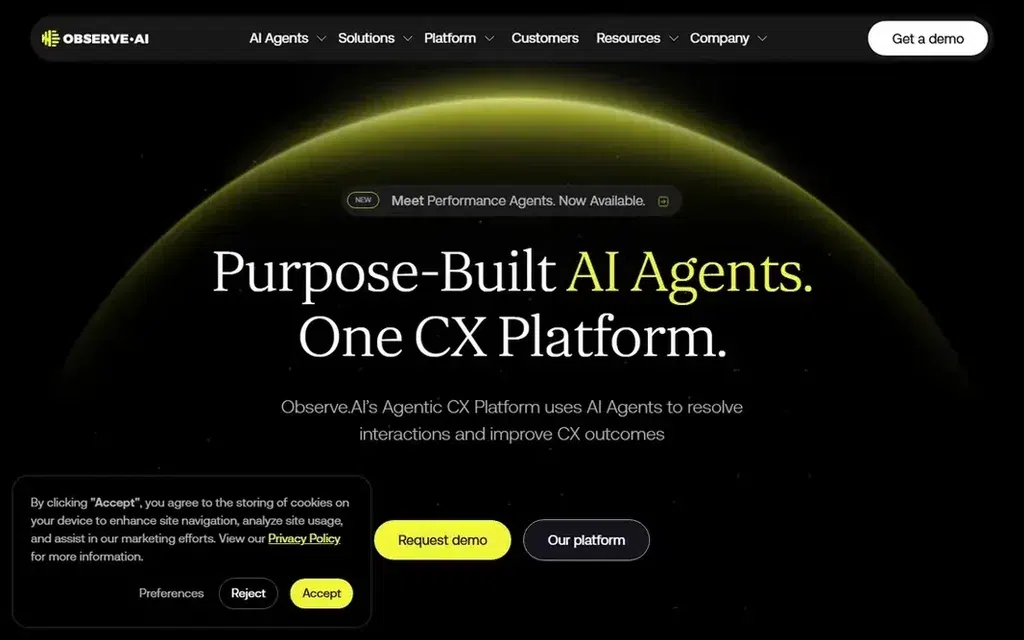
In short, Observe.AI is for AI-powered coaching and QA. The system's breadth means a steeper ramp-up time, and smaller teams may find some features beyond their immediate needs.
It automates customer service with Voice AI, assists frontline teams in live, examines conversations, and boosts QA. Observe.AI shows no starting price here, so confirm the cost on the vendor site. On free options: Not stated.
Where it falls short: Requires integration with existing systems.
- Bundles QA and workflow orchestration
- Merges AI agents with conversation analysis
- May be complicated for small teams
EvaluAgent is aimed squarely at auto-QA and agent coaching. If you need deep live agent assist or AI agents, EvaluAgent may not handle those areas as deeply.
This makes it a solid choice for contact centers prioritizing full QA and agent development. EvaluAgent starts at: $35 per user per month. Free plan details: Not stated.
Limits to weigh: May need configuration for auto-QA.
- Coaching and training features
- Motivation tools for agents
- Focus on QA might overshadow other needs
In short, MaestroQA is for growth data and QA insights. MaestroQA, now associated with Rippit, is described as a growth data product where AI agents read every row and deliver answers where your team works.
From a buyer's view, the homepage centres on growth data instead of dedicated coaching workflows, so it may lack out-of-the-box coaching features. Whereas not exclusively coaching software, it can support QA and performance insights by centralizing data. On cost, MaestroQA starts like this: $1 per GB per month. You can start on MaestroQA without paying.
Where it falls short: Homepage emphasizes growth data over coaching.
- Gives answers where teams work
- Focus on growth data for teams
- May need integration for full coaching
How the list was put together
LinkVetted looked at what each vendor publishes: pricing, plan limits, feature coverage for call center coaching software and stated drawbacks. No hands-on testing is claimed. Where a vendor does not publish a price, the entry says quote. Where a price depends on seats or billing term, the entry says so. The sequence is a judgement call: typical use case first, then pricing transparency, then free access. Use the profiles to check fit.
What to confirm before you sign up
- Ask Scorebuddy and Observe.AI for a written quote, since no starting price is shown.
- Look at the free plan from MaestroQA closely: its caps decide whether it is usable for real work.
- Take the trial from Scorebuddy and Klaus and push a live task through it before you pay.
- Read the limits listed for Scorebuddy first: may need training for full use.
- Ask Scorebuddy about contract length, onboarding fees and user minimums before you sign.
- A short pilot of MaestroQA with your real workflow tells you more than a feature table.
FAQ
Is Scorebuddy the right pick for everyone comparing call center coaching software?
No single tool suits every team. Scorebuddy comes first because it fits AI-driven QA and CX intelligence, while Klaus suits Zendesk-integrated QA and Observe.AI suits AI-powered coaching and QA. Match the tool to your own size, budget and workflow before deciding.
How are the tools for call center coaching software ordered?
The order follows typical fit for call center coaching software, with Scorebuddy first and MaestroQA last, then price clarity and free access. It is editorial judgement, not a score, so another team could rank the tools differently.
Do these tools publish their prices?
Not all of them. Scorebuddy and Observe.AI publish no starting price, so expect a quote request for those. The rest, Klaus included, show a starting price, though seats and billing terms still change the final cost.
Can coaching software connect with my existing systems?
Plenty of coaching tools plug into widely used contact center products like Zendesk, Salesforce, and others. It is important to verify compatibility with your specific systems before choosing.
What is the cheapest option for call center coaching software in this list?
On published monthly entry prices, MaestroQA is the lowest here at $1 per GB per month. Entry price is only part of the cost, because seats, add-ons and billing terms can change the total.
What is call center coaching software?
Call center coaching software helps managers and trainers boost agent performance through quality assurance, feedback, and training tools. It frequently contains features like call recording analysis, scoring, and personalized coaching plans.
Sources
- https://www.scorebuddyqa.com
- https://www.klausapp.com
- https://www.observe.ai
- https://www.evaluagent.com
- https://www.maestroqa.com