Best CAD Software for Hobbyist in 2026: 9 Tools Compared
Compare the best cad software for hobbyist makers in 2026, with nine top free and paid tools for 3D printing, woodworking, modeling, and design projects.
- Editor's choice
 FreeCAD
Free parametric modeling
Starts atFreeVisit freecad.orgFull review - Great alternative
 Autodesk Fusion
Serious hobby CAD and CAM
Starts atFreeVisit autodesk.comFull review - Also consider
 Tinkercad
Absolute beginners
Starts atFreeVisit tinkercad.comFull review
TL;DR:
- FreeCAD and Tinkercad are the best free starts, with FreeCAD for real parametric work and Tinkercad for first models.
- Fusion 360 personal use is the closest a hobbyist gets to professional CAD and CAM, with a 10 document limit on the free tier.
- SketchUp Free and Onshape Free are strong browser options, with the catch that free designs are not private in Onshape.
- Shapr3D suits iPad modeling, while Blender and OpenSCAD suit organic shapes and code based modeling.
- Pick by output: parametric parts for printing, mesh for art, or drawings for woodworking and CNC.
Quick comparison
| Tool | Best for | Starts at | Free plan? | |
|---|---|---|---|---|
| FreeCAD | Free parametric modeling | Free | Yes | Visit |
| Autodesk Fusion | Serious hobby CAD and CAM | Free | Yes | Visit |
| Tinkercad | Absolute beginners | Free | Yes | Visit |
 SketchUp Free | Fast concept modeling in a browser | Free | Yes | Visit |
 Onshape Free | Cloud CAD with collaboration | Free | Yes | Visit |
 Shapr3D | iPad and tablet modeling | Free | Yes | Visit |
 Blender | Organic shapes and sculpting | Free | Yes | Visit |
 OpenSCAD | Code based modeling | Free | Yes | Visit |
 SelfCAD | All in one design to print | See website | Yes | Visit |
The best cad software for hobbyist
Hobbyist CAD covers many jobs: a bracket for a 3D printer, a box for a woodworking project, a model for a game, or a part for a CNC machine. We compared tools on price, learning curve, parametric versus direct modeling, file exports for printing and machining, and limits on free tiers.
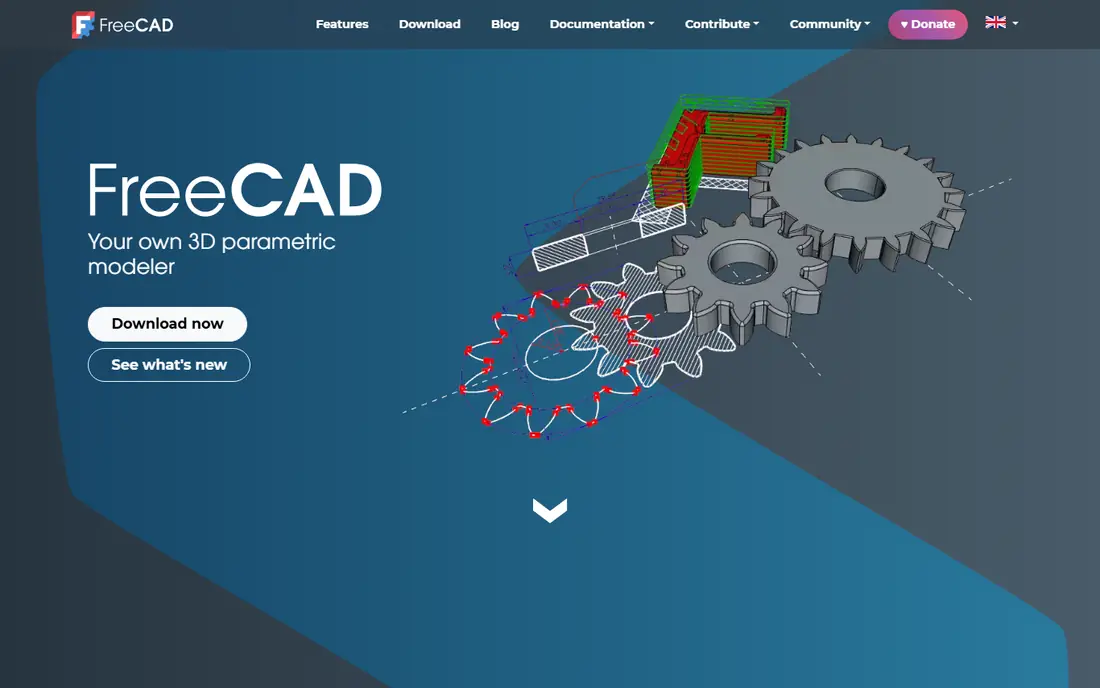
FreeCAD is our pick for a hobbyist who wants real CAD for free, with no licence worries. It builds parametric solids, so you can change a dimension later and the model updates, and it exports STEP for machining and STL for 3D printing. Version 1.0 added a built in Assembly workbench and fixed many older stability issues.
The learning curve is the catch. Tools are split across workbenches, each with its own toolbar, and beginners may feel lost at first. If you are willing to learn the basics, FreeCAD covers most hobby mechanical work for free, and your files stay yours with no document limit.
- Free and open source
- Real parametric solids
- STEP and STL export
- Runs on Windows, Mac, and Linux
- Steeper learning curve
- Interface is split across workbenches
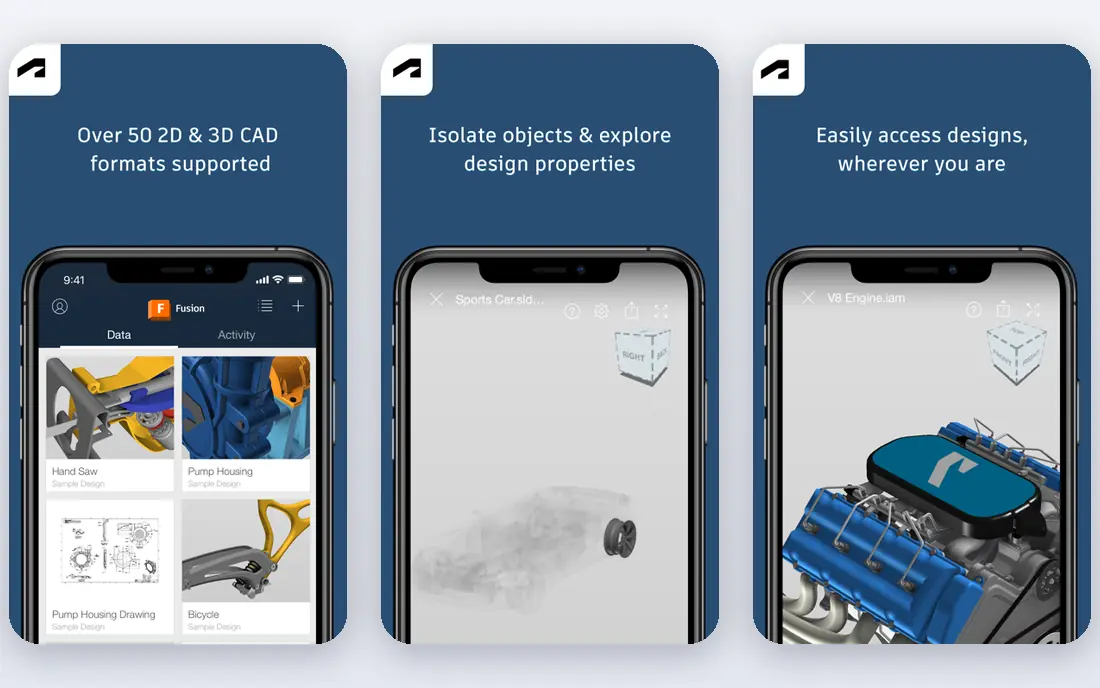
Autodesk Fusion is the closest a hobbyist gets to professional CAD. The personal use licence is free for non commercial work, with CAD, CAM, and simulation in one cloud platform. For a maker who also runs a CNC machine, the integrated CAM alone can justify learning Fusion, since few free tools match it.
The free tier limits matter: 10 active documents, limited CAM options, and limited electronics features in guides. Paid plans are cited at $680 per year. Fusion suits a serious hobbyist who will use CAM, assemblies, and simulation, and who accepts cloud files and a licence that can change.
- CAD, CAM, simulation, and electronics in one tool
- Strong tutorials
- Good for CNC work
- Personal use tier limits to 10 active documents
- Cloud based files
- Paid plan is $680 per year in guides
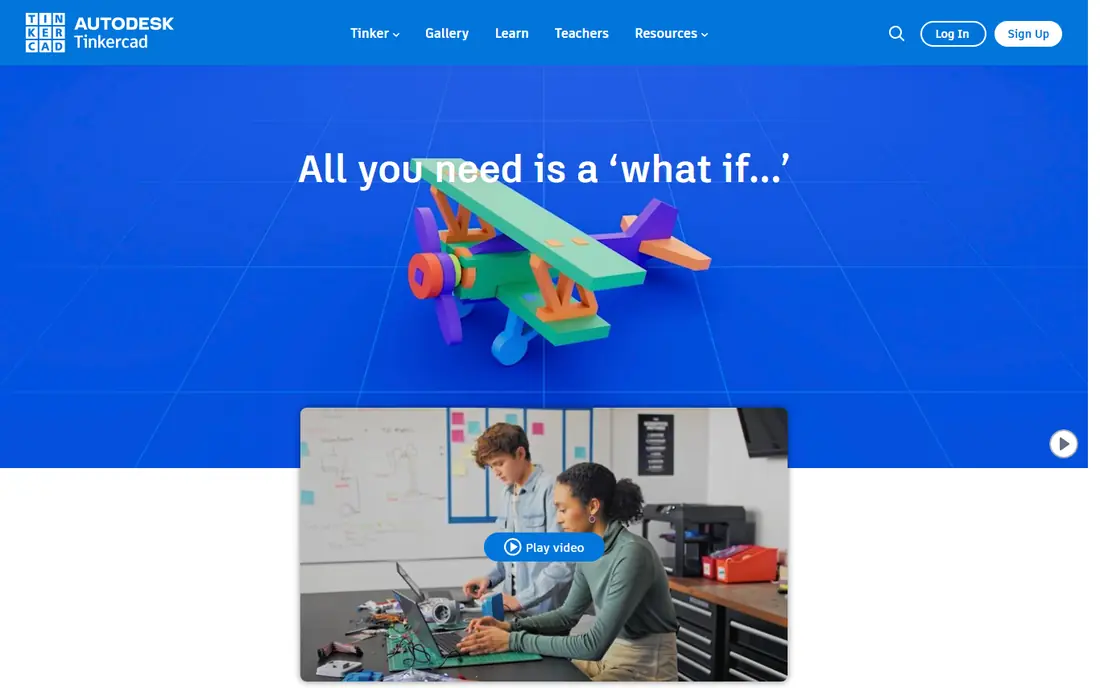
Tinkercad is the best first CAD tool for a beginner, a student, or a hobbyist who just wants to print something today. It runs in a browser, uses simple shapes that you combine and cut, and exports STL files for a 3D printer with almost no setup. A first model can take minutes, not days.
It is not a parametric CAD tool, so precise mechanical parts with changing dimensions will quickly outgrow it. Treat Tinkercad as a starting point and a teaching tool. When you need sketches, constraints, and exact dimensions, move to FreeCAD or Fusion.
- Free and browser based
- Very easy to learn
- Instant STL export for printing
- Too simple for precise mechanical parts
- Limited parametric control
SketchUp Free suits a hobbyist who thinks in shapes and spaces, such as a woodworker planning a cabinet or a maker planning a room layout. Push pull modeling is fast and intuitive: draw a shape, pull it into 3D, and adjust. The 3D Warehouse offers ready made models to learn from or build around.
The free web version has fewer tools than paid SketchUp, and it is not a full parametric mechanical CAD tool. Paid plans start around $129 per year in guides. For quick concepts, furniture, and layout work, SketchUp Free is one of the fastest free options.
- Fast push pull modeling
- Browser based free version
- Large 3D Warehouse model library
- Free version is web only with fewer tools
- Paid plans start around $129 per year in guides
Onshape Free gives a hobbyist real cloud parametric CAD with no install, running in any modern browser. It includes built in version control and data management, so you can branch a design, share it, and track changes without extra software. That makes it good for a club, a class, or a team project.
The catch is privacy: free documents are public, so do not use the free tier for a design you want to keep private. Paid tiers are expensive for a hobbyist, cited around $1,500 per user per year. Onshape Free fits a hobbyist who values cloud collaboration and does not mind public documents.
- Full cloud parametric CAD in a browser
- Built in version control
- Easy sharing and collaboration
- Free documents are public
- Paid tiers start around $1,500 per user per year in guides
Shapr3D is the standout for modeling on an iPad with an Apple Pencil. Direct modeling feels natural with touch and pen, and the interface stays clean compared with a desktop CAD tool. You can sketch, extrude, and refine a part on a tablet, then export it for printing or machining.
The free Basic plan limits you to 2 designs, which is enough to test the workflow but not to run many projects. Pro is cited at $299 per year. Shapr3D suits a hobbyist who models away from a desk, or who prefers a tablet workflow, and who will pay if the free design limit becomes a problem.
- Direct modeling with Apple Pencil on iPad
- Clean interface
- Exports for printing and machining
- Free Basic plan limits to 2 designs
- Pro is $299 per year in guides
Blender is free, open source, and unmatched in this list for organic shapes, sculpting, and art. A hobbyist making figurines, cosplay props, terrain, or decorative models will find tools that parametric CAD tools lack. The tutorial community is huge, and STL export for printing is straightforward.
Blender is not parametric CAD, so a bracket that needs exact holes and changing dimensions is harder to manage than in FreeCAD or Fusion. Use Blender for art and organic forms, and a parametric tool for functional mechanical parts. Many makers use both, depending on the project.
- Free and open source
- Powerful sculpting and mesh tools
- Huge tutorial community
- Not parametric CAD
- Mesh output needs care for precise mechanical parts
OpenSCAD suits a hobbyist who likes to model with code. You write a script that defines shapes, sizes, and relationships, then render the result. Changing a parameter in code can produce a whole family of parts, such as boxes in different sizes, without redrawing each one.
There is no click and drag modeling, so a visual thinker may find it slow at first. OpenSCAD fits programmers, makers who reuse parametric designs, and anyone who wants version controlled model files. For a one off organic shape, Blender or Tinkercad will be faster.
- Free and open source
- Models defined in code
- Easy to make parametric variants
- No interactive modeling
- Preview and render workflow takes getting used to
SelfCAD aims to take a hobbyist from design to 3D print in one tool, combining modeling, sculpting, and slicing. That single workflow appeals to a beginner or a student who does not want to learn three separate apps just to print a model. Guides describe a free plan for students and hobbyists, with paid tiers above it.
It is not as deep as FreeCAD or Fusion for precise mechanical design, and pricing details should be confirmed on the vendor page, hence See website here. SelfCAD fits a hobbyist whose main goal is printing, and who wants one simple path from idea to printer.
- Design, sculpting, and slicing in one tool
- Free plan for students and hobbyists in guides
- Simple workflow
- Less deep than FreeCAD or Fusion for mechanical work
- Pricing should be confirmed on the vendor page
How we picked these
We compared 2026 hobbyist CAD guides, vendor pricing and free tier pages, and fit for 3D printing, woodworking, and CNC work. We kept tools that a hobbyist can start free or at low cost, and we noted free tier limits such as document counts and public documents, since those shape long term use. We did not claim hands on testing, and paid prices should be confirmed on vendor pages.
How to choose CAD software as a hobbyist
Start with what you will make. For functional printed parts, choose a parametric tool such as FreeCAD or Fusion, so dimensions can change later. For art and organic models, choose Blender. For quick concepts and woodworking layouts, SketchUp Free is fast. For code driven variants, OpenSCAD is a natural fit.
Next, check the free tier limits that will affect you. Count active documents, check whether free designs are public, and see whether CAM, assemblies, or exports are limited. A free tool that fits your first project but blocks your tenth is not the right long term choice.
Finally, think about learning time. A tool with good tutorials and a community that answers beginner questions will get you further than a powerful tool you abandon. Start with one tool, finish three small projects in it, and only then judge whether you need to switch or upgrade.
FAQ
What is the best free CAD software for a hobbyist?
FreeCAD is the best free parametric CAD tool for most hobbyists, with no cost and no document limit. Tinkercad is best for absolute beginners, and Blender is best for organic art. The right free tool depends on whether you need precise parts or artistic models.
Is Fusion 360 still free for hobbyists?
Yes, Autodesk offers a personal use licence free for non commercial work, with limits including 10 active documents and reduced CAM and electronics features in guides. Paid plans are cited at $680 per year for full commercial use.
Can I use CAD software on a Chromebook or in a browser?
Yes, with browser tools. Tinkercad, SketchUp Free, and Onshape run in a browser, so they work on a Chromebook. FreeCAD, Fusion desktop, and Blender need a Windows, Mac, or Linux install, though Fusion also has browser access on some plans.
What file format should I use for 3D printing?
STL is the most common format for 3D printing, and most tools here export it. STEP is better for machining and for sharing precise mechanical models, since it keeps solid geometry rather than just a mesh.
Do I need to pay for CAD as a hobbyist?
Not necessarily. Most hobbyists never need to pay, since FreeCAD, Blender, OpenSCAD, and Tinkercad are fully free, and Fusion, SketchUp, Onshape, and Shapr3D offer free tiers. Pay when a free limit, such as document count or CAM depth, blocks real work.
Which CAD tool is best for woodworking?
SketchUp is popular for woodworking layouts and furniture concepts, thanks to fast push pull modeling. FreeCAD and Fusion also work well for precise parts, joinery, and CNC cut lists, especially when exact dimensions matter.