Best CAD and PLM Software in 2026: 8 Tools Compared
Compare the best cad & plm software for CAD-linked product data, BOM control, change management and release workflows, with pricing notes and honest trade-offs.

- Editor's choice
 Siemens Teamcenter
Large engineering teams
Starts atSee websiteVisit siemens.comFull review - Great alternative
 PTC Windchill
Creo-centered teams
Starts atSee websiteVisit ptc.comFull review - Also consider
 Dassault ENOVIA
Large teams on 3DEXPERIENCE
Starts atSee websiteVisit 3ds.comFull review
TL;DR:
- Siemens Teamcenter is our pick for large engineering teams that need deep CAD integration and governed change control.
- Arena PLM and Propel suit mid-size teams that want cloud PLM with BOM and change workflows without a heavy enterprise rollout.
- OpenBOM is the low-cost starting point for small teams that mainly need cloud BOM and collaboration.
- CAD integration matters more than generic document storage, so test your actual CAD files and change process in a trial.
Quick comparison
| Tool | Best for | Starts at | Free plan? | |
|---|---|---|---|---|
| Siemens Teamcenter | Large engineering teams | See website | No | Visit |
| PTC Windchill | Creo-centered teams | See website | No | Visit |
| Dassault ENOVIA | Large teams on 3DEXPERIENCE | See website | No | Visit |
 Arena PLM | Cloud PLM plus quality | See website | No | Visit |
 Aras Innovator | Flexible low-code PLM | See website | No | Visit |
 Autodesk Fusion Manage | Autodesk-based teams | See website | No | Visit |
 Propel | Salesforce-native PLM | See website | No | Visit |
 OpenBOM | Small teams and startups | $25 per month | Yes | Visit |
The best cad and plm software
CAD and PLM software links design files to the product record, so a bill of materials, a revision and a change order all refer to the same product. That link is what separates PLM from a shared drive. We compared official vendor pages, category listings and public reviews to build this list, focusing on CAD integration, BOM control and change management.
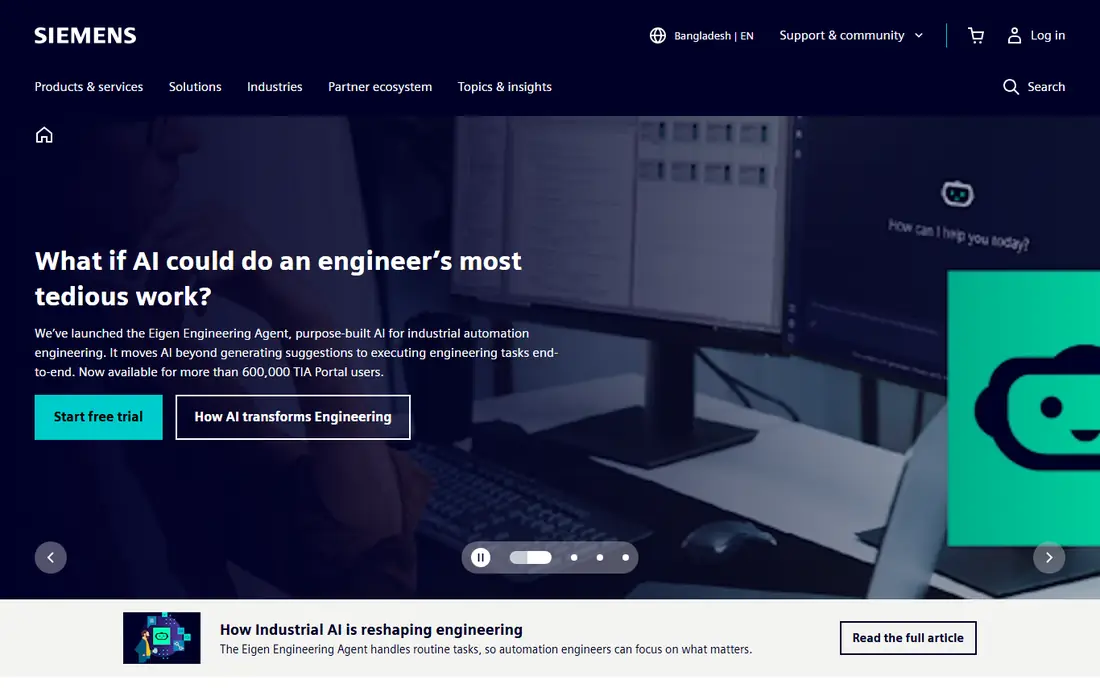
Siemens Teamcenter is the reference PLM platform for large manufacturers, and its strength is breadth. It manages product data, BOMs, documents, requirements and engineering change across the full product life, with links to many CAD tools. For a large team with complex products and variants, that central product record prevents the version confusion that spreadsheets and shared drives create.
The catch is effort. Teamcenter is an enterprise system, so pricing is quote only and rollout needs planning, configuration and training. Smaller teams may find it heavier than they need. Choose Teamcenter when your products are complex, your CAD mix is broad and governed change control is a business requirement, not a nice extra.
- Deep multi-CAD integration
- Strong BOM, change and configuration management
- Broad industry use
- Pricing is quote only
- Deployment and training take real effort
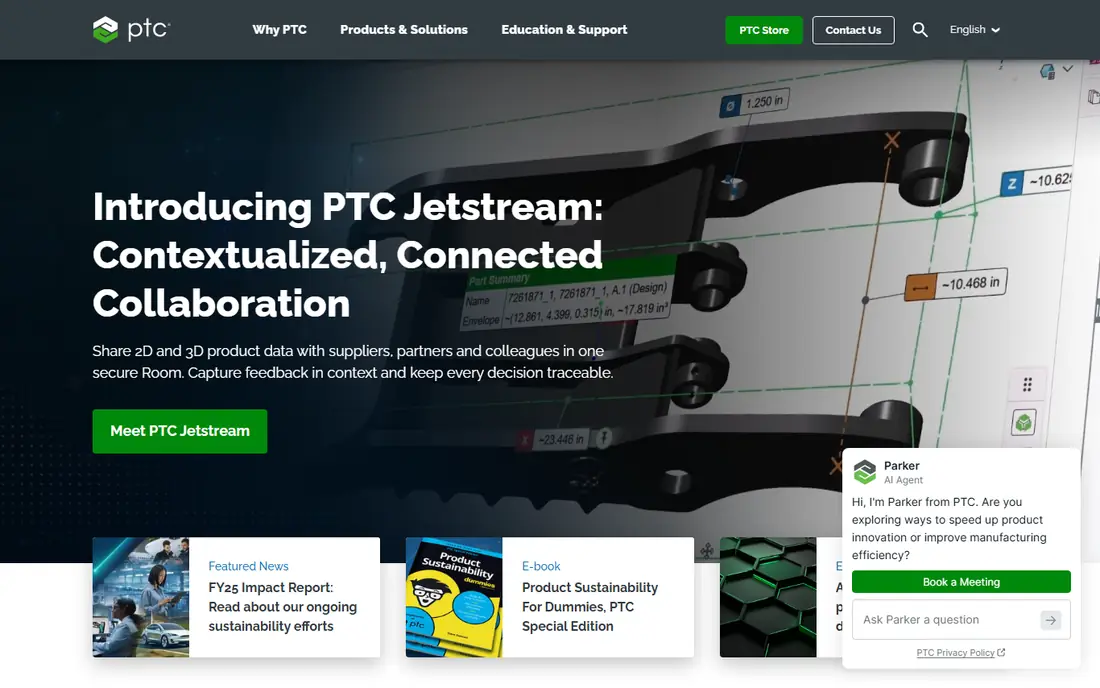
PTC Windchill is a CAD-centered PLM platform that fits teams already using PTC Creo for design. It keeps CAD files, BOMs and change records linked, so a design change flows through to the product structure and related documents. Its digital thread approach also helps teams connect design, manufacturing and service data over time.
The trade-off is ecosystem fit. Windchill works with other CAD tools, but its smoothest path is with Creo, so teams on a different CAD system should test integration carefully. Pricing is quote only, and implementation needs planning. Pick Windchill when Creo is your main CAD tool and you want PLM that treats the CAD model as the center of the product record.
- Strong CAD-centered PLM with Creo links
- BOM and change management
- Digital thread focus
- Pricing is quote only
- Best value comes with PTC tools

Dassault ENOVIA, part of the 3DEXPERIENCE platform, governs product records, engineering change and release across large engineering teams. Its strength is keeping CAD-linked data synchronized with change workflows, so released designs, BOMs and related documents stay consistent. For teams already using Dassault design tools, that link is a clear advantage.
The downside is scale. ENOVIA is an enterprise platform with quote-only pricing and a learning curve that suits larger organizations better than small teams. A small product team will likely find a lighter cloud PLM faster to adopt. Choose ENOVIA when you need strict governance across a large engineering organization and your design work already sits in the Dassault ecosystem.
- Tightly governed change and release workflows
- CAD-linked product records
- Strong fit with Dassault design tools
- Pricing is quote only
- Platform complexity suits larger teams
Arena PLM, now part of PTC, combines product lifecycle management with quality management in a cloud platform. That combination suits electronics and medical device teams that need BOM control, change management and quality processes in one system. Supplier-shared change orders are a practical strength, since suppliers can review and respond to changes without a separate email chain.
The limit is enterprise scale. Arena is strong for mid-market teams, but the very largest manufacturers may need Teamcenter or Windchill for deeper configuration and multi-site complexity. Pricing is quote only. Pick Arena when you want cloud PLM plus quality in one product, with a faster rollout than a traditional enterprise PLM.
- Cloud-native PLM with BOM control
- Quality management included
- Supplier-shared change orders
- Pricing is quote only
- Less depth for the largest enterprise programs
Aras Innovator is a low-code PLM platform that lets engineering teams model their own product data, workflows and change processes rather than accepting a fixed template. That flexibility suits organizations with unusual product structures, legacy systems or complex approval rules. Its API and integration options also help teams connect PLM to ERP and other business systems.
The catch is that flexibility is work. A low-code platform still needs someone to design and maintain the data model, and a poorly designed model will cause as many problems as a rigid one. Pricing is quote only. Choose Aras when your product process does not fit a standard PLM template and you have the technical skill to configure it well.
- Low-code, model-driven configuration
- Works with many CAD and ERP systems
- Flexible change workflows
- Pricing is quote only
- Flexibility needs skilled configuration
Autodesk Fusion Manage is a cloud PLM product that covers BOM management, change processes and supplier collaboration, with a natural fit for teams using Autodesk design tools. Its configurable workflows let teams set up approval and release steps without a heavy on-premise install, which suits mid-size engineering groups moving to the cloud.
The drawback is market depth. Fusion Manage is less widely used than Teamcenter or Windchill, so check integrations and community support for your specific CAD and ERP mix. Pricing is quote only. Pick it when your design work sits in Autodesk tools and you want cloud PLM with practical BOM and change control.
- Cloud PLM with configurable workflows
- Good fit for Autodesk design users
- BOM and change management
- Pricing is quote only
- Less widely adopted than the largest PLM platforms
Propel is a PLM platform built on Salesforce, which makes it a strong choice for product teams already running Salesforce for sales and service. It covers BOM management, change orders and product data in a familiar Salesforce interface, so teams do not need to learn a separate enterprise system from scratch. Task tracking and collaboration are straightforward for Salesforce users.
The limit is ecosystem dependence. If your company does not use Salesforce, Propel loses much of its advantage, and pricing is quote only. Test how it handles your CAD files and BOM imports before committing. Choose Propel when Salesforce is already central to your business and you want PLM that lives in the same system.
- Built on Salesforce
- Clear BOM and change tracking
- Good for teams already using Salesforce
- Pricing is quote only
- Value depends on Salesforce adoption
OpenBOM is the lightest and cheapest option on this list, and that is its appeal. It focuses on cloud BOM management, parts catalogs and collaboration, which is exactly what many small hardware teams need before they are ready for full PLM. A free plan lets you test BOM imports and sharing with a real product before paying.
The trade-off is depth. OpenBOM will not match Teamcenter or Windchill on governed change workflows, requirements management or quality processes. For a startup or small team, that may not matter yet. Pick OpenBOM when your main pain is scattered BOM data and messy collaboration, and you want a low-cost cloud tool you can adopt this week.
- Low published starting price
- Cloud BOM management and collaboration
- Free plan for testing
- Less full PLM depth than enterprise platforms
- Change and quality features are lighter
How we picked these
We compared official vendor pages and category listings, and we kept only tools that link CAD data to product records, BOMs and change workflows. We did not include generic document tools or pure CAD editors, since those do not provide PLM control. We wrote See website where pricing was not published, and we included a low-cost option so small teams have a realistic starting point.
What to check before you buy
Start with your CAD files and your change process. List the CAD tools your team uses, how BOMs are built today, and who must approve a change before release. A PLM tool that cannot read your CAD structures or mirror your approval steps will create manual work, no matter how good its marketing looks. Test imports with a real product, not a vendor sample.
Next, check ERP and supplier links. PLM value grows when BOMs, parts and changes flow to manufacturing and suppliers without retyping. Ask how the tool connects to your ERP, how suppliers review change orders, and how revisions are controlled once a product ships. Also confirm user roles, audit trails and data migration from your current files.
Finally, price the rollout, not just the license. Enterprise PLM often needs configuration, training and data cleanup, and those costs can exceed the first-year license fee. Compare two tools on the same product and the same change scenario, and ask each vendor for a written implementation estimate. Choose the platform your engineers will actually keep current, since a PLM system with stale data is worse than no system at all.
FAQ
What is the best cad plm software?
The best cad plm software depends on your CAD tools and team size. Siemens Teamcenter leads for large multi-CAD teams, PTC Windchill fits Creo users, and Dassault ENOVIA fits 3DEXPERIENCE users. Arena PLM, Propel and OpenBOM are better starting points for mid-size and small teams.
What is the difference between CAD software and PLM software?
CAD software creates and edits design models, while PLM software manages the product record built around those models, including BOMs, revisions, documents and change orders. CAD answers what the product looks like, and PLM answers which version is released, what changed and who approved it. Most engineering teams need both.
How much does CAD PLM software cost?
Most enterprise PLM tools on this list are quote only, so pricing depends on users, modules and implementation. OpenBOM is the exception here, with a published starting price of $25 per month and a free plan. Always ask for a full quote that includes implementation and training.
Can small teams use PLM software?
Yes, if you choose a light tool such as OpenBOM or a cloud PLM such as Arena or Propel. Small teams should start with BOM control and change tracking, then add quality or requirements features later. Avoid buying an enterprise platform before your product and team complexity justify it.
What CAD integrations should I check?
Check that the PLM tool reads your CAD file formats, keeps BOM structures in sync, and tracks revisions when a model changes. Also check how it handles assemblies, parts libraries and supplier files. A trial with your own CAD data is the fastest way to confirm fit.