Choosing Business Preparation Software in 2026: 5 Options Compared
Weighing the best business preparation software? We lined up 5 products by cost, free access and fit. Where a tool struggles is spelled out. Updated for 2026.
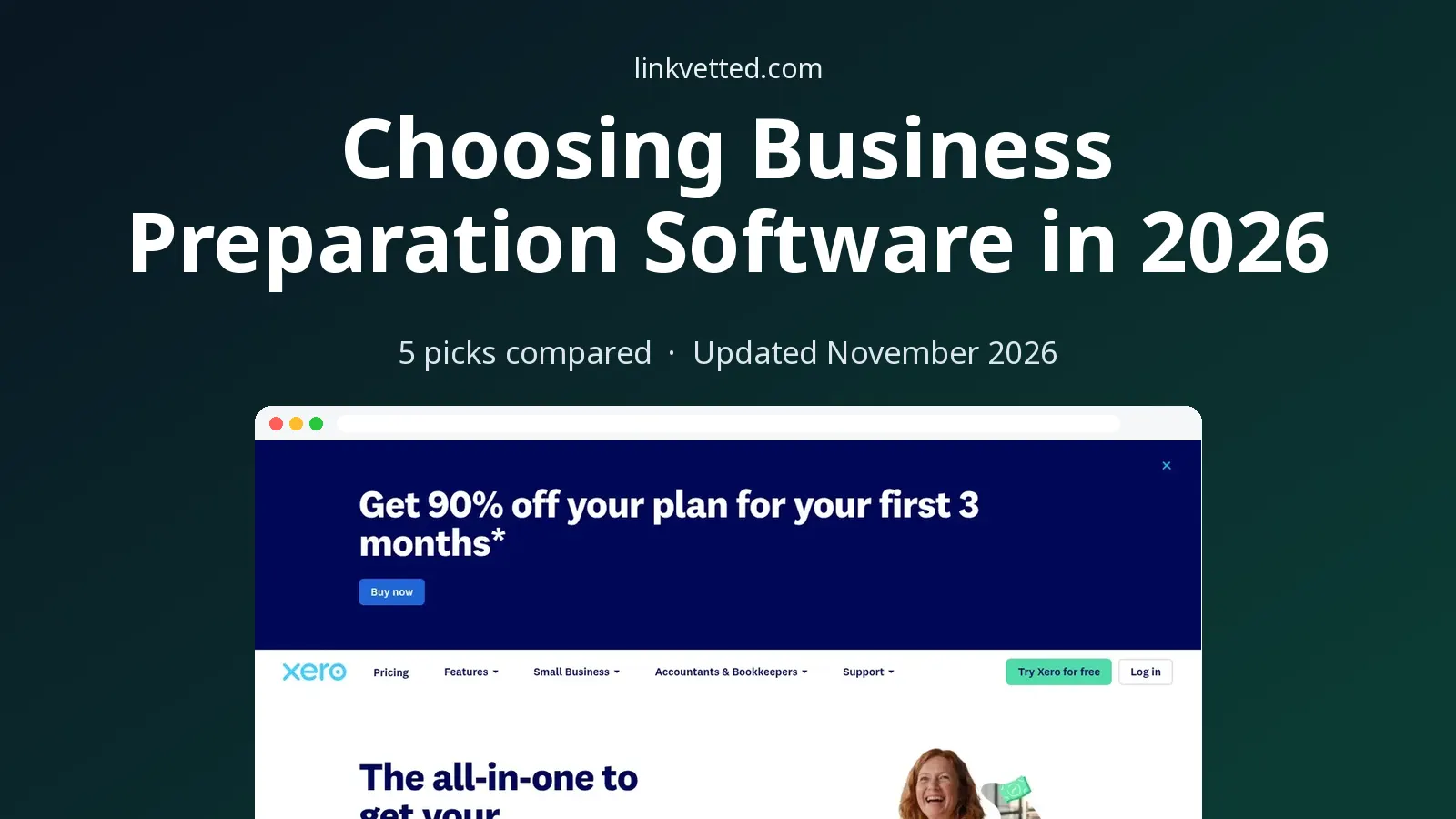
- Editor's choice
 Xero
Bank connectivity and accountant collaboration
Starts at$7 per monthVisit xero.comFull review - Great alternativeBill.com
Accounts payable and receivable automation
Starts at$49 per user a monthVisit bill.comFull review - Also consider
 QuickBooks Online
Full small business accounting
Starts at$11.40 per monthVisit quickbooks.intuit.comFull review
Direct answer
If you need bank connectivity and accountant collaboration, Xero is the first tool to look at here. Listed starting prices: Xero from $7 per month, Bill.com from $49 per user a month and QuickBooks Online from $11.40 per month. If your case is different, Bill.com suits accounts payable and receivable automation and QuickBooks Online suits thorough small business accounting. All 5 tools are compared below on price, free plan and limits.
TL;DR:
- The list opens with Xero, aimed at bank connectivity and accountant collaboration.
- One limit worth knowing about Xero: restricted features in lower levels.
- FreshBooks suits service-based companies and freelancers.
- Xero is the lowest-priced starter here at $7 per month.
Last checked November 2026. Prices and plan details were read from the vendors' own pages in November 2026; vendors change plans often, so confirm the current price on the vendor site before you buy.
Quick comparison
| Tool | Best for | Starts at | Free plan? | |
|---|---|---|---|---|
| Xero | Bank connectivity and accountant collaboration | $7 per month | Free trial | Visit |
| Bill.com | Accounts payable and receivable automation | $49 per user a month | Yes | Visit |
| QuickBooks Online | Full small business accounting | $11.40 per month | Free trial | Visit |
 Wave | Freelancers and micro firms | $19 a month | Yes | Visit |
 FreshBooks | Service-based companies and freelancers | $23.00 a month | Free trial | Visit |
5 options for business preparation software in detail
LinkVetted compared 5 tools for business preparation software. The goal is a practical shortlist: published prices, free plan facts, best-fit use cases and honest limits for every entry.

Xero is a good fit for bank connectivity and accountant collaboration. If you need advanced inventory or manufacturing features, consider other choices. In daily use, Xero's feature set may be less full than some competitors, notably in areas like inventory management.
What to check first: No built-in payroll in some regions.
Pricing can also be a consideration for firms on tight budgets. As for the details, Xero is a cloud-based accounting software that links small firms to their bank, accountant, and bookkeeper. It gives you live financial data and supports invoicing, expense tracking, and bank reconciliation. On cost, Xero starts like this: $7 per month. Free plan details: Free trial.
- Very good bank feeds
- Clean interface
- Restricted features in lower levels
Bill.com
Best for: Accounts payable and receivable automation
Pick Bill.com if this describes you: accounts payable and receivable automation. If you need entry-level bookkeeping, a more straightforward tool may be more appropriate. It allows businesses to build and pay bills, run expenses, control budgets, and access credit.
Drawbacks to consider: Pricing may be high for small businesses.
In practice, bill.com is geared toward companies with more complicated financial operations, and its pricing may be steep for smaller companies. It is not a full accounting system, so it is commonly used alongside accounting software. On cost, Bill.com starts like this: $49 per user per month. A free plan is available with Bill.com.
- Budget controls
- Expense management
- Ramp-up time for new users

QuickBooks Online is a good fit for thorough small business accounting. QuickBooks Online is a cloud-based accounting option aimed at small firms. It provides tools for invoicing, expense tracking, bank reconciliation, and financial reporting.
Limits to weigh: Some features need extras.
Whereas QuickBooks Online is feature-rich, it may be overkill for very small firms or those with straightforward needs. If you primarily need entry-level invoicing, a more straightforward tool might suffice. Worth adding: the ramp-up time can be steep for users without accounting experience. The system is noted for its approachable interface and broad integration choices, making it a widely used choice for companies that require a full-featured accounting system. QuickBooks Online starts at: $11.40 per month. Free options: Free trial.
- Simple setup
- Wide range of features
- Can be complicated for beginners
Wave was built for freelancers and micro companies. Some services, for example payroll, are not available everywhere. Wave offers a suite of money management tools for small firms, including invoicing, online payments, and accounting.
It is designed to be approachable and accessible, making it a solid fit for freelancers and very small firms that require entry-level financial management without complexity. Wave's features are more restricted compared with full accounting systems, and it may not support complicated business needs like inventory or advanced reporting. Wave cost at the entry level: $19 per month. You can start on Wave without paying.
Where it falls short: Restricted feature set.
- Simple invoicing
- Online payments
- No payroll in all regions
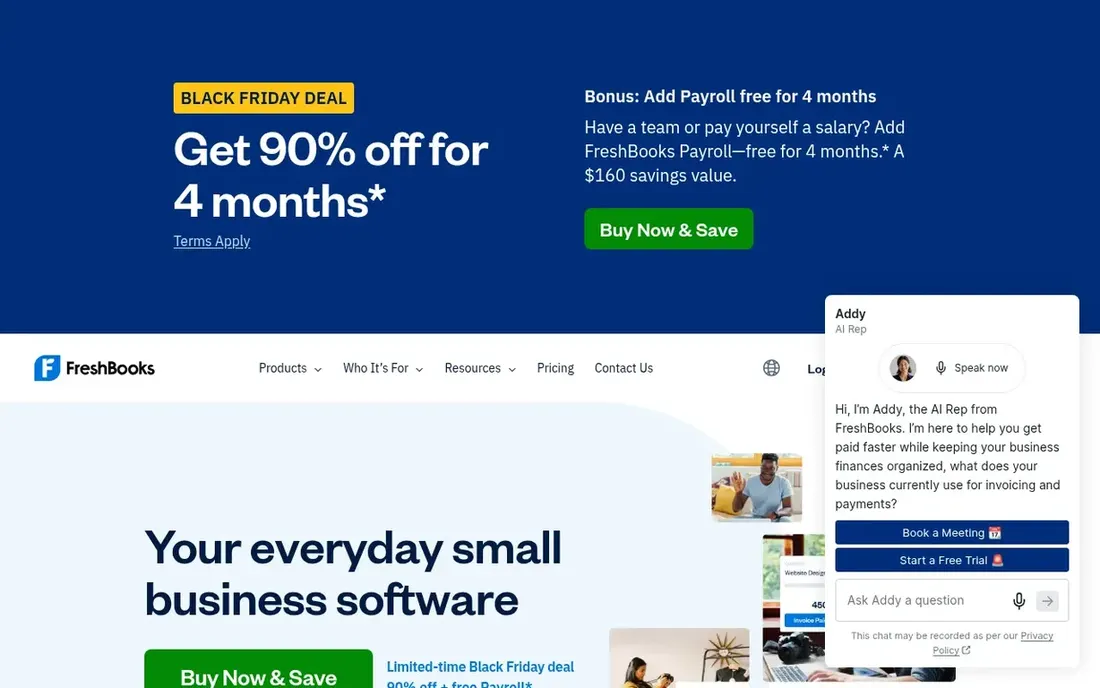
FreshBooks makes the most sense for service-based companies and freelancers. If you run a product-based business, you might outgrow FreshBooks rapidly. In practice, FreshBooks may not be well suited to firms that require solid inventory management or advanced accounting features.
It also has a smaller integration ecosystem compared with some bigger systems. It excels at invoicing, time tracking, and expense management, allowing users to send invoices, track billable hours, and handle receipts. Its easy-to-learn interface makes it accessible for users without accounting backgrounds. FreshBooks starts at: $23.00 per month. Free options: Free trial.
Honest limits: Fewer integrations than some rivals.
- Time tracking
- Simple invoicing
- Restricted features for product firms
How we compared the tools
Selection started from tools commonly considered for business preparation software, then narrowed to 5 that have clear pricing information or a clear quote process. Treat prices as a snapshot: vendors change plans often, so check the vendor site for the figure that applies today. Tools are placed by general fit for business preparation software, with price clarity and free access as tie-breakers. A different team can reasonably rank them differently.
What to confirm before you sign up
- Check the vendor page for the current price: Xero starts at $7 per month here, and seats or billing terms can move it.
- Read the fine print on the free plans from Bill.com and Wave; seat, project and feature caps differ.
- Run a trial of Xero, QuickBooks Online and FreshBooks with real work before paying for a year; your own workflow is the best test.
- Before choosing Xero, weigh its main limit: restricted features in lower tiers.
- See whether Bill.com offers onboarding or training, and whether it is included in the price.
- Ask QuickBooks Online about contract length, onboarding fees and user minimums before you sign.
FAQ
Can I try these options before paying?
Often, yes. Bill.com and Wave have a free plan and Xero, QuickBooks Online and FreshBooks offer a free trial. Use your own data and a real task during the test, and check what the free tier or trial limits before you rely on it.
How do I choose the right business preparation software?
Assess your business needs, for example invoicing, expense management, or full accounting. Consider factors like simplicity, integration with other tools, scalability, and support. Reading vendor documentation and comparing features can guide your choice.
Do these tools publish their prices?
Yes. Every tool from Xero to FreshBooks shows a starting price, though seats, add-ons and billing terms still change the final cost.
How are the tools for business preparation software ordered?
Xero sits first and FreshBooks last because the order follows typical fit for business preparation software, then price clarity and free access. It is a judgement call, so read each profile for fit and limits.
Is Xero the right pick for everyone comparing business preparation software?
No single tool suits every team. Xero comes first because it fits bank connectivity and accountant collaboration, while Bill.com suits accounts payable and receivable automation and QuickBooks Online suits comprehensive small business accounting. Match the tool to your own size, budget and workflow before deciding.
Are these tools suitable for freelancers?
Yes, tools like FreshBooks and Wave are designed with freelancers and micro companies in mind. They offer essential invoicing and expense tracking features without unnecessary complexity.
Sources
- https://www.xero.com
- https://www.bill.com
- https://quickbooks.intuit.com
- https://www.waveapps.com
- https://www.freshbooks.com