8 Best Business Plan Software Tools for Founders in 2026
We compared the best business plan software for founders on financials, templates, and exports, so you can build a lender-ready plan faster in 2026. now
- Editor's choice
 LivePlan
Founders seeking loans or investor funding
Starts atSee websiteVisit liveplan.comFull review - Great alternative
 Upmetrics
First-time founders who want guided help
Starts atSee websiteVisit upmetrics.coFull review - Also consider
 Bizplan
Founders who prefer visual, drag-and-drop planning
Starts atSee websiteVisit bizplan.comFull review
TL;DR:
- LivePlan suits founders who need lender-ready financials and a large sample plan library.
- Upmetrics offers strong value for first-time founders who want guided writing plus AI help at a lower price.
- Bizplan and IdeaBuddy suit early-stage founders who want visual planning and idea validation before detailed forecasts.
- PlanGuru fits firms that need deeper financial modeling, while Enloop suits fast, automated financial drafts.
- Cuttles and VentureKit help early teams start free or cheap, but check export and financial depth before you commit.
Quick comparison
| Tool | Best for | Starts at | Free plan? | |
|---|---|---|---|---|
| LivePlan | Founders seeking loans or investor funding | See website | No | Visit |
| Upmetrics | First-time founders who want guided help | See website | No | Visit |
| Bizplan | Founders who prefer visual, drag-and-drop planning | See website | No | Visit |
 IdeaBuddy | Early-stage founders testing an idea | See website | Yes | Visit |
 Enloop | Founders who want fast automated financials | See website | No | Visit |
 PlanGuru | Firms needing detailed financial modeling | See website | No | Visit |
 Cuttles | Early-stage teams who want a visual plan canvas | See website | Yes | Visit |
 VentureKit | Founders who want a fast AI-generated first draft | See website | Yes | Visit |
The best business plan software for founders

LivePlan is the most established name here, and its financial tools show why. Enter revenue, costs, and hiring assumptions, and the tool builds profit and loss, cash flow, and balance sheet statements that lenders recognize. Sample plans across industries help you see structure before you write.
The AI writing helper can draft sections, but you should still rewrite in your own voice with real numbers. LivePlan also offers plan versus actual tracking on higher tiers, which helps after funding. If funding is the goal, the extra cost is often worth it.
- Full three-statement financials, large sample plan library, pitch and dashboard tools
- No free tier, higher price than budget tools, some plans need time to learn
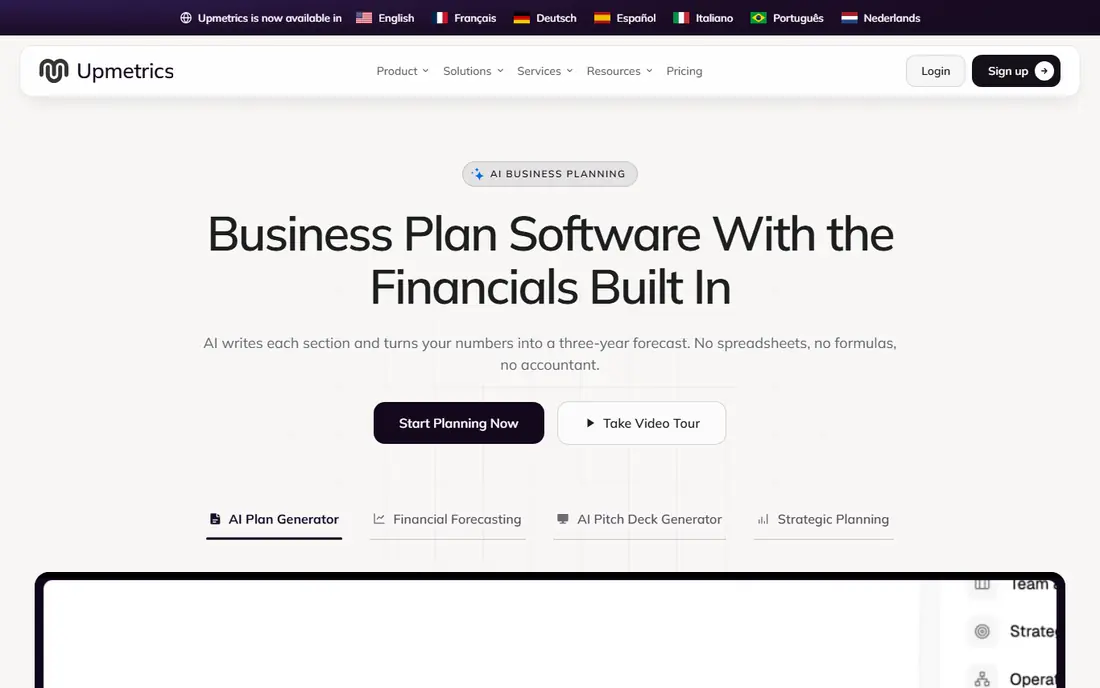
Upmetrics walks you through each section with prompts and examples, which helps if you have never written a plan. Templates cover many industries, and the AI tools can turn rough notes into readable drafts. A pitch deck builder is a useful bonus for investor meetings.
Financial forecasts are guided rather than full FP and A modeling, so complex firms may outgrow it. For a first plan, a loan application for a small business, or a startup pitch, that guided approach saves time and reduces blank-page stress.
- Step-by-step guidance, templates, AI writing help, pitch deck builder
- Financial depth is lighter than LivePlan or PlanGuru, some features sit on higher tiers

Bizplan turns planning into a visual roadmap. Drag sections into place, track progress, and see milestones as you go. That layout suits founders who think in steps rather than long documents, and it keeps a team aligned on what is done.
The trade-off is depth. If a lender wants detailed monthly forecasts and scenario work, you may need to add spreadsheets or a second tool. For lean plans, internal roadmaps, and early investor decks, Bizplan is clear and easy to use.
- Visual builder, progress tracking, startup resources through its network
- Financial forecasting is less deep than LivePlan, monthly price is higher than some rivals
IdeaBuddy starts before the formal plan. You map the idea, test assumptions, check competitors, and build a simple financial sketch. That early validation helps you drop weak ideas before you spend weeks on a full document.
Once the idea proves sound, you can move to a fuller plan in IdeaBuddy or export your work to a deeper tool. Founders who need bank-grade statements from day one should start elsewhere. For idea-stage work, the free tier is a low-risk start.
- Idea validation tools, visual canvas, free tier to start
- Financial tools are basic, not ideal for complex funding plans
Enloop focuses on numbers. Enter basic business details and assumptions, and it generates financial forecasts with ratios that lenders often ask about. That automation helps founders who know their business but dread spreadsheet building.
Writing guidance is simpler than LivePlan or Upmetrics, so narrative sections need more of your own work. If your main gap is financials, Enloop fills it well. If you need heavy coaching on market and strategy sections, pair it with another guide.
- Auto-generated financial statements, ratio analysis, simple writing flow
- Template and design options are limited, less pitch support than rivals
PlanGuru is a financial planning tool first, and a business plan tool second. It supports multi-year forecasts, budgets, scenario work, and valuation calculations that accountants and advisors value. Reporting options are far deeper than most plan builders.
That depth comes with complexity. A solo founder writing a first plan may find the setup slow. For established firms, franchises, or advisors who build plans for clients, PlanGuru offers control that simpler tools cannot match.
- Deep forecasting, budgeting, valuation tools, detailed reporting
- Higher price, steeper learning curve, overkill for a simple startup plan
Cuttles presents planning as a canvas you can see at a glance. Team members can work on market, product, and finance blocks together, which helps small founding teams stay aligned. The guided flow keeps early plans from turning into long, unfocused documents.
For a loan or a large raise, you will likely need stronger financial statements elsewhere. Cuttles is best as a starting point, a team alignment tool, or a classroom and accelerator aid. Its free tier makes that trial easy.
- Visual startup canvas, guided templates, free tier for basic planning
- Financial depth is limited, smaller sample library than LivePlan
VentureKit aims for speed. Answer questions about your business, and it drafts a full plan outline with text you can edit. That first draft helps founders who stall on a blank page, and it gives a structure to react to.
Treat the draft as a starting point, not a final plan. Check every market claim, price, and forecast, since AI text can sound confident without local evidence. With careful editing, VentureKit can cut days from the first version.
- Fast AI plan drafts, simple onboarding, free start
- Drafts need heavy editing, financial detail is lighter than established tools
How we picked these
We compared official feature pages, pricing pages, app store listings, privacy policies, and public reviews. We kept tools that are sold today, that build a full business plan or a clear financial forecast, and that serve US founders and small firms. We favored guided writing, financial quality, templates, and exports, and we left out generic document tools and one-page canvas apps with no financials. We did not claim hands-on testing.
How to choose the right plan tool
Match the tool to the reader
A bank wants clear financials, assumptions, and repayment logic. An investor wants market size, traction, and a credible growth story. An internal team wants milestones and owners. Write for that reader first, then pick a tool that supports that emphasis.
Test the financials with real numbers
Enter your actual rent, payroll, and supplier costs, not round guesses. Check cash flow month by month, since a profitable year can still run out of cash in a slow quarter. A tool that hides monthly cash flow is a warning sign for funding plans.
Plan for life after the document
A plan should live past the loan meeting. Look for plan versus actual tracking, easy updates, and clean PDF or Word exports. If you cannot update the plan in an hour each month, it will sit unused while the business moves on.
Keep your assumptions in one place
Save your market research, pricing notes, and cost quotes in the same folder as your plan file. When a lender asks where a number came from, you can answer in minutes instead of searching old emails. That habit also makes monthly updates faster, since you only change the inputs that moved.
FAQ
What is the best business plan app for beginners?
Upmetrics and IdeaBuddy are strong for beginners because they guide each section and offer templates. LivePlan is also beginner-friendly, with deeper financials, if funding is your main goal. Start with a trial and test the financial section first.
Can I write a business plan for free?
Yes, IdeaBuddy, Cuttles, and VentureKit offer free tiers for basic planning. Free tiers may limit exports or financial depth, so check those limits before you rely on them for a loan. Paid tools add stronger financials and support.
How long does it take to write a plan with software?
A simple plan can take a weekend with templates and rough numbers. A lender-ready plan with researched market data and monthly forecasts often takes two to four weeks. Software speeds formatting, but research and honest numbers still take time.
Do banks accept plans from these tools?
Banks accept plans in standard formats with clear financials, regardless of tool. LivePlan, PlanGuru, and Enloop are often cited for lender-style statements, but the numbers and assumptions matter more than the brand. Ask your lender about format needs early.
Should I use AI to write my business plan?
AI can draft sections and suggest structure, but you must verify market claims, costs, and forecasts. Lenders and investors spot generic text fast. Use AI for a first draft, then rewrite with your own data, customers, and local market facts.
Sources
https://www.liveplan.com https://upmetrics.co https://www.bizplan.com https://www.ideabuddy.com https://www.enloop.com https://www.planguru.com https://www.cuttles.com https://www.venturekit.com