Best Business Phone Software for Schools (2026): 5 Picks Checked on Vendor Pages
Need the best business phone software for schools? We compare 5 tools on cost, free access and who each suits. The catches are listed up front. No hype.
- Editor's choice
 Dialpad
AI-assisted call handling and insights
Starts at$15 per user a monthVisit dialpad.comFull review - Great alternativeVonage Business Communications
Adaptable voice, messaging and API needs
Starts atSee websiteVisit vonage.comFull review - Also considerRingCentral MVP
Cloud voice with AI assistant features
Starts at$52 per monthVisit ringcentral.comFull review
Direct answer
Dialpad leads the list, best for AI-assisted call handling and insights. Listed starting prices: Dialpad from $15 per user a month, RingCentral MVP from $52 per month and Nextiva from $15 per user per month. Vonage Business Communications fits adaptable voice, messaging and API needs; RingCentral MVP fits cloud voice with AI assistant features. Prices, free plans and limits for all 5 tools follow.
TL;DR:
- This list starts with Dialpad, which is built for AI-assisted call handling and insights.
- The main caution on RingCentral MVP: feature depth may exceed small school needs.
- For unified phone and customer experience, Nextiva is worth a look.
- None of the 5 tools, from Dialpad to Nextiva, has a free plan, so budget for a subscription or use a trial.
Last checked November 2026. Prices and plan details were read from the vendors' own pages in November 2026; vendors change plans often, so confirm the current price on the vendor site before you buy.
Quick comparison
| Tool | Best for | Starts at | Free plan? | |
|---|---|---|---|---|
| Dialpad | AI-assisted call handling and insights | $15 per user a month | Free trial | Visit |
| Vonage Business Communications | Adaptable voice, messaging and API needs | See website | Not stated | Visit |
| RingCentral MVP | Cloud voice with AI assistant features | $52 per month | Free trial | Visit |
 Microsoft Teams Phone | Schools already using Microsoft Teams | See website | Not stated | Visit |
 Nextiva | Unified phone and customer experience | $15 per user per month | No | Visit |
Every option for business phone software for schools explained
Choosing business phone software for schools usually comes down to price, fit and limits. This LinkVetted guide sets 5 tools side by side on those three points, with the facts kept short and checkable.
Where Dialpad fits: AI-assisted call handling and insights. Consider a more straightforward phone system if the goal is dependable calling without extra analytics overhead. Beyond that, schools with modest call volume may not need the intelligence layer.
On top of that, Dialpad brings AI agents, contact center, sales and business communications together, turning conversations into intelligence. Beyond that, much of the product is oriented toward sales and service teams, which may not match a school's communication patterns. Price to start with Dialpad: $15 per user per month. Free options: Free trial.
Points against: Contact center tools can add complexity.
- AI agents and contact center tools
- Business communications in one system
- AI emphasis may not fit all schools
Vonage Business Communications
Best for: Adaptable voice, messaging and API needs
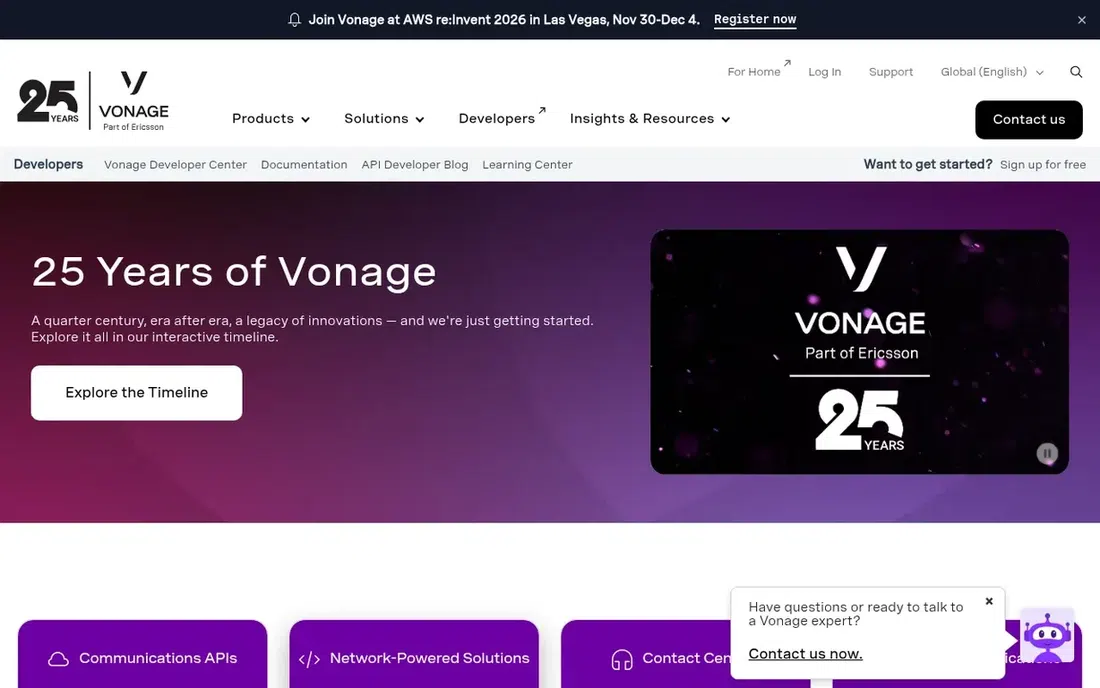
Choose Vonage Business Communications for adaptable voice, messaging and API needs. Evaluate which capabilities you will genuinely use before committing to a broader communications stack. More specifically, for schools, that adaptability can include office phones, parent messaging and custom notification workflows.
What to check first: Breadth can complicate straightforward setups.
Vonage Business Communications provides voice, messaging, video and data capabilities across unified communications, contact centers and communications APIs. The product's range is bigger than an usual school office needs, and API-driven work needs in-house or partner expertise. Vonage Business Communications does not show a starting price in this comparison, so check the vendor site for current pricing. Free plan details: Not stated.
- Unified Communications and contact center scope
- Voice
- API choices need technical staff
RingCentral MVP
Best for: Cloud voice with AI assistant features
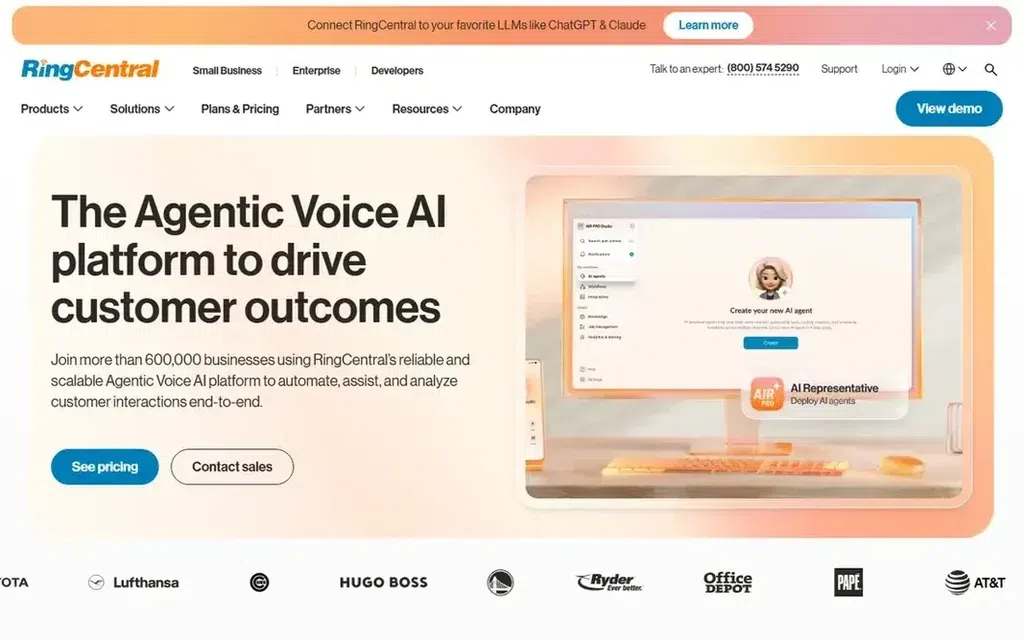
RingCentral MVP is designed for cloud voice with AI assistant features. Since it is cloud based, call quality relies on network readiness.
RingCentral MVP is a cloud business phone platform built around voice plus AI tools like an AI Receptionist, AI Virtual Assistant and AI Conversation Expert. Entry price for RingCentral MVP: $52 per month. As for free access: Free trial.
Limits to weigh: Needs dependable internet connectivity.
- Cloud voice with AI receptionist tools
- Wide unified communications scope
- Feature depth may exceed small school needs
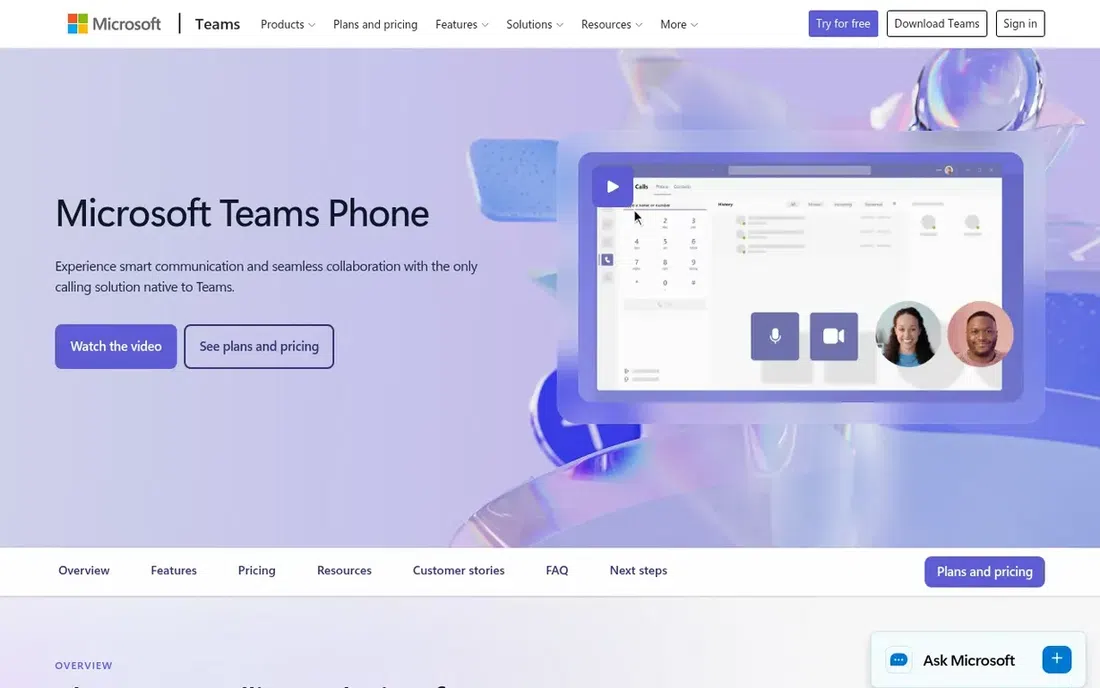
Microsoft Teams Phone makes the most sense for schools already using Microsoft Teams. Microsoft Teams Phone is a cloud phone system that lets staff make Teams calls and dial external numbers from within Teams.
Honest limits: Value relies on existing Microsoft setup.
In daily use, for schools already using Microsoft collaboration tools, it consolidates calling with chat and meetings in one place. Its usefulness depends heavily on how much the school already depends on Microsoft tools, and connecting to external phone lines needs planning with a provider. Microsoft Teams Phone shows no starting price here, so confirm the cost on the vendor site. Free access: Not stated.
- Calls inside the Teams interface
- Dial external numbers from Teams
- PSTN connectivity needs separate planning
Nextiva is aimed squarely at unified phone and customer experience. Nextiva presents itself as an AI customer experience management system combining business phone, contact center, AI receptionist and unified CX. In practice, if your priority is entry-level classroom and office calling, a leaner system may be simpler to run and support.
Trade-offs to know: Feature breadth takes time to configure.
Best features of Nextiva: AI receptionist included in scope.
Configuration of the broader product takes time. For schools, the AI receptionist and call handling tools suit central office teams managing parent inquiries and routing. Beyond that, the customer experience framing is oriented toward service teams, so some features may go unused in a school setting. Price to start with Nextiva: $15 per user per month. Nextiva does not include a free plan.
- Unified customer experience focus
- Business phone plus contact center
- CX emphasis may exceed school needs
Selection criteria
We compared the tools on published pricing, free plan or trial availability, feature coverage for business phone software for schools, and the limits each vendor documents. Where a vendor does not publish a price, the entry says quote. Where a price depends on seats or billing term, the entry says so. The order reflects how well each tool fits the most common buying scenario for business phone software for schools, then price clarity, then free plan access. It is a starting point, not a verdict.
A buyer's checklist
- Confirm the entry price on the vendor page. For Vonage Business Communications and Microsoft Teams Phone that means a quote rather than a fixed price.
- Use real work to test the free trial from Dialpad and RingCentral MVP, rather than a demo project.
- Read the limits listed for Dialpad first: AI emphasis may not fit all schools.
- See whether RingCentral MVP offers onboarding or training, and whether it is included in the price.
- Add up seats, add-ons and usage charges for Nextiva before comparing it with cheaper entries.
FAQ
What should schools check before buying phone software?
Confirm call routing for offices and classrooms, integration with existing staff tools, support terms and network readiness. Review these details on the vendor site before committing.
How are the tools for business phone software for schools ordered?
Dialpad sits first and Nextiva last because the order follows typical fit for business phone software for schools, then price clarity and free access. It is a judgement call, so read each profile for fit and limits.
Do these tools publish their prices?
Not all of them. Vonage Business Communications and Microsoft Teams Phone publish no starting price, so expect a quote request for those. The rest, Dialpad included, show a starting price, though seats and billing terms still change the final cost. For the full picture, the cards above cover all 5 entries of this business phone software for schools list, including price, free plan and limits.
Is Dialpad the right pick for everyone comparing business phone software for schools?
No single tool suits every team. Dialpad comes first because it fits AI-assisted call handling and insights, while Vonage Business Communications suits flexible voice, messaging and API needs and RingCentral MVP suits cloud voice with AI assistant features. Match the tool to your own size, budget and workflow before deciding.
Can I try these tools before paying?
Often, yes. Dialpad and RingCentral MVP offer a free trial. Use your own data and a real task during the test, and check what the free tier or trial limits before you rely on it. Prices, free plan details and limits for all 5 tools in this business phone software for schools roundup sit on the individual cards above.
Can a school phone system deal with multiple buildings?
Most business phone systems support extensions and routing across locations, though setup differs by vendor. On-premises systems may need extra hardware at each site.
Sources
- https://www.dialpad.com
- https://www.vonage.com/business
- https://www.ringcentral.com
- https://www.microsoft.com/en-us/microsoft-teams/microsoft-teams-phone
- https://www.nextiva.com