Choosing Business Phone Software for Nonprofits in 2026: 6 Options Compared
6 best business phone software for nonprofits, compared on pricing, free plans and best-fit use. Fit and flaws are laid out for each entry. Checked this month.
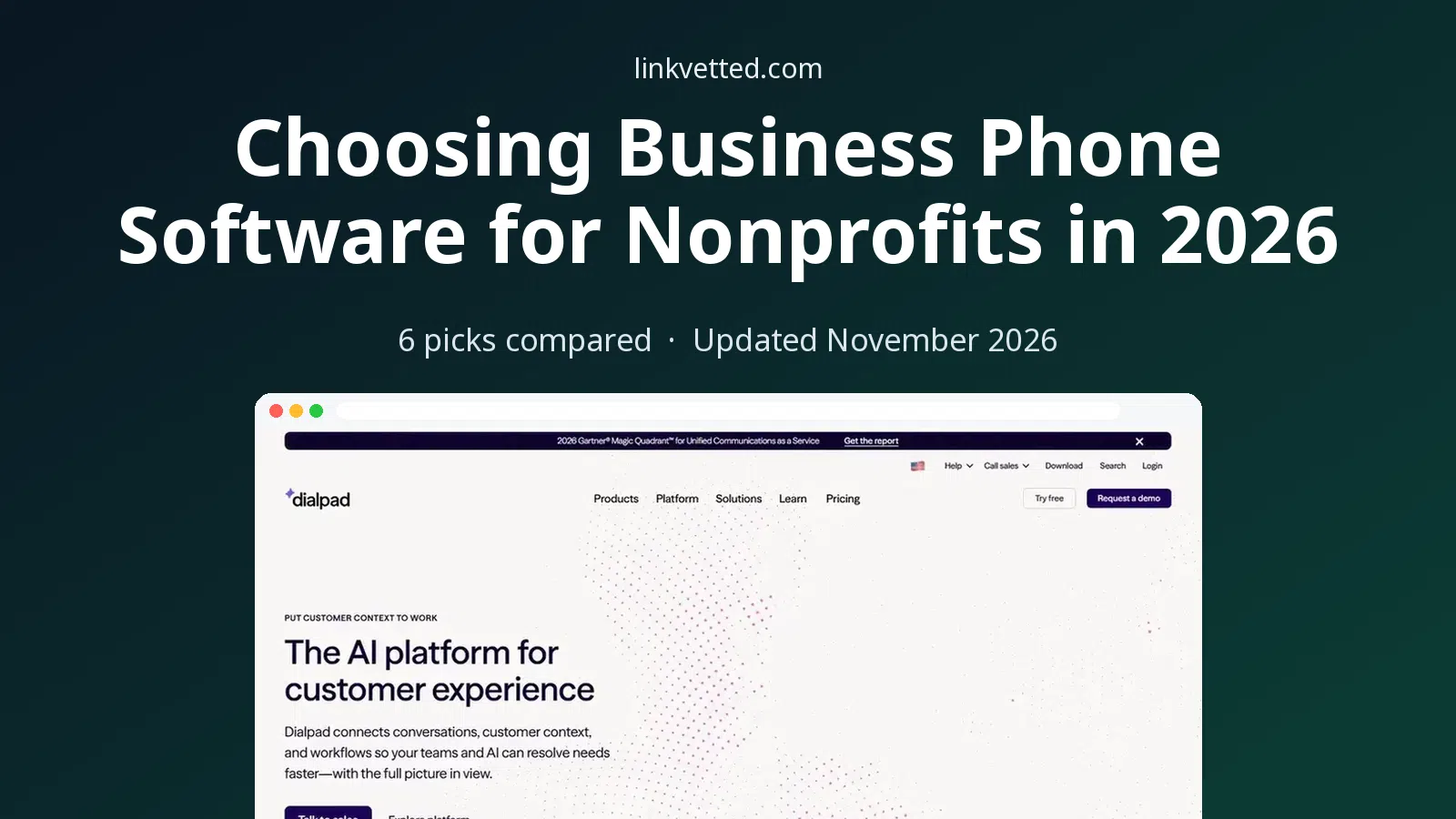
- Editor's choice
 Microsoft Teams Phone
Cloud calling inside the Teams collaboration hub
Starts atSee websiteVisit microsoft.comFull review - Great alternative
 Dialpad
AI conversation intelligence for sales and support
Starts at$15 per user per monthVisit dialpad.comFull review - Also consider
 GoTo Connect
Straightforward business phone and IT support bundle
Starts atSee websiteVisit goto.comFull review
Direct answer
If you need cloud calling inside the Teams collaboration hub, Microsoft Teams Phone is the first tool to look at here. Listed starting prices: Dialpad from $15 per user per month, RingCentral MVP from $52 a month and Nextiva from $15 per user per month. Dialpad is better for AI conversation intelligence for sales and support, and GoTo Connect is better for straightforward business phone and IT support bundle. The other 3 tools in the list cover narrower or pricier cases.
TL;DR:
- This list starts with Microsoft Teams Phone, which is built for cloud calling inside the Teams collaboration hub.
- Vonage Business Communications fits adaptable voice, messaging, and API integrations.
- Dialpad is the lowest-priced starter here at $15 per user per month.
- A fair warning about GoTo Connect: IT support products may be unnecessary for some.
- Neither Microsoft Teams Phone nor Vonage Business Communications, nor any of the other 4 tools, has a permanent free plan; trials and quotes are the norm.
Last checked November 2026. Prices and plan details were read from the vendors' own pages in November 2026; vendors change plans often, so confirm the current price on the vendor site before you buy.
Quick comparison
| Tool | Best for | Starts at | Free plan? | |
|---|---|---|---|---|
| Microsoft Teams Phone | Cloud calling inside the Teams collaboration hub | See website | Not stated | Visit |
| Dialpad | AI conversation intelligence for sales and support | $15 per user per month | Free trial | Visit |
| GoTo Connect | Straightforward business phone and IT support bundle | See website | Not stated | Visit |
| RingCentral MVP | AI-assisted calling for front desk and staff | $52 a month | Free trial | Visit |
 Nextiva | Unified customer experience across phone and contact center | $15 per user per month | No | Visit |
| Vonage Business Communications | Adaptable voice, messaging, and API integrations | See website | Not stated | Visit |
Business Phone Software for Nonprofits profiles
Choosing business phone software for nonprofits usually comes down to price, fit and limits. This LinkVetted guide sets 6 tools side by side on those three points, with the facts kept short and checkable.
Microsoft Teams Phone
Best for: Cloud calling inside the Teams collaboration hub
Microsoft Teams Phone serves cloud calling inside the Teams collaboration hub. The calling experience is tied to the Microsoft ecosystem, which may not suit every nonprofit. In practice, staff can move between chat, meetings, and phone calls without switching applications.
The main drawbacks: Calling features rely on Microsoft ecosystem.
Also, choose Teams Phone when Teams is already your primary collaboration product. Organizations not already standardized on Microsoft Teams may face added complexity or duplication with other phone tools. Microsoft Teams Phone shows no starting price here, so confirm the cost on the vendor site. Free plan details: Not stated.
- Supports external dialing from Teams
- Integrates calling into Microsoft Teams
- Needs Microsoft Teams adoption
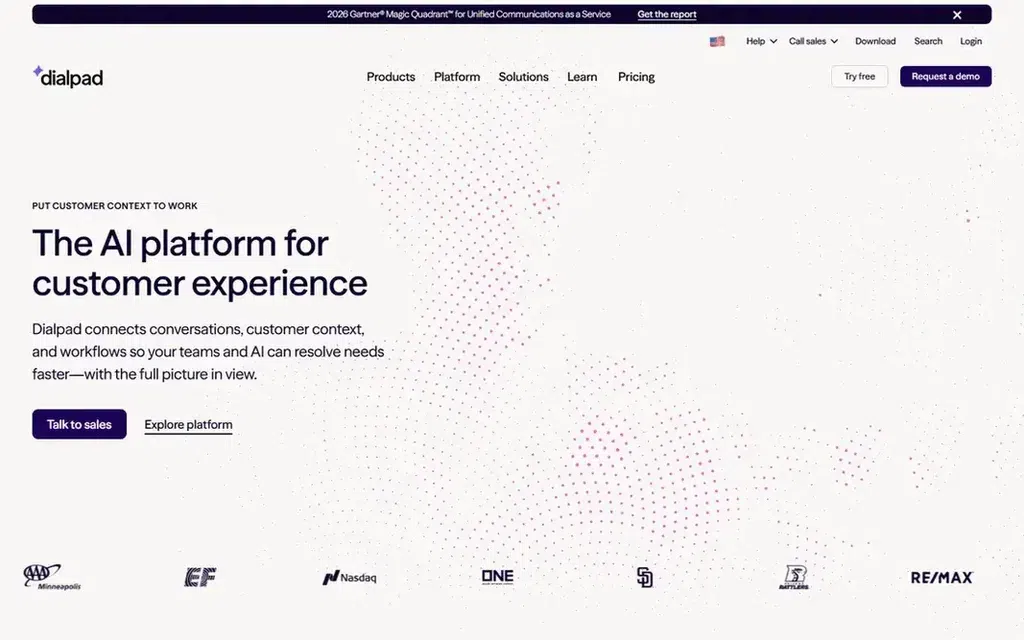
Dialpad is aimed squarely at AI conversation intelligence for sales and support. Teams without dedicated support staff might find the feature set overwhelming.
Drawbacks to consider: AI-heavy approach may not suit all teams.
It is meant to turn customer conversations into intelligence that drives resolution. Dialpad pricing: $15 per user per month. Free access: Free trial.
- Includes sales and business communications
- Centres on turning conversations into intelligence
- May need configuration for nonprofit workflows
Think of GoTo Connect for straightforward business phone and IT support bundle. GoTo Connect is part of a portfolio that bundles business phone systems, contact center, and IT support products.
Where it falls short: Feature set varies by selected components.
As for the details, the modular nature means the experience relies on which products are selected. On top of that, nonprofits that only need calling may find the broader IT support catalog irrelevant. GoTo Connect does not show a starting price in this comparison, so check the vendor site for current pricing. As for free access: Not stated.
- Positioned for firms of all sizes
- Merges business phone with contact center choices
- IT support products may be unnecessary for some
RingCentral MVP
Best for: AI-assisted calling for front desk and staff
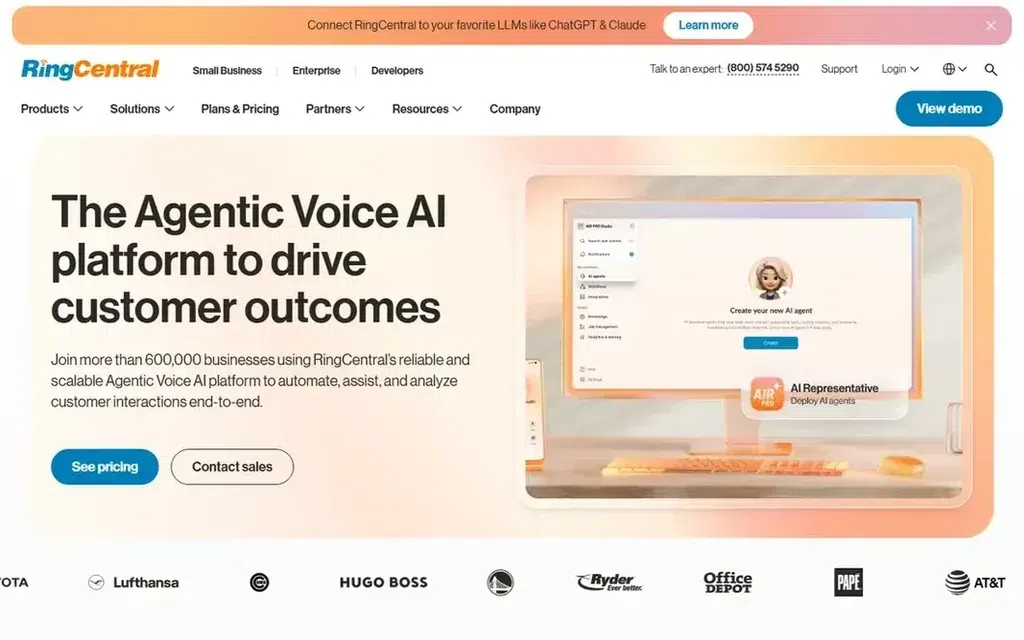
Where RingCentral MVP fits: AI-assisted calling for front desk and staff. Worth adding: consider RingCentral MVP when AI-assisted call handling and an integrated communications suite are priorities.
Smaller nonprofits with restricted IT support may prefer a more straightforward system. The starting price for RingCentral MVP: $52 per month. On free options: Free trial.
Limits to weigh: AI features may add complexity for small teams.
- Comes with AI Receptionist and Virtual Assistant features
- Merges voice with messaging and meetings
- Full platform may be more than entry-level calling needs
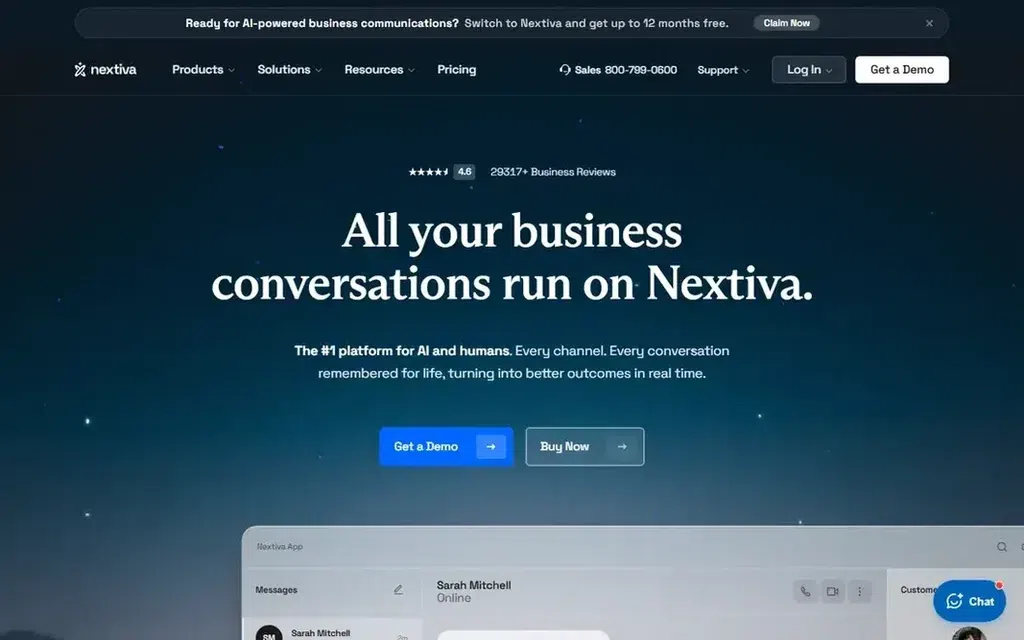
Nextiva is built with unified customer experience across phone and contact center in mind. Nonprofits that chiefly need internal calling may find the customer experience emphasis broader than necessary.
In daily use, the product's depth can also mean a ramp-up time for volunteers or part-time staff. In practice, pick Nextiva when coordinated donor or client communication is central to your operations. Entry price for Nextiva: $15 per user per month. Nextiva has no permanent free option.
Downsides: Feature depth can need training.
- Merges business phone with contact center tools
- Contains AI receptionist capability
- Customer experience focus may exceed entry-level phone needs
Vonage Business Communications
Best for: Adaptable voice, messaging, and API integrations
Vonage Business Communications serves adaptable voice, messaging, and API integrations. Vonage Business Communications supplies adaptable and scalable voice, messaging, video, and data capabilities across unified communications, contact centers, and communications APIs.
More specifically, using the API capabilities may need technical staff or partner support that some nonprofits lack. Vonage Business Communications does not show a starting price in this comparison, so check the vendor site for current pricing. Free plan details: Not stated.
What works well: Bundles communications APIs for custom needs. Where it falls short: Wide portfolio can complicate selection.
- Supplies voice, messaging, video
- Data capabilities
- API choices may need technical resources
How we built this list
Selection started from tools commonly considered for business phone software for nonprofits, then narrowed to 6 that have clear pricing information or a clear quote process. Where a vendor does not publish a price, the entry says quote. Where a price depends on seats or billing term, the entry says so. The ranking is editorial: typical fit first, then clear pricing, then free access. If your needs are unusual, read the profiles rather than relying on position.
Things to verify first
- Ask Microsoft Teams Phone, GoTo Connect and Vonage Business Communications for a written quote, since no starting price is shown.
- Take the trial from Dialpad and RingCentral MVP and push a live task through it before you pay.
- Before choosing Microsoft Teams Phone, weigh its main limit: needs Microsoft Teams adoption.
- Pick one real project and run it in RingCentral MVP first; a small pilot shows fit faster than a checklist.
- Test the integrations you rely on with GoTo Connect before committing; some connectors sit on upper tiers.
FAQ
Can nonprofits use AI receptionist features effectively?
AI receptionist features can help route calls and answer typical questions, which is handy for nonprofits with restricted front desk staff. Test how the AI deals with your usual inquiries before relying on it.
How do contact center features help nonprofit phone systems?
Contact center tools can organize inbound calls, track conversations, and support teams handling donor or client inquiries. Smaller organizations may not need the added complexity.
Is Microsoft Teams Phone a good fit for nonprofits already using Teams?
If your nonprofit already depends on Microsoft Teams for chat and meetings, adding Teams Phone keeps calling in the same interface. This can reduce training and ease workflows. Confirm that external dialing and call handling features meet your needs.
How are the tools for business phone software for nonprofits ordered?
Microsoft Teams Phone sits first and Vonage Business Communications last because the order follows typical fit for business phone software for nonprofits, then price clarity and free access. It is a judgement call, so read each profile for fit and limits.
Does any tool for business phone software for nonprofits here have a free plan?
No tool in this list, Microsoft Teams Phone and Vonage Business Communications included, has a permanent free plan. Dialpad, RingCentral MVP offer a trial. Trials and quotes are the usual route, so plan a short evaluation period. Prices, free plan details and limits for all 6 tools in this business phone software for nonprofits roundup sit on the individual cards above.
Do these tools publish their prices?
Not all of them. Microsoft Teams Phone, GoTo Connect and Vonage Business Communications publish no starting price, so expect a quote request for those. The rest, Dialpad included, show a starting price, though seats and billing terms still change the final cost.
Sources
- https://www.microsoft.com/en-us/microsoft-teams/microsoft-teams-phone
- https://www.dialpad.com
- https://www.goto.com
- https://www.ringcentral.com
- https://www.nextiva.com
- https://www.vonage.com