Best CRM Software for Nonprofits in 2026: 8 Tools Compared
Best CRM software for nonprofits compared for 2026: 8 donor CRMs for fundraising, retention and grants, with pricing, free plans and honest limits in detail.
- Editor's choice
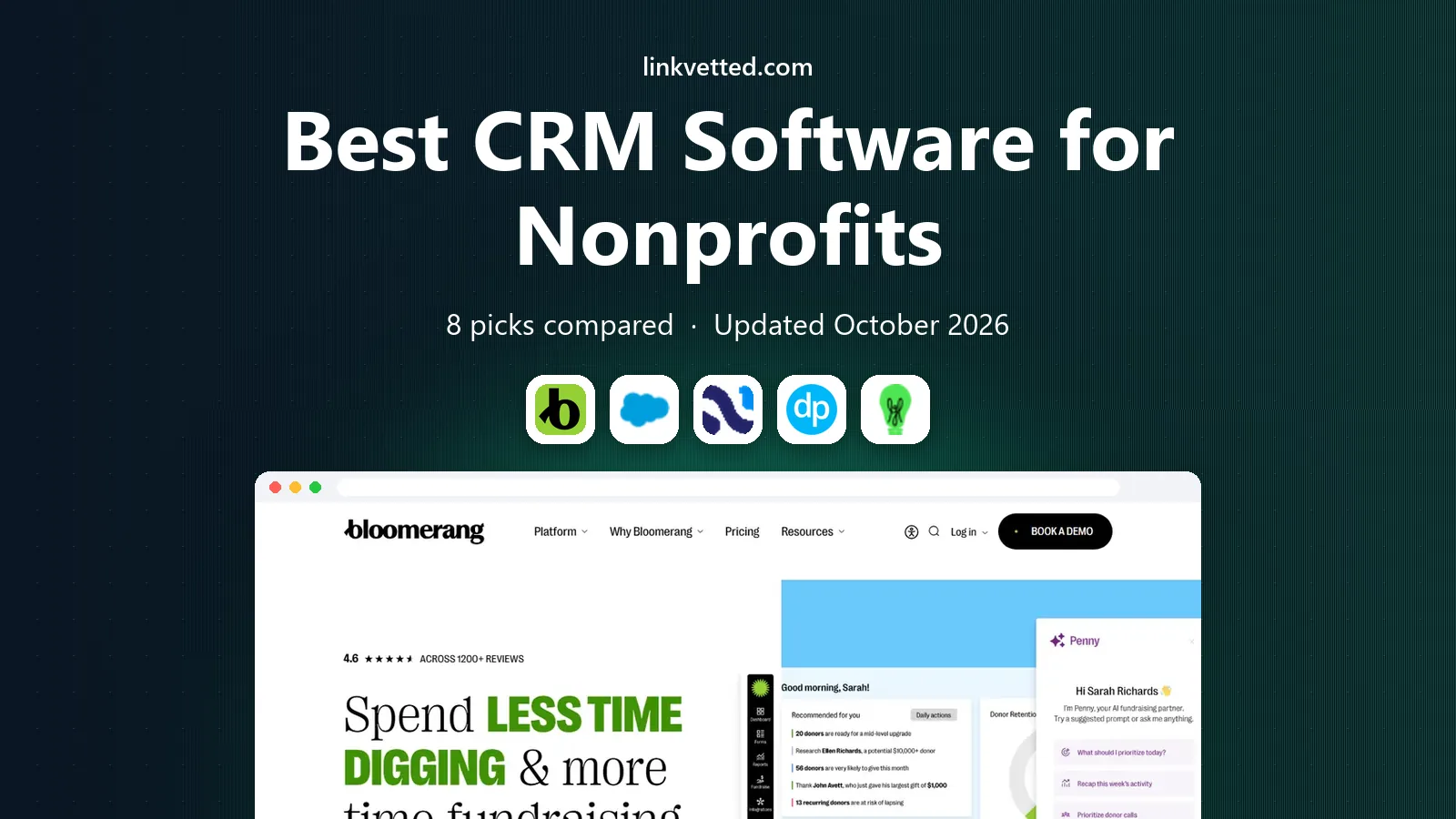
 Bloomerang
Donor retention for small to mid nonprofits
Starts at$125 per monthVisit bloomerang.comFull review - Great alternative
 Salesforce Nonprofit Cloud
Large complex nonprofits
Starts at$60 per user per monthVisit salesforce.comFull review - Also consider
 Neon CRM
Membership and growing nonprofits
Starts at$99 per monthVisit neonone.comFull review
TL;DR:
- Bloomerang is the best all-round donor CRM for small to mid-size nonprofits, with a clear focus on donor retention.
- Salesforce Nonprofit Cloud suits large nonprofits with complex programs, but budget for implementation and admin time, not only licences.
- Givebutter and Zeffy offer genuinely free fundraising and basic CRM tools, funded by optional tips or transaction fees.
- Price models differ by contacts, records or users, so compare the cost at your actual donor count, not only the starter price.
Quick comparison
| Tool | Best for | Starts at | Free plan? | |
|---|---|---|---|---|
| Bloomerang | Donor retention for small to mid nonprofits | $125 per month | Free trial | Visit |
| Salesforce Nonprofit Cloud | Large complex nonprofits | $60 per user per month | Free trial | Visit |
| Neon CRM | Membership and growing nonprofits | $99 per month | Free trial | Visit |
 DonorPerfect | Fundraising automation for mid-size orgs | $99 per month | Free trial | Visit |
 Little Green Light | Small nonprofits on a tight budget | $45 per month | Free trial | Visit |
 Givebutter | Free all-in-one fundraising | Free | Yes | Visit |
 Zeffy | Zero fee donations at any size | Free | Yes | Visit |
 Virtuous | Automation for mid to large nonprofits | See website | Free trial | Visit |
The best CRM software for nonprofits
These eight tools cover donor retention, membership, free fundraising and enterprise nonprofit management.

Bloomerang is our pick for most small to mid-size nonprofits because it focuses on the job that matters most, which is keeping donors giving. It tracks giving history, engagement and retention, and it flags donors who may lapse, so staff can follow up before a gift is lost. Donation forms, email and reporting sit in the same system, which reduces the need for extra tools.
Customisation is lighter than Salesforce, and larger organisations with complex programs may hit limits. Pricing is based on record count, so a growing donor file will raise the monthly cost. For a nonprofit that wants a clear, friendly donor CRM without a consultant, Bloomerang is a strong starting point.
- Donor retention and engagement scoring
- Unlimited users on CRM plans
- Donation forms and email built in
- Customisation is lighter than Salesforce
- Price is based on record count
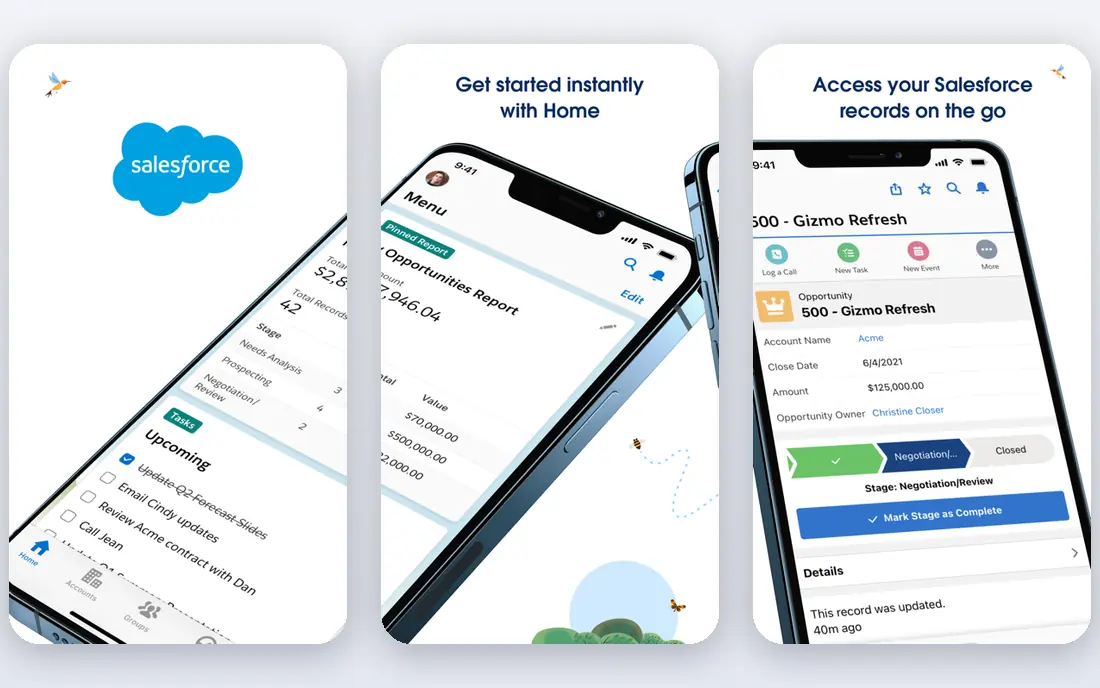
Salesforce Nonprofit Cloud is the most capable platform here for large nonprofits with several programs, grants and fundraising streams. It can model households, organisations, grants, programs and outcomes in one system, and its marketplace adds tools for almost any nonprofit job. Eligible nonprofits can receive ten free licences, which helps with the licence cost.
The real cost is implementation, data migration and ongoing admin, which often exceeds licence fees in the first year. Small teams without technical staff may struggle to keep it clean. For a large nonprofit with dedicated staff or a partner, Salesforce offers scale that simpler donor CRMs cannot match.
- Deep customisation for programs, grants and fundraising
- Huge app marketplace
- First ten licences free for eligible nonprofits
- Implementation and admin costs are high
- Learning curve is steep for small teams
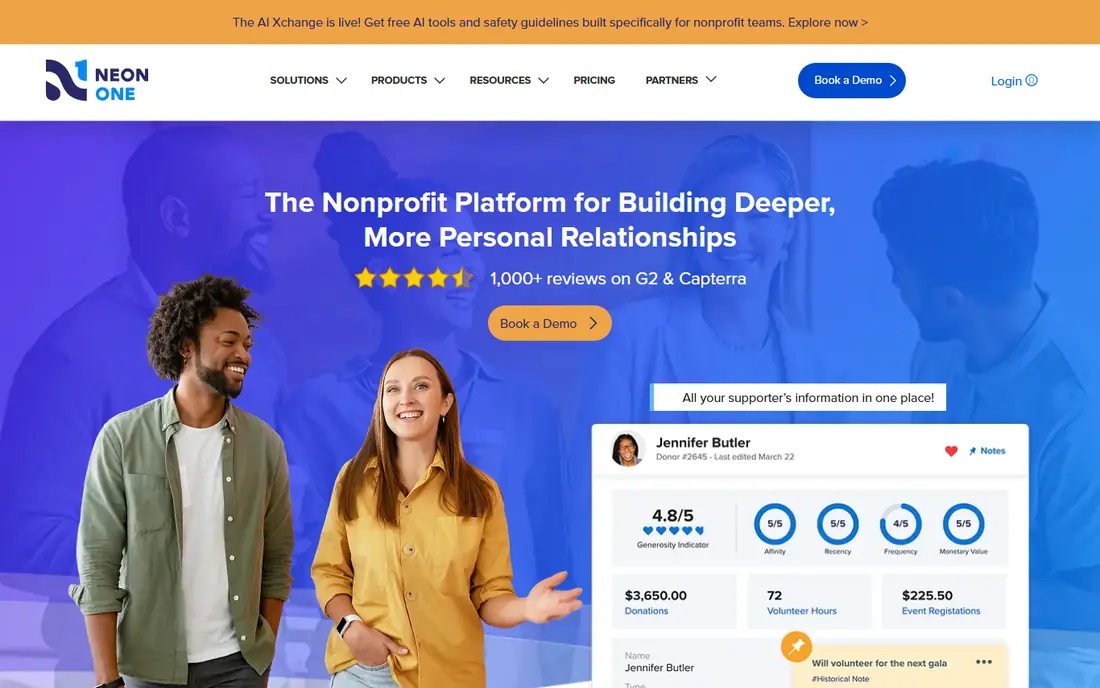
Neon CRM suits nonprofits that mix donations with memberships, events and campaigns. It handles member records, renewals, event registration and fundraising in one database, so staff do not juggle separate lists. Unlimited records on many plans help growing organisations that add donors and members each year.
Reporting takes time to learn, and some advanced features sit on higher plans. For a membership based nonprofit, or a growing organisation that needs more than donation tracking, Neon CRM is a balanced and capable choice. Test the reporting workflow in a trial before you commit.
- Membership, events and fundraising in one system
- Unlimited records on many plans
- Good for growing organisations
- Reporting can feel complex
- Some features need higher plans
DonorPerfect has served nonprofits for many years, and its fundraising automation remains a strength. Online giving, pledge tracking, thank you letters and campaign reporting are built for nonprofit workflows, and unlimited users help teams where many staff and volunteers need access. That history also means support teams understand nonprofit questions well.
The interface feels older than Bloomerang or Neon CRM, and building custom reports can take patience. Newer tools may look friendlier on first use. For a mid-size nonprofit that values proven fundraising workflows over a modern look, DonorPerfect is a reliable option.
- Long track record in nonprofit fundraising
- Online giving and thank you automation
- Unlimited users on many plans
- Interface feels older than newer rivals
- Report building can be fiddly
Little Green Light is the best budget pick for a small nonprofit that needs a real donor database without a large monthly bill. It tracks donors, gifts, pledges, notes and mailings, and it includes online giving and basic reporting. The price is low enough for a volunteer run organisation to sustain year after year.
Automation, integrations and advanced reporting are lighter than Bloomerang or Salesforce, so a growing nonprofit may outgrow it. For a small team that currently tracks donors in spreadsheets, Little Green Light is a clear step up without a steep cost or learning curve.
- Low starting price
- Donor tracking, gifts and mailings in one place
- Friendly for small teams
- Automation and integrations are lighter than larger CRMs
- Larger files may need a higher plan
Givebutter is a genuinely free option for nonprofits that need fundraising and basic donor management without a subscription. It covers donation pages, peer to peer campaigns, events, auctions and text fundraising, with donor records built in. That breadth helps small nonprofits run a full campaign season without paying a monthly fee.
The free model is funded by optional donor tips and standard payment processing fees, so check the fee terms for your campaigns. CRM depth is also lighter than Bloomerang for long term retention work. For a nonprofit that needs to raise money now on a zero software budget, Givebutter is a practical and popular choice.
- Free fundraising, events and basic CRM
- Donation pages, auctions and peer to peer campaigns
- No subscription for core tools
- Optional donor tips and transaction fees fund the free plan
- Advanced CRM depth is limited
Zeffy stands out because it charges no platform fee on donations, which matters for nonprofits where every dollar counts. It offers donation forms, event ticketing, raffles, memberships and basic donor management, all without a subscription. Small and mid-size nonprofits can use it as a primary fundraising tool, not only as a trial.
Like Givebutter, Zeffy is funded by optional contributions from donors, so read the checkout wording to ensure it fits your donor experience. Advanced CRM automation and reporting are also lighter than paid donor CRMs. For zero fee fundraising with simple donor tracking, Zeffy is hard to beat.
- Free donation forms, events and raffles
- No platform fee on donations
- Donor management included
- Optional donor contributions fund the service
- Advanced automation is limited
Virtuous is aimed at mid to large nonprofits that want automation to do more of the follow up work. It combines CRM, fundraising, marketing and volunteer tools, with signals that flag donors who are ready for a next gift or at risk of lapsing. That automation focus helps larger teams manage many donors without adding headcount at the same pace.
Pricing is quote based, so budgeting needs a sales conversation and a clear donor count. Setup also needs more planning than a simple donor CRM, since automation rules must match your fundraising strategy. For a nonprofit raising several million a year that wants smarter automation, Virtuous is worth a demo.
- Automation and donor signals for mid to large orgs
- Fundraising, marketing and volunteer tools
- Responsive giving insights
- Pricing is not published
- Implementation needs more planning than simple CRMs
How we picked these
We compared official pricing pages, feature pages, documentation and public user reviews for nonprofit CRMs that are live and maintained in October 2026. We looked for donor records, gift tracking, fundraising forms, reporting and retention tools, and we favoured a mix of free, budget, mid-size and enterprise options. We did not claim hands-on testing, and we checked that each homepage listed here belongs to the product named.
We also weighed total cost, including implementation and staff time, not only the monthly fee. A free licence that needs a consultant is not free, and a simple paid CRM that staff actually use can be cheaper in practice than a powerful platform that sits half configured. That view shapes the recommendations above.
How to choose a nonprofit CRM
A nonprofit CRM should match your donor count, your fundraising mix and the staff time you can give it.
Start with donor retention, not features
List the reports you need each month, such as new donors, lapsed donors, retention rate and campaign totals. Check that each tool can produce those reports without exporting to spreadsheets every time. Features for grants, programs or volunteers matter only if you actually run those activities. A CRM that improves retention by a few points usually pays for itself faster than a CRM with a long feature list.
Count records, users and fees together
Some tools charge by records, some by users and some by revenue or donor count, while free tools use optional tips or payment fees. Model the cost at your current donor count and at double that count, and add payment processing fees for online gifts. Ask about data migration help, training and support hours, since those costs often appear after purchase. A clear total cost picture prevents a painful switch in year two.
Protect donor data and privacy
Check data security, access controls and backup options, since donor records include names, addresses, giving history and sometimes payment details. Limit access to sensitive fields, train volunteers on handling donor data, and keep a clear privacy notice for donors. When you migrate, clean duplicates and old records carefully, and keep a backup of the old system until the new one is proven.
FAQ
What is the best CRM software for nonprofits?
Bloomerang is the best all-round pick for small to mid-size nonprofits, because it focuses on donor retention and is easy for staff to use. Salesforce Nonprofit Cloud suits large nonprofits with complex programs, while Givebutter and Zeffy suit nonprofits with a zero software budget. Choose by size, donor count and staff capacity.
Is there a free CRM for nonprofits?
Yes, Givebutter and Zeffy offer free fundraising and basic donor management, funded by optional donor contributions and payment fees. Salesforce also offers ten free licences for eligible nonprofits, though implementation costs still apply. Check the fee terms and CRM depth before relying on a free plan for long term retention work.
How much does nonprofit CRM software cost?
Starter prices here range from free to about 125 dollars per month, with Salesforce starting at about 60 dollars per user per month and quote based enterprise options above that. Total cost includes records, users, payment fees and any implementation help. Model cost at your actual donor count, not only the starter price.
Can a general CRM work for a nonprofit?
A general CRM such as HubSpot or Salesforce Sales Cloud can track contacts and deals, but it lacks nonprofit specific tools for gifts, pledges, households, tax receipts and donor retention. Purpose built nonprofit CRMs include those workflows out of the box. A general CRM can work for a very small nonprofit, but most will benefit from a nonprofit specific tool as they grow.
What is donor retention and why does it matter?
Donor retention is the share of donors who give again in a later period, and it matters because keeping a donor usually costs less than finding a new one. A nonprofit CRM tracks giving history and flags lapsed donors, so staff can thank, update and re-engage them in time. Improving retention by a few points can raise total giving without a larger acquisition budget.
How hard is it to migrate to a new nonprofit CRM?
Migration difficulty depends on data cleanliness, gift history and integrations with payment and email tools. Clean duplicates, map gift types and campaign fields, and test a small import before moving the full file. Most vendors offer import help, and a trial period with parallel running reduces risk. Allow several weeks for a mid-size donor file.