Best Phone System for Nonprofits in 2026: 6 Tools Compared
Best phone system for nonprofits in 2026: 6 tools with starting prices, free plans and limits. Every entry states what it lacks. Updated November 2026.
- Editor's choice
 Grasshopper
Straightforward virtual phone system for small teams
Starts at$14 a monthVisit grasshopper.comFull review - Great alternative
 Microsoft Teams Phone
Organizations already using Microsoft Teams
Starts atSee websiteVisit microsoft.comFull review - Also considerGoogle Voice for Business
Lean, straightforward business calling
Starts atSee websiteVisit workspace.google.comFull review
Direct answer
For straightforward virtual phone system for small teams, Grasshopper is where this list starts. Listed starting prices: Grasshopper from $14 a month, Dialpad from $15 per user per month and Nextiva from $15 per user a month. Microsoft Teams Phone is better for organizations already using Microsoft Teams, and Google Voice for Business is better for lean, simple business calling. The other 3 tools in the list cover narrower or pricier cases.
TL;DR:
- Grasshopper is the opening pick, best for simple virtual phone system for small teams.
- Starting prices begin at $14 per month with Grasshopper.
- None of the 6 tools, from Grasshopper to RingCentral MVP, has a free plan, so budget for a subscription or use a trial.
- For AI-assisted calling for expanding teams, RingCentral MVP is worth a look.
- What to know about Grasshopper first: fewer advanced collaboration features.
Last checked November 2026. Prices and plan details were read from the vendors' own pages in November 2026; vendors change plans often, so confirm the current price on the vendor site before you buy.
Quick comparison
| Tool | Best for | Starts at | Free plan? | |
|---|---|---|---|---|
| Grasshopper | Straightforward virtual phone system for small teams | $14 a month | Not stated | Visit |
| Microsoft Teams Phone | Organizations already using Microsoft Teams | See website | Not stated | Visit |
| Google Voice for Business | Lean, straightforward business calling | See website | Not stated | Visit |
 Dialpad | AI-driven customer conversations and contact center | $15 per user per month | Free trial | Visit |
 Nextiva | Unified customer experience across channels | $15 per user a month | No | Visit |
| RingCentral MVP | AI-assisted calling for expanding teams | $52 a month | Free trial | Visit |
Phone System for Nonprofits, one by one
Short on time? The summary and table above give the quick view of 6 phone system for nonprofits, and the profiles that follow give the detail behind each entry.
For straightforward virtual phone system for small teams, Grasshopper is a natural candidate. Grasshopper is a virtual phone system that helps organizations stay organized as call volume raises, with unlimited users and 24/7 support. From a buyer's view, the straightforward setup fits teams without dedicated IT staff.
Drawbacks to consider: Fewer advanced collaboration features.
It is not designed for advanced contact center routing or deep AI automation. In practice, organizations with complicated multi-department call flows may outgrow it. Entry price for Grasshopper: $14 per month. On free options: Not stated.
- 24/7 support
- Meant to organize expanding call volume
- Restricted fit for complex contact centers
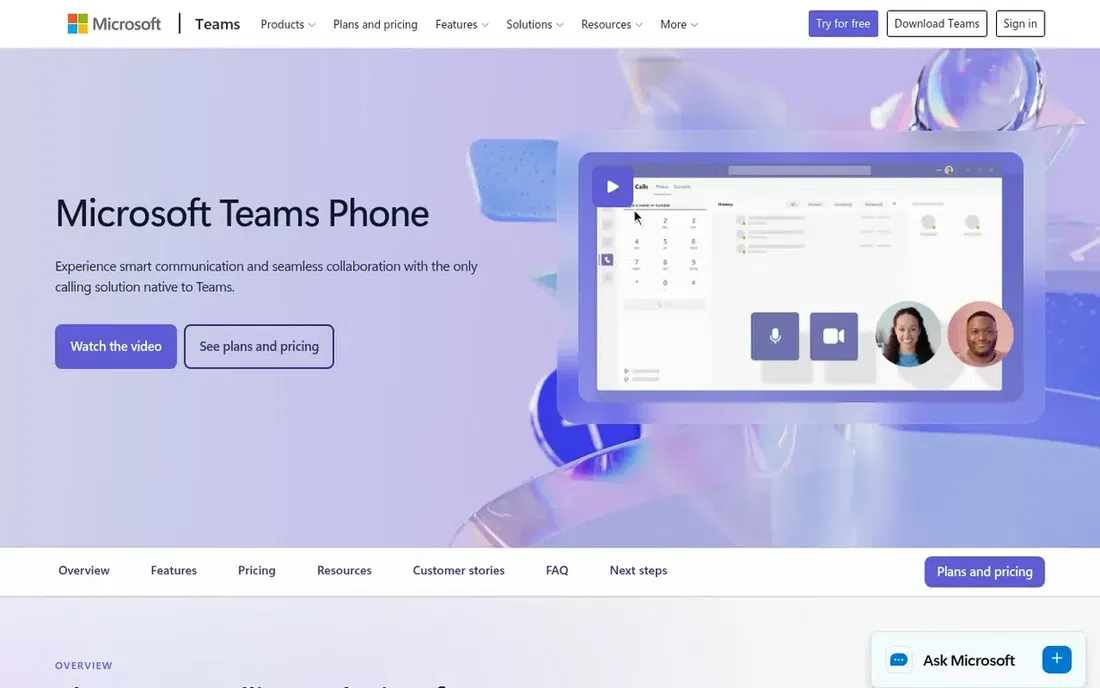
Microsoft Teams Phone serves organizations already using Microsoft Teams. In practice, staff who move between desk and remote work benefit from a consistent calling experience.
Organizations outside the Microsoft ecosystem may find setup and administration less straightforward. It is also primarily a calling layer instead of a full contact center. No starting price is listed for Microsoft Teams Phone here; confirm pricing on the vendor site. As for free access: Not stated.
Where it falls short: Phone administration brings overhead.
- Cloud phone system inside Teams
- Familiar interface for existing users
- Best value needs Microsoft ecosystem
Google Voice for Business
Best for: Lean, straightforward business calling
Think of Google Voice for Business for lean, straightforward business calling. Teams already using Google Workspace get a familiar experience.
On top of that, advanced routing, analytics and contact center capabilities are restricted compared to dedicated systems. Google Voice for Business does not show a starting price in this comparison, so check the vendor site for current pricing. As for free access: Not stated.
Where it falls short: Fewer advanced call center features.
- Straightforward setup for small teams
- Suits organizations using Google Workspace
- Best experience tied to Google ecosystem
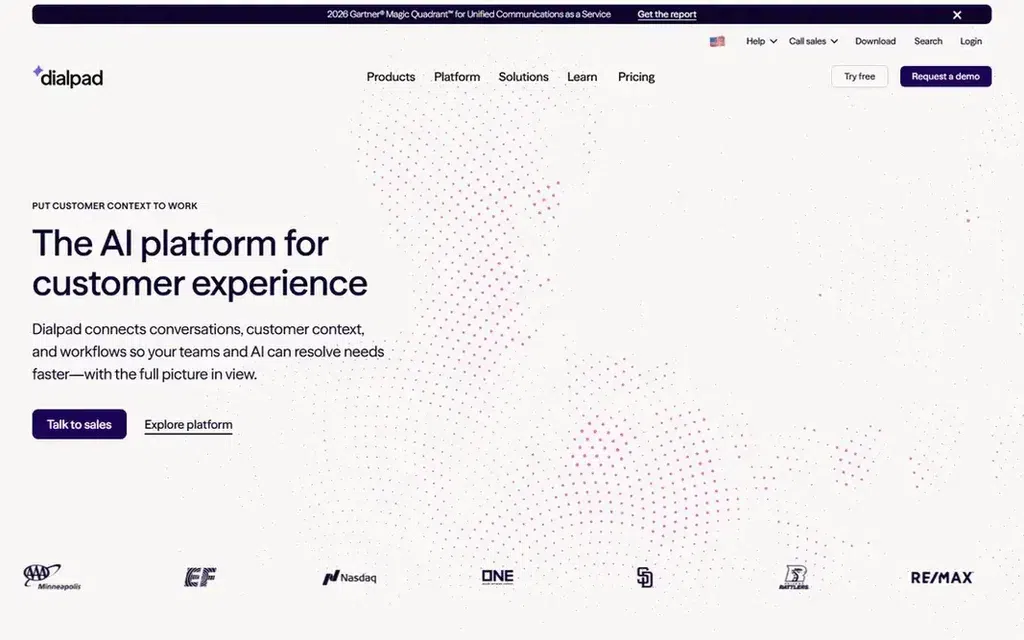
Dialpad is aimed squarely at AI-driven customer conversations and contact center. Dialpad presents itself as an AI customer experience system that brings AI agents, contact center, sales and business communications together, turning conversations into intelligence.
On top of that, organizations blending sales-like outreach with service calls may appreciate the unified approach. What you pay to start with Dialpad: $15 per user per month. Free access: Free trial.
Honest limits: Feature set takes time to learn.
- AI agents alongside business communications
- Conversation intelligence focus
- Contact center focus may be excessive for small teams
Where Nextiva fits: unified customer experience across channels. Nextiva describes itself as an AI customer experience management system combining business phone, contact center, AI receptionist and unified CX.
Consider a more straightforward virtual phone system if your needs are limited to a primary number, extensions and voicemail. Also, the customer experience framing means more configuration choices than a straightforward phone line needs. Starting cost for Nextiva: $15 per user per month. There is no free plan with Nextiva.
The main drawbacks: CX focus may exceed entry-level calling needs.
- Unified CX positioning
- Business phone and contact center together
- Wide product may be complicated to configure
RingCentral MVP
Best for: AI-assisted calling for expanding teams
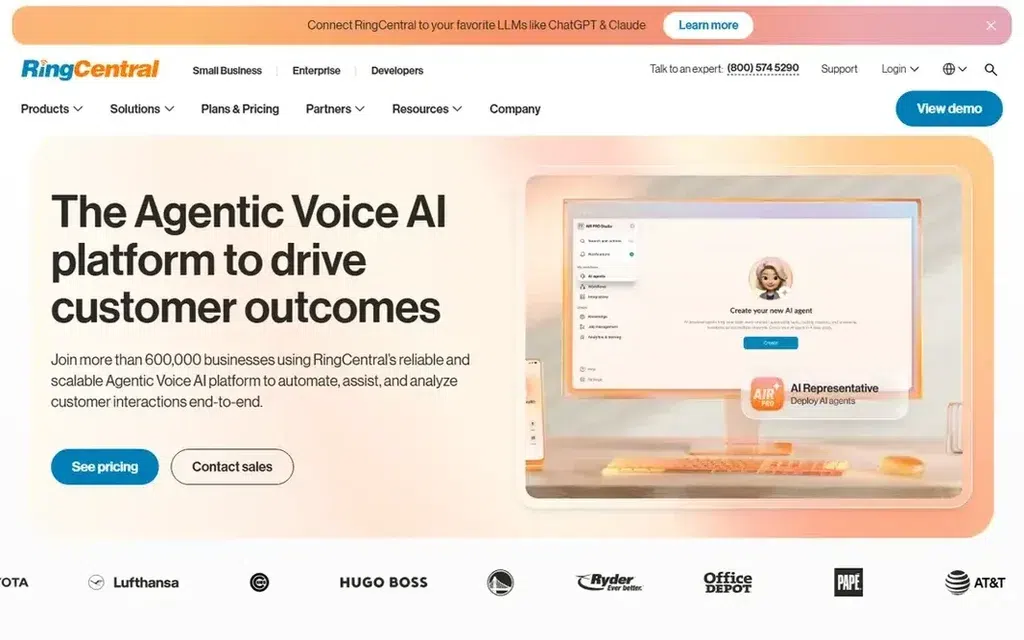
Pick RingCentral MVP if this describes you: AI-assisted calling for expanding teams. RingCentral MVP is a cloud communications platform built around business voice, with AI Receptionist, an AI Virtual Assistant and AI Conversation Expert layered into the calling experience. Choose RingCentral when AI-assisted call handling and a full communications suite are priorities.
Downsides: Setup needs planning.
If your team mainly needs straightforward forwarding and voicemail, a lighter virtual system may be simpler to run. Also, the feature set can be more than a small volunteer-run organization needs, and configuration takes some planning. Price to start with RingCentral MVP: $52 per month. As for free access: Free trial.
- Wide voice and messaging capabilities
- Scales across distributed teams
- Feature depth may exceed small nonprofit needs
How we chose
We compared the tools on published pricing, free plan or trial availability, feature coverage for phone system for nonprofits, and the limits each vendor documents. Where a price is missing, the vendor does not list one publicly or ties it to a quote. Always confirm before budgeting. The order reflects how well each tool fits the most common buying scenario for phone system for nonprofits, then price clarity, then free plan access. It is a starting point, not a verdict.
Things to verify first
- Ask Microsoft Teams Phone and Google Voice for Business for a written quote, since no starting price is shown.
- Take the trial from Dialpad and RingCentral MVP and push a live task through it before you pay.
- Before choosing Grasshopper, weigh its main limit: fewer advanced collaboration features.
- Map your must-have features to a specific Grasshopper plan before you compare prices.
- Total up the real monthly cost of RingCentral MVP, including add-ons, extra users and usage-based fees.
FAQ
Can I try these tools before paying?
Often, yes. Dialpad and RingCentral MVP offer a free trial. Use your own data and a real task during the test, and check what the free tier or trial limits before you rely on it. For the full picture, the cards above cover all 6 entries of this phone system for nonprofits list, including price, free plan and limits.
Does any tool for phone system for nonprofits here have a free plan?
No tool in this list, Grasshopper and RingCentral MVP included, has a permanent free plan. Dialpad, RingCentral MVP offer a trial. Trials and quotes are the usual route, so plan a short evaluation period.
What should a nonprofit look for in a phone system?
Focus on the call flows you actually deal with: a primary line, program extensions, voicemail and routing to staff or volunteers. Then check whether the system suits software your team already uses, like Microsoft Teams or Google Workspace, since that cuts training and administration.
How are the phone system for nonprofits ordered?
Grasshopper sits first and RingCentral MVP last because the order follows typical fit for phone system for nonprofits, then price clarity and free access. It is a judgement call, so read each profile for fit and limits.
What is the cheapest option for phone system for nonprofits in this list?
On published monthly entry prices, Grasshopper is the lowest here at $14 per month. Entry price is only part of the cost, because seats, add-ons and billing terms can change the total. Prices, free plan details and limits for all 6 tools in this phone system for nonprofits roundup sit on the individual cards above.
Sources
- https://grasshopper.com
- https://www.microsoft.com/en-us/microsoft-teams/microsoft-teams-phone
- https://workspace.google.com/products/voice
- https://www.dialpad.com
- https://www.nextiva.com
- https://www.ringcentral.com