Best Business Automation Software in 2026: 8 Tools Compared
Compare the best business automation software for small teams, including Zapier, Make, n8n and Power Automate, with current pricing and honest trade-offs.
- Editor's choice
 Zapier
Fast setup across many apps
Starts at$19.99 per monthVisit zapier.comFull review - Great alternative
 Make
Visual multi-step workflows
Starts at$9 per monthVisit make.comFull review - Also consider
 n8n
Self-hosted and developer-friendly automation
Starts atFreeVisit n8n.ioFull review
TL;DR:
- Zapier remains the easiest starting point, but its task-based pricing rises fast as volume grows.
- Make gives small teams more room to build multi-step workflows for a lower monthly starting price.
- n8n is the best fit when a team can self-host and wants code-level control over workflows.
- Power Automate makes the most sense for companies already paying for Microsoft 365.
- Always model cost by tasks, operations or executions, not by the headline plan price alone.
Quick comparison
| Tool | Best for | Starts at | Free plan? | |
|---|---|---|---|---|
| Zapier | Fast setup across many apps | $19.99 per month | Yes | Visit |
| Make | Visual multi-step workflows | $9 per month | Yes | Visit |
| n8n | Self-hosted and developer-friendly automation | Free | Yes | Visit |
 Microsoft Power Automate | Microsoft 365 teams | $15 per user per month | Yes | Visit |
 Workato | Enterprise integrations | See website | Free trial | Visit |
 Activepieces | Open-source workflow building | See website | Yes | Visit |
 Albato | Predictable transaction pricing | $15 per month | Yes | Visit |
 Pipedream | Developer-led API workflows | Free | Yes | Visit |
The best business automation software
Business automation software connects apps so routine work happens without manual copying, chasing or retyping. We compared official feature pages, pricing pages, app listings and public documentation, and we focused on tools a small or midsize business can actually set up and afford.
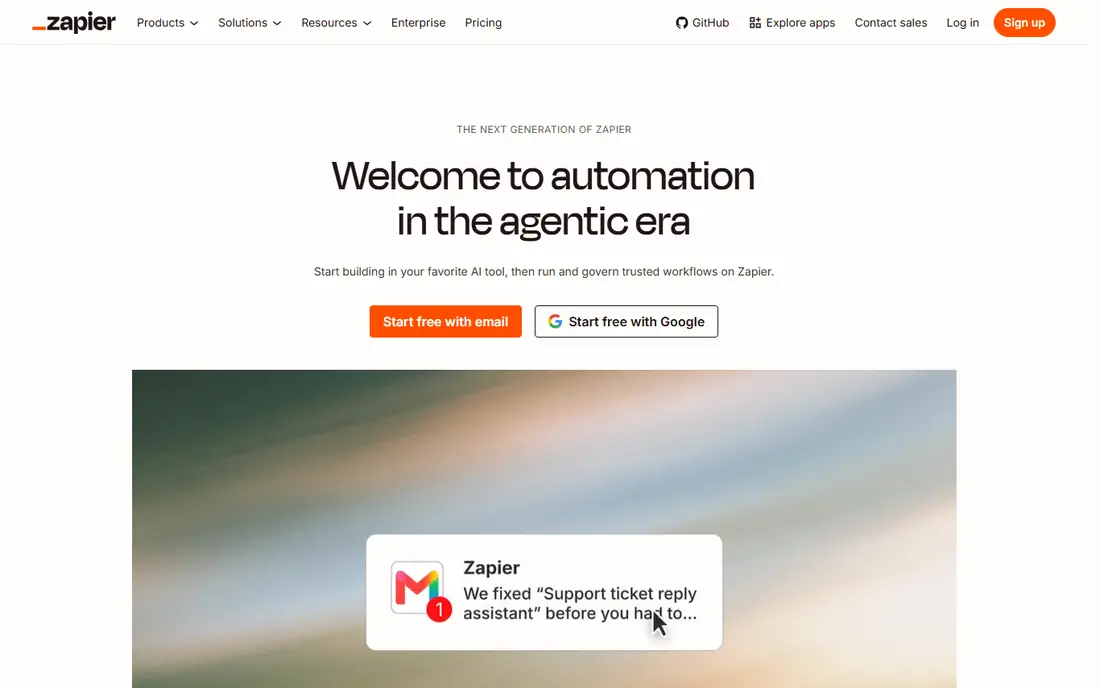
Zapier is our pick for most people who are new to automation because it removes friction at the start. You pick a trigger, add actions, and test the flow in minutes, and the template library covers common jobs such as saving form responses, routing leads and posting notifications. The catalog is also a real advantage when a business uses a mix of popular tools, since the app you need is usually already supported.
The catch is the billing model. Each completed action counts as a task, so a workflow with several steps can burn through a monthly allowance faster than expected. Zapier still earns its place here for speed and breadth, but teams with high volume should compare the same workflow on Make or n8n before they commit to a large plan.
- Very large app catalog
- Simple step-by-step builder
- Strong templates and AI help
- Task pricing gets expensive at volume
- Complex logic can feel limited
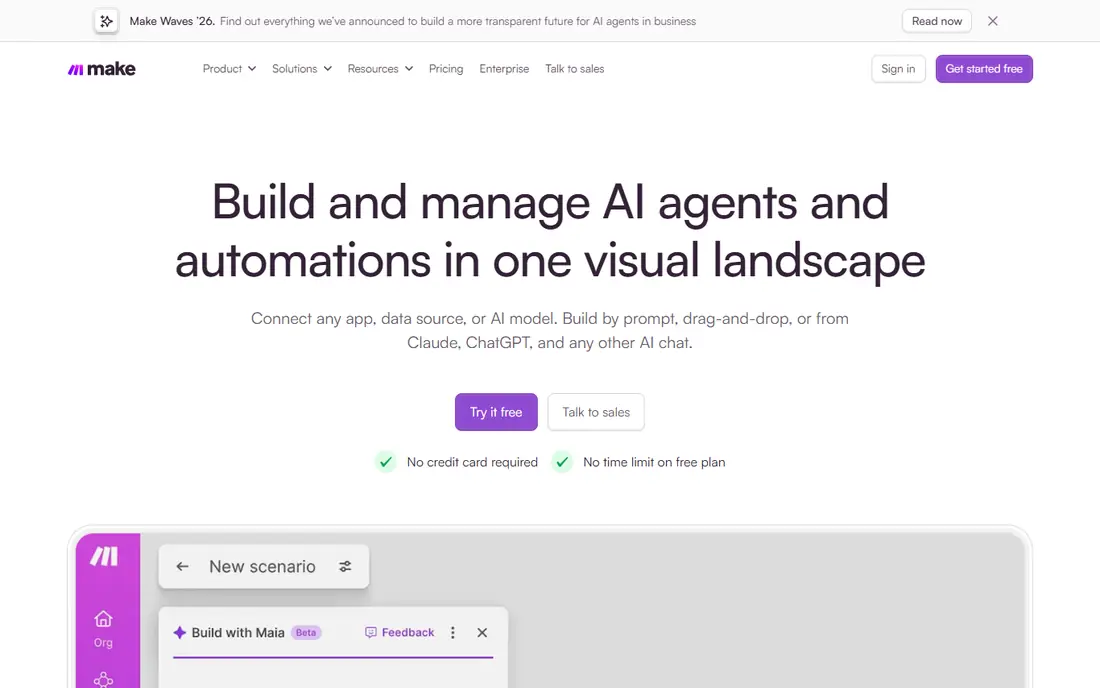
Make suits teams that have outgrown simple two-app connections and want to see a whole workflow on one canvas. Routers, filters and iterators let you split one event into several paths, and the execution log makes it easier to find where a run went wrong. For operations work such as lead routing, order handling and reporting, that visibility matters as much as the automation itself.
The free plan is useful for learning, with 1,000 credits a month, and Core starts at $9 a month billed annually for 10,000 credits. The trade-off is that each module step uses credits, so a long scenario costs more per run than a short one. Map your busiest workflow before you choose a tier, and keep an eye on scheduling and file limits.
- Clear visual canvas with branching and filters
- Generous credit allowance on Core
- Strong error handling
- Per-operation billing still needs careful planning
- Learning curve is steeper than Zapier
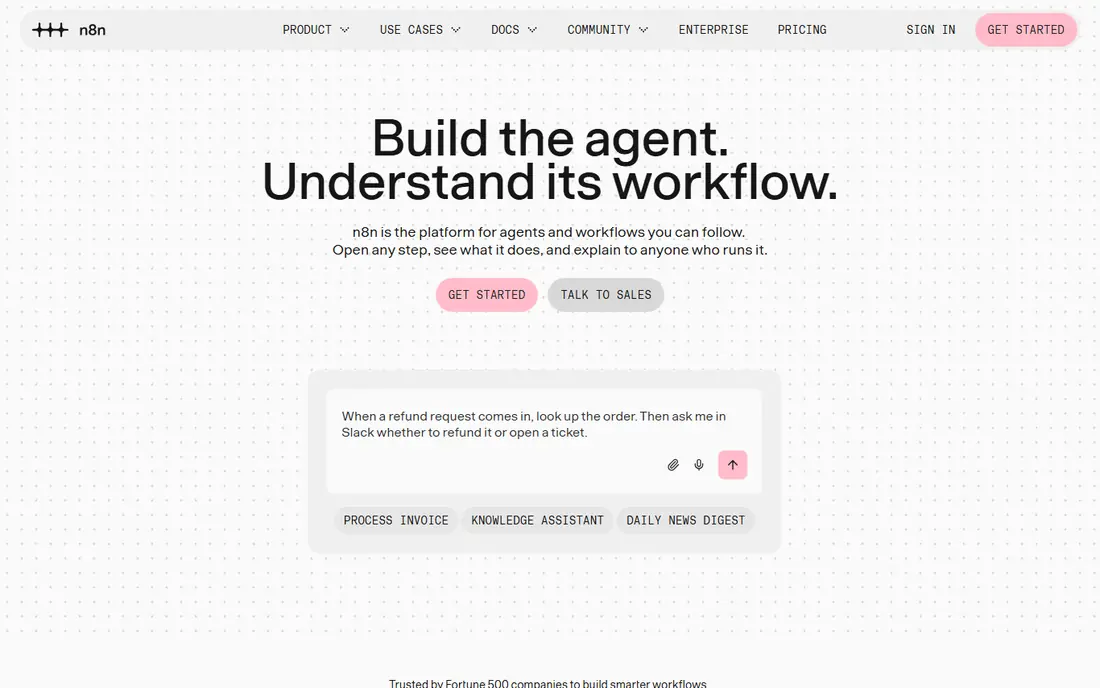
n8n is the strongest choice for teams with some technical skill who want control over data and cost. The self-hosted Community edition can run unlimited executions, subject only to the server you provide, and the cloud Starter plan starts at about 20 euros a month billed annually. Code nodes sit alongside visual nodes, so a developer can fix an awkward data transformation without rebuilding the whole flow.
That freedom comes with responsibility. If you self-host, you handle security updates, backups and monitoring, and support comes mainly from documentation and community channels. For a business without anyone comfortable running a server, the cloud plan or a simpler tool is the safer route.
- Self-hosted version has no execution meter
- Code nodes for JavaScript and Python
- AI agent workflows included
- Self-hosting means you own updates and uptime
- Smaller app catalog than Zapier
Power Automate is the natural pick inside a Microsoft shop because it lives where the work already happens. Cloud flows can move data between Outlook, Teams, SharePoint and Dynamics, while desktop flows can drive older Windows applications that have no modern API. That combination is useful for finance, operations and admin teams with a mix of new and legacy systems.
Pricing needs care. Premium is $15 per user a month billed annually, and unattended automation is priced per bot, at $150 a month for Process and $215 a month for Hosted Process. Check which connectors your flows need before you build, because a flow that looks free in testing can require a paid license once a premium connector is added.
- Deep ties to Outlook, Teams, SharePoint and Excel
- Desktop flows for older apps
- Process mining on Premium
- Premium connectors and unattended bots add cost
- Licensing can confuse new buyers
Workato is built for companies that need automation to behave like enterprise infrastructure, not a side project. It connects CRM, ERP, HR and finance systems, supports on-premise connectivity on suitable plans, and gives admins controls over access, auditing and deployment. Prebuilt recipes help with standard processes such as order-to-cash and employee onboarding.
The downside for small businesses is access and price. Much of the enterprise pricing is quoted, and the platform is designed for teams with integration owners rather than a single person automating a few tasks. If your stack is mainly SaaS and your volume is modest, Zapier or Make will usually be faster and cheaper.
- Large connector library for business systems
- Strong governance and on-premise options
- Recipe templates for common processes
- Enterprise pricing is quote-based
- More platform than a small team usually needs
Activepieces is worth a look for teams that like open-source software and want a visual builder without a large monthly bill at the start. Flows are built from triggers and actions, and the platform includes AI assistance for building steps. Self-hosting gives a team control over where workflow data runs, which matters for businesses with strict data handling rules.
The honest limit is maturity of the catalog. You may need an HTTP step or a workaround for a niche app that Zapier supports out of the box. That is a fair trade for many small teams, but check your five most important apps before you move a critical workflow onto it.
- Open-source core
- Visual builder with AI help
- Self-hosting option
- Smaller connector catalog than the leaders
- Some advanced features sit on paid tiers
Albato appeals to teams that dislike task math and want a clearer monthly cost. Plans start at $15 a month billed annually, and the platform supports more than 1,000 connectors plus a no-code app integrator for apps that are not yet listed. An AI agent step can sit inside a workflow, which is handy for triage, drafting and enrichment jobs.
The catalog gap is the main risk. If your business depends on a less common tool, confirm the connector first and test the exact trigger you need. For common SaaS stacks, though, Albato is a tidy middle ground between Zapier simplicity and Make flexibility.
- Transaction-based pricing is easy to forecast
- Native AI agent step
- App integrator for missing apps
- Catalog is smaller than Zapier
- Transaction limits still need monitoring
Pipedream is the pick when automation work is really API work and the person building it writes code. Workflows can mix ready-made components with Node.js or Python steps, and webhook handling is fast and straightforward. That makes it a good fit for data syncs, internal tools and event-driven jobs that a no-code canvas would make awkward.
It is not the best first tool for a non-technical team. The interface assumes comfort with APIs, errors and logs, and costs rise with usage rather than seats. For a developer-led small business, however, it can be the cheapest and most flexible way to connect systems that other tools only partly support.
- Code-first workflows with a large component library
- Fast API and webhook handling
- Generous free tier for testing
- Built for developers, not casual users
- Pricing scales with invocations and compute
How we picked these
We compared official pricing pages, feature documentation, app catalogs and public reviews, and we favored tools that are actively maintained and clearly describe how they charge. A tool made the list only if a small or midsize business could realistically use it for everyday automation, not just in an enterprise pilot. We also weighed the billing unit, because a low headline price can hide a high cost once a workflow runs at real volume.
What to check before you buy business automation software
Start with one painful, repeated job rather than automating everything at once. Pick a workflow you can measure, such as lead routing or invoice chasing, and run it for two weeks before you expand. That pilot will show you the real task count, the failure rate and the time saved, which are far more useful than a feature checklist.
Next, list the apps and triggers each candidate must support, and test the exact events you need. A connector listing is not a guarantee that the trigger you want exists, and polling delays can matter for time-sensitive work. Also check error handling, retry behavior and logs, because a workflow that fails silently is worse than no workflow at all.
Finally, think about ownership. Name one person who maintains each flow, document what it does, and review it every quarter. Automation debt builds quietly when staff leave or apps change, and a short review prevents broken flows from becoming a hidden part of daily work.
FAQ
What is the best business automation software for a small business?
For most small businesses, Zapier is the fastest start and Make is the best value once workflows get longer. If the team is technical and wants to control costs, n8n self-hosted is worth testing. The right answer depends on app coverage, volume and who will maintain the flows.
How much does business automation software cost?
Entry prices in this list range from free tiers to about $20 a month, but the real cost depends on volume. Zapier charges per task, Make charges per credit or operation, and n8n cloud charges per execution. Model a busy month before you choose, and include any premium connectors or bot licenses.
Is business automation software hard to learn?
Simple tools such as Zapier can be learned in an afternoon for basic flows, while Make and n8n take longer for branching logic and code steps. Templates help a lot at the start. Plan for a few hours of testing, and keep early workflows short so failures are easy to trace.
Can automation replace staff?
Automation is best for repeated, rule-based work such as data entry, notifications and routing. It does not replace judgment, customer conversations or exception handling. Treat it as a way to free staff for higher-value work, and keep a human check on money, hiring and customer-facing decisions.
What is the difference between business automation software and a business automation platform?
The terms overlap, but a platform usually covers many apps, governance and scaling features, while a single tool may handle one job well. For a small business, the distinction matters less than coverage, cost and support. Choose the product that runs your key workflows reliably.
Do I need code to automate my business?
No, not for most common jobs. Zapier, Make and Albato are built for non-technical users, and templates cover many standard flows. Code helps when data needs cleaning, an API is unusual, or logic gets complex, and that is where n8n and Pipedream shine.