Best Business Automation Platforms (BAPs) in 2026: 9 Platforms Compared
Compare the best business automation platforms baps in 2026, from Zapier and Make to UiPath and Workato, with pricing, volume costs and fit for each team.
- Editor's choice
 Zapier
Connecting everyday apps
Starts at$19.99 per monthVisit zapier.comFull review - Great alternative
 Make
Visual, branching workflows
Starts at$9 per monthVisit make.comFull review - Also consider
 Microsoft Power Automate
Microsoft 365 teams
Starts at$15 per user per monthVisit microsoft.comFull review
TL;DR:
- Business automation platforms differ in who builds the workflow: business users, IT teams or developers, so match the builder to your team.
- Zapier and Make are the easiest starting points for connecting apps, while UiPath and Automation Anywhere suit screen-based work in older systems.
- Price by tasks, operations or executions, not just by seat, because volume is what drives the real monthly bill.
- Workato, Power Automate and Appian fit larger firms that need governance, approvals and audit trails across departments.
- Start with one painful, repeatable process, measure the time saved, and only then expand to company-wide automation.
Quick comparison
| Tool | Best for | Starts at | Free plan? | |
|---|---|---|---|---|
| Zapier | Connecting everyday apps | $19.99 per month | Yes | Visit |
| Make | Visual, branching workflows | $9 per month | Yes | Visit |
| Microsoft Power Automate | Microsoft 365 teams | $15 per user per month | Free trial | Visit |
 UiPath | Screen and document automation | $25 per month | Free trial | Visit |
 Automation Anywhere | Enterprise RPA and agents | See website | Free trial | Visit |
 Workato | IT-led enterprise integration | See website | No | Visit |
 n8n | Developer control and self-hosting | $20 per month | Yes | Visit |
 Appian | Process apps with approvals | See website | Free trial | Visit |
 Nintex | Forms, documents and workflows | See website | Free trial | Visit |
The best business automation platforms baps
A business automation platform, often shortened to BAP, connects apps, moves data and runs repeatable steps without manual copying. Some tools focus on simple app-to-app links, others automate screens in older software, and a few build full process apps with approvals. The right choice depends on your team, your systems and how much control you need.
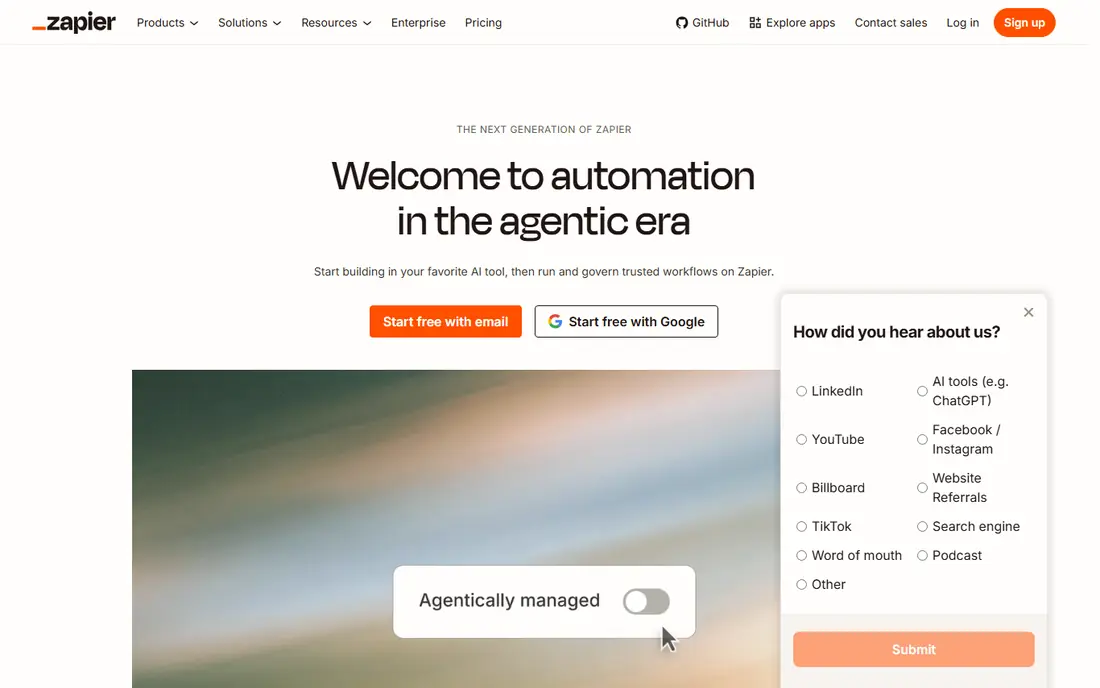
Zapier is the default first automation tool for many small and mid-sized businesses. It connects thousands of apps, so a new lead can move from a form to a CRM, a Slack message and a spreadsheet without manual entry. The builder is visual and forgiving, which means non-technical staff can ship useful automations in an afternoon.
The catch is volume pricing. Each successful action counts as a task, so a workflow with many steps or high traffic can cost more than expected. Zapier is still a strong pick for breadth and speed. If your workflows grow complex or very high volume, compare Make or n8n before you scale.
- Huge app catalogue
- Easy visual builder
- AI agents and tables for growing teams
- Task-based pricing can rise fast at high volume
- Complex logic is harder than in Make or n8n

Make, formerly Integromat, suits teams that want more logic than a simple trigger and action. Its visual scenario builder handles branches, filters, iterators and data mapping in a way that stays readable as workflows grow. That makes it a good fit for operations teams that own processes such as order handling, onboarding or reporting.
Make is less plug-and-play than Zapier for a first-time user, and its app list is smaller, though it covers the major tools well. Pricing is credit-based, which many teams find cheaper at scale than per-task billing. If you like to see the whole workflow on one canvas, Make is worth a trial.
- Visual scenarios with branches and routers
- Good value at moderate volume
- Strong data handling
- Steeper learning curve than Zapier
- Smaller app catalogue
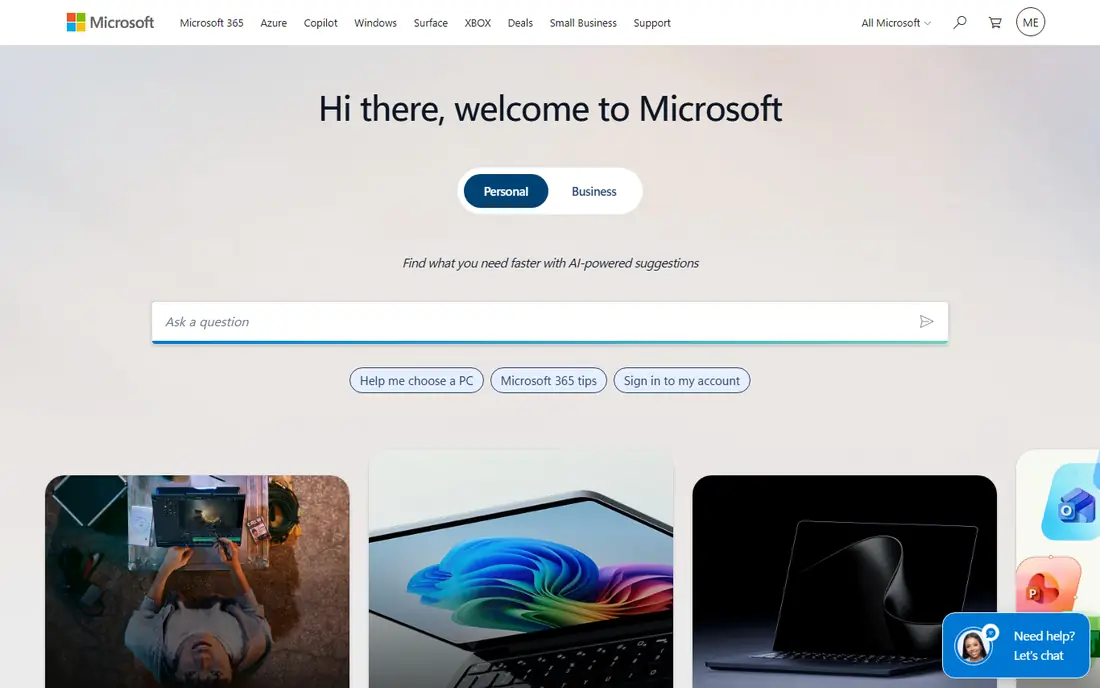
Microsoft Power Automate is the natural automation choice for firms already running Microsoft 365. It connects Outlook, Teams, SharePoint, Dynamics and hundreds of other apps, and it adds desktop automation for tasks that need screen interaction. Approvals, notifications and scheduled flows fit naturally into the Microsoft tools staff already use.
Pricing needs care, because cloud flows, desktop flows and bot capacity are licensed in different ways. Some plans are included with Microsoft 365 licences at a basic level, while premium connectors need paid plans. For a Microsoft shop, the integration value usually outweighs that complexity.
- Deep Microsoft 365 and Teams integration
- Cloud and desktop automation
- AI builder options
- Per-user and per-bot pricing can confuse budgeting
- Best value inside Microsoft licensing
UiPath is built for work that cannot be done through an API alone. Its robots can open older applications, copy data between screens, read documents and follow rules, which is vital in firms with legacy systems. Newer agentic features help robots handle steps that need judgment, with human review where it matters.
UiPath is more of an enterprise platform than a simple app connector. Small teams can start on entry plans, but a large rollout needs process design, governance and maintenance. If your bottleneck is screen-based work in systems with no API, UiPath is one of the strongest options available.
- Strong robotic process automation
- Document processing and AI agents
- Large enterprise ecosystem
- Enterprise pricing is quote-based beyond entry tiers
- Needs skilled builders for large rollouts
Automation Anywhere offers cloud-based robotic automation with AI agents for document-heavy and rules-based work. It suits larger firms that need central control, audit trails and the ability to run many automations across departments. Process discovery and analytics help teams find which tasks are worth automating first.
The trade-off is that this is an enterprise purchase, not a quick team tool. Pricing is quoted, and complex processes need design and testing. For firms that want a governed, cloud-first RPA platform with agent features, it belongs on the shortlist alongside UiPath.
- Cloud-native automation
- AI agents and document automation
- Strong governance controls
- Quote-based enterprise pricing
- Implementation effort for complex processes
Workato is an integration and automation platform designed for IT-led teams that need to connect systems across a whole company. It handles data integration, workflow orchestration and business process recipes with versioning, access controls and monitoring. That governance matters when automations touch finance, HR or customer data.
Workato is not a casual team tool, and pricing is quoted for enterprise use. Smaller firms will usually get faster value from Zapier or Make. Larger firms that need a single governed platform for many departments will find Workato easier to control at scale.
- Enterprise integration and orchestration
- Strong governance
- Recipes for common business processes
- Quote-based pricing
- More IT involvement than Zapier or Make
n8n is a favourite among technical teams that want full control over automation. It combines a visual workflow builder with code nodes, API calls and AI model nodes, so developers can build exactly what they need. The self-hosted community edition lets teams run workflows on their own servers, which helps with data control and cost at scale.
n8n is not the best pick for non-technical staff who want a finished template in minutes. It rewards teams that can manage hosting, updates and error handling. For developer-led automation, AI workflows and custom integrations, it offers freedom that closed platforms do not.
- Visual plus code flexibility
- Self-hosting option
- Fair-code model with a free community edition
- Needs technical skill
- Self-hosting adds maintenance
Appian is a low-code platform for building business process applications, not just connecting two apps. Teams can design intake forms, approval chains, case handling and reporting in one system, with automation running behind the scenes. That suits regulated or approval-heavy work such as onboarding, claims handling or procurement.
Appian is an enterprise platform with quoted pricing and a real implementation effort. It is overkill for simple app links. When a process needs structured cases, audit trails and human decisions at several stages, Appian gives you a complete application rather than a set of disconnected flows.
- Low-code process apps
- Case management and approvals
- Strong data and AI features
- Quoted pricing
- Implementation is a project, not a quick setup
Nintex covers process mapping, forms, document generation and workflow automation in one family of tools. That combination suits firms that want to document a process, turn it into a form and automate the steps that follow. Its Microsoft and SharePoint heritage is a plus for firms already invested in that ecosystem.
Nintex pricing is quoted, and buyers should clarify which products they need, because the range is broad. For teams that want process discipline plus automation, rather than automation alone, Nintex is a solid enterprise choice.
- Process mapping plus automation
- Forms and document generation
- SharePoint and Microsoft strengths
- Quoted pricing
- Product range can be confusing at first
How we picked these
We compared official pricing pages, product documentation and public reviews for platforms that automate real business processes in 2026. We favoured tools with active development, clear governance or error handling, and a proven range of connectors or RPA features. We left out single-purpose tools that only automate one app, and we used quoted pricing where vendors do not publish a list price.
What to check before you buy
Start with one process, not a platform wish list. Write down the trigger, the steps, the systems involved, the exceptions and the person who approves the result. That short document makes vendor demos honest, because you can ask each vendor to build that exact flow. Check error handling too, since a workflow that fails silently is worse than no workflow.
Check total cost at realistic volume. Run the numbers for your monthly tasks, operations or executions, plus seats, premium connectors and any bot capacity. Ask about data residency, access controls and audit logs, especially for finance and HR data. Finally, plan ownership, because automations need someone to maintain them when apps change.
Questions to ask in a demo
Ask how the platform handles failures, retries and alerts. Ask who can edit a production workflow and how changes are tested. Ask how you export or move workflows if you leave. The answers tell you whether the tool will stay reliable after the first month, when real data and edge cases arrive.
FAQ
What does BAP mean in business automation?
BAP is short for business automation platform, a tool that connects apps, moves data and runs repeatable business steps automatically. The term covers app connectors, robotic process automation and low-code process platforms. The right type depends on whether your work is app-to-app, screen-based or approval-based.
What is the best business automation platform for a small business?
Zapier is usually the easiest start for a small business, because it connects the most apps with the least setup. Make is a strong second choice when workflows need branches or heavier data handling at a lower price. Both offer free plans, so you can test a real workflow before paying.
How is Zapier different from UiPath?
Zapier connects apps through APIs and is built for business users, while UiPath automates screens and documents and is built for robotic process automation. Zapier suits modern SaaS stacks, while UiPath suits older systems with no API. Some firms use both, with UiPath for legacy work and Zapier or Make for SaaS links.
Do I need developers to use a business automation platform?
Not always. Zapier, Make and Power Automate are designed for business users, though complex flows still benefit from technical help. UiPath, Workato, Appian and n8n usually need skilled builders for large rollouts. Match the platform to the skills on your team, not just to the feature list.
How much do business automation platforms cost?
Costs range from free tiers for small volumes to quoted enterprise contracts. Zapier starts at $19.99 per month, Make at $9 per month, Power Automate at $15 per user per month and UiPath at $25 per month for entry plans, while Workato, Appian and Nintex are quoted. Always model your monthly volume, because task and operation counts drive the bill.
Can automation replace staff?
Automation usually removes repetitive copying, checking and routing, but it still needs people for judgment, exceptions and customer contact. The best results come from automating the routine steps and letting staff handle the cases that need a decision. Plan for human review in any workflow that affects money, hiring or customer accounts.