Best Bug Tracking Software for Agile Workflows (2026): 5 Picks Checked on Vendor Pages
Best bug tracking software for agile workflows: 5 contenders ranked by fit, with entry costs and free tiers. With pricing notes and limits. Straight answers.
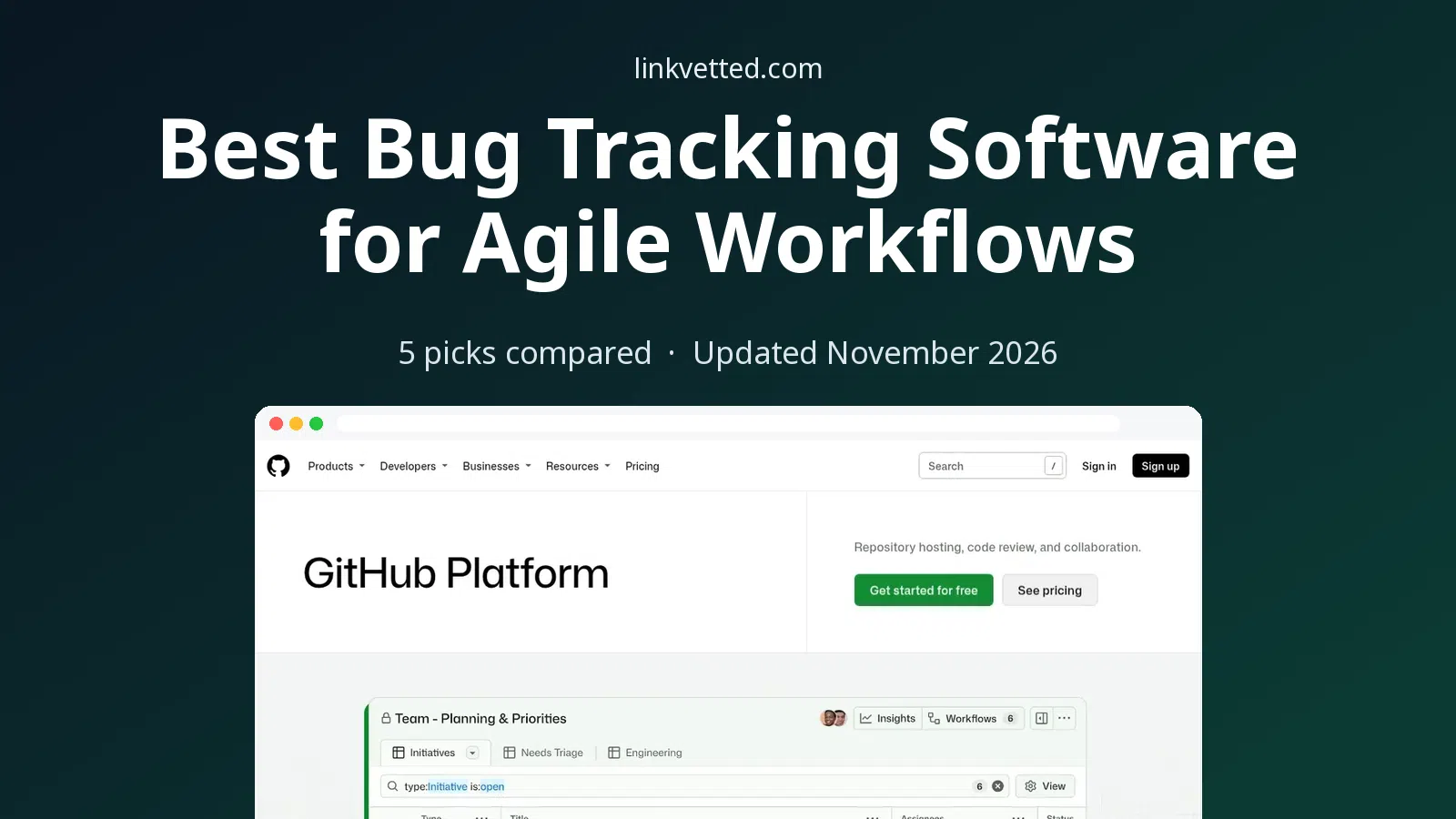
- Editor's choice
 Bugzilla
Self-hosted, long-standing bug tracking
Starts atSee websiteVisit bugzilla.orgFull review - Great alternative
 GitHub Issues
Tracking bugs next to code
Starts atSee websiteVisit github.comFull review - Also consider
 Linear
Quick, focused product issue tracking
Starts at$10 per user a monthVisit linear.appFull review
Direct answer
For self-hosted, long-standing bug tracking, Bugzilla is where this list starts. Listed starting prices: Linear from $10 per user a month. Alternatives: GitHub Issues for tracking bugs next to code, and Linear for quick, focused product issue tracking. The remaining 2 options are covered below with prices and limits.
TL;DR:
- Number one here is Bugzilla, a fit for self-hosted, long-standing bug tracking.
- Only Linear offers a free plan among these 5 tools.
- Azure DevOps suits boards plus delivery pipelines.
- Before buying Jira, weigh this: configuration can become complicated.
Last checked November 2026. Prices and plan details were read from the vendors' own pages in November 2026; vendors change plans often, so confirm the current price on the vendor site before you buy.
Quick comparison
| Tool | Best for | Starts at | Free plan? | |
|---|---|---|---|---|
| Bugzilla | Self-hosted, long-standing bug tracking | See website | Not stated | Visit |
| GitHub Issues | Tracking bugs next to code | See website | Not stated | Visit |
| Linear | Quick, focused product issue tracking | $10 per user a month | Yes | Visit |
 Jira | Agile planning with issue tracking | See website | Not stated | Visit |
 Azure DevOps | Boards plus delivery pipelines | See website | Not stated | Visit |
Bug Tracking Software for Agile Workflows profiles
Choosing bug tracking software for agile workflows usually comes down to price, fit and limits. This LinkVetted guide sets 5 tools side by side on those three points, with the facts kept short and checkable.
Think of Bugzilla for self-hosted, long-standing bug tracking. Bugzilla is a long-standing open source bug tracker whose homepage describes it as a software option meant to drive software development, letting teams plan, organize and release software. It centers on defect tracking with structured fields and queries, which fits teams that want a dependable, self-hosted system centred on bugs.
What to check first: Agile planning is restricted.
Beyond that, organizations with strict control requirements frequently value its maturity. Its interface and workflow feel traditional compared to modern agile tools, and sprint-style planning is restricted. No starting price is listed for Bugzilla here; confirm pricing on the vendor site. Free options: Not stated.
- Capable defect-focused workflow
- Well-documented tracker
- Dated interface by modern standards
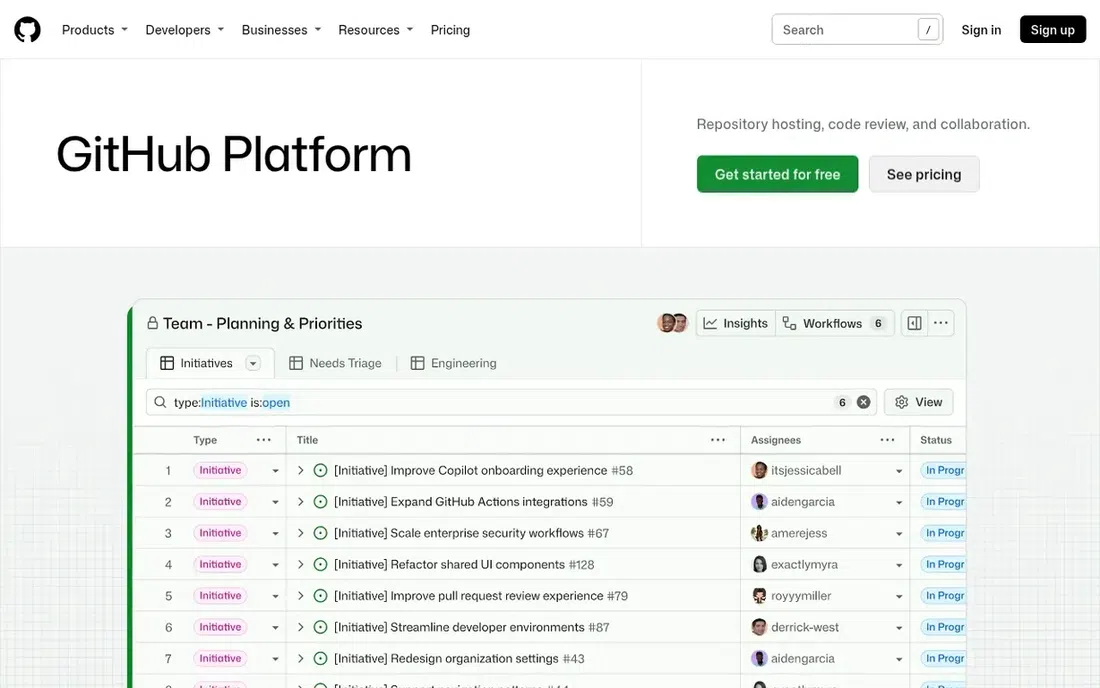
Think of GitHub Issues for tracking bugs next to code. For agile teams already working in GitHub, issues keep bug reports close to the code and pull requests that resolve them. Issue tracking here is closely tied to the GitHub workflow.
So teams needing in-depth sprint reporting or heavily customized workflows may find it less adaptable than dedicated trackers. From a buyer's view, teams outside GitHub may prefer a standalone product. Check the vendor site for GitHub Issues pricing; none is listed in this comparison. Trial and free access: Not stated.
Trade-offs to know: Best value inside GitHub workflow.
- Lives beside repositories
- Works with open source contributors
- Less deep agile reporting
Linear works best for quick, focused product issue tracking. Agile teams that run regular cycles will find its simplified model simple to keep consistent. Its focus means it offers less breadth than systems that combine tracking with pipelines or knowledge bases.
Teams needing heavy customization or a wide suite of connected services may prefer a bigger system. It centres on a quick, low-friction experience for logging and moving issues through a workflow, which fits product and engineering teams that value speed over broad configuration. Linear pricing: $10 per user per month. Linear includes a free tier.
Where it shines: fast interface. Where it is weaker: Narrower than full project suites.
- Purpose-built for product teams
- Clean
- Fewer legacy customization choices
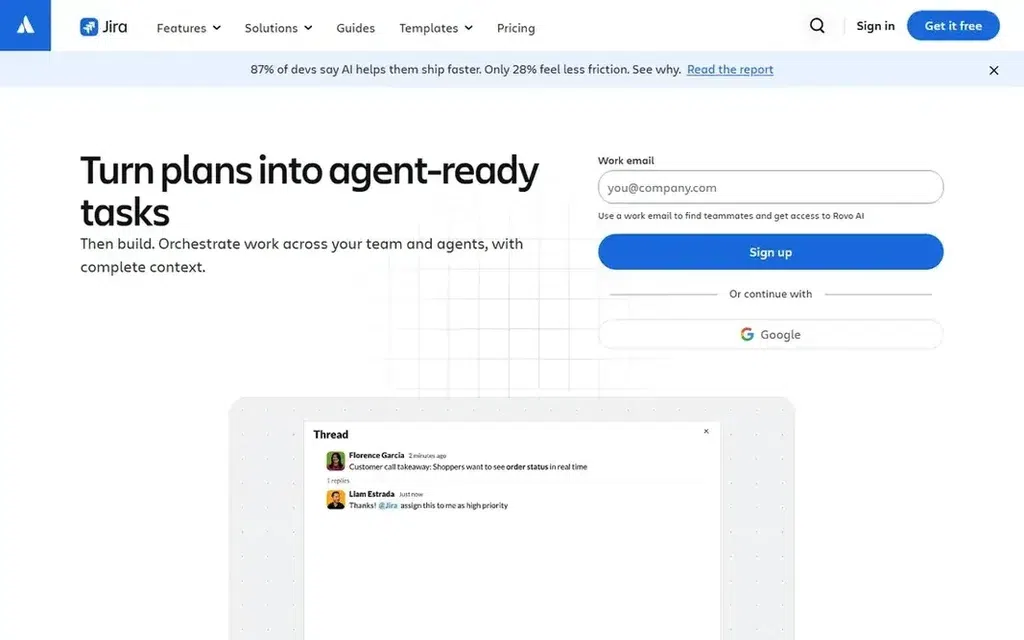
Jira is aimed squarely at agile planning with issue tracking. Jira is Atlassian's project management product, and its homepage emphasizes bringing teams together with AI agents that orchestrate, plan and track projects at scale.
Reasons to shortlist it: Backlogs.
No starting price is listed for Jira here; confirm pricing on the vendor site. As for free access: Not stated. Watch-outs: Administration takes effort.
- Customizable workflows and fields
- Large ecosystem of integrations
- Configuration can become complicated
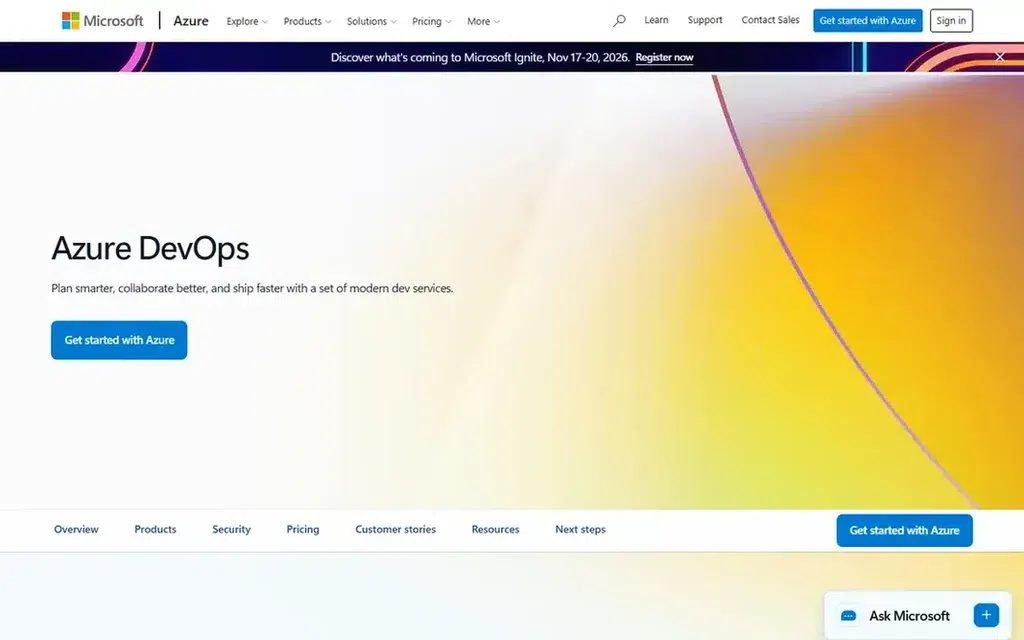
Choose Azure DevOps for boards plus delivery pipelines. Azure DevOps is Microsoft's product for planning and shipping software, described on its homepage as a way to plan smarter, collaborate better and ship quicker with agile tools, CI/CD and agentic AI.
It suits organizations already invested in the Microsoft ecosystem. Check the vendor site for Azure DevOps pricing; none is listed in this comparison. Free plan details: Not stated.
Downsides: Wide scope can overwhelm new users.
- Agile boards and backlogs
- Suits Microsoft-centered organizations
- Setup spans multiple services
How the list was put together
We compared the tools on published pricing, free plan or trial availability, feature coverage for bug tracking software for agile workflows, and the limits each vendor documents. Seat minimums, billing terms and add-ons can move the real cost, so the starting prices here are a guide and not a quote. Position on the page reflects fit for a typical buyer first, with price clarity and free access breaking ties. Treat it as a guide, not a ruling.
Questions to settle before buying
- Confirm the entry price on the vendor page. For Bugzilla, GitHub Issues, Jira and Azure DevOps that means a quote rather than a fixed price.
- Test the free plan from Linear against your real workload before relying on it.
- Read the limits listed for Bugzilla first: dated interface by modern standards.
- Make sure Azure DevOps lets you export your data in a format another tool can read.
- Test the integrations you rely on with Bugzilla before committing; some connectors sit on upper tiers.
FAQ
Which bug tracker is best for a team new to agile?
Bugzilla comes first here and is built for self-hosted, long-standing bug tracking. Buyers with other needs may prefer GitHub Issues (for tracking bugs next to code) or Linear (for quick, focused product issue tracking). Compare costs and limits first.
Which options for bug tracking software for agile workflows have a free plan?
Linear is the only tool in this list with a free plan. Free plans usually cap users, projects or features, so check the limits on the vendor page. Prices, free plan details and limits for all 5 tools in this Bug tracking software for Agile workflows roundup sit on the individual cards above.
How are the tools for bug tracking software for agile workflows ordered?
The order follows typical fit for bug tracking software for agile workflows, with Bugzilla first and Azure DevOps last, then price clarity and free access. It is editorial judgement, not a score, so another team could rank the tools differently.
Can I try these tools before paying?
Often, yes. Linear has a free plan. Use your own data and a real task during the test, and check what the free tier or trial limits before you rely on it. Each of the 5 options in this Bug tracking software for Agile workflows guide has its own card above with the price, free plan and limits.
Do these tools publish their prices?
Not all of them. Bugzilla, GitHub Issues, Jira and Azure DevOps publish no starting price, so expect a quote request for those. The rest, Linear included, show a starting price, though seats and billing terms still change the final cost.
Sources
- https://www.bugzilla.org
- https://github.com/features/issues
- https://linear.app
- https://www.atlassian.com/software/jira
- https://azure.microsoft.com/en-us/products/devops