Best Budgeting Software for Small Business in 2026: 10 Tools Compared
Compare the best budgeting software for small business in 2026, with forecasts, cash flow tools and pricing to help you plan with confidence and grow.
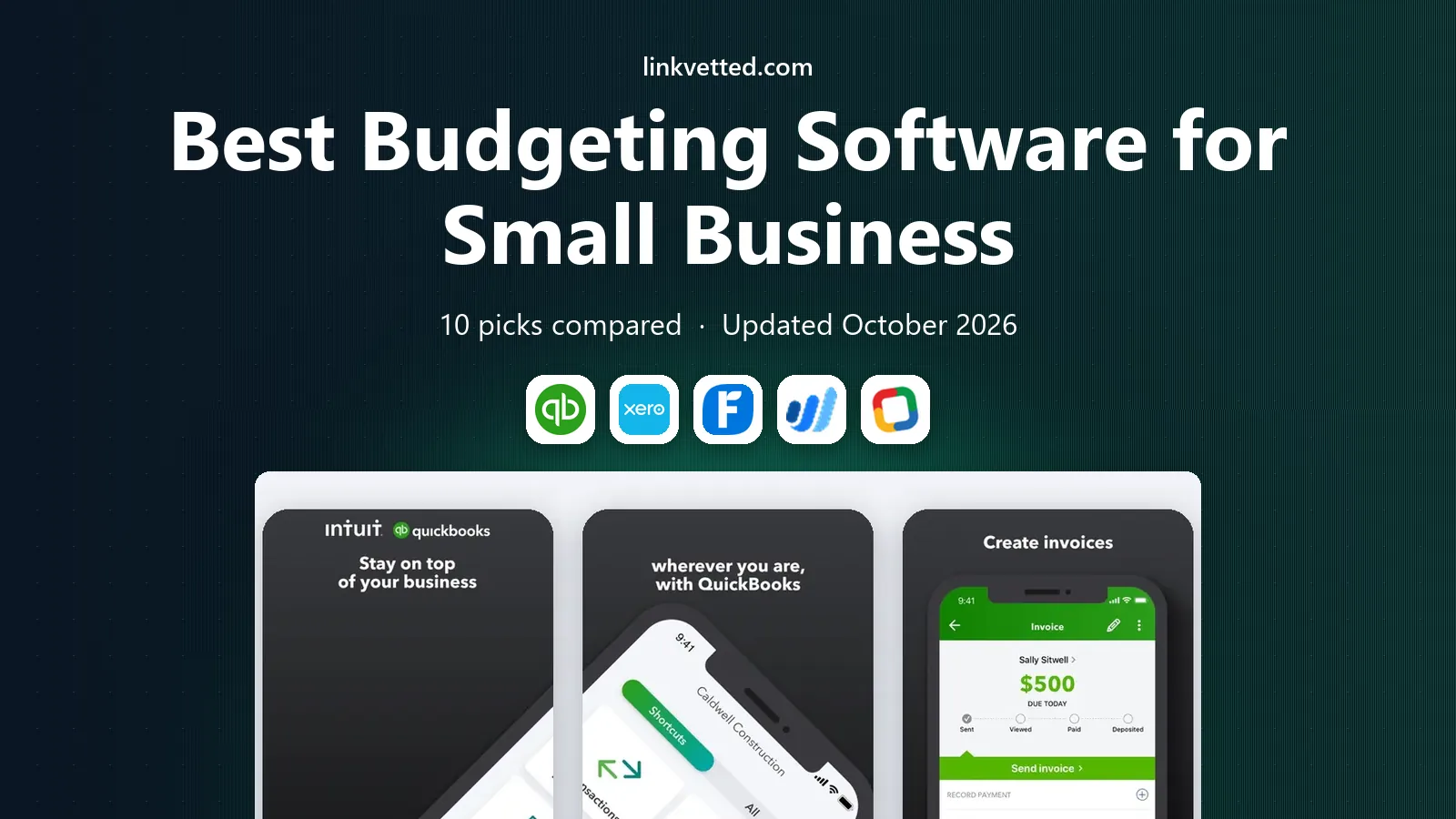
- Editor's choice
 QuickBooks Online
Budgeting inside widely used accounting
Starts at$38 per monthVisit quickbooks.intuit.comFull review - Great alternative
 Xero
Growing teams that share the books
Starts at$25 per monthVisit xero.comFull review - Also consider
 FreshBooks
Service businesses that bill by project
Starts at$23 per monthVisit freshbooks.comFull review
TL;DR:
- A good budgeting tool connects to your accounting data, so forecasts update when invoices and bills change.
- QuickBooks Online and Xero suit owners who want budgeting inside the books they already keep.
- LivePlan, PlanGuru, Float, Fathom and Jirav suit owners who want forward-looking plans, scenarios and driver-based forecasts.
- Free plans from Wave and Zoho Books cover basic bookkeeping, but deeper forecasting usually sits on paid plans.
- Check user limits, bank connections and reporting before you pay, since those limits decide the real monthly cost.
Quick comparison
| Tool | Best for | Starts at | Free plan? | |
|---|---|---|---|---|
| QuickBooks Online | Budgeting inside widely used accounting | $38 per month | Free trial | Visit |
| Xero | Growing teams that share the books | $25 per month | Free trial | Visit |
| FreshBooks | Service businesses that bill by project | $23 per month | Free trial | Visit |
 Wave | Very small businesses on a tight budget | Free | Yes | Visit |
 Zoho Books | Low cost accounting with budgets | Free | Yes | Visit |
 LivePlan | Business plans and simple forecasts | See website | Free trial | Visit |
 PlanGuru | Detailed budgets and multi-year forecasts | See website | Free trial | Visit |
 Float | Cash flow forecasting from live data | See website | Free trial | Visit |
 Fathom | Reporting, KPIs and forecast scenarios | See website | Free trial | Visit |
 Jirav | Driver-based planning for growing teams | See website | Free trial | Visit |
The best budgeting software for small business
Budgeting is not only a spreadsheet with a nicer cover. The tools below help you set targets, watch actual spending against those targets, and adjust when sales or costs move. We picked options that work for small teams, not only for large finance departments.
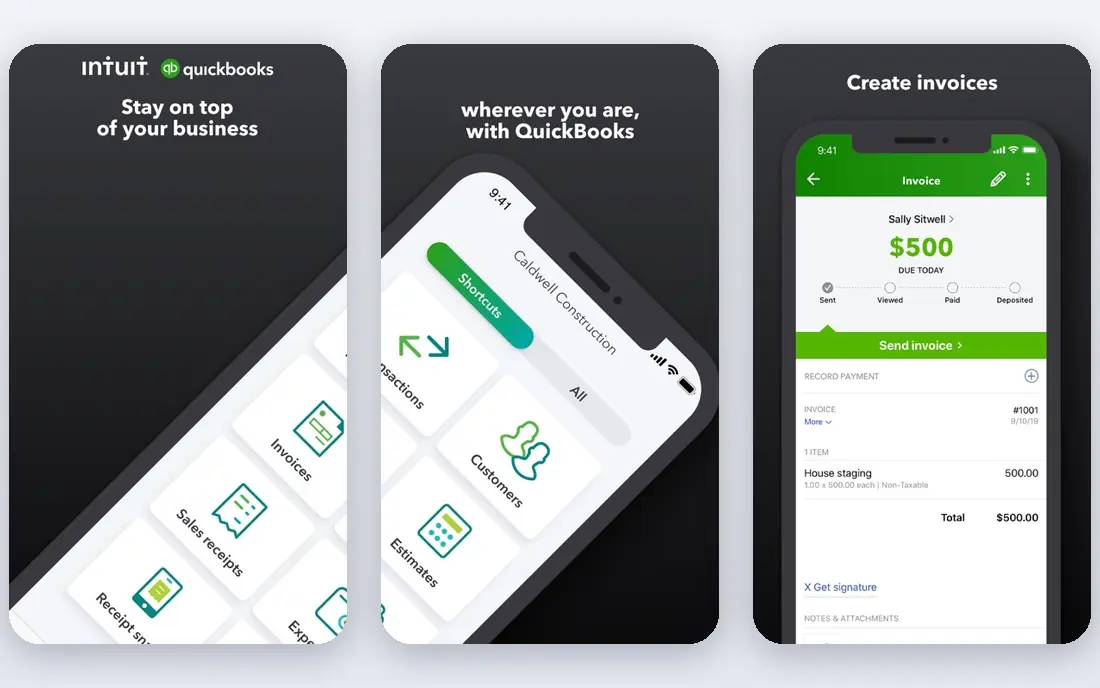
QuickBooks Online is our pick for most small businesses that already need full accounting. You can build a budget by account and by month, then compare actual results in the same system where invoices and bills live. That link matters, because it removes the weekly job of copying numbers into a separate file.
The catch is price growth. The entry plan covers the basics, while multi-user access, bill management and deeper reporting sit higher up. If your accountant already uses QuickBooks, that familiarity often saves more time than a cheaper tool would. If you only need a forecast and no full ledger, a dedicated planning tool may cost less.
- Wide accountant familiarity
- Budgets linked to real transactions
- Large app marketplace
- Costs rise quickly on higher plans
- Payroll is a separate add-on
- Some reports feel crowded
Xero suits a small business where several people touch the books. Owners, bookkeepers and advisers can work in the same file without paying per seat in the way some rivals charge. Bank feeds and reconciliation keep actual figures current, which makes budget comparisons more useful.
Budgeting in Xero is practical rather than deep. You can track budgets and view variances, but you will not get the same scenario modelling as PlanGuru or Jirav. That trade works well for a team that wants one accounting home and a clear budget view, and it works less well for a business that needs to model hiring, pricing and headcount in detail.
- Unlimited users on paid plans
- Clean bank reconciliation
- Strong multi-currency support
- Entry plan caps invoices and bills
- Budgeting depth is lighter than dedicated planning tools
- Payroll options vary by region
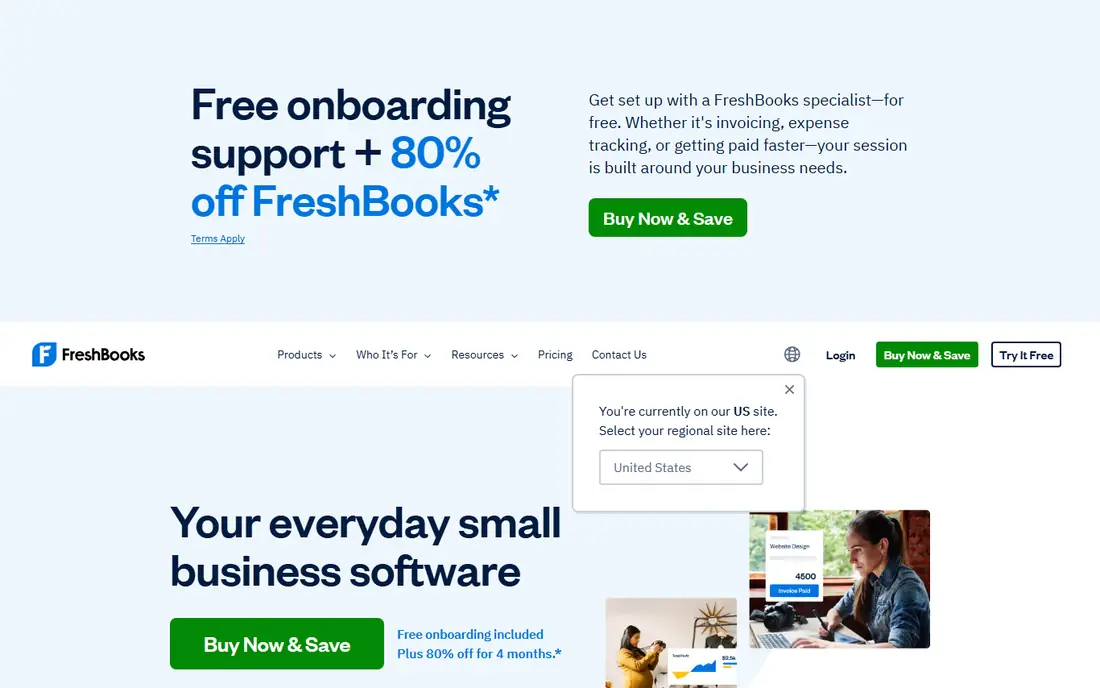
FreshBooks fits service owners whose budget starts with billable work. Time tracking, project costs and invoices feed the same view, so you can see whether a project is drifting over its planned cost before the month ends. The interface stays simple, which helps owners who do not want accounting jargon on every screen.
The limit is scope. FreshBooks is not a replacement for a full accounting system for a business with inventory, complex payroll or detailed department budgets. Use it when invoicing and project margins drive your plan, and pair it with an accountant or a planning tool if you need deeper forecasts.
- Simple invoicing and time tracking
- Clear client view
- Easy expense capture
- Not full double-entry accounting on lower plans
- Client limits on entry plan
- Budgeting is basic
Wave is the sensible starting point for a solo owner or a very small team. Core bookkeeping, invoicing and receipt handling cost nothing on the starter plan, so you can track income and spending without a monthly subscription. That makes it easy to build a simple budget habit before you pay for forecasting.
Wave will not model scenarios or run driver-based plans. Owners who outgrow it often move to QuickBooks, Xero or a dedicated planning tool once they need cash flow forecasts, department budgets or multi-user controls. Until that point, Wave keeps the basics honest and cheap.
- Free core accounting and invoicing
- Unlimited invoices on the free plan
- Simple setup
- No built-in deep forecasting
- Bank imports and some features need the paid plan
- Limited support for larger teams
Zoho Books gives small owners a lot of accounting for little money. The free plan covers businesses with annual revenue under $50,000, and paid plans add users, automation and deeper reporting. Budget tracking sits inside the same ledger, so planned and actual figures stay connected.
The main check is scale. Invoice caps and user limits on lower plans matter once you grow past them. Zoho also rewards owners who already use Zoho CRM, Inventory or other Zoho tools, since data moves between them with less manual work. As a stand-alone choice, it still stands up on value alone.
- Free plan for businesses under $50,000 in annual revenue
- Full accounting features
- Works well with other Zoho apps
- Free plan has invoice limits
- Learning curve for new users
- Some advanced reports need higher plans
LivePlan is for owners who need a plan they can show a bank, a partner or a lender. It walks you through the written plan and the numbers together, so the forecast matches the story in the document. Charts and milestones make the plan easy to explain in a meeting.
It is not a replacement for your accounting system. LivePlan works best as the planning layer on top of the books you already keep, with regular updates when actual results come in. Owners who want deep department budgets or complex hiring models should look at PlanGuru or Jirav instead.
- Guided business plan builder
- Simple forecast charts
- Useful pitch and plan templates
- Less depth than dedicated finance tools
- Limited accounting integration depth
- Pricing needs a check on the vendor site
PlanGuru is the workhorse pick for owners and advisers who want a serious budget. You can build budgets by department, project and month, run multi-year forecasts, and compare scenarios without rebuilding the model each time. Imports from accounting software reduce manual entry.
The trade is polish. PlanGuru looks and feels more like a finance tool than a modern app, and the first setup takes patience. Once the model is built, though, it handles detail that simpler tools skip. That makes it a strong fit for businesses with several revenue lines or seasonal swings.
- Detailed budget and forecast modelling
- Multi-year projections
- Import from accounting systems
- Interface feels dated next to newer tools
- Setup takes time
- Best value needs some finance comfort
Float answers the question every small owner asks first: will we have enough cash next month. It pulls live data from your accounting system and turns it into a cash timeline, so you can see the effect of late payments, new hires or a large purchase before you commit.
Float is not a full budget builder. It pairs well with QuickBooks or Xero, where the ledger and budget live, while Float handles the cash view. If cash timing is your main worry, that focus is a strength. If you need department budgets and written plans, add another tool to the stack.
- Cash flow forecasts linked to accounting data
- Scenario planning
- Clear visual cash timeline
- Focus is cash flow, not full budgeting
- Needs a connected accounting system
- Pricing is quote-based on some plans
Fathom turns accounting data into reports owners can actually read. Key performance indicators, trends and forecast scenarios sit in one view, which helps in monthly reviews with a bookkeeper or adviser. You can test what happens if revenue falls or costs rise, without editing a spreadsheet by hand.
Fathom is an analysis layer, not a ledger. You still need QuickBooks, Xero or a similar system underneath it. For owners who already have clean books and want better insight from them, that split works well. For owners starting from scratch, begin with the accounting tool first.
- Clear KPI dashboards
- Forecast scenarios
- Useful adviser and client reporting
- Needs accounting data to shine
- Less useful as a stand-alone ledger
- Plan limits need checking
Jirav suits a business that has outgrown a simple budget. Instead of typing a sales number for each month, you link the forecast to drivers such as headcount, pricing and hiring plans. Change a driver and the forecast updates across departments, which saves hours of spreadsheet editing.
That power comes with setup work. A solo owner with one revenue line will find Jirav heavier than needed. A growing team with several departments, a finance lead and regular board or investor reporting will get far more from it. Check the plan limits and integration list before you commit.
- Driver-based forecasts linked to headcount and revenue
- Scenario comparisons
- Good for growing teams
- More than a very small business needs
- Setup takes time
- Pricing needs a check on the vendor site
How we picked these
We compared official feature pages, pricing pages and plan limits, plus public reviews from owners and advisers. We kept only tools that exist and work in October 2026, that connect budgeting or forecasting to real financial data, and that fit a small business budget or team size. We excluded generic spreadsheets and enterprise-only platforms that need a large finance team to run.
What to check before you choose
Start with the system you already use for invoices and bills. If your accountant works in QuickBooks or Xero, budgeting inside that system saves sync work and avoids duplicate data. If you need a plan for a lender, LivePlan or PlanGuru may matter more than a ledger feature.
Next, list your drivers. A service business needs project margins and billable hours. A product business needs inventory and seasonal sales. A growing team needs headcount and hiring scenarios. Match the tool to those drivers, not to a feature list.
Finally, test the forecast update. Enter a late payment, a new hire or a price change and see how quickly the forecast reflects it. A budget that takes a day to update will not get used. A tool that updates from live data will stay current with far less effort.
FAQ
What is the best budgeting software for small business?
The best choice depends on your starting point. QuickBooks Online and Xero suit owners who want budgeting inside full accounting. LivePlan suits owners who need a lender-ready plan, while Float suits owners whose main worry is cash timing. Pick the tool that matches the job you do most often.
Is free budgeting software good enough for a small business?
Free plans from Wave and Zoho Books cover basic bookkeeping and simple budgets well. They fall short on scenario modelling, department budgets and deep cash flow forecasts. Start free, then upgrade when you need those features or hit user and invoice limits.
How is budgeting software different from accounting software?
Accounting software records what already happened. Budgeting software plans what should happen next and compares the two. Many tools now do both, but dedicated planning tools add scenarios, drivers and multi-year forecasts that a basic ledger does not.
Do I still need a spreadsheet if I use budgeting software?
Many owners keep a spreadsheet for one-off analysis, but the budget itself should live in the tool. That way actual results update from the ledger and the forecast stays in one place. Use spreadsheets for ad hoc work, not as the main budget file.
Can budgeting software help with cash flow?
Yes, especially tools such as Float that focus on cash timing. A profit budget can look healthy while cash runs short, because customers pay late and bills fall due early. A cash view shows that gap before it becomes a problem.
How often should a small business update its budget?
Review the budget monthly and update the forecast when sales, costs or hiring plans change. A yearly budget that never changes is a guess, not a plan. Monthly reviews keep the forecast honest and help you spot drift early.
Sources
- https://quickbooks.intuit.com/pricing/
- https://www.xero.com/pricing/
- https://www.freshbooks.com/pricing
- https://www.waveapps.com/pricing
- https://www.zoho.com/books/pricing/
- https://www.liveplan.com/pricing
- https://www.planguru.com/pricing/
- https://www.floatapp.com/pricing/
- https://www.fathomhq.com/pricing
- https://www.jirav.com/pricing/