Best Budget Tracking Apps in 2026: 9 Apps Compared
Looking for the best budget tracking apps? We compare 9 apps for budgets, bank sync, bills, savings goals and net worth to help you pick in 2026 today.

- Editor's choice
 YNAB
Zero-based budgeting
Starts at$14.99 per monthVisit ynab.comFull review - Great alternative
 Monarch Money
Household dashboard
Starts at$14.99 per monthVisit monarchmoney.comFull review - Also consider
 Copilot Money
Apple users
Starts at$13 per monthVisit copilot.moneyFull review
TL;DR:
- YNAB is best for hands-on, zero-based budgeting, while Monarch Money is best for a full household dashboard.
- Rocket Money, Goodbudget and EveryDollar offer useful free tiers, so you can start without paying.
- Copilot Money suits Apple households that want a polished automatic tracker, but it has no Android app.
- Quicken Simplifi is a low-cost all-rounder with spending plans and cash flow forecasts.
- This article is general information, not financial advice, and bank sync support varies by bank and region.
Quick comparison
| Tool | Best for | Starts at | Free plan? | |
|---|---|---|---|---|
| YNAB | Zero-based budgeting | $14.99 per month | Free trial | Visit |
| Monarch Money | Household dashboard | $14.99 per month | Free trial | Visit |
| Copilot Money | Apple users | $13 per month | Free trial | Visit |
 Rocket Money | Subscriptions and bills | Free | Yes | Visit |
 PocketGuard | Safe-to-spend number | Free | Yes | Visit |
 Goodbudget | Envelope budgeting | Free | Yes | Visit |
 EveryDollar | Simple zero-based budgets | Free | Yes | Visit |
 Quicken Simplifi | Low-cost all-rounder | See website | Free trial | Visit |
 Tiller | Spreadsheet budgeting | $79 per year | Free trial | Visit |
The best budget tracking apps
Budget apps fall into two camps. Planners help you assign every dollar before you spend it. Trackers show where money already went. The best pick depends on whether you want control, clarity or both, and whether you are willing to pay for bank sync.
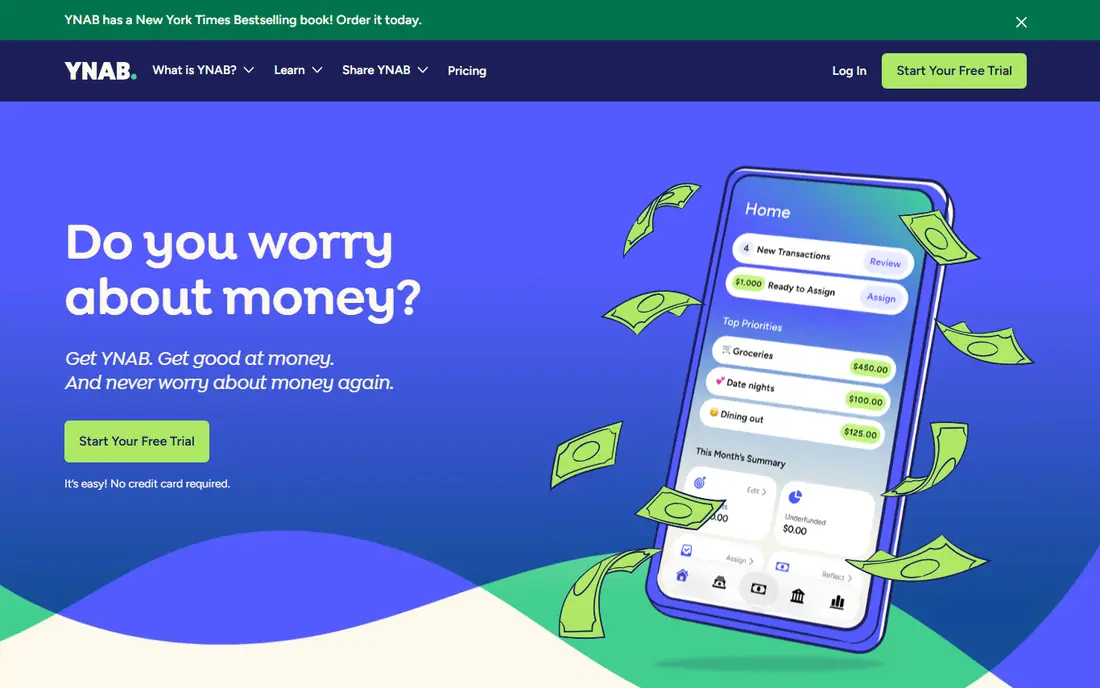
YNAB, short for You Need A Budget, asks you to give every dollar a job, fund future bills in advance, and adjust when plans change. That method takes effort at first, but many users say it changes spending behaviour more than a passive tracker does. The app supports bank sync, scheduled transactions, goals and reports, and a 34-day trial lets you test the full method.
Pricing is $14.99 per month or $109 per year. There is no ongoing free tier, so YNAB suits readers who will use it weekly and want a real budgeting system, not just a spending chart. If you want a hands-off dashboard, look at Monarch or Simplifi instead.
- Clear zero-based method with rules
- Bank sync and manual entry
- Strong learning resources
- Learning curve for new users
- No free tier beyond the trial
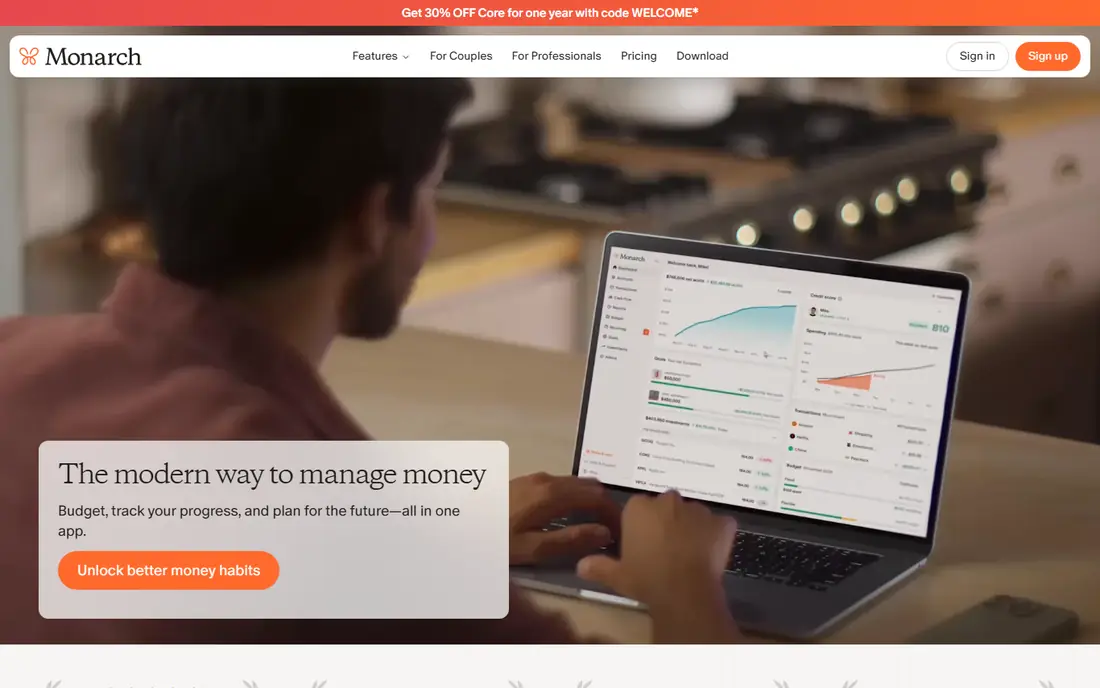
Monarch Money is the closest modern replacement for Mint, which shut down in March 2024. It links bank accounts, credit cards, loans and investments, then shows budgets, cash flow, net worth and goals in a clean dashboard. Couples and households can share access, set custom categories and track progress together.
Core pricing is $14.99 per month or $99.99 per year, with a 7-day trial and a higher Plus tier for advanced forecasting. The catch is price. If you only need a simple budget, Monarch may feel like more than you need. If you want one place for the whole household money picture, it is our top dashboard pick.
- Budgeting, net worth and investments in one place
- Shared household access
- Flexible budgets
- No free tier
- Higher cost than a simple tracker

Copilot Money is built for iPhone, iPad, Mac and the web, with a design that many Apple users find clearer than rivals. It syncs bank accounts, categorises transactions automatically, tracks budgets and net worth, and shows spending trends without a cluttered interface. Pricing is $13 per month or $95 per year, with a trial of about a month.
The limit is platform. There is no Android app, so mixed-device households should test the web version first. If your household lives on Apple devices and you want automatic tracking that looks good, Copilot is a strong choice.
- Polished design on Apple devices
- Automatic categorisation
- Budgets, net worth and investment tracking
- No Android app
- No free tier beyond the trial
Rocket Money starts free, with spending tracking, subscription detection and alerts. Premium, priced on a pay-what-you-want basis from about $7 to $14 per month, adds unlimited budgets, custom categories, balance forecasting and bill negotiation. That subscription focus is its real strength for people who suspect they pay for services they no longer use.
Budgeting on the free tier is basic, and bill negotiation fees apply when it saves you money, so read the terms before using that feature. If your first goal is to cut recurring charges, Rocket Money is a practical place to start.
- Free basic tracking
- Finds and helps cancel subscriptions
- Bill negotiation on Premium
- Budgeting is thinner than YNAB
- Bill negotiation takes a share of savings
PocketGuard answers one question fast: after bills, goals and savings, how much can you spend today. It links bank accounts and cards, tracks bills and income, and shows a safe-to-spend number that updates as transactions arrive. Plus pricing is $12.99 per month or $74.99 per year, with a 7-day trial.
That simplicity is both the appeal and the limit. PocketGuard will not give you the same depth of planning as YNAB, and the free tier covers only a small number of accounts. If you want a quick daily number rather than a full budgeting method, it fits well.
- Simple safe-to-spend figure
- Links accounts and bills
- Goals and bill tracking on Plus
- Free tier is limited
- Budgeting is simpler than YNAB or Monarch
Goodbudget turns the classic cash envelope method into an app. You create envelopes for groceries, rent, transport and fun, fill them from income, and record spending from the right envelope. Couples can share a household, which makes it popular for joint budgets where both partners need to see the same envelopes.
The free tier covers a limited set of envelopes, one account and two devices, while Plus costs $10 per month or $80 per year. Bank sync is available on Plus for US banks, but many users prefer manual entry for control and privacy. If envelopes make sense to you, Goodbudget is the most faithful digital version.
- Digital envelope method
- Works well for couples
- No bank link needed if you prefer manual entry
- Free tier caps envelopes and accounts
- Bank sync is a paid feature in the US
EveryDollar offers a clean monthly budget where you plan income, spending and savings to zero each month. The free version uses manual entry, which suits readers who want to think about each transaction. Premium adds bank sync, custom reports and paycheck planning.
The free version is genuinely usable, but manual entry takes time, and Premium is priced above some rivals. If you follow a zero-based approach and like a simple layout without investment tracking, EveryDollar is a solid free starting point.
- Free manual zero-based budgeting
- Simple monthly layout
- Ramsey-style method
- Bank sync needs Premium
- Premium costs $17.99 per month or $79.99 per year
Quicken Simplifi combines account sync, a spending plan, bill reminders, savings goals and a cash flow forecast in one app. It suits readers who want an automatic overview without learning a strict method. Pricing has been promoted at low monthly equivalents on annual billing, with regular pricing higher, so check the current offer on the vendor site.
Simplifi is less of a hands-on planner than YNAB and less of a household wealth dashboard than Monarch. Its strength is value: a capable automatic tracker at a lower annual cost than many competitors, with a trial to test bank connections first.
- Spending plan and cash flow forecast
- Bank sync and bill tracking
- Lower cost than many rivals
- Annual billing
- More of a dashboard than a strict budgeting method
Tiller feeds bank transactions into Google Sheets or Excel, where you build budgets, reports and dashboards your own way. It suits spreadsheet lovers who want bank sync without giving up control, and it works well for custom categories, debt payoff plans and yearly reviews.
The catch is effort. Tiller gives you a powerful sheet, not a guided app, so you need to set up templates and maintain them. Pricing is $79 per year, with a trial. If you love spreadsheets, it is the best of both worlds. If you want an app that does the thinking, pick YNAB, Monarch or Simplifi.
- Bank feeds into Google Sheets or Excel
- Full control over categories and reports
- No forced app layout
- Still a spreadsheet, so it needs setup
- No free tier beyond the trial
How we picked these
We compared official pricing pages, feature pages, app store listings and public reviews in October 2026, and we excluded Mint because it shut down in March 2024. We favoured apps that are still maintained, state their price plainly, support US bank connections or manual entry, and cover budgeting, tracking or both. We did not claim hands-on testing. Our judgement rests on vendor pages and public information, with a mix of planners, trackers and spreadsheet tools.
How to choose a budget app without wasting a month
Start with your method, then test the bank connection.
Planner or tracker
Choose YNAB, EveryDollar or Goodbudget if you want to plan spending in advance. Choose Monarch, Copilot, Simplifi or PocketGuard if you mainly want to see spending, net worth and trends automatically. Rocket Money fits if subscriptions are your main leak.
Test sync before you pay
Link your main bank and one credit card during the trial, then check for missing transactions, duplicate entries and correct categories. A beautiful app with broken sync will not help you. Also check whether the app supports your bank, since coverage varies.
A short money note
This article is general information, not financial advice. Budget apps can help you track spending and plan, but they do not guarantee savings, debt payoff or investment results. Check fees, security practices and privacy policies before linking financial accounts, and use strong passwords and two-factor authentication where available.
FAQ
What is the best app for budget tracking overall?
YNAB is best for hands-on zero-based budgeting, while Monarch Money is best for a full household dashboard with budgets, net worth and investments. For a low-cost automatic tracker, Quicken Simplifi is a strong value pick.
What is the best free budget tracking app?
Rocket Money, Goodbudget and EveryDollar all offer useful free tiers. Rocket Money is best for subscription tracking, Goodbudget for envelope budgeting, and EveryDollar for simple manual zero-based budgets. Free tiers have limits, so check envelope, account and sync caps.
Is Mint still available?
No. Mint shut down in March 2024. Monarch Money is the closest modern alternative for many former Mint users, with budgeting, net worth and investment tracking in one dashboard, while Simplifi and Copilot also cover much of the same ground.
Do budget apps need my bank login?
Many apps use bank sync through a secure aggregator, which needs your bank credentials or a bank-approved connection. If you prefer not to link accounts, Goodbudget and EveryDollar support manual entry, and Tiller lets you control the spreadsheet while still using feeds if you choose them.
How much should I pay for a budget app?
It depends on use. Free tiers suit simple tracking, while paid apps range from low annual plans for Simplifi and Tiller to higher monthly plans for YNAB and Monarch. Pay only if you use the app weekly and its method or dashboard actually changes your spending.