Best Browser Isolation Software in 2026: 8 Tools Compared
Compare the best browser isolation software for 2026, covering remote isolation, phishing protection, performance and enterprise pricing options today.
- Editor's choice
 Menlo Security
Pure-play isolation as the core product
Starts atSee websiteVisit menlosecurity.comFull review - Great alternative
 Cloudflare Browser Isolation
Teams already on Cloudflare One
Starts atSee websiteVisit cloudflare.comFull review - Also consider
 Zscaler Cloud Browser Isolation
Zscaler customers wanting isolation as policy
Starts atSee websiteVisit zscaler.comFull review
TL;DR:
- Browser isolation runs web code away from the endpoint, so malicious pages cannot easily reach the device.
- Menlo Security is the pure-play isolation specialist, while Cloudflare, Zscaler and Palo Alto offer isolation inside wider security platforms.
- Most enterprise isolation pricing is quote-based, so pilot performance and policy fit matter more than a headline rate.
- Selective isolation, for risky sites and email links only, often gives better performance than isolating every page.
Quick comparison
| Tool | Best for | Starts at | Free plan? | |
|---|---|---|---|---|
| Menlo Security | Pure-play isolation as the core product | See website | No | Visit |
| Cloudflare Browser Isolation | Teams already on Cloudflare One | See website | No | Visit |
| Zscaler Cloud Browser Isolation | Zscaler customers wanting isolation as policy | See website | No | Visit |
 Palo Alto Prisma Access RBI | Prisma Access estates | See website | No | Visit |
 Netskope RBI | Netskope web and data policy | See website | No | Visit |
 Proofpoint Isolation | Email-threat teams isolating URL clicks | See website | No | Visit |
 Authentic8 Silo | High-security and government use | See website | No | Visit |
 Broadcom Symantec Web Isolation | Large Symantec proxy estates | See website | No | Visit |
The best browser isolation software
Browser isolation, often called remote browser isolation or RBI, moves web browsing to a remote container or cloud browser. The user sees a safe rendered page, while scripts, downloads and exploits stay away from the local device. That approach helps against phishing, drive-by downloads and malicious sites that slip past filters. These eight tools cover specialist isolation and platform-based isolation.
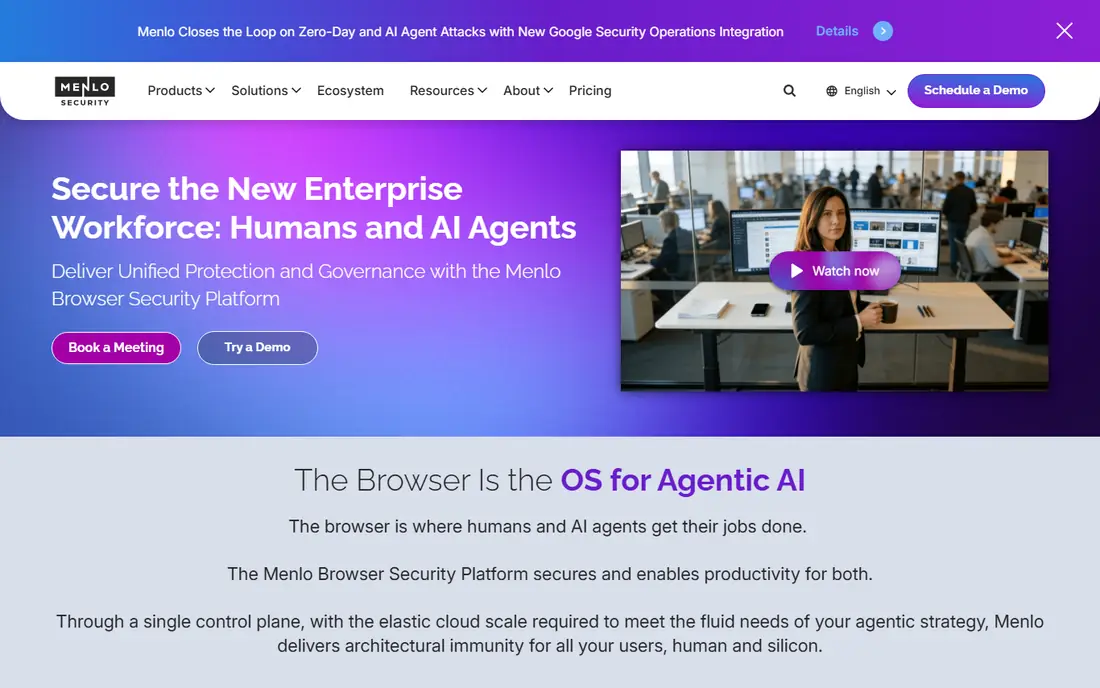
Menlo Security treats isolation as the product, not a checkbox. Its Elastic Isolation Core runs web sessions remotely and delivers a sanitized view to the browser people already use, with no replacement browser required. Document isolation and data controls help teams handle risky files and uploads safely. Menlo also focuses on evasive threats and highly evasive phishing pages, which are the cases where traditional filters often fail.
The downside is cost and procurement. Menlo is quote-based for most enterprises, with third-party listings showing smaller AWS-based offers alongside private enterprise pricing. For firms where isolation is the core security strategy, Menlo offers the deepest specialist focus in this list.
- Isolation is the core product, not an add-on
- Strong phishing and document isolation
- Clientless use in existing browsers
- Quote-only pricing for most enterprises
- Premium pricing compared with platform add-ons
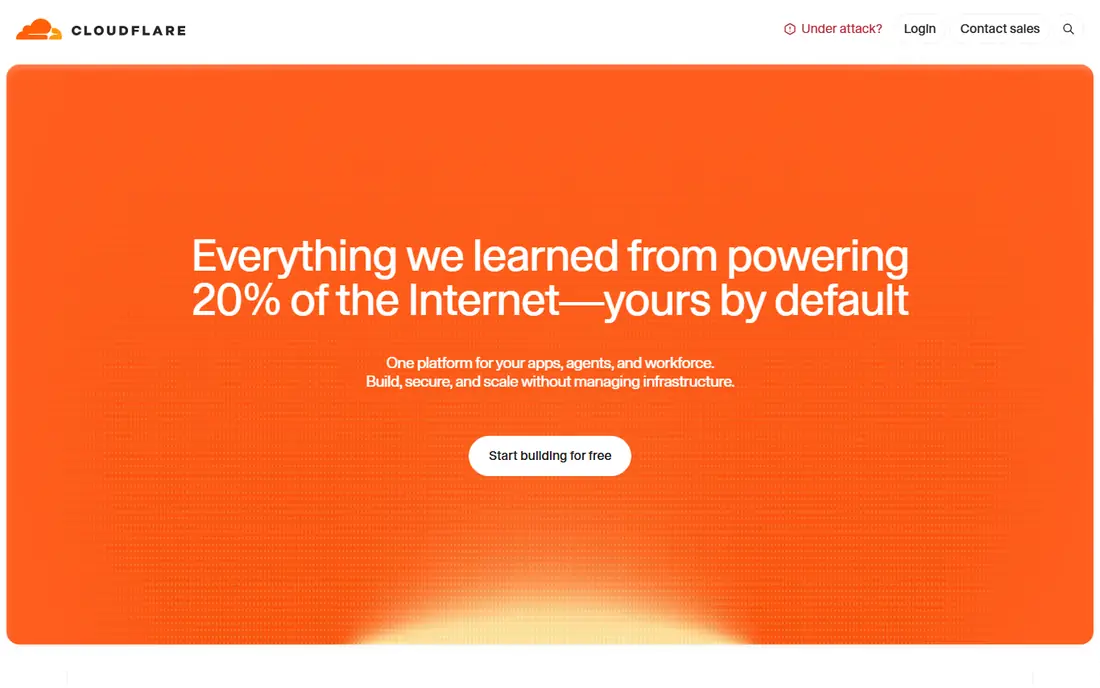
Cloudflare Browser Isolation runs web sessions through Cloudflare edge nodes, using headless browsers and rendering techniques that keep local devices away from raw web code. For teams already on Cloudflare One, isolation can be turned on as a policy for risky categories, email links or unmanaged devices, without a second console. Performance is a selling point, since Cloudflare edge locations sit close to users in many regions.
Pricing needs care. Zero Trust pay-as-you-go seats are listed at $7 per user per month, but browser isolation itself is an add-on that is quoted, and it is not included on the free plan. For Cloudflare customers, though, the deployment path is simple, and selective isolation keeps performance strong.
- Runs on Cloudflare global edge network
- Isolation as a Zero Trust policy
- Good performance story
- Isolation add-on is quoted on top of Zero Trust plans
- Full value needs Cloudflare One
Zscaler Cloud Browser Isolation
Best for: Zscaler customers wanting isolation as policy
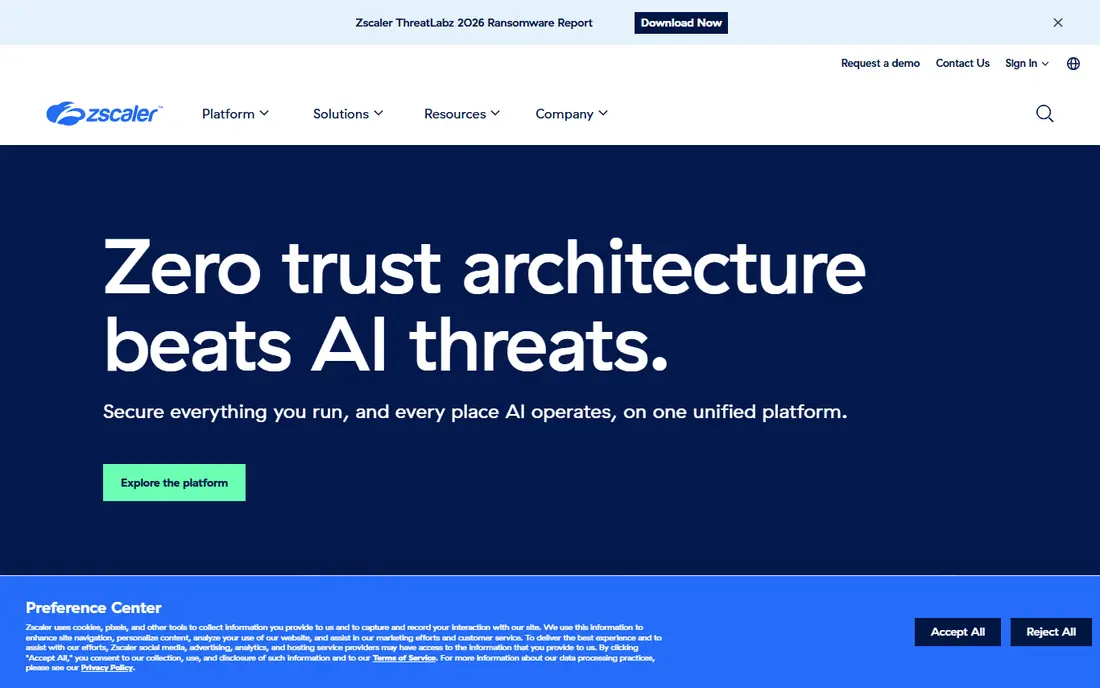
Zscaler offers browser isolation as a policy action within its Zero Trust Exchange, alongside secure web gateway and private access tools. Admins can isolate new domains, risky categories or email links without blocking them outright, which keeps users productive while reducing risk. A Chromium enterprise browser option also exists for firms that want a managed browser path.
The limitation is platform dependence. Isolation works best inside a Zscaler estate, and pricing is quoted separately from base platform fees. For firms already standardized on Zscaler, isolation is a natural extension. For others, a standalone specialist may be simpler.
- Isolation as a policy action inside Zero Trust Exchange
- Deep SASE integration
- Clientless option
- Requires ZIA or ZPA context
- Isolation itself is quoted separately
Palo Alto Networks offers remote browser isolation as an add-on to Prisma Access, its secure access service edge platform. Web sessions are isolated and checked against WildFire threat intelligence, while policy orchestration ties isolation to firewall, web gateway and data controls. That breadth helps firms that already run Palo Alto firewalls and Prisma Access.
RBI is not included in base Prisma Access, so buyers must add the license and confirm scope. For Palo Alto estates, the integration payoff is real. For firms without Prisma Access, the full platform cost may outweigh the isolation benefit alone.
- Isolation inside Prisma Access SSE
- WildFire threat intelligence links
- Strong policy orchestration
- Add-on license, not in base Prisma Access
- Quote-only pricing
Netskope offers targeted RBI and extended RBI on top of its secure web gateway and SSE platform. Targeted isolation covers risky sites and categories, while extended isolation adds broader coverage for unmanaged or high-risk use. Data loss prevention and web policy tie into the same controls, so uploads, downloads and clipboard actions can be governed in isolated sessions.
As with other platform options, RBI itself is quoted, and the best value comes inside a Netskope deployment. For Netskope customers, isolation becomes another policy action, not a separate product to learn. For others, standalone options may be faster to pilot.
- Targeted and extended isolation options
- Data controls tied to web policy
- NewEdge network performance
- Isolation is quoted on top of SWG or SSE
- Best value inside Netskope estate
Proofpoint Isolation suits teams whose main browser risk arrives by email. Instead of blocking a suspicious link or letting it run locally, Proofpoint can open it in an isolated session, so users can view the page safely while threats stay remote. That approach reduces help-desk tickets from blocked links and keeps legitimate work moving.
Proofpoint isolation is quote-based and works best alongside Proofpoint email security. Firms without Proofpoint email may get less value than from a general RBI platform. For email-threat teams, though, the click-isolation workflow is a practical, user-friendly control.
- Strong fit for email URL threats
- Isolates clicks instead of blocking them
- Clientless use
- Quote-only pricing
- Isolation scope is tied to Proofpoint email and threat stack
Authentic8 Silo offers a fully isolated cloud browser with a stronger separation model than many RBI tools, plus managed attribution for research and investigation work. That design suits government, defense, research and other high-security teams that need to browse untrusted sites without exposing local identity or device details. Silo runs as a separate browser environment, which gives clear separation from daily work.
For general enterprise browsing, Silo may feel more separate than needed, and pricing is quoted. For high-security use cases where attribution and separation matter most, Silo offers a level of isolation that platform add-ons do not match.
- Full air-gap style isolation
- Managed attribution options
- FedRAMP-aligned use cases
- Quote-only pricing
- More specialized than general enterprise RBI
Broadcom Symantec web isolation builds on a long secure web gateway and proxy heritage, with pixel-based isolation and content disarm and reconstruction options for files. Large enterprises with existing Symantec proxy estates can add isolation without replacing their web security stack. Scale and mature infrastructure are strengths for very large deployments.
Licensing complexity is a known watch-out, and buyers should review roadmap and support during procurement, especially after ownership changes in the broader portfolio. For Symantec estates, isolation is a logical extension. For new buyers, a specialist or cloud-native platform may offer a simpler start.
- Mature proxy and web gateway heritage
- File sanitization options
- Large-scale deployment experience
- Licensing complexity
- Innovation pace to review during procurement
How we picked these
We compared official product pages, pricing pages, public documentation and independent comparisons for remote browser isolation. We favored tools with real isolation delivery, not just safe browsing claims, and we checked whether pricing was published or quote-based. Where pricing was not published for isolation itself, we used See website rather than guessing from platform base prices. We did not claim hands-on testing. Instead, we weighed isolation approach, performance, policy flexibility, data controls and fit with existing security stacks.
How to pilot browser isolation without slowing everyone down
Start selective, not total. Isolate new domains, uncategorized sites, email links and unmanaged devices first, and measure page load, video playback and web app behavior. Many web apps, especially those with heavy client-side code, behave differently when isolated, so test your core SaaS tools early. Involve users in the pilot, since a slow or broken app will drive workarounds faster than any policy can stop.
Next, define data rules for isolated sessions. Decide what can be uploaded, downloaded, copied or printed, and test those rules with real workflows. Finally, check logging and incident response. Isolated sessions should still produce useful logs for security teams, including URL, policy action and data events. A pilot that covers performance, data rules and logging gives a fair basis for a full rollout decision.
Isolation types in plain terms
Pixel-based isolation streams a picture of the page, which is safest but can feel slower. Draw-command isolation sends drawing instructions, which often feels faster. Container isolation runs the browser in a remote container. All three keep web code off the endpoint, but they differ on performance and app compatibility, so test with your own apps.
FAQ
What is browser isolation software?
Browser isolation software runs web browsing in a remote container or cloud browser, so malicious code, scripts and downloads stay away from the local device. Users see a safe rendered page, while the risky work happens remotely.
Does browser isolation slow down browsing?
It can, depending on isolation type and policy scope. Selective isolation for risky sites usually feels faster than isolating every page. Pixel-based isolation can feel slower than draw-command isolation, so pilot with your core web apps before rolling out widely.
How much does browser isolation cost?
Most enterprise isolation is quote-based, tied to seat count and policy scope. Cloudflare Zero Trust base seats are listed at $7 per user per month, but isolation itself is quoted as an add-on. Menlo, Zscaler, Palo Alto, Netskope and others require a sales quote for isolation pricing.
Is browser isolation a replacement for a secure web gateway?
No, it complements one. A secure web gateway filters and categorizes traffic, while isolation handles the risky remainder safely. Many platforms combine both, so isolation becomes a policy action when filtering alone is not enough.
Who needs browser isolation most?
Teams facing phishing, malicious sites and unmanaged devices benefit most, including finance, healthcare, government and firms with many remote workers. Email-heavy teams also benefit, since Proofpoint-style click isolation lets users view links safely instead of blocking them.