Best Arc Browser Alternatives in 2026: 8 Browsers Compared
arc browser alternatives: 8 browsers with vertical tabs, workspaces and split view for Mac, Windows and Linux, compared for former Arc users moving in 2026.

- Editor's choice
 Zen Browser
Arc style layout, free
Starts atFreeVisit zen-browser.appFull review - Great alternative
 Dia
Official Arc successor
Starts atFreeVisit diabrowser.comFull review - Also consider
 Vivaldi
Deep customisation
Starts atFreeVisit vivaldi.comFull review
TL;DR:
- Zen Browser is the closest free match for Arc layout, with vertical tabs, workspaces, split view and a Firefox base.
- Dia is the official successor from the same team, with Arc import and AI features, though its best AI tools sit behind paid plans.
- Vivaldi suits users who want deep customisation, while Brave suits users who want privacy and built in ad blocking.
- SigmaOS suits Mac users who want a workspace browser, while Firefox, Edge and Opera suit users who want a mainstream, stable browser.
- Arc is scheduled to stop working in December 2026, so export bookmarks and passwords early and rebuild Spaces as workspaces or profiles.
Quick comparison
| Tool | Best for | Starts at | Free plan? | |
|---|---|---|---|---|
| Zen Browser | Arc style layout, free | Free | Yes | Visit |
| Dia | Official Arc successor | Free | Yes | Visit |
| Vivaldi | Deep customisation | Free | Yes | Visit |
 Brave | Privacy and ad blocking | Free | Yes | Visit |
 SigmaOS | Mac workspace browsing | Free | Yes | Visit |
 Firefox | Independent engine privacy | Free | Yes | Visit |
 Microsoft Edge | Microsoft 365 users | Free | Yes | Visit |
 Opera | Feature packed browsing | Free | Yes | Visit |
The best Arc browser alternatives
Arc rethought browser layout with a sidebar, Spaces, split view and pinned sites. These eight browsers recreate much of that experience, with different engines, platforms and trade offs.
Zen Browser is our pick for most former Arc users. It offers a left side tab bar, workspaces, pinned essentials, split view and a glance preview for quick link checks, which together recreate much of Arc daily use. It is free, open source and built on Firefox, so it accepts standard Firefox extensions and uses a Mozilla account for sync.
The move takes some rebuilding. Zen has no dedicated Arc importer, so bookmarks and passwords come over through standard Chromium export and import, while Spaces and Arc specific layouts must be recreated as workspaces. Protected video playback can also fail in some cases, so test streaming sites you rely on. For a free, Arc style browser on any desktop platform, Zen is the strongest starting point.
- Vertical tabs, workspaces and split view
- Firefox based and open source
- Works on Windows, macOS and Linux
- No dedicated Arc importer
- Protected video playback can fail
- Extension compatibility is not perfect
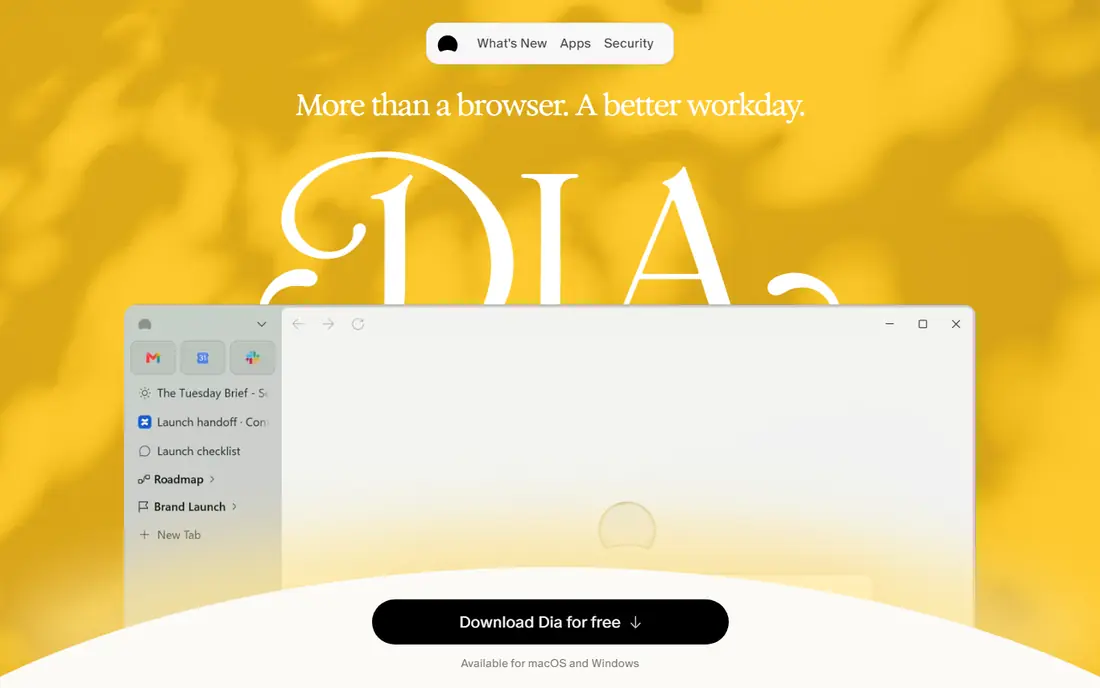
Dia is the official successor from The Browser Company, the team behind Arc, and it is the easiest move for Arc users who want an automatic import. Arc Spaces become Dia profiles, pinned tabs and split view carry over, and the sign-up flow can import during setup. The browser itself is free, with Arc style features included.
The difference is focus. Dia is built around AI assistance, with tab and tool content sent to AI models when those features are used, and the most useful AI tools sit behind plans from around $10 to $20 per month, with higher tiers above that. Users who loved Arc for layout rather than AI may prefer Zen. Users who want the smoothest import should choose Dia and keep AI features off until they are needed.
- Built by the Arc team
- Imports Arc Spaces as profiles
- Split view and pinned tabs included
- AI features sit behind paid plans
- Heavier AI focus than Arc
- Windows and Mac only for full features
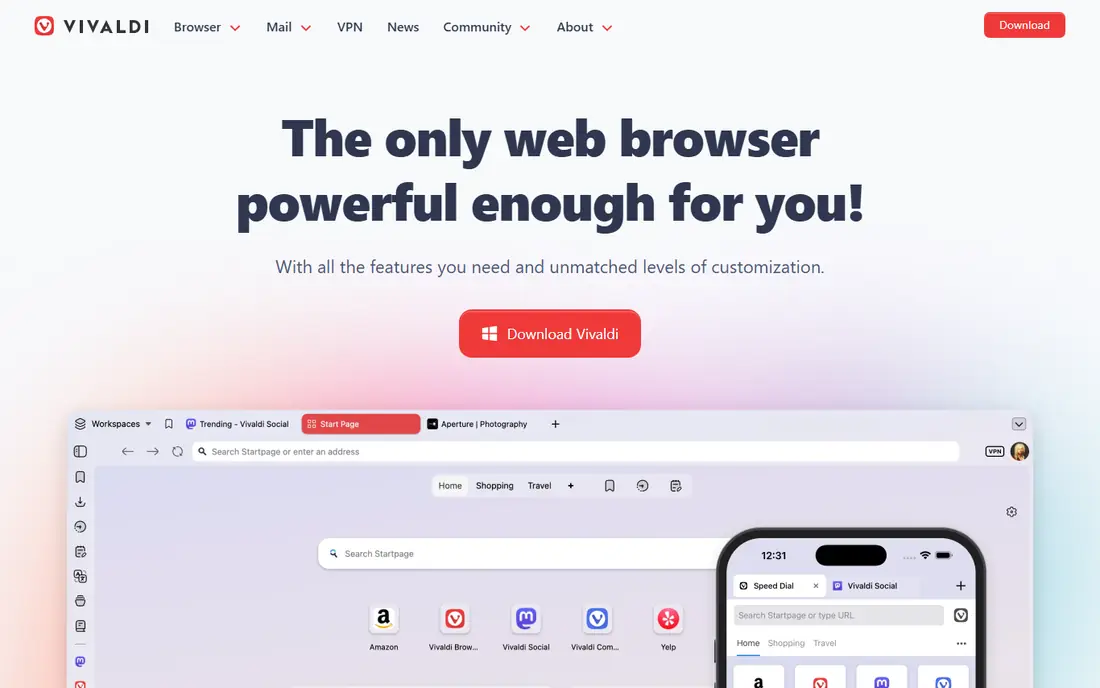
Vivaldi suits users who want to shape every part of the browser. Tab stacks, tab tiling, workspaces, vertical tabs and a highly customisable interface let you build an Arc like layout, or something entirely your own. Built in mail, calendar, notes and a sidebar for web panels add value without extensions.
The interface can feel busy at first, and Vivaldi is Chromium based, so it does not offer the independent engine that Firefox based browsers provide. There is no Arc importer, so Spaces must be rebuilt as workspaces and tab stacks. For power users who enjoy tuning a browser, Vivaldi offers more control than any other free option here.
- Tab stacks, tiling and workspaces
- Very customisable interface
- Built in mail, calendar and notes
- Chromium based, so no independent engine
- Interface can feel busy
- No Arc Space import
Brave is the privacy pick on this list. It blocks ads and trackers by default, without extensions, and its Leo assistant is opt in rather than always on, with chats not retained for training according to Brave. Vertical tabs, tab groups and a sidebar help recreate part of the Arc layout, though workspaces are not a native concept in the same way.
Users who want Arc layout first may find Brave plain, since its strength is privacy and speed rather than workspace design. Rewards and crypto features can be turned off, and most users should do so on first setup if they do not want them. For a fast, private, mainstream Chromium browser, Brave is a solid Arc replacement.
- Built in ad and tracker blocking
- Privacy focused defaults
- Optional Leo AI assistant is opt in
- No workspaces like Arc
- Vertical tabs need setup
- Crypto and rewards features may annoy some users
SigmaOS is a workspace browser for Mac that organises tabs into vertical lists and workspaces, with a focus on work apps and projects. It suits users who juggle many web apps, documents and tools across clients or projects, and who want a browser that feels like a workspace rather than a stack of tabs. An AI assistant is built in for summarising and working with open pages.
The limits are platform and price. SigmaOS is Mac only, so Windows and Linux users need another pick, and some advanced features sit behind paid plans. The extension ecosystem is also smaller than Chrome or Firefox. For Mac users who want a polished workspace browser, SigmaOS is one of the closest Arc style options available.
- Vertical tabs and workspaces
- Built for work apps
- AI assistant included
- Mac only
- Some features need a paid plan
- Smaller extension ecosystem than Chrome or Firefox
Firefox is the independent engine pick, built on Mozilla Gecko rather than Chromium, with strong tracking protection and a huge extension library. Vertical tabs, tab groups and containers can recreate part of the Arc experience, especially with extensions for sidebar tabs and workspaces, though the result needs more setup than Zen or Vivaldi.
That setup is the main drawback. Out of the box, Firefox looks like a traditional browser, and Arc users must add extensions and adjust settings to get a sidebar workflow. The payoff is an independent engine, strong privacy defaults and sync through a Mozilla account. For users who care about engine diversity and privacy, Firefox is a principled Arc alternative.
- Independent Gecko engine, not Chromium
- Strong privacy protections
- Huge extension library
- No native Arc style sidebar workspaces
- Vertical tabs need extensions or settings
- Performance varies by site
Microsoft Edge suits users already inside Microsoft 365. Vertical tabs, tab groups, collections and sleeping tabs cover much of the tab management Arc users value, and integration with Outlook, Teams, OneDrive and Copilot style AI features is deep. Performance is strong, and sync works well across Windows, Mac, mobile and work accounts.
Microsoft service prompts are frequent, and Edge is Chromium based, so it does not offer engine independence. There are no Arc style Spaces, though tab groups and workspaces style features in Edge cover part of that need. For a stable, mainstream browser with good tab tools and Microsoft integration, Edge is a low friction Arc replacement.
- Vertical tabs and tab groups
- Sleeping tabs save resources
- Deep Microsoft 365 integration
- Chromium based
- Microsoft services are pushed heavily
- No Arc style Spaces
Opera has offered grouped tabs and workspaces for years, through tab islands and workspace switching, plus a sidebar for messengers, music and other web apps. A built in ad blocker and VPN style proxy, plus battery saver and video pop out features, make Opera a feature rich free browser without extensions.
The built in VPN is a proxy rather than a full system VPN, with speed and location limits, so privacy focused users should not rely on it alone. The interface also packs in many features, which can feel busy next to Zen or Brave. For users who want workspaces, sidebar apps and built in tools in one free browser, Opera is a practical Arc alternative.
- Tab islands and workspaces
- Sidebar messengers and music
- Built in VPN and ad blocker
- Chromium based
- VPN is a proxy with limits
- Interface packs in many features
How we picked these
We compared official product pages, platform support and feature lists for browsers that offer vertical tabs, workspaces, split view or strong tab management in October 2026. We kept browsers that are actively maintained, free to use at core, and available on at least one major desktop platform. We excluded browsers that had shut down, that offered no tab management beyond basic tabs, or that required payment for basic browsing.
What to check before you switch
Arc shutdown timing makes this switch urgent, so move in stages rather than all at once.
Export before December 2026
Arc is scheduled to stop working on December 22, 2026, with account data becoming unavailable after that date. Export bookmarks and passwords early using standard Chromium export tools, and save a list of your Spaces, pinned sites and folders. Dia can import Arc data during setup, while other browsers need manual import and workspace rebuilding.
Rebuild Spaces as workspaces
List what each Arc Space was for, which sites were pinned, and which extensions you used. Recreate each Space as a workspace, profile or tab group in the new browser, and test split view and pinned sites for a full workday before deleting Arc. A short list prevents forgotten sites and broken habits.
Test extensions and video
Test your must have extensions and any protected video or training sites before standardising on a new browser. Zen and Firefox based browsers can fail on some protected playback, while Chromium browsers usually handle it better. A one week parallel run, with Arc still installed, catches most problems early.
FAQ
What is the closest Arc browser alternative?
Dia is the closest in terms of import, since it comes from the same team and turns Arc Spaces into profiles. Zen Browser is the closest free, independent match for Arc layout, with vertical tabs, workspaces and split view. Choose Dia for the smoothest move, and Zen for a free layout focused replacement.
Is Zen Browser really free?
Yes, Zen Browser is free and open source, funded by donations and volunteer work. There is no paid tier for the browser itself, though donations are accepted. That makes Zen one of the few Arc style browsers with no subscription pressure for core features.
Can I import my Arc Spaces to another browser?
Dia and a small number of Arc focused browsers can import Arc Spaces directly. Most other browsers, including Zen, Vivaldi and Brave, need manual rebuilding, using exported bookmarks and passwords plus recreated workspaces. Export early, before Arc account data becomes unavailable in December 2026.
Which Arc alternative is best for Windows?
Zen Browser, Vivaldi, Brave, Firefox, Edge and Opera all run on Windows with vertical tabs or workspaces in some form. Zen is best for Arc layout, Vivaldi for customisation, and Brave for privacy. Dia also runs on Windows, though its AI focus differs from Arc.
Do Arc alternatives work on Linux?
Yes, Zen Browser, Vivaldi, Brave, Firefox and Opera all run on Linux, which is an improvement over Arc, which never officially supported Linux. Zen is the strongest Linux pick for Arc style layout, with native vertical tabs, workspaces and split view.