Best Booking Software for Government Contractors for 2026: Our 5 Vetted Picks
5 best booking software for government contractors, with entry costs, free tiers and the buyer each one serves. Strengths and gaps are listed per tool.
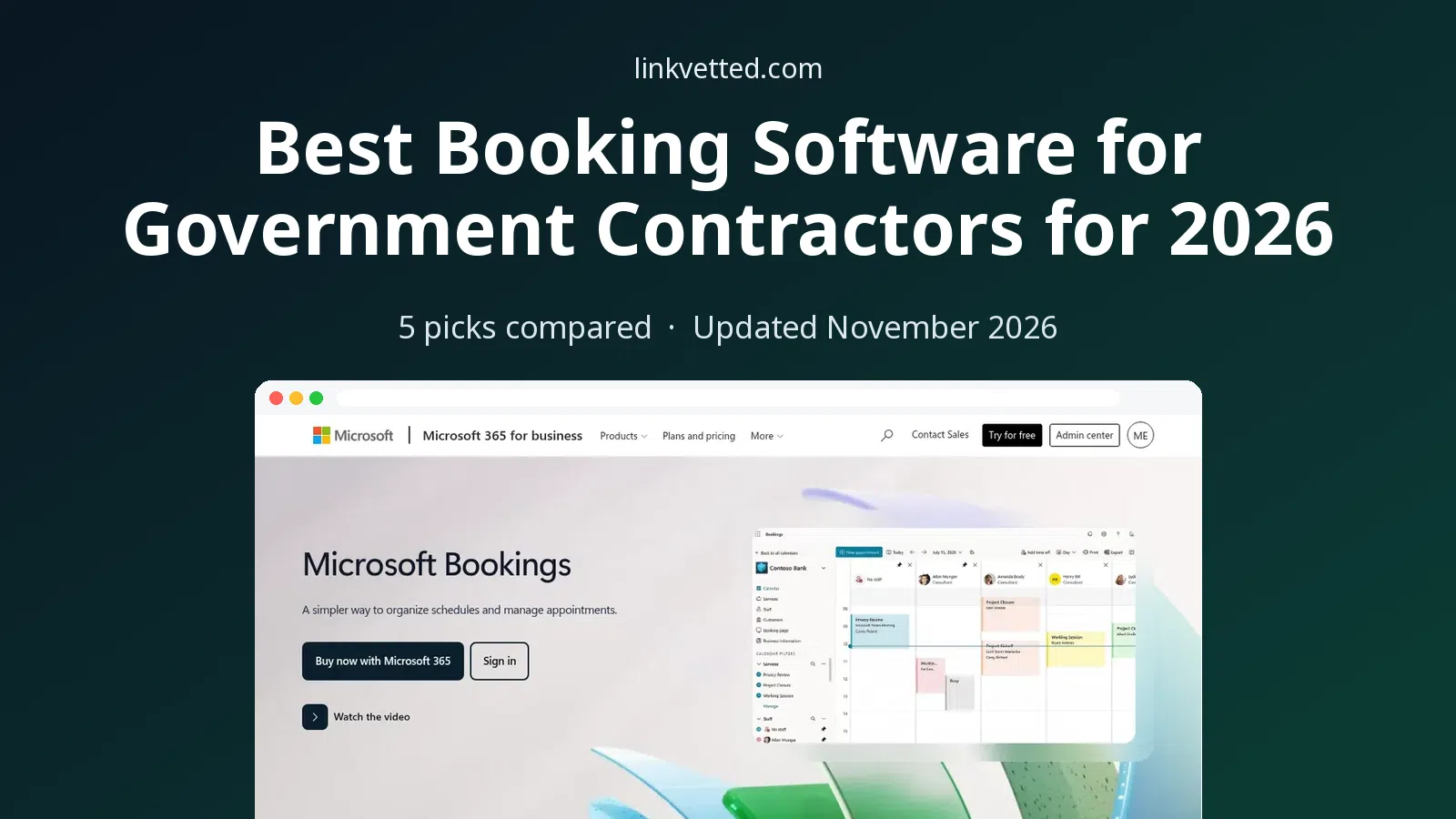
- Editor's choiceMicrosoft Bookings
Microsoft-centric organizations
Starts atSee websiteVisit microsoft.comFull review - Great alternativeChili Piper
Marketing-driven meeting conversion
Starts at$12 per user per monthVisit chilipiper.comFull review - Also consider
 Setmore
24/7 online booking
Starts at$5 per user a monthVisit setmore.comFull review
Direct answer
Our first pick is Microsoft Bookings, best for Microsoft-centric organizations. Listed starting prices: Chili Piper from $12 per user per month, Setmore from $5 per user a month and Calendly from $10 per seat a month. Chili Piper fits marketing-driven meeting conversion; Setmore fits 24/7 online booking. Prices, free plans and limits for all 5 tools follow.
TL;DR:
- Microsoft Bookings sits first on this list: Microsoft-centric organizations.
- Acuity Scheduling suits configurable appointment booking.
- Setmore is the lowest-priced starter here at $5 per user per month.
- Before buying Chili Piper, weigh this: concentrated on sales and marketing.
- A free plan is available from 2 of the 5 tools: Setmore, Calendly.
Last checked November 2026. Prices and plan details were read from the vendors' own pages in November 2026; vendors change plans often, so confirm the current price on the vendor site before you buy.
Quick comparison
| Tool | Best for | Starts at | Free plan? | |
|---|---|---|---|---|
| Microsoft Bookings | Microsoft-centric organizations | See website | Not stated | Visit |
| Chili Piper | Marketing-driven meeting conversion | $12 per user per month | Not stated | Visit |
| Setmore | 24/7 online booking | $5 per user a month | Yes | Visit |
 Calendly | General meeting scheduling | $10 per seat a month | Yes | Visit |
 Acuity Scheduling | Configurable appointment booking | $16 a month | Free trial | Visit |
Booking Software for Government Contractors profiles
Short on time? The summary and table above give the quick view of 5 booking software for government contractors, and the profiles that follow give the detail behind each entry.
Microsoft Bookings
Best for: Microsoft-centric organizations
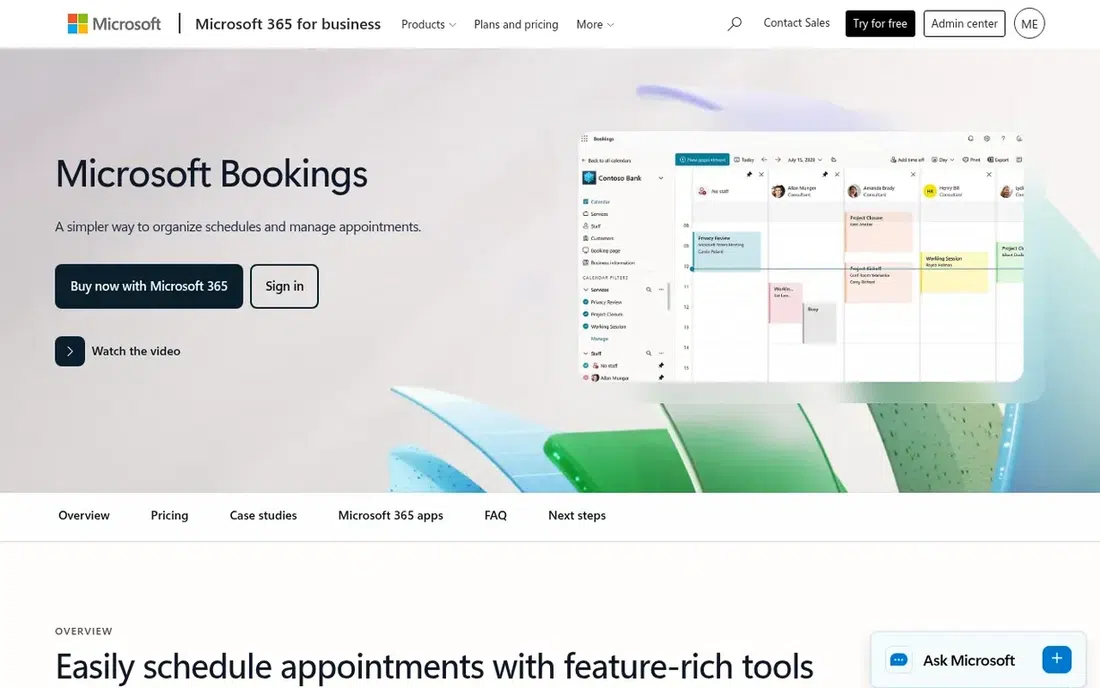
In short, Microsoft Bookings is for Microsoft-centric organizations. Microsoft Bookings is part of the Microsoft 365 suite, offering online booking and appointment scheduling. It gives you adaptability and customization for several scheduling needs across departments.
This tool is well suited to government contractors already using Microsoft tools, as it integrates smoothly with Outlook and Teams. Contractors using other systems might find integration challenging. Also, Bookings may not be as feature-rich for non-Microsoft environments. Check the vendor site for Microsoft Bookings pricing; none is listed in this comparison. Free options: Not stated.
Drawbacks to consider: Restricted external integrations.
- Smooth integration with Microsoft tools
- Familiar interface for Microsoft users
- Needs Microsoft subscription
Chili Piper
Best for: Marketing-driven meeting conversion
Chili Piper works best for marketing-driven meeting conversion. This tool suits government contractors with a marketing focus, looking to convert leads efficiently.
Limits to weigh: May be overkill for entry-level scheduling.
Chili Piper is built for sales and marketing use cases, so it may not include all internal scheduling needs. On cost, Chili Piper starts like this: $12 per user per month. On free options: Not stated.
- Automatic lead routing
- Visitor recognition
- Centred on sales and marketing
Setmore is built with 24/7 online booking in mind. Setmore is an online appointment scheduling software that lets firms to accept bookings around the clock.
It automates reminders and cuts back-and-forth communication. Starting cost for Setmore: $5 per user per month. Setmore has a free plan.
Honest limits: Restricted customization.
- Automatic reminders
- Free online scheduling
- Basic features
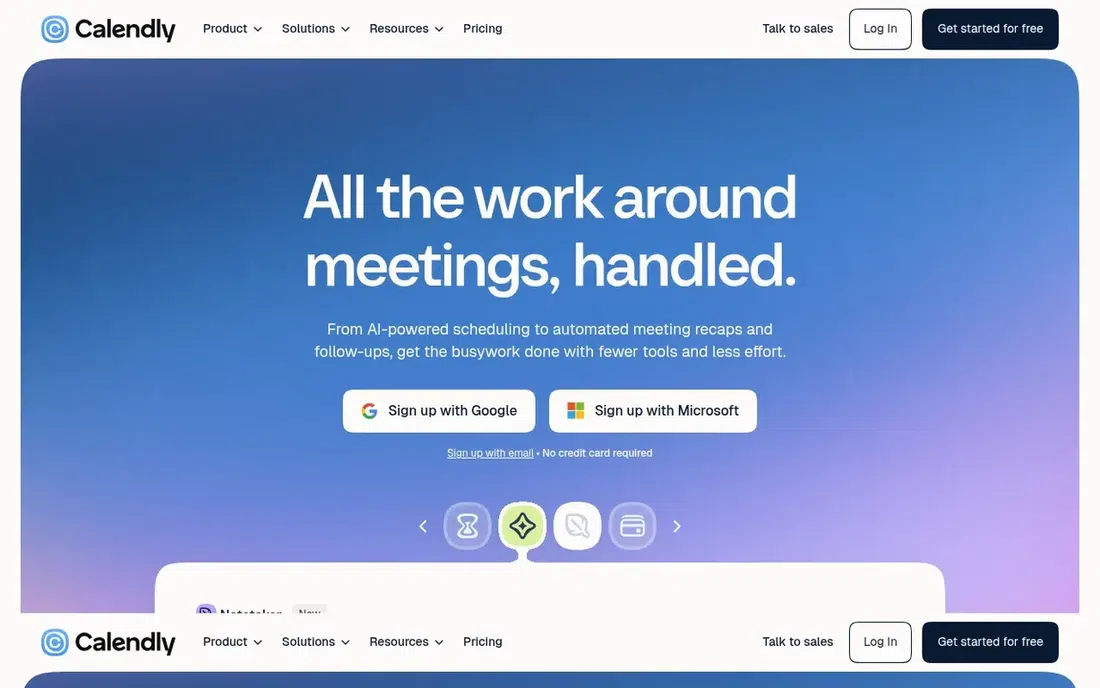
Where Calendly fits: general meeting scheduling. Calendly is a widely used scheduling product that links calendars and simplifies meeting setup. It supplies AI tools to assist with meeting prep and follow-up.
Drawbacks to consider: Restricted customization for complicated workflows.
That said, Calendly may lack deep customization for intricate scheduling rules. In practice, choose Calendly for its simplicity and wide integration support. What you pay to start with Calendly: $10 per seat per month. Free access exists with Calendly.
- AI meeting tools
- Simple setup and use
- May need extras for advanced features
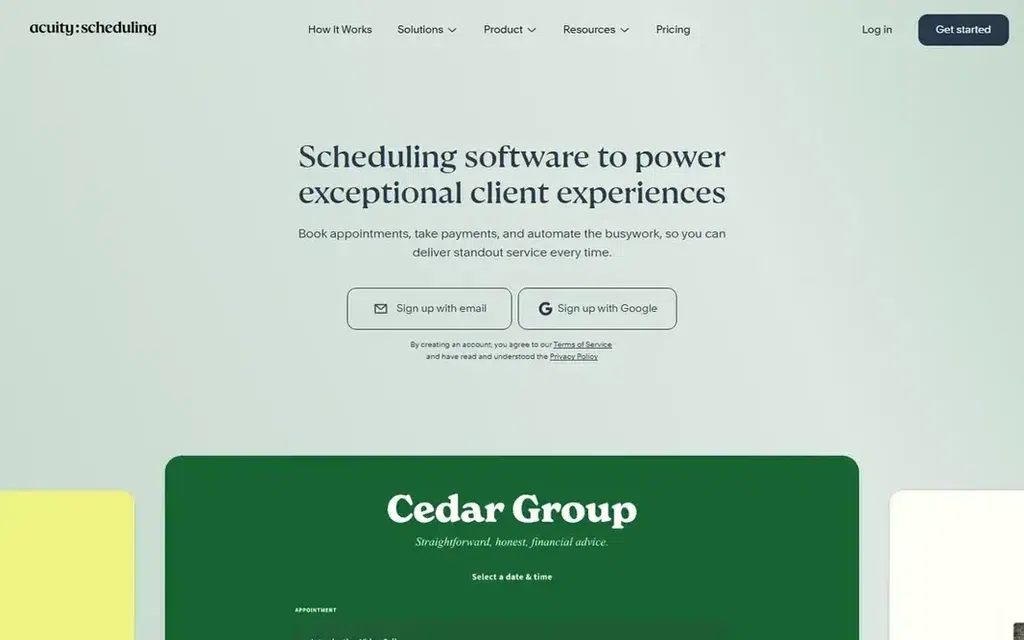
Acuity Scheduling works best for customizable appointment booking. Acuity Scheduling is an appointment booking software known for its scheduling automation and full customization. It lets contractors to tailor booking pages, set availability rules, and automate reminders.
On top of that, the broad customization may need time to set up and manage. For straightforward scheduling, a more simplified tool might be preferable. Price to start with Acuity Scheduling: $16 per month. On free options: Free trial.
Where it is weaker: Interface can feel complicated.
- High customization
- Automation features
- Steeper ramp-up time
How we chose
What to confirm before you sign up
- Confirm the entry price on the vendor page. For Microsoft Bookings that means a quote rather than a fixed price.
- Look at free plan limits closely: Setmore and Calendly have one, and the caps decide whether it is usable for real work.
- Take the trial from Acuity Scheduling and push a live task through it before you pay.
- Before choosing Microsoft Bookings, weigh its main limit: restricted external integrations.
- Before you load data into Setmore, check what an export looks like and who can run it.
- Confirm that Calendly connects to the apps your team already uses, on the plan you would actually buy.
FAQ
Is Microsoft Bookings the right pick for everyone comparing booking software for government contractors?
No single tool suits every team. Microsoft Bookings comes first because it fits Microsoft-centric organizations, while Chili Piper suits marketing-driven meeting conversion and Setmore suits 24/7 online booking. Match the tool to your own size, budget and workflow before deciding.
How are the tools for booking software for government contractors ordered?
The order follows typical fit for booking software for government contractors, with Microsoft Bookings first and Acuity Scheduling last, then price clarity and free access. It is editorial judgement, not a score, so another team could rank the tools differently.
What should government contractors look for in booking software?
Government contractors should prioritize security, integration with existing tools, and customization for complicated scheduling needs. Reliability and support for several users are also important.
Can booking software plug into government systems?
Some booking tools plug into typical business products like Microsoft and Google. Even so, integration with specific government systems may need custom options or extra tools.
Do these tools publish their prices?
Not all of them. Microsoft Bookings publishes no starting price, so expect a quote request for it. The rest, Chili Piper included, show a starting price, though seats and billing terms still change the final cost.
Which options for booking software for government contractors have a free plan?
Setmore and Calendly offer a free plan in this list. Free plans usually cap users, projects or features, so check the limits on the vendor page. One other tool offers a trial instead. Prices, free plan details and limits for all 5 tools in this booking software for government contractors roundup sit on the individual cards above.
Sources
- https://www.microsoft.com/en-us/microsoft-365/business/scheduling-and-booking-app
- https://www.chilipiper.com
- https://www.setmore.com
- https://calendly.com
- https://acuityscheduling.com