Best Billing Software for Small Business in 2026: 8 Tools Compared
We compared the best billing software for small business, checking invoice tools, payment fees, free plans and accounting depth for small teams today.
- Editor's choice
 FreshBooks
Service billing and time tracking
Starts at$23 per monthVisit freshbooks.comFull review - Great alternative
 QuickBooks Online
Full small business accounting
Starts at$38 per monthVisit quickbooks.intuit.comFull review - Also consider
 Xero
Teams with unlimited users
Starts at$27 per monthVisit xero.comFull review
TL;DR:
- FreshBooks is our pick for service businesses that bill for time and want simple accounting.
- Wave and Zoho Invoice offer genuinely free invoicing, with payment fees as the main cost.
- QuickBooks Online suits United States businesses that want the accounting standard their accountant knows.
- The cheapest plan is not always cheapest overall, since payment processing fees can exceed the subscription.
Quick comparison
| Tool | Best for | Starts at | Free plan? | |
|---|---|---|---|---|
| FreshBooks | Service billing and time tracking | $23 per month | Free trial | Visit |
| QuickBooks Online | Full small business accounting | $38 per month | Free trial | Visit |
| Xero | Teams with unlimited users | $27 per month | Free trial | Visit |
 Wave | Free invoicing for freelancers | Free | Yes | Visit |
 Zoho Invoice | Free invoicing with customisation | Free | Yes | Visit |
 Square Invoices | In person sellers who also invoice | Free | Yes | Visit |
 Invoice Ninja | Self hosted invoicing control | Free | Yes | Visit |
 Stripe Invoicing | Online businesses on Stripe | See website | Yes | Visit |
The best billing software for small business
We compared official pricing pages, feature lists and public reviews for the best billing software small business owners use, including top invoice software options. Our focus was invoice quality, payment options, client limits, accounting depth and total cost including payment fees.
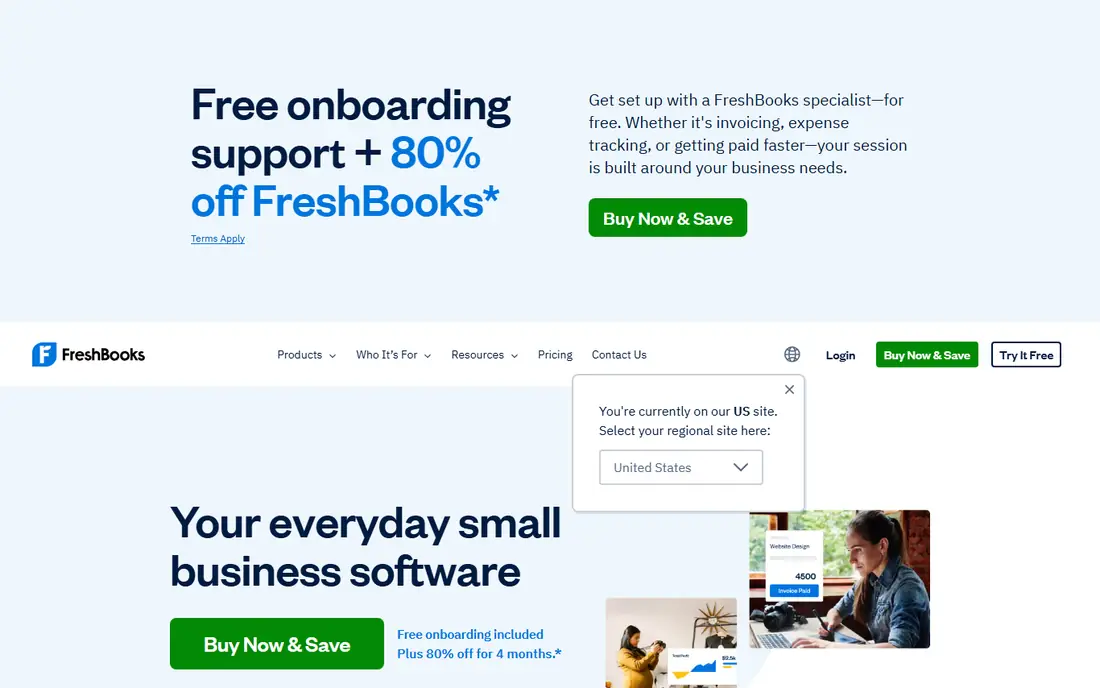
FreshBooks is built around a simple flow for service businesses. Track time, turn tracked time into an invoice, send it, and follow up with reminders when it is late. That flow saves a lot of manual copying for consultants, designers and other hourly workers.
The Lite plan limit is the main catch. Five billable clients is enough for a solo freelancer starting out, but a growing business will need the Plus plan soon. Check client count, not just invoice count, when you compare FreshBooks with free tools that allow unlimited clients.
- Clean invoices
- Time to invoice workflow
- Expense and mileage tracking
- Lite plan caps billable clients at five
- Full accounting sits on higher plans
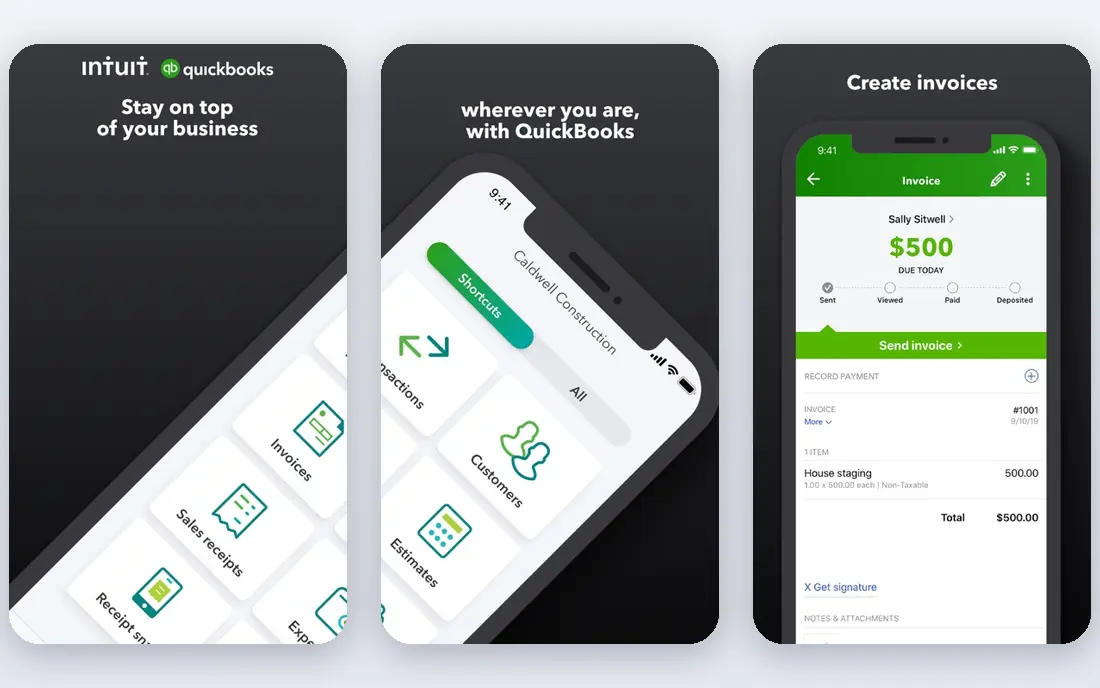
QuickBooks Online is the default accounting choice for many United States small businesses, and that familiarity is a real advantage. Most accountants know it, many banks connect to it, and it handles invoicing, expenses, sales tax and reporting in one system. If you plan to hand books to an accountant, this reduces friction.
It costs more than invoicing only tools, and the interface can feel busy for a business that only sends a few invoices a month. For a business with inventory, payroll or complex tax needs, the depth is worth it. For simple invoicing, a free tool may be enough.
- Full double entry accounting
- Wide accountant support
- Payroll add ons
- Higher starting price
- Learning curve for new users
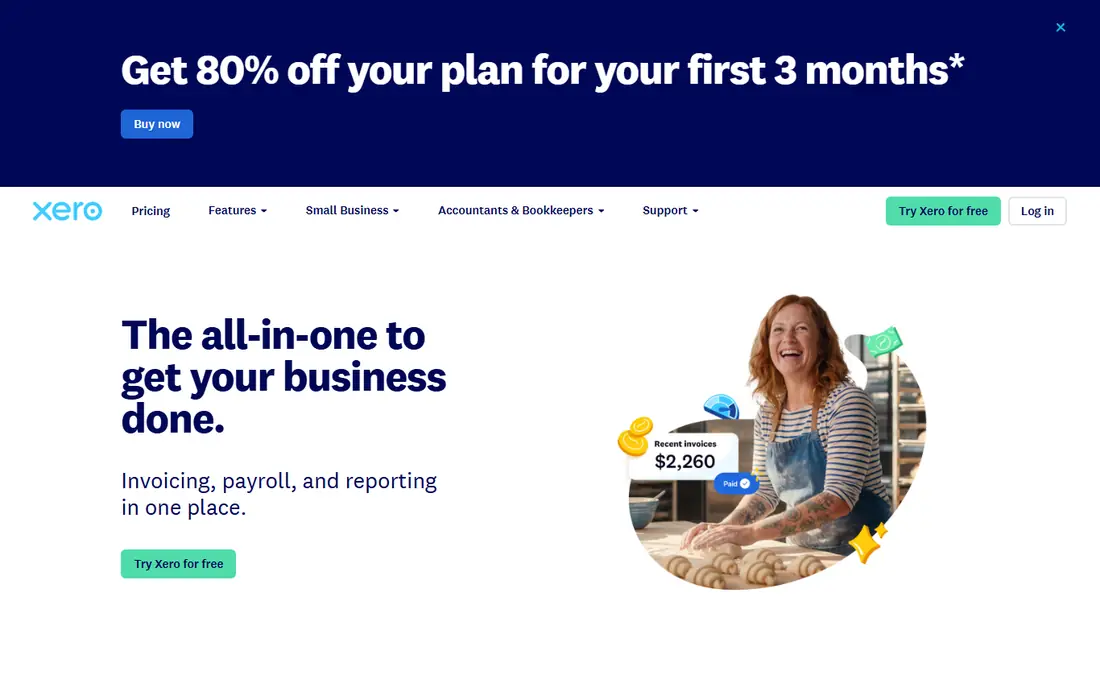
Xero stands out for teams because it does not charge per user on its main plans. A small business can give access to a bookkeeper, a partner and staff without paying a seat fee for each person. Bank reconciliation is strong, and multi currency support helps businesses that invoice clients abroad.
The Early plan limits you to 20 invoices and five bills a month, so check volume before you choose the cheapest tier. Growing businesses often need the Growing plan for higher limits. If you need United States payroll, compare that add on carefully with QuickBooks.
- Unlimited users on all plans
- Strong bank reconciliation
- Multi currency support
- Early plan limits invoices and bills
- United States payroll is limited
Wave is the best free billing option for many freelancers in the United States and Canada. Invoicing and basic bookkeeping are free, with no invoice limit on the free plan, and payment processing is an optional add on. That makes it easy to start without a monthly fee eating into early income.
It is limited to United States and Canadian businesses, and it does not offer the same depth as QuickBooks or Xero for larger firms. Payment fees still apply when a client pays by card, so a free plan does not mean free payments. For a solo business with simple needs, it is hard to beat.
- Free unlimited invoices
- Simple bookkeeping
- United States and Canada focus
- Only for United States and Canadian businesses
- Paid add ons for payments and payroll
Zoho Invoice offers a generous free plan with professional templates, time tracking and a client portal. Customisation is a strength, since you can brand invoices, set payment terms and add project based billing without paying for a design tool. It also fits well if you already use other Zoho apps.
Check the free plan limits for your country, since invoice limits and user counts vary. Zoho Invoice is an invoicing tool, not a full accounting system, so businesses that need a full ledger should pair it with Zoho Books or another accounting app.
- Free plan with custom templates
- Time tracking
- Client portal
- Free plan has annual invoice limits in some versions
- Accounting depth is limited
Square Invoices suits a business that already takes card payments in person and only invoices some clients. You can send an invoice from the same Square account you use at a market, salon or shop, and clients can pay online. Setup is fast, and there is no monthly fee for the free tier.
Card fees on the free plan are higher than on some paid plans, and Square Invoices does not replace a full accounting system. If most of your income comes from invoices rather than in person sales, compare its fees with Wave or Zoho Invoice before you commit.
- Free invoicing
- Strong in person payment tools
- Simple setup
- Card fees are higher on free plan
- Limited accounting depth
Invoice Ninja appeals to businesses that want control over their invoicing data. You can use the hosted version or self host it on your own server, and it supports many payment gateways. That flexibility suits tech comfortable owners and businesses with specific gateway needs.
The free hosted tier limits client count, and self hosting needs technical skill to install, update and secure. If you want a simple setup with no server work, a hosted tool such as Wave or Zoho Invoice will be easier. If control matters most, Invoice Ninja is worth the extra setup.
- Free tier
- Self hosting option
- Many payment gateways
- Setup is more technical
- Free tier limits clients in hosted version
Stripe Invoicing is a good fit for online businesses that already use Stripe for payments. There is no monthly subscription to start, and you can send one off or recurring invoices, accept cards and bank payments, and manage subscriptions in the same dashboard. That simplicity helps software, subscription and online service businesses.
Stripe charges a small fee per paid invoice on top of normal payment processing fees, so high volume invoicing can add up. It also does not provide full bookkeeping, payroll or tax filing, so you will still need an accounting tool or accountant for those jobs.
- No monthly fee to start
- Strong online payment support
- Recurring billing
- Per paid invoice fee applies
- Not a full accounting system
How we picked these
We compared official pricing pages, feature lists and public reviews for billing tools that send invoices and accept payments now. We kept tools with clear pricing or free terms and a public vendor site. We left out tools that only track time without invoicing, and tools with no clear payment or accounting features.
How to choose and what total cost really means
Start with your invoice volume and client count. A free tool with unlimited invoices suits a freelancer with many small clients, while a capped plan can become expensive if you cross its client limit early. Count how many invoices you send each month, how many clients you bill, and whether you bill by the hour, by project or by subscription.
Next, add payment fees to the subscription price. Card fees of around 2.9 percent plus a fixed fee per payment can exceed a monthly plan cost on larger invoices, while bank transfer fees are often lower but slower. If most clients pay by card, a plan with a lower card rate may beat a free plan with a higher rate. Ask clients about their preferred payment method before you choose.
Finally, decide how much accounting depth you need. Invoicing only is enough for a simple service business with an accountant handling year end work. A business with inventory, payroll, sales tax in several states or multi currency clients will need a full system such as QuickBooks Online or Xero. Trial the top two options with real invoices before you migrate a full client list.
FAQ
What is the best billing software for small business?
FreshBooks is best for service businesses that bill for time, QuickBooks Online is best for full accounting, and Wave is best for free invoicing. The right pick depends on client count, invoice volume and whether you need payroll or inventory features.
Is there really free billing software?
Yes. Wave, Zoho Invoice, Square Invoices and Invoice Ninja all offer free invoicing tiers. Payment processing fees still apply when clients pay by card or bank transfer, so free means no monthly fee, not no fees at all.
What is top invoice software for a freelancer?
Wave is the best free choice for a freelancer with many clients, since it allows unlimited invoices. Zoho Invoice is a good free alternative with strong templates, while FreshBooks suits freelancers who bill by the hour and want time tracking built in.
How much do payment fees add to billing costs?
Card fees are often around 2.9 percent plus a fixed fee per payment, while bank transfer fees are usually lower. On a $1,000 invoice, card fees alone can be around $29, so compare fee rates as carefully as subscription prices.
Do I need accounting software or just invoicing software?
Invoicing software is enough if your books are simple and an accountant handles year end work. Full accounting software is better if you track inventory, payroll, sales tax or detailed profit reports yourself during the year.
Can I switch billing software later?
Yes, but export your client list, invoice history and payment records before you move. Test the new tool with a few real invoices, check that recurring invoices and payment links transfer correctly, and keep the old system read only for a month as a backup.