Best Daycare Billing Software in 2026: 8 Tools Compared
Compare the best daycare billing software in 2026, with tuition collection, invoicing, autopay, late fees, processing costs and parent payment features.
- Editor's choice
 Brightwheel
Small centres and parent billing
Starts atFreeVisit mybrightwheel.comFull review - Great alternative
 Procare Solutions
Large centres and groups
Starts atSee websiteVisit procaresoftware.comFull review - Also consider
 Lillio
Curriculum plus billing
Starts atSee websiteVisit lillio.comFull review
TL;DR:
- Brightwheel is the easiest starting point for small centres, with a free basic plan and strong parent communication.
- Procare suits larger centres and multi-site groups that need deep billing, payroll and enrolment tools.
- Lillio, Kangarootime and Playground offer strong all-in-one options, but most price by quote.
- Compare processing fees and autopay features closely, since they affect cash flow more than the monthly subscription alone.
Quick comparison
| Tool | Best for | Starts at | Free plan? | |
|---|---|---|---|---|
| Brightwheel | Small centres and parent billing | Free | Yes | Visit |
| Procare Solutions | Large centres and groups | See website | Free trial | Visit |
| Lillio | Curriculum plus billing | See website | Free trial | Visit |
 Kangarootime | Small to mid-size centres | See website | Free trial | Visit |
 Playground | Automation and multi-site billing | See website | Free trial | Visit |
 Famly | Flexible billing and invoicing | See website | Free trial | Visit |
 illumine | Low per-student billing | See website | Free trial | Visit |
 ChildPilot | Growing centres with support | See website | Free trial | Visit |
The best daycare billing software
Daycare billing means tuition invoices, autopay, late fees, subsidies and parent payments, all without adding admin work for teachers. These eight tools handle billing as part of wider childcare management.
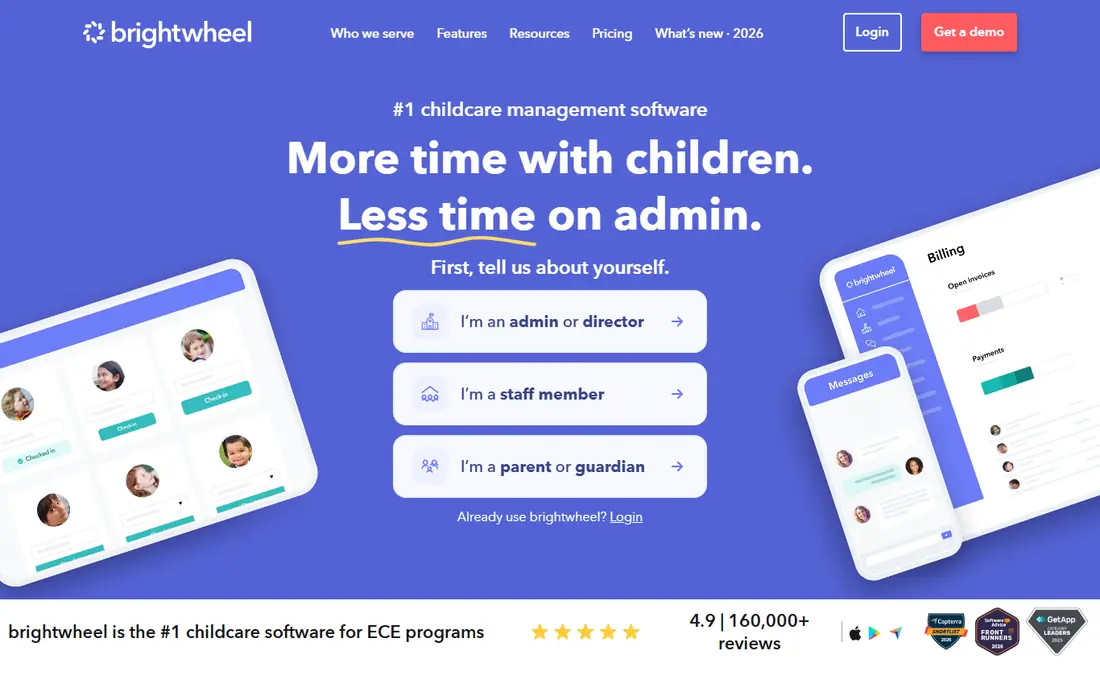
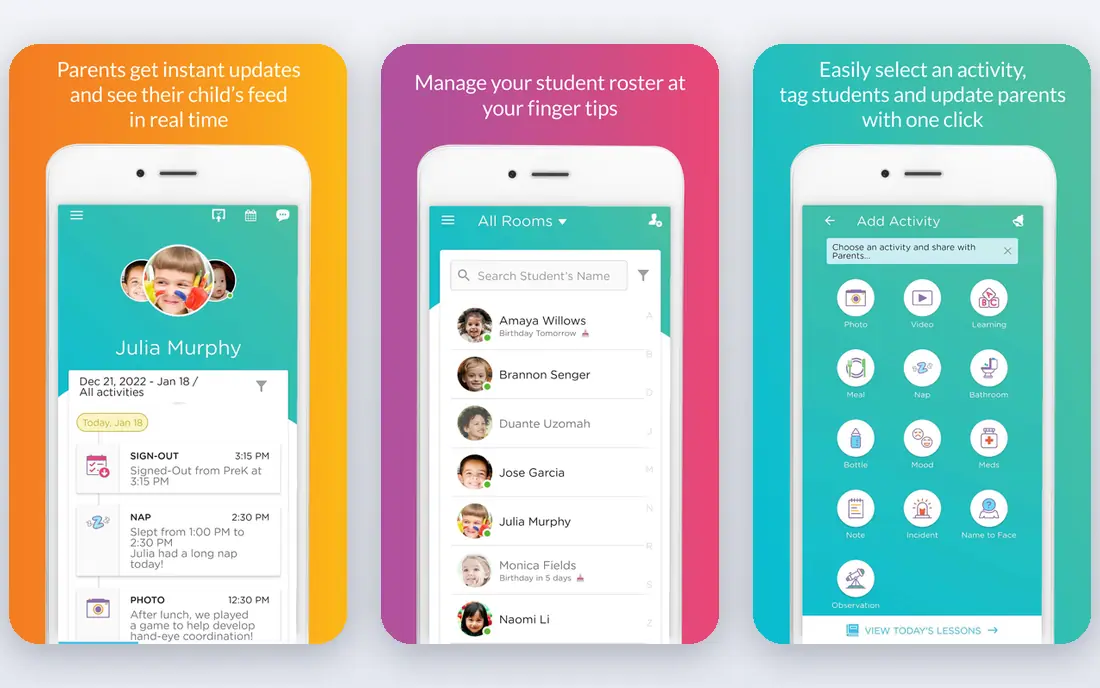
Brightwheel is our pick for small and home-based programmes because its basic plan is free for one staff member and under 20 students, covering check-in, messaging, daily logs and tuition invoicing. Parents pay online, staff spend less time chasing payments, and the app feels polished for families. Paid premium tiers add billing automation, lesson planning and integrations.
Larger centres may need more depth than Brightwheel offers for payroll, multi-site finance or complex subsidy tracking. For a small centre that wants billing and parent communication in one simple app, Brightwheel is the easiest place to start.
- Free basic plan for small programmes
- Tuition invoicing and online payments
- Strong parent app
- Deeper billing features need paid tiers
- Pricing for premium plans is by quote
Procare is the long-standing choice for large centres and multi-site groups in the United States. Its billing covers tuition, fees, discounts, subsidies and payment plans, while accounting, payroll and enrolment tools support the whole business. Centralised reporting helps owners compare sites and spot late payments early.
The system is broader and more complex than Brightwheel, and pricing is by quote, often starting around $69 to $109 per month in recent listings depending on plan. Centres that need that depth will find the training worthwhile. Small single-site programmes may find Procare more than they need at first.
- Deepest billing, accounting and enrolment tools
- Payroll and HR add-ons
- Multi-site support
- Quote-based pricing
- Training takes time
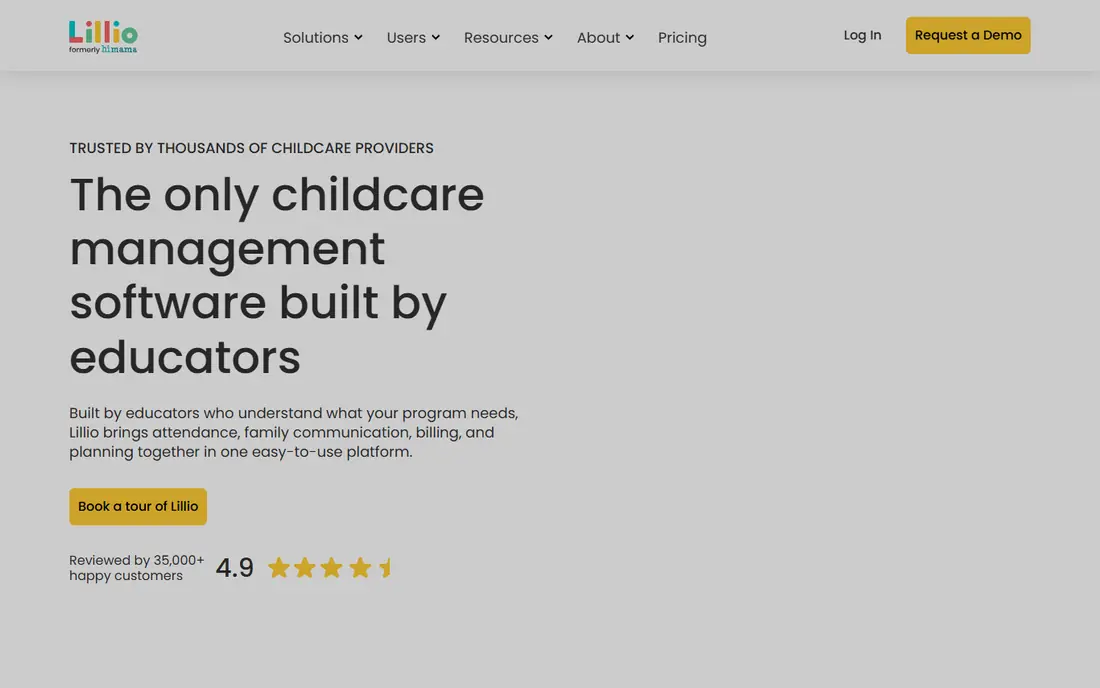
Lillio, formerly HiMama, pairs curriculum and child development tools with billing and parent communication. Educators can log observations and assessments, while administrators invoice tuition and collect payments online. That combination suits centres that want learning and billing in one system rather than two.
Billing is solid for standard tuition and fees, but centres with complex subsidy or multi-site accounting may need Procare instead. If curriculum quality matters as much as billing, Lillio is a strong and family-friendly choice.
- Strong curriculum and assessment tools
- Billing and parent communication
- Educator-friendly design
- Quote-based pricing
- Billing depth is lighter than Procare
Kangarootime suits small to mid-size centres that want an all-in-one system with responsive support. Billing covers tuition invoicing, autopay and online payments, while enrolment, attendance and parent messaging sit in the same app. Centres often praise its support during setup and migration, which matters when switching systems mid-year.
It does not match Procare for very large or complex groups, and pricing is by quote with a free trial. For a centre that wants a supportive vendor and a clear billing workflow, Kangarootime deserves a demo.
- Responsive support
- Billing, enrolment and communication in one app
- Good value scores
- Quote-based pricing
- Smaller scale than Procare
Playground focuses on automation, with billing, enrolment and parent communication designed to reduce manual follow-up. Automated reminders, late fees and payment plans help centres collect tuition on time, while multi-site dashboards suit growing groups. Its billing automation is a key reason centres switch to it.
Pricing is by quote, and centres should check payment processing fees in detail, since those affect total cost. If your centre struggles with late payments or manual billing tasks, Playground offers one of the most automated workflows here.
- Strong billing automation
- Enrolment automation
- Enterprise dashboards for groups
- Quote-based pricing
- Processing fees need checking
Famly offers a well-designed childcare platform with configurable invoicing, parent messaging, daily logs and admissions tools. Its billing handles varied fee structures, which helps programmes with different schedules. The design is clean and parents tend to adopt it quickly.
US centres should check local compliance, subsidy and integration needs, since Famly is stronger in European markets. For a centre that values design and flexible invoicing, Famly is a capable alternative to US-focused rivals.
- Configurable invoicing
- Multi-language parent communication
- Good design
- Stronger in Europe than the US
- Integrations are fewer than Procare
illumine offers an all-in-one childcare platform with attendance, billing, enrolment and parent communication. Recent listings place pricing near $0.99 per student per month, with annual discounts, though centres should confirm current pricing and processing terms. Billing automation and AI-assisted parent updates help staff save time on daily reports.
As a newer entrant in the US market, illumine may suit centres willing to try a modern platform at a lower per-student cost. Check subsidy tracking, reporting and support hours against your state requirements before switching.
- Low per-student pricing in listings
- Billing automation
- AI-assisted parent updates
- Newer in the US market
- Check local billing compliance
ChildPilot offers billing, attendance, parent communication and enrolment in one system, with hands-on onboarding that helps growing programmes migrate without disruption. Billing covers invoicing, online payments and automated reminders, while support guides staff through setup and training.
Pricing is by quote, and the user community is smaller than Brightwheel or Procare, so peer advice is less easy to find. For a growing centre that wants personal support during a switch, ChildPilot is a practical option.
- All-in-one billing and management
- Hands-on onboarding
- Good for growing programmes
- Quote-based pricing
- Smaller user community than Brightwheel
How we picked these
We compared official feature pages, pricing listings and public reviews in October 2026, favouring tools that are actively used by childcare centres and that cover tuition invoicing, online payments and autopay. We did not claim hands-on testing. Where vendors price by quote, we used See website and advised confirming processing fees, since those vary by provider and plan.
How to choose daycare billing software
Start with your billing pain points. If late payments are the problem, prioritise autopay, reminders and late fees. If admin time is the problem, prioritise automation and parent self-service. If growth is the plan, prioritise multi-site reporting and enrolment tools from the start.
Check processing fees and payout timing
Ask each vendor for card and bank processing fees, payout timing and any monthly minimums. A low subscription with high processing fees can cost more than a higher subscription with better rates, especially for centres with large tuition volumes.
Trial with real families
Run a trial with a small group of families and staff, not just administrators. Check that parents can pay easily on mobile, that invoices are clear, and that staff can handle a failed payment without calling support. Billing software that confuses parents will create more work, not less.
Talk to parents before you switch
Billing changes affect families directly, so tell parents what will change, when autopay will start, and how to update payment details. A short notice with a help contact prevents failed payments and confused calls in the first billing cycle. Centres that communicate early usually see fewer late payments after a switch, because parents know what to expect and staff are ready to help.
Keep a backup payment route
Even the best billing system can fail when a card expires or a bank payment bounces, so keep a clear backup route for families. Offer a second payment method, a manual payment option for one cycle, and a named contact for billing questions. That backup keeps tuition flowing and avoids awkward conversations with families who want to pay but hit a technical snag.
FAQ
What is the best daycare billing software?
Brightwheel is best for small centres starting out, thanks to its free basic plan and simple billing. Procare is best for large centres and groups that need deep billing, payroll and multi-site tools.
How much does daycare billing software cost?
Costs range from free with Brightwheel Basic to quote-based pricing for Procare, Lillio, Kangarootime and Playground. Most centres pay between $50 and $400 per month depending on size, plus payment processing fees.
Does daycare billing software handle autopay?
Yes, most tools here support autopay, automated reminders and late fees, including Brightwheel, Procare, Playground and Kangarootime. Confirm autopay options for bank payments as well as cards, since bank fees are often lower.
Can parents pay tuition online?
Yes, all eight tools support online tuition payments through a parent app or portal. Check whether your preferred payment methods are supported and how quickly funds reach your account.
Is Brightwheel really free?
Yes, Brightwheel Basic is free for one staff member and under 20 students, including check-in, messaging and tuition invoicing. Paid premium tiers add billing automation and other features, with pricing by quote.