6 Best Backup and Recovery Platform for 2026, Vetted and Compared
6 products for the best backup and recovery platform, ranked by fit, with starting costs and free tiers. Limits and pricing notes included. No filler.
- Editor's choice
 Veritas NetBackup
Large enterprise backup estates
Starts atPricing on requestVisit veritas.comFull review - Great alternative
 Cohesity DataProtect
Security and management combined
Starts atPricing on requestVisit cohesity.comFull review - Also consider
 Druva
Completely managed cloud-native backup
Starts atPricing on requestVisit druva.comFull review
Direct answer
For large enterprise backup estates, Veritas NetBackup is where this list starts. Cohesity DataProtect fits security and management combined; Druva fits completely managed cloud-native backup. Free plan facts and limits for all 6 tools follow. None of these vendors publish plan prices, so pricing is on request for every option.
TL;DR:
- Number one here is Veritas NetBackup, a fit for large enterprise backup estates.
- Pricing across the list, from Veritas NetBackup to Rubrik, is by quote only.
- For ransomware recovery at scale, Rubrik is worth a look.
- One limit worth knowing about Druva: SaaS model may not suit every policy.
- A permanent free plan is missing from all 6 tools, Veritas NetBackup and Rubrik included; plan for a trial or a premium start.
Last checked November 2026. Pricing on request: vendors did not publish plan prices when this guide was last checked (November 2026), so ask each vendor for a written quote.
Quick comparison
| Tool | Best for | Starts at | Free plan? | |
|---|---|---|---|---|
| Veritas NetBackup | Large enterprise backup estates | Pricing on request | Not stated | Visit |
| Cohesity DataProtect | Security and management combined | Pricing on request | Not stated | Visit |
| Druva | Completely managed cloud-native backup | Pricing on request | Free trial | Visit |
| Veeam Backup & Replication | Wide workload backup and recovery | Pricing on request | Not stated | Visit |
 Acronis Cyber Protect | Integrated backup and cybersecurity | Pricing on request | Not stated | Visit |
 Rubrik | Ransomware recovery at scale | Pricing on request | Not stated | Visit |
Backup and Recovery Platform compared in detail
If you are comparing backup and recovery platform, this page covers 6 tools in one place: what each is best for, what it costs to start, whether it has a free plan, and the main limit to know about.
Veritas NetBackup targets large enterprise backup estates. Veritas NetBackup is a long-established enterprise backup system used for large, complicated data estates.
Points against: Operational complexity.
Smaller organizations or those wanting a managed SaaS experience may find Druva or Acronis Cyber Protect simpler to run. Check the vendor site for Veritas NetBackup pricing; none is listed in this comparison. Free options: Not stated.
- Established enterprise backup product
- Suited to complicated environments
- Needs skilled administration
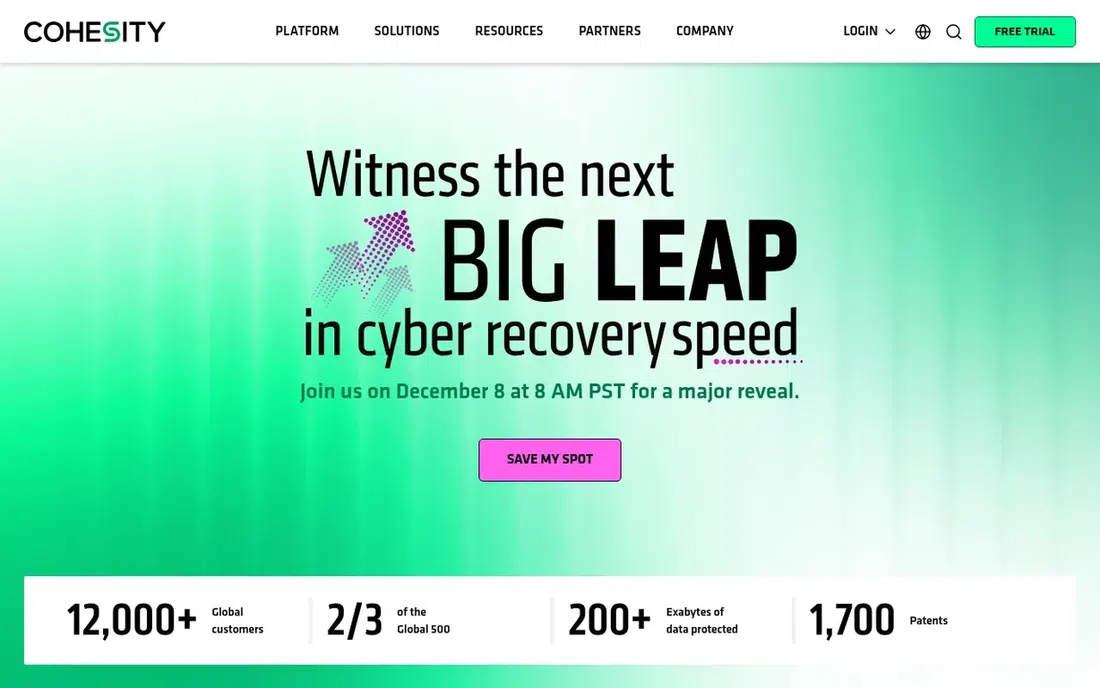
Cohesity DataProtect is aimed squarely at security and management combined. It fits organizations that want backup and data security handled together instead of as separate tools.
Limits to weigh: Wide product scope.
In daily use, if your priority is straightforward backup with a managed service model, Druva may be a more straightforward starting point. Check the vendor site for Cohesity DataProtect pricing; none is listed in this comparison. Trial and free access: Not stated.
- AI-based threat detection
- Rapid recovery capabilities
- Needs planning to adopt completely
Druva is a good fit for completely managed cloud-native backup. A SaaS-first model may not align with every organization's data residency or operational policy.
It suits organizations that prefer a completely managed service and want to cut the infrastructure burden of running backup themselves. No starting price is listed for Druva here; confirm pricing on the vendor site. On free options: Free trial.
Where it is weaker: SaaS model may not suit every policy.
- Identity resilience features
- Cloud-native SaaS delivery
- Less appealing for on-premises-first teams
Veeam Backup & Replication
Best for: Wide workload backup and recovery
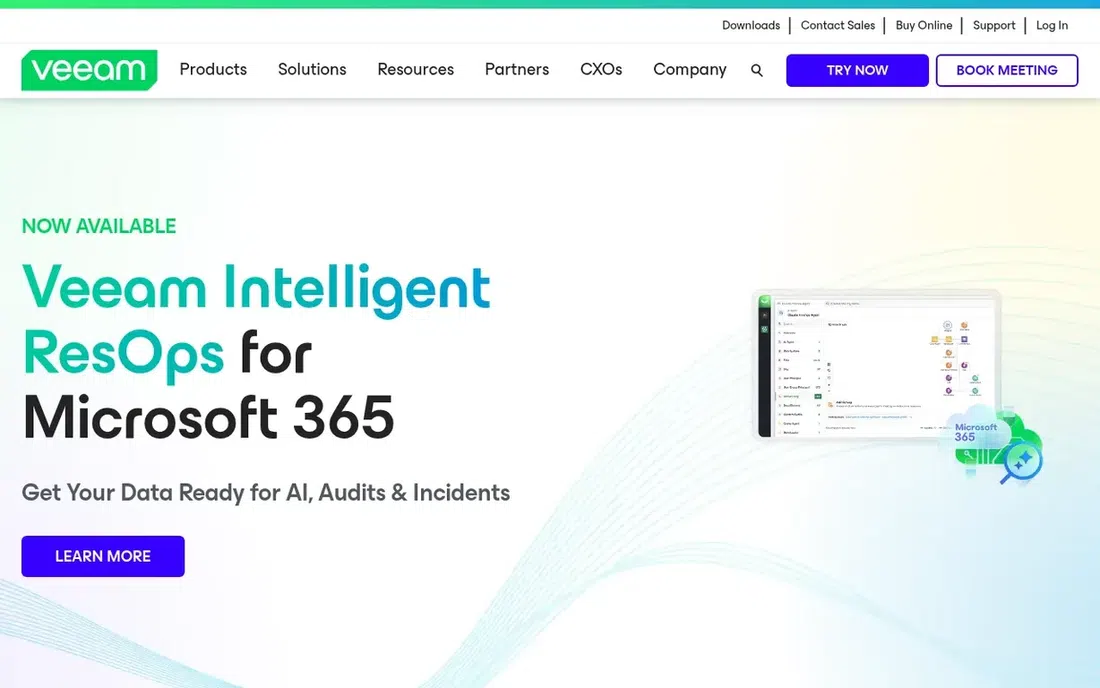
In short, Veeam Backup & Replication is for wide workload backup and recovery. Its vendor messaging centers on cyber resilience, secure data movement, compliance, and safe AI adoption.
Drawbacks to consider: Feature depth can add complexity.
It tends to fit organizations that want an adaptable, broadly applicable backup foundation and are comfortable managing a feature-rich product. Veeam Backup & Replication does not show a starting price in this comparison, so check the vendor site for current pricing. Free plan details: Not stated.
- Cyber resilience focus
- Broad workload coverage
- Planning required for large environments
Think of Acronis Cyber Protect for integrated backup and cybersecurity. Acronis Cyber Protect merges backup, cybersecurity, endpoint management, and automation in an integrated offering. Its homepage emphasizes deeply integrated AI-powered features across these areas, geared toward service providers and companies.
In practice, the integrated scope can feel wide for teams that only need backup and recovery. Organizations with large, complicated data centers may find enterprise-focused systems for example Rubrik or Veritas NetBackup better aligned. This comparison lists no price for Acronis Cyber Protect; ask the vendor. As for free access: Not stated.
Trade-offs to know: Breadth may overwhelm new users.
- Backup and security in one
- AI-powered feature integration
- Best value for integrated adoption

Rubrik makes the most sense for ransomware recovery at scale. Rubrik presents itself as an enterprise cyber resilience and data security product. Its homepage flags protecting data, securing identities, and governing AI agents on one agentic product, with immutable backups and restoration after ransomware and cyberattacks at machine speed.
Downsides: May exceed small-team needs.
From a buyer's view, teams wanting a more straightforward, tightly integrated backup and security bundle might look at Acronis Cyber Protect instead. In practice, the enterprise focus may be more than a small business needs, and feature depth can need dedicated staff to operate well. No starting price is listed for Rubrik here; confirm pricing on the vendor site. Free plan details: Not stated.
Best features of Rubrik: Fast restore after attacks.
- Immutable backups
- Identity and AI governance focus
- Enterprise-oriented positioning
How we compared the tools
We compared the tools on published pricing, free plan or trial availability, feature coverage for backup and recovery platform, and the limits each vendor documents. Seat minimums, billing terms and add-ons can move the real cost, so the starting prices here are a guide and not a quote. The order reflects how well each tool fits the most common buying scenario for backup and recovery platform, then price clarity, then free plan access. It is a starting point, not a verdict.
Pre-purchase checklist
- Ask each vendor, from Veritas NetBackup to Rubrik, for a written quote; none of them publishes a starting price.
- Take the trial from Druva and push a live task through it before you pay.
- Read the limits listed for Veritas NetBackup first: operational complexity.
- Work out what Cohesity DataProtect costs with your real seat count, add-ons and usage, not just the entry price.
- Find out what support Druva includes on your plan, and whether onboarding help costs extra.
FAQ
Can I try these tools before paying?
Often, yes. Druva offers a free trial. Use your own data and a real task during the test, and check what the free tier or trial limits before you rely on it. Each of the 6 options in this backup and recovery platform guide has its own card above with the price, free plan and limits.
Is Veritas NetBackup the right pick for everyone comparing backup and recovery platform?
No single tool suits every team. Veritas NetBackup comes first because it fits large enterprise backup estates, while Cohesity DataProtect suits security and management combined and Druva suits fully managed cloud-native backup. Match the tool to your own size, budget and workflow before deciding.
Is a SaaS platform better than self-managed backup?
A SaaS product for example Druva cuts infrastructure and operational effort, whereas self-managed choices like Veeam or Commvault offer deeper control. The right choice relies on your team, policies, and data residency needs.
How are the tools for backup and recovery platform ordered?
The order follows typical fit for backup and recovery platform, with Veritas NetBackup first and Rubrik last, then price clarity and free access. It is editorial judgement, not a score, so another team could rank the tools differently.
Do these tools publish their prices?
No. None of the tools, from Veritas NetBackup to Rubrik, shows a fixed starting price here, so budget time for quotes. All 6 picks in this backup and recovery platform comparison list a starting price, free plan details and the main limits on their cards above.
Sources
- https://www.veritas.com
- https://www.cohesity.com
- https://www.druva.com
- https://www.veeam.com
- https://www.acronis.com
- https://www.rubrik.com