Best AVD Management Platform in 2026: 8 Platforms Compared
Compare the best AVD management platform options for 2026, with Azure Virtual Desktop deployment, autoscaling, image management, monitoring, and cost control.
- Editor's choice
 Nerdio Manager
Complete AVD management
Starts at$12 per user per monthVisit getnerdio.comFull review - Great alternative
 Azure Virtual Desktop
Native Microsoft management
Starts atSee websiteVisit azure.microsoft.comFull review - Also consider
 ControlUp
Real-time monitoring
Starts atSee websiteVisit controlup.comFull review
TL;DR:
- Nerdio Manager is the most complete AVD-specific management layer, while Azure native tools suit teams that want to stay inside Microsoft portals.
- Autoscaling is the biggest cost lever for AVD, since session hosts that run around the clock waste Azure spend during quiet hours.
- Monitoring tools such as ControlUp and Lakeside help you spot logon delays, profile problems, and session host strain before users complain.
- Price is usually per user per month on top of Azure compute, storage, and licensing, so total cost needs all three parts.
- A trial in your own tenant, with your own images and profiles, tells you more than any demo, so test logon, scaling, and updates before buying.
Quick comparison
| Tool | Best for | Starts at | Free plan? | |
|---|---|---|---|---|
| Nerdio Manager | Complete AVD management | $12 per user per month | Free trial | Visit |
| Azure Virtual Desktop | Native Microsoft management | See website | No | Visit |
| ControlUp | Real-time monitoring | See website | Free trial | Visit |
 Lakeside SysTrack | Digital experience monitoring | See website | Free trial | Visit |
 Citrix DaaS | Hybrid desktop delivery | See website | Free trial | Visit |
 Omnissa Horizon | Enterprise virtual desktops | See website | Free trial | Visit |
 Parallels RAS | Simpler remote app delivery | See website | Free trial | Visit |
 eG Enterprise | Performance monitoring | See website | Free trial | Visit |
The best AVD management platforms
We compared platforms that manage, monitor, or deliver Azure Virtual Desktop environments, using official product pages, pricing pages, and documentation. AVD itself is Microsoft Azure Virtual Desktop, a cloud service for Windows desktops and apps. Some tools below manage AVD directly, while others monitor it or offer an alternative delivery layer that can work alongside it.
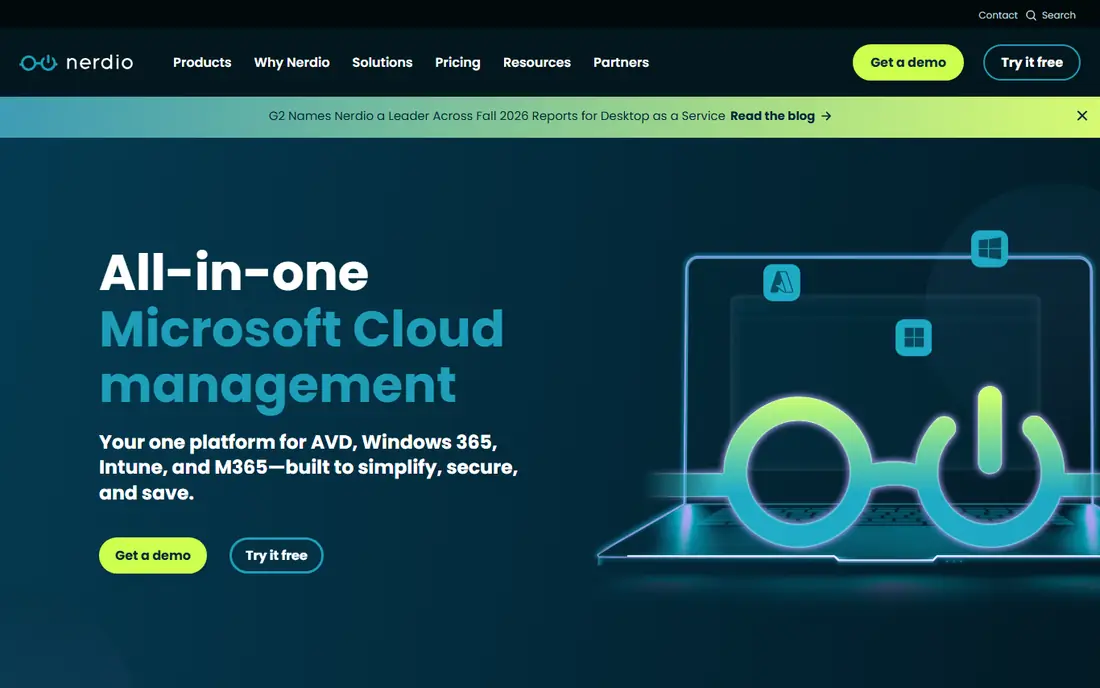
Nerdio Manager is the closest thing to a complete management layer for AVD. It covers deployment, host pool management, image creation and updates, FSLogix profile handling, and advanced autoscaling that powers hosts down when demand falls. For managed service providers, the multi-tenant console manages many customers from one place.
The price is the main consideration. The MSP edition lists AVD management at 12 dollars per user per month, with a monthly minimum per customer, on top of Azure costs. For large estates, autoscaling savings often outweigh that fee. For very small estates, test the maths carefully before committing.
- Deployment, image management, and autoscaling in one console
- Multi-tenant MSP edition
- Cost optimisation tools
- Per-user price adds up at scale
- Monthly minimums apply in the MSP edition
Native AVD management suits teams that want to stay inside Azure and avoid another vendor. The Azure portal, Azure Monitor, Log Analytics, and Microsoft Entra ID cover deployment, access, and basic monitoring, and you pay only for Azure resources and eligible Windows licensing. Small teams with stable pools often find this enough.
The gap is automation. Native tools do not offer the same one-click autoscaling, image versioning, or session-level troubleshooting as Nerdio or ControlUp. Teams that manage many host pools or frequent image updates will feel that gap quickly and may add a dedicated tool.
- No extra management licence beyond Azure and Windows licensing
- Deep integration with Azure Monitor and Microsoft Entra ID
- Full Microsoft support
- Autoscaling and image lifecycle need manual work or scripting
- Session visibility lags behind dedicated tools
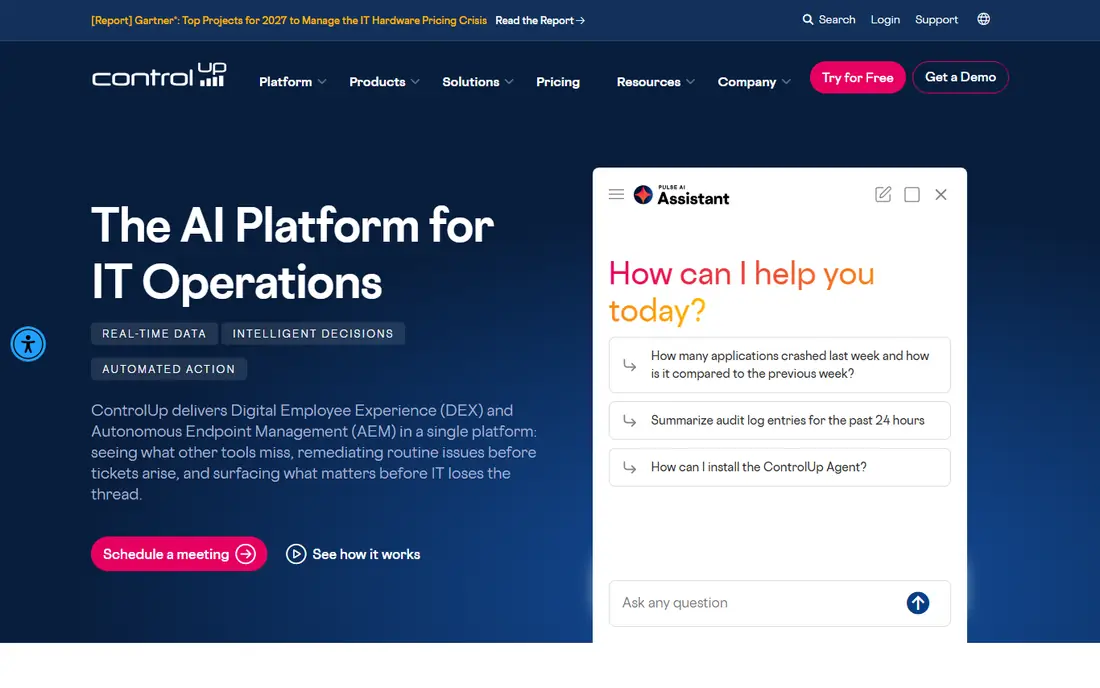
ControlUp is best seen as the operations console for a live AVD estate. It shows session performance, logon times, host load, and user experience in real time, and it can trigger fixes such as restarting a service or alerting an admin when a host strains. That visibility helps support teams find the cause of slow logons instead of guessing.
It does not deploy host pools or manage images in the way Nerdio does, so many teams pair ControlUp with Nerdio or native deployment. If your main pain is troubleshooting and user experience, ControlUp is the strongest monitoring pick here.
- Real-time session and host monitoring
- Logon duration analysis
- Automation and remediation actions
- Monitoring focus means it does not replace a deployment tool
- Pricing is quote-based
Lakeside SysTrack looks beyond AVD sessions to the full device and user experience. It scores experience, tracks application and hardware health, and flags problems before they become tickets. That breadth helps IT teams that manage physical PCs, laptops, and virtual desktops together and want one experience view.
For a team that only manages AVD, SysTrack may feel broader than needed, and its pricing is quote-based. If you manage a mixed estate and want to compare virtual and physical experience side by side, its breadth becomes a strength.
- End-user experience scoring
- Hardware and software inventory
- Proactive issue detection across devices
- Broad digital experience scope can feel large for AVD-only teams
- Pricing is quote-based
Citrix DaaS, formerly Citrix Virtual Apps and Desktops service, can deliver desktops and apps from Azure, including AVD host infrastructure, as well as from on-premises data centres. Its HDX protocol is well regarded for graphics, multimedia, and low-bandwidth connections, and it supports a very wide range of endpoints.
Complexity is the trade-off. Citrix needs more planning, licensing, and administration than native AVD, and it suits organisations with hybrid estates or demanding graphics needs better than small, Azure-only teams. If you already use Citrix, its AVD integration is a natural extension.
- Mature delivery for Azure and on-premises hosts
- Strong HDX protocol
- Broad device support
- More complex to deploy than AVD native tools
- Licensing needs careful planning
Omnissa Horizon, formerly VMware Horizon, is an enterprise virtual desktop platform that can run on Azure and other clouds. It offers pooled and dedicated desktops, app publishing, and strong security and management controls for large organisations. Its Blast display protocol handles varied network conditions well.
Small AVD teams may find Horizon heavier than they need, and pricing is quote-based, so total cost needs a sales conversation. For large enterprises with existing VMware skills or strict control needs, Horizon is a credible alternative delivery layer for Azure desktops.
- Enterprise virtual desktop platform
- Strong Azure integration
- Blast protocol for remote display
- Enterprise focus means higher cost and complexity for small teams
- Licensing is quote-based
Parallels Remote Application Server suits mid-sized teams that want app and desktop publishing without enterprise complexity. It can publish from Azure infrastructure, supports a broad client range, and its administration console is easier to learn than Citrix or Horizon. For teams moving from on-premises remote desktop to Azure, that simplicity helps.
Its AVD-specific automation is thinner than Nerdio, so teams that need deep autoscaling and image lifecycle tools may still add Nerdio or rely on native tools. As a delivery layer for apps and desktops, though, Parallels RAS is a practical middle ground.
- Simpler setup than Citrix or Horizon
- Publishes apps and desktops from Azure
- Good client support
- Smaller ecosystem than Citrix
- Advanced AVD-specific automation is thinner than Nerdio
eG Enterprise monitors AVD performance alongside Azure infrastructure, applications, and user sessions, with diagnostics that trace a slow logon or app launch to its cause. That depth helps larger IT teams that need to prove service levels and plan capacity across many systems, not just desktops.
It is a monitoring tool, not a deployment or autoscaling platform, so pair it with Nerdio or native deployment. Setup also takes tuning to match your host pools and apps. If monitoring depth and reporting matter most, eG Enterprise is a strong choice.
- Deep performance monitoring across AVD, Azure, and applications
- Root-cause diagnostics
- Capacity reporting
- Monitoring only, not deployment
- Setup needs time to tune for your estate
How we picked these
We compared official product pages, pricing, and documentation for tools that manage, monitor, or deliver AVD. We favoured tools with current Azure support, published AVD features, and real customer use in production estates. We included monitoring tools because AVD management in practice means deployment plus day-to-day operations, and we note clearly where a tool monitors rather than deploys.
What to check before you buy
Autoscaling, images, and profiles
Test autoscaling on your real usage pattern, including morning logon peaks and evening drop-off. Check how image updates roll out, how FSLogix profiles are handled, and how quickly you can roll back a bad image. A tool that saves Azure compute but breaks logons will cost more in support time than it saves.
Total cost and licensing
Add three parts: the management tool per-user price, Azure compute and storage, and Windows and Microsoft 365 licensing. Check minimums, especially in MSP editions, and ask whether pricing is per named user or per concurrent user. Run a one-month pilot with real users and compare the Azure bill before and after autoscaling.
FAQ
What is an AVD management platform?
It is software that helps deploy, update, scale, monitor, and support Azure Virtual Desktop host pools, images, profiles, and sessions. Native Azure tools cover the basics, while dedicated platforms such as Nerdio add autoscaling, image lifecycle, and multi-tenant management.
Do I need Nerdio to run Azure Virtual Desktop?
No. You can run AVD with native Azure tools alone. Nerdio helps most when you manage many host pools, update images often, need strong autoscaling, or manage multiple customer tenants as an MSP. Small, stable estates often manage fine without it.
How does AVD autoscaling save money?
Autoscaling powers session hosts down or deallocates them when demand is low, such as overnight or at weekends, and powers them up before peak demand. Since Azure compute is charged while hosts run, turning off idle hosts can cut compute spend substantially, especially for estates with clear working hours.
What is the difference between Nerdio and ControlUp?
Nerdio focuses on deployment, image management, autoscaling, and cost optimisation for AVD. ControlUp focuses on real-time monitoring, logon analysis, and remediation for live sessions. Many teams use both, with Nerdio for deployment and ControlUp for operations.
Can Citrix or Horizon manage AVD?
Yes, both can deliver desktops and apps using Azure infrastructure, including AVD host components, and both support hybrid estates. They are delivery platforms rather than AVD-only managers, so they suit organisations that also run on-premises or multi-cloud desktops.
What should I test in an AVD trial?
Test logon times at peak, image updates and rollback, autoscaling on and off, FSLogix profile behaviour, and support for your key applications. Run the trial in your own tenant with real users, and compare Azure costs and support tickets before and after.