Best Automation Tools in 2026: 9 Tools Compared
Compare the best automation tools for office and task workflows in 2026, with pricing, billing models, and honest limits, including Power Automate options.
- Editor's choice
 Zapier
Simple multi-app tasks for non-technical teams
Starts atFreeVisit zapier.comFull review - Great alternative
 Make
Visual multi-step workflows on a budget
Starts atFreeVisit make.comFull review - Also consider
 n8n
Technical teams and self-hosted workflows
Starts atFreeVisit n8n.ioFull review
TL;DR:
- Zapier is easiest for simple multi-app tasks, but its per-task billing gets costly on long workflows.
- Make and n8n cost less at volume, with Make billing per module action and n8n billing per full workflow run.
- Power Automate is the natural pick for teams already deep in Microsoft 365, Teams, and SharePoint.
- IFTTT suits simple personal triggers, while Workato and Tray suit larger company integrations.
- Count steps and runs before you choose, since the billing unit decides the real monthly cost.
Quick comparison
| Tool | Best for | Starts at | Free plan? | |
|---|---|---|---|---|
| Zapier | Simple multi-app tasks for non-technical teams | Free | Yes | Visit |
| Make | Visual multi-step workflows on a budget | Free | Yes | Visit |
| n8n | Technical teams and self-hosted workflows | Free | Yes | Visit |
 Microsoft Power Automate | Microsoft 365, Teams, and SharePoint teams | $15 per user per month | Free trial | Visit |
 IFTTT | Simple personal and smart-home triggers | Free | Yes | Visit |
 Workato | Enterprise app integrations and governance | See website | Free trial | Visit |
 Activepieces | Open-source automation on a budget | Free | Yes | Visit |
 Pipedream | Developers building custom workflows | Free | Yes | Visit |
 Tray | Company-wide process automation | See website | Free trial | Visit |
The best automation tools
The best automation tools connect apps so routine work happens without manual copying. Some focus on simple triggers, others on complex business workflows with branches, approvals, and error handling. We compared official pricing pages and feature pages, and we paid close attention to billing units, since a task, a credit, and an execution are not the same thing.
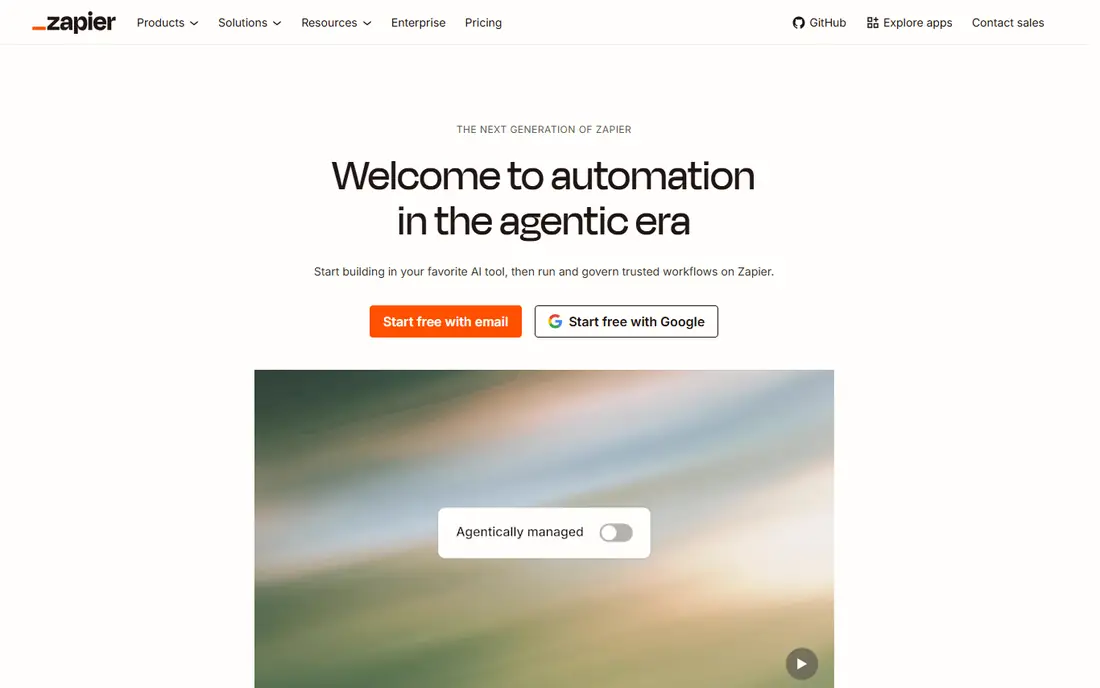
Zapier remains the default first automation tool for small teams because it connects thousands of apps with a simple trigger and action setup. A new lead in a form can create a CRM contact, send a Slack message, and add a spreadsheet row without code. The free plan covers 100 tasks per month for two-step workflows, and Professional starts at $19.99 per month billed yearly for 750 tasks.
The catch is billing. Zapier charges per successful action step, so a ten-step workflow run 1,000 times costs far more than the same workflow on a per-run tool. Teams with long or high-volume workflows should model task counts before signing an annual plan. For short, common workflows and fast wins, Zapier is still hard to beat.
- Largest app catalog for common tools
- Gentle learning curve
- Fast setup for two-step tasks
- Per-task billing rises with workflow length
- Free plan limited to 100 tasks per month
- Advanced logic costs more
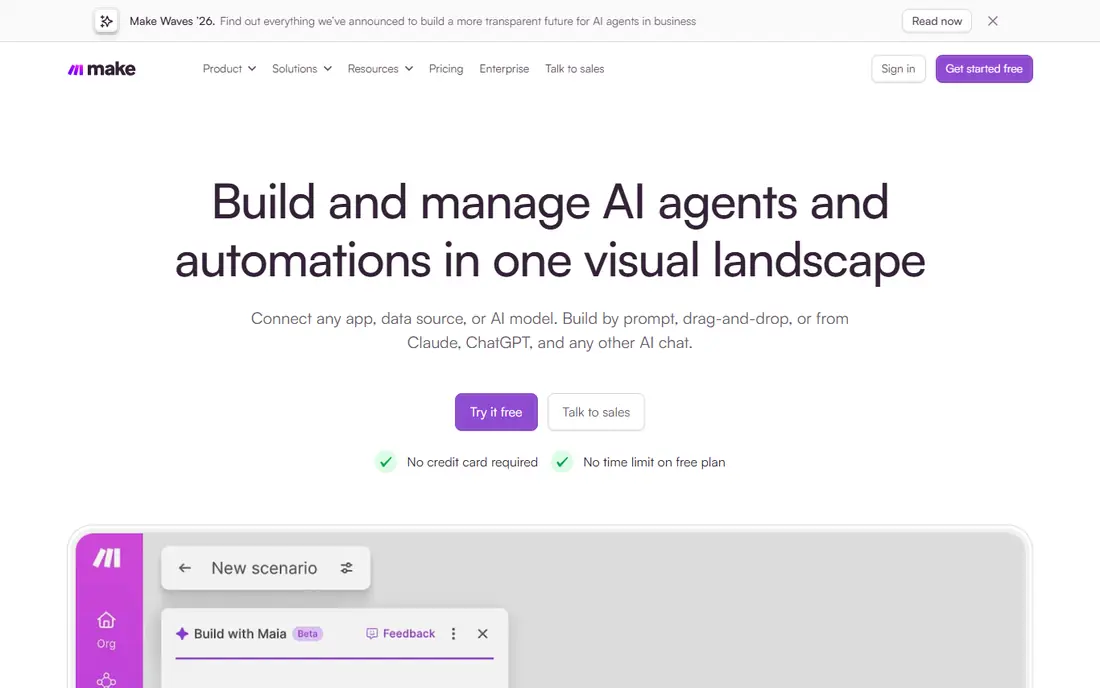
Make, formerly Integromat, suits operators who build workflows with branches, filters, routers, and error handling. The visual canvas shows each step and the data moving through it, which helps when a workflow fails and you need to see where it broke. The free plan offers 1,000 credits per month, and Core starts at $12 per month billed yearly for 10,000 credits.
Credits roughly map to module actions, so a workflow with many steps still uses more credits than a short one, but the allowance is generous compared with Zapier task pricing. Make also prices differently by country in some cases, so confirm the US price shown on your account. For teams that want power without a large bill, Make is our value pick.
- Visual builder shows branches and data flow clearly
- Free plan with 1,000 credits per month
- Low cost at moderate volume
- Learning curve is steeper than Zapier
- Credit math needs care
- Some apps need setup work
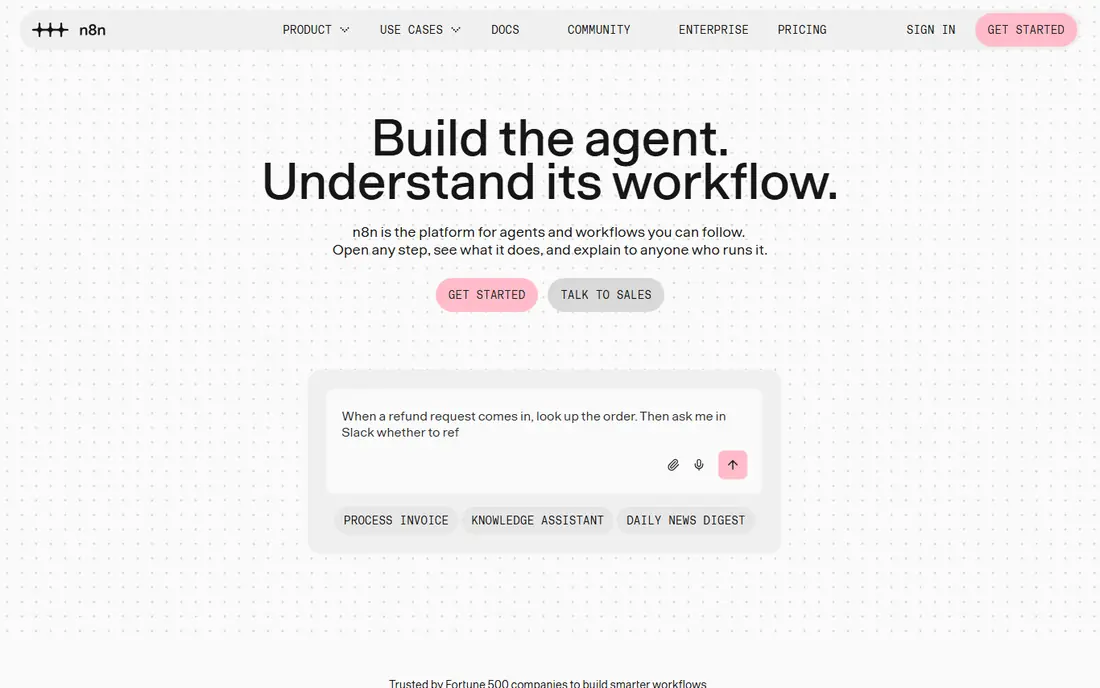
n8n is the pick for teams with someone technical nearby or a need to keep data on their own servers. Cloud Starter starts at $20 per month billed yearly for 2,500 executions, and Pro at $50 for 10,000, while the community edition can be self-hosted free apart from server costs. Because n8n bills per execution, a long workflow with twenty steps still counts as one run, which can make it far cheaper than per-step tools.
The trade-off is effort. Self-hosting means owning updates, backups, and security, and cloud users who need business features should note that the Business tier is self-hosted only, with Enterprise as the hosted route at a custom price. For long, complex, or AI-driven workflows where control matters, n8n offers a strong mix of power and price.
- Billing per full workflow run, not per step
- Free self-hosted community edition
- Strong code and AI workflow options
- Cloud plans have no permanent free tier
- Setup needs technical skill
- Business tier is self-hosted only
Power Automate is the sensible choice when your work already lives in Microsoft 365. Flows can move data between Outlook, Teams, SharePoint, Excel, and Dynamics, route approvals to managers, and run desktop automation for older Windows apps that lack an API. Premium starts at $15 per user per month billed yearly, with unattended bot pricing at $150 per bot per month for desktop runs.
The limits are cost and scope. Per-user pricing adds up for large teams, and teams outside Microsoft may find Zapier or Make easier for consumer apps. Power Automate also rewards teams that plan flows carefully, since desktop automation needs testing on real machines. If Microsoft is your core stack, though, no outside tool matches its native access.
- Deep link to Microsoft apps and data
- Desktop flows for older apps
- Approval and business process tools
- Premium pricing per user
- Unattended desktop bots cost extra
- Learning curve for complex flows
IFTTT, short for If This Then That, is best for simple rules rather than business processes. A new photo can back up to cloud storage, a weather change can send a notification, or a smart plug can switch on at sunset. The free plan covers a limited number of applets, and Pro plans add multi-step applets, faster checks, and more connections.
Do not stretch IFTTT into a company workflow tool. It lacks the branching, error handling, data mapping, and audit controls that Make, n8n, or Workato provide. For personal automation and smart-home routines, its simplicity is the point. For office work with approvals and data quality checks, pick a business tool from this list.
- Very easy to set up simple applets
- Good smart-home and consumer app support
- Low cost to start
- Limited multi-step logic
- Free plan limits applet count
- Not built for business workflows
Workato targets companies that need integrations managed with IT controls, not just personal shortcuts. Its recipes connect CRM, ERP, HR, and finance systems, handle complex data mapping, and support approval, logging, and access controls that larger firms require. That governance is the reason IT teams shortlist it when a departmental tool starts to spread without oversight.
The drawback for small teams is access and cost. Workato does not publish simple self-serve pricing, and setup suits teams with integration experience. A five-person business will likely find Zapier or Make faster and cheaper. A mid-size or large company standardizing integrations across departments will get more value from Workato controls.
- Strong enterprise connectors and governance
- Recipes handle complex business logic
- Good for IT-led programs
- Pricing is quote-based
- Heavier setup than Zapier
- Overkill for simple tasks
Activepieces is an open-source alternative for teams that want automation without a large subscription or vendor lock-in. You can run it in the cloud or self-host it, build flows visually, and use AI-assisted steps for common tasks. The free cloud tier helps small teams test real workflows before paying, and self-hosting removes per-run platform fees apart from server costs.
The catalog is still catching up with Zapier, so check that your key apps have solid connectors before you commit. Self-hosting also means owning updates and backups. If you value open code, low cost, and control, and your apps are covered, Activepieces is a promising pick that keeps improving.
- Open-source code you can self-host
- Visual flow builder
- Growing connector library
- Smaller app catalog than Zapier
- Self-hosting needs technical care
- Some connectors are less mature
Pipedream suits developers who want to connect APIs, handle webhooks, and write code where a visual builder would get in the way. It offers prebuilt components for common apps, serverless workflow runs, and tools to inspect events and test steps. The free tier is useful for building and testing, and paid plans scale with usage.
Non-technical teams should look elsewhere. Pipedream assumes comfort with code, APIs, and event data, and its interface reflects that. For a developer-led team automating internal tools, data pipelines, or custom integrations, it can be faster than building and hosting every workflow from scratch.
- Code-first workflows with many prebuilt components
- Good for APIs and webhooks
- Generous free tier for testing
- Needs coding skill for full value
- Less friendly for non-technical staff
- Pricing scales with invocations
Tray, now often branded as Tray.ai, helps larger teams automate processes that span sales, support, finance, and operations. Its visual builder supports complex logic, data handling, and AI-assisted steps, and its platform includes controls for managing many workflows across a company. That scope suits firms that have outgrown simple trigger tools and need a central automation program.
Small teams will find the quote-based pricing and setup effort hard to justify for a handful of workflows. Tray earns its place when automation becomes a company capability rather than a few personal shortcuts. If that is your stage, request a demo with a real process in mind and compare total cost against Workato.
- Visual builder for complex company processes
- Strong data and AI workflow options
- Good governance for larger teams
- Pricing is quote-based
- Setup suits larger teams
- Simple tasks are cheaper elsewhere
How we picked these
We compared official pricing pages, feature pages, and documentation for automation tools that are live in 2026, and we favored tools with clear billing units and a usable free plan or trial. We checked app catalogs, logic depth, self-hosting options, and governance, since those factors decide whether a tool fits a solo user or a whole company. We did not claim hands-on trials we did not run.
How to choose by billing model
Write down your top three workflows, count steps per run, and estimate runs per month. A short workflow run often favors Zapier, while a long workflow run often favors n8n. Make often wins in the middle, where visual logic matters and volume is moderate. Run the highest-volume workflow on a free plan or trial for two weeks, then read the usage counter before you commit to an annual tier.
Start small, then standardize
Automate one painful, repeated task first, such as lead routing or invoice filing, and measure time saved and errors avoided. Document who owns each workflow, what happens when it fails, and where data goes. That discipline prevents a tangle of unowned automations that break quietly later.
FAQ
What is the best automation software for small business?
Zapier is easiest for simple tasks, while Make offers more power per dollar for multi-step workflows. Microsoft teams should check Power Automate first. Start with the tool that covers your main apps and fits your monthly run count.
What are good Power Automate alternatives?
Zapier, Make, and n8n are the most direct alternatives, with Workato and Tray as enterprise options. Zapier wins on app breadth, Make wins on visual value, and n8n wins on per-run pricing and self-hosting. Choose by workflow length and volume, not by headline price alone.
What is the best task automation software for offices?
For office work such as approvals, lead routing, and report filing, Make and Power Automate suit most teams. Power Automate fits Microsoft offices, while Make fits mixed app stacks. Add error alerts and a named owner for each workflow.
Is there a free automation app?
Yes. Zapier, Make, IFTTT, Activepieces, and Pipedream all offer free tiers, though limits differ. Zapier caps free tasks at 100 per month, Make offers 1,000 credits, and n8n offers a free self-hosted edition. Check step and run limits before you build a critical workflow on a free plan.
How much do automation tools cost?
Entry paid plans range from $12 per month billed yearly for Make Core to $19.99 for Zapier Professional and $20 for n8n Cloud Starter, with Power Automate Premium at $15 per user per month. Enterprise tools such as Workato and Tray use custom quotes. Volume and workflow length decide the final bill.
What is the best software for automation with AI?
n8n, Make, Tray, and Power Automate all support AI steps, agents, and data handling, but they differ in control and cost. n8n suits technical teams building AI workflows they host or control, while Tray and Power Automate suit company programs with governance needs. Test AI steps on a small workflow before scaling.