Best Authoring Tools in 2026: 8 Tools Compared
Best authoring tools compared for 2026: we review eight eLearning authoring platforms for courses, quizzes, simulations and SCORM publishing for teams.
- Editor's choice
 Articulate 360
Training teams that need depth and speed
Starts atSee websiteVisit articulate.comFull review - Great alternative
 iSpring Suite
PowerPoint users who want fast SCORM courses
Starts atSee websiteVisit ispringsolutions.comFull review - Also consider
 Adobe Captivate
Software training and simulations
Starts atSee websiteVisit adobe.comFull review
TL;DR:
- Articulate 360 is our pick for most training teams because it pairs a full desktop builder with a fast cloud builder.
- iSpring Suite is the easiest route for teams that already build in PowerPoint and want SCORM output without a long learning curve.
- Cloud tools win for fast review and updates, while desktop tools still win for branching scenarios and software simulations.
- Check SCORM, xAPI and accessibility support before you buy, since moving courses later can be costly and slow.
Quick comparison
| Tool | Best for | Starts at | Free plan? | |
|---|---|---|---|---|
| Articulate 360 | Training teams that need depth and speed | See website | Free trial | Visit |
| iSpring Suite | PowerPoint users who want fast SCORM courses | See website | Free trial | Visit |
| Adobe Captivate | Software training and simulations | See website | Free trial | Visit |
 Easygenerator | Subject experts who author their own courses | See website | Free trial | Visit |
 Elucidat | Large teams with strict brand control | See website | No | Visit |
 dominKnow ONE | Teams publishing to several formats | See website | Free trial | Visit |
 H5P | Free interactive activities in Moodle and WordPress | Free | Yes | Visit |
 Camtasia | Video tutorials and screen demonstrations | See website | Free trial | Visit |
The best authoring tools
We compared official feature pages, pricing pages and publishing standards for eight authoring tools that are still sold and supported in 2026.

Articulate 360 bundles two builders that cover very different jobs. Storyline 360 is the desktop tool for custom interactions, triggers, variables and branching scenarios, while Rise 360 is the cloud tool for clean, responsive courses built from blocks. That pairing matters because most teams need both: quick compliance updates in Rise and a smaller number of flagship courses in Storyline. Review links also make it simpler for managers and subject experts to comment without editing the course file itself.
The main catch is price and platform. Articulate 360 is a subscription, and the cost adds up when several authors need seats. Storyline runs on Windows, so Mac-only teams need a Windows machine or a virtual setup for the desktop builder. If your team publishes to an LMS, check that your SCORM or xAPI settings match what your LMS accepts, and test one course end to end before you commit to a full library rebuild.
- Storyline for branching and variables
- Rise for fast responsive courses
- Large template and asset library
- Annual subscription cost is high for solo authors
- Storyline is Windows only
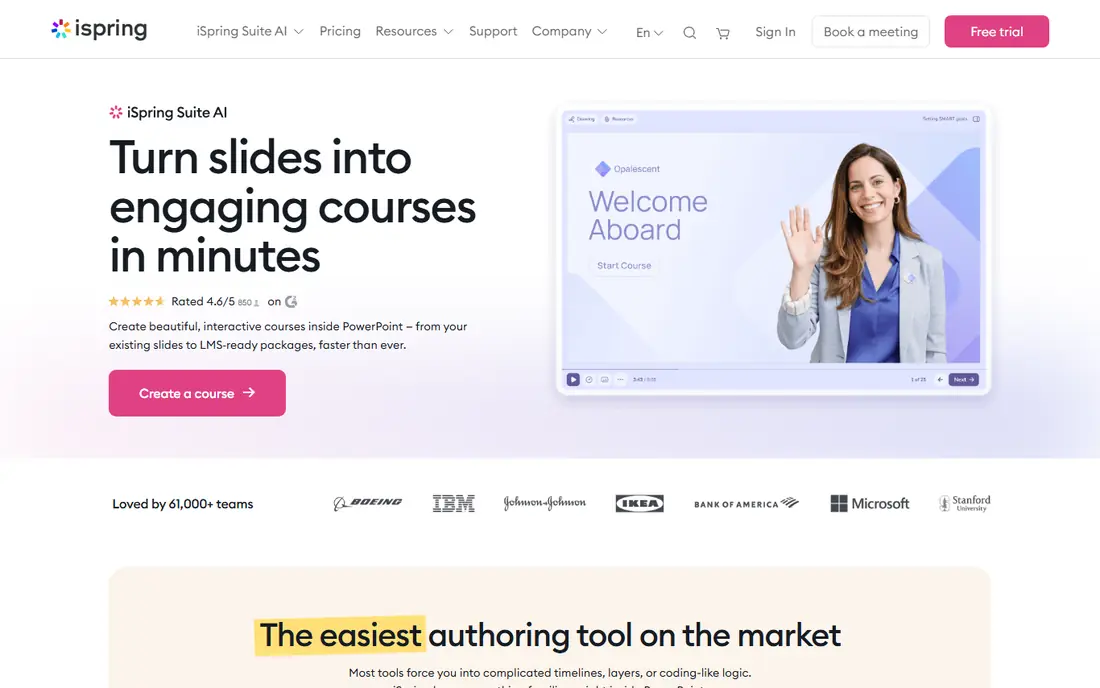
iSpring Suite suits teams that already have slide decks and want to turn them into tracked courses without learning a new design tool from scratch. You build in PowerPoint, add quizzes, interactions, role-plays and narration, then publish to SCORM, xAPI or cmi5 for your LMS. The quiz builder is a real strength, with varied question types, feedback and branching by answer, which makes it useful for compliance and product training alike.
The trade-off is control. Authors who want deep custom logic, complex variables or highly custom layouts may find iSpring more limited than a full desktop builder. It is also a Windows product at its core, so check the current system requirements if your team works on Macs. For rapid conversion of existing decks, though, few tools get a usable course out the door faster.
- Works inside PowerPoint
- Strong quiz and role-play tools
- Video and screen recording included
- Desktop version is Windows based
- Advanced branching is less flexible than Storyline
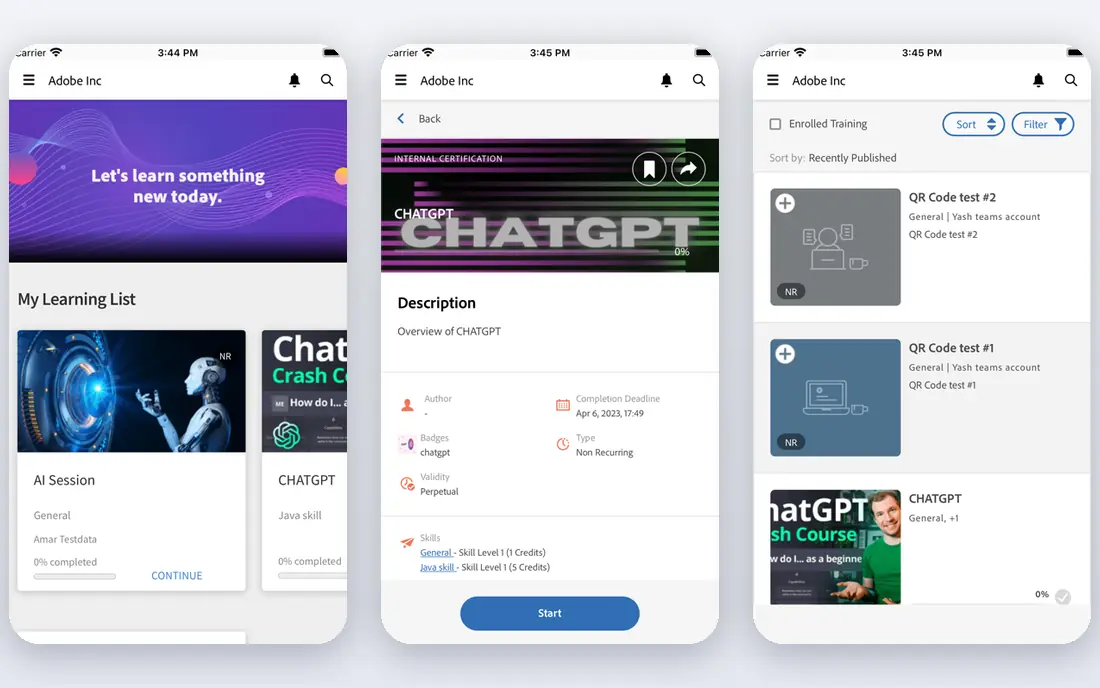
Adobe Captivate is the pick when training must show software in action rather than describe it in slides. It can record on-screen steps, turn them into guided demonstrations, practice exercises and assessments, and add interactive video elements. That makes it a natural fit for IT training, systems rollouts and technical procedures where learners need to practise clicks and decisions in a safe copy of the real workflow.
The cost of that power is complexity. New authors often need more training time than they would with a block-based cloud tool, and simple courses can take longer than expected if you use Captivate for every job. We would reserve it for simulation-heavy work and use a simpler tool for standard knowledge courses. Confirm the current subscription terms on Adobe's site, since pricing and included apps change over time.
- Strong software simulation capture
- Interactive video and VR project options
- SCORM and xAPI publishing
- Steeper learning curve
- Interface can feel dense for simple courses
Easygenerator is built for the expert who knows the subject but does not want to become a course designer. The cloud editor uses templates and question blocks, so a new author can build a short, tracked course in a day rather than a week. Managers can review drafts in the browser, and teams can reuse approved templates to keep branding and layout consistent across many authors.
That simplicity has limits. If you need custom games, complex branching or a highly styled layout, a desktop builder will give you more room. Easygenerator is at its best when speed, consistency and distributed authorship matter more than visual novelty. It is also worth checking seat limits and storage on the plan you choose, since prices rise with team size.
- Cloud based and easy to learn
- Templates keep courses consistent
- Built-in review and translation workflows
- Less custom interaction design
- Higher tiers needed for larger teams
Elucidat, now sold under the Create by Confirm name in some listings, is aimed at large organisations that publish many courses in many languages. Authors work in the browser, reviewers comment in context, and brand managers can lock templates so every course looks like it came from the same team. Variation and translation tools help teams adapt one master course for regions and audiences without rebuilding it each time.
The main drawback is fit. Pricing is aimed at enterprise buyers, and a small team will pay for governance features it may never use. Solo authors and small training firms should look at Easygenerator or H5P first. For a global firm with dozens of authors and strict review steps, Elucidat's controls can save more time than they cost.
- Cloud collaboration at scale
- Brand and template controls
- Strong translation and variation handling
- Enterprise pricing
- Overkill for a solo author
dominKnow ONE gives teams two ways to build: a structured mode for responsive, accessible courses and a more free-form mode for custom layouts. The single-source idea is the selling point. You can reuse content, images and components across courses and publish to SCORM, xAPI and other formats without starting over. That helps teams that maintain large libraries and need to update a policy or product detail in many places at once.
New users should expect a setup period. The interface has more options than a simple block builder, and teams need agreed naming and asset habits to get the reuse benefit. Pricing also needs a direct quote for larger setups, so budget time for a sales conversation. If your library is large and long-lived, that effort is usually worth it.
- Two authoring modes for different skill levels
- Single-source publishing
- Shared asset library
- Learning curve for new teams
- Pricing is quote based at higher tiers
H5P is not a full authoring suite, but it is the best free way to add interactive content to existing courses. You can build interactive videos, branching scenarios, drag-and-drop exercises, timelines, virtual tours and quizzes, then embed them in Moodle, Canvas, WordPress and other platforms that support H5P. For schools, nonprofits and small teams, that can lift a plain course without a subscription.
The catch is scope. H5P does not replace a course builder with templates, review workflows and LMS gradebook publishing in one place. You also need to host it or use a supported platform, and support comes from community docs rather than a vendor help desk. Pair it with your LMS for delivery, and use a paid tool only when you need full course management and branding.
- Free and open source
- Many interactive content types
- Works inside common LMS and CMS platforms
- No full course authoring suite
- Hosting and support depend on your setup
Camtasia is the right pick when training is mainly video. You record your screen, edit out mistakes, add callouts, captions and quizzes, and export a polished tutorial. Teachers, support teams and product trainers use it for onboarding videos, software walkthroughs and short how-to lessons that learners can replay. The editing tools are approachable, and the result often looks more polished than a raw screen capture.
It is not a replacement for a course authoring tool. Camtasia does not build branching courses, manage large question banks or publish full SCORM courses in the same way as the tools above, though video quizzes add some interactivity. Use it alongside an authoring tool or LMS when video is the main teaching method, and plan storage for raw recordings.
- Screen recording plus video editing in one tool
- Quizzes in video
- Large template and asset options
- Not a full SCORM course builder
- Video projects take storage and editing time
How we picked these
We compared official vendor pages, pricing pages and publishing documentation, plus public user reviews, for tools that are sold and supported in October 2026. We required SCORM or xAPI publishing for most picks, or a clear role such as video or free interactive content, and we favoured tools with a current trial or free option so readers can test before buying. We did not count tools that are discontinued, merged into another product without a clear current edition, or limited to a single LMS.
What to check before you buy
Start with your LMS and your learners, not with feature lists. Confirm which SCORM version and xAPI support your LMS accepts, and test accessibility with a keyboard and a screen reader on a sample course. Next, list who will author: subject experts need templates and review tools, while instructional designers need variables, branching and custom states. Price the seats you will actually need in year two, including reviewers who only comment, since some vendors charge for every account.
Plan for maintenance too. Courses need updates when products, policies or laws change, so ask how easy it is to edit a published course, replace one asset everywhere, and republish without breaking learner progress. A short pilot with two real courses, one simple and one complex, will reveal more than any demo. Measure author time, review cycles and learner completion before you sign a multi-year deal.
FAQ
What is an authoring tool?
An authoring tool is software used to build digital courses, quizzes and interactive lessons, usually for delivery through a learning management system. It lets authors add text, media, questions and branching, then publish in a standard format such as SCORM or xAPI so the LMS can track completion and scores.
Which authoring tool is best for beginners?
Easygenerator and Rise 360 inside Articulate 360 are strong beginner options because they use templates and blocks rather than code or complex logic. iSpring Suite is also easy if you already know PowerPoint. Beginners should start with a short course and a free trial before buying seats.
Do I need SCORM or xAPI?
You need SCORM if your LMS tracks completion and scores in the standard way most corporate LMS platforms use. xAPI is useful when you want to track learning outside the LMS, such as in apps, simulations or on-the-job activities. Check your LMS docs first, since some older systems support only one standard well.
Can I make courses without coding?
Yes. All the tools in this list are designed for authors who do not code, though Storyline and Captivate reward authors who learn triggers and variables. H5P also needs no coding when used inside a supported platform. Coding is only needed for highly custom interactions or integrations.
How much do authoring tools cost?
Prices range from free for H5P to enterprise subscriptions for Elucidat and dominKnow ONE, with most mid-market tools priced per author per year. Use the vendor pricing page for current figures, since annual and monthly billing differ. Factor in reviewer seats, storage and any LMS costs.
What is the best authoring tool software for PowerPoint users?
iSpring Suite is our pick for PowerPoint users because it works inside PowerPoint and converts decks, quizzes and narration into tracked courses. It keeps your existing slides, speaker notes and layouts, which cuts rebuild time. Test the trial with a real deck to check fonts, animations and quiz behaviour.