Best Augmented Reality Training Simulator Software in 2026: Prices, Free Plans and 6 Picks
Best augmented reality training simulator software: 6 contenders ranked by fit, with entry costs and free tiers. With pricing notes and limits. Quick to scan.
- Editor's choicePixaera
Safety training through decisions
Starts atPricing on requestVisit pixaera.comFull review - Great alternativeMursion
AI-powered upskilling simulations
Starts atPricing on requestVisit mursion.comFull review - Also considerVirti
AI roleplay and coaching
Starts atPricing on requestVisit virti.comFull review
Direct answer
Pixaera comes first here, mainly for safety training through decisions. Mursion is the stronger choice for AI-powered upskilling simulations, while Virti suits AI roleplay and coaching. The full list of 6 tools follows, with free plan facts. None of these vendors publish plan prices, so pricing is on request for every option.
TL;DR:
- Pixaera is the opening pick, best for safety training through decisions.
- A fair warning about Mursion: may need facilitator support.
- No starting price is shown for any of the 6 tools, Pixaera and Talespin included, so plan time for sales calls.
- For engaging immersive learning experiences, Talespin is worth a look.
- None of the 6 tools, from Pixaera to Talespin, has a free plan, so budget for a subscription or use a trial.
Last checked November 2026. Pricing on request: vendors did not publish plan prices when this guide was last checked (November 2026), so ask each vendor for a written quote.
Quick comparison
| Tool | Best for | Starts at | Free plan? | |
|---|---|---|---|---|
| Pixaera | Safety training through decisions | Pricing on request | Not stated | Visit |
| Mursion | AI-powered upskilling simulations | Pricing on request | Not stated | Visit |
| Virti | AI roleplay and coaching | Pricing on request | Not stated | Visit |
| Interplay Learning | Skilled trades training | Pricing on request | Not stated | Visit |
| Strivr | Hands-free AR error detection | Pricing on request | Not stated | Visit |
| Talespin | Engaging immersive learning experiences | Pricing on request | Not stated | Visit |
Augmented Reality Training Simulator Software compared in detail
This LinkVetted guide covers 6 options for augmented reality training simulator software. Each profile lists a starting price, free plan details, strengths and drawbacks, so you can drop poor fits quickly.
Pixaera
Best for: Safety training through decisions
Choose Pixaera for safety training through decisions. Pixaera gives you safety training built on how people actually learn, using decision-led training that puts workers inside the decisions that matter. This approach helps lessons stick on site, across every worker and contractor.
What users get: Focus on safety.
Downsides: Restricted to safety scenarios.
It is especially beneficial for industries with high-risk environments. Worth adding: Pixaera's focus on safety training means it may not handle broader training needs. Also, it frequently depends on VR hardware, which could be a barrier for some organizations compared with AR options like Strivr. Check the vendor site for Pixaera pricing; none is listed in this comparison. On free options: Not stated.
- Scalable for contractors
- Decision-led training
- May need VR hardware
Mursion
Best for: AI-powered upskilling simulations
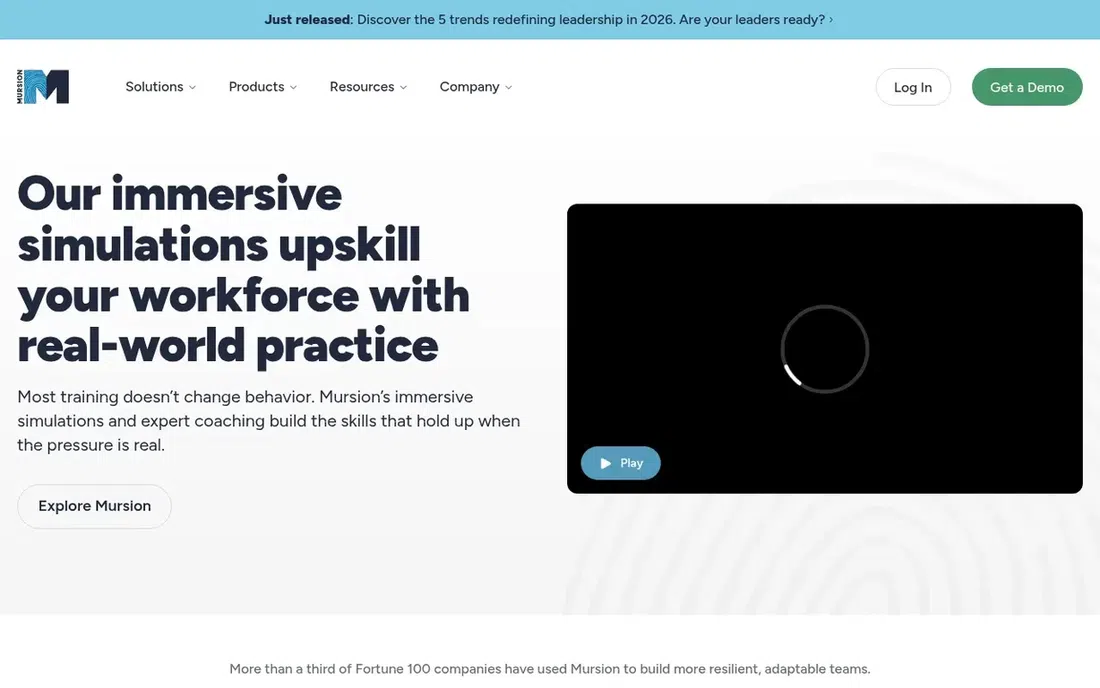
Where Mursion fits: AI-powered upskilling simulations. The platform is often used in corporate training and education. Organizations seeking hardware-integrated AR training should consider Strivr or Interplay Learning.
In daily use, Mursion provides an AI-powered immersive upskilling system that helps organizations build a future-ready workforce through simulations. It is well suited to practicing interpersonal skills, like communication and leadership, in a safe, controlled environment. Mursion's simulations are primarily software-based and may not plug into AR glasses for practical procedural tasks. Mursion does not show a starting price in this comparison, so check the vendor site for current pricing. On free options: Not stated.
What to check first: Restricted hardware specifics.
Where Mursion stands out: Future-ready workforce focus.
- AI-powered immersive upskilling
- Simulation-based learning
- May need facilitator support
Virti
Best for: AI roleplay and coaching
Where Virti fits: AI roleplay and coaching. It is built for sales enablement, customer service, leadership, and medical teams, allowing users to practice real conversations with AI Virtual Humans.
Check the vendor site for Virti pricing; none is listed in this comparison. Free options: Not stated.
Limits to weigh: Primarily conversational training.
- Instant coaching feedback
- Sales and medical focus
- Restricted AR hardware integration
Interplay Learning
Best for: Skilled trades training
For skilled trades training, Interplay Learning is a natural candidate. The product is a solid fit for vocational schools and trade organizations.
Teams outside skilled trades may find it too specialized. Interplay Learning does not show a starting price in this comparison, so check the vendor site for current pricing. As for free access: Not stated.
Honest limits: Niche focus on trades.
- Online courses
- 3D and simulation-based training
- Restricted AR hardware integration
Strivr
Best for: Hands-free AR error detection
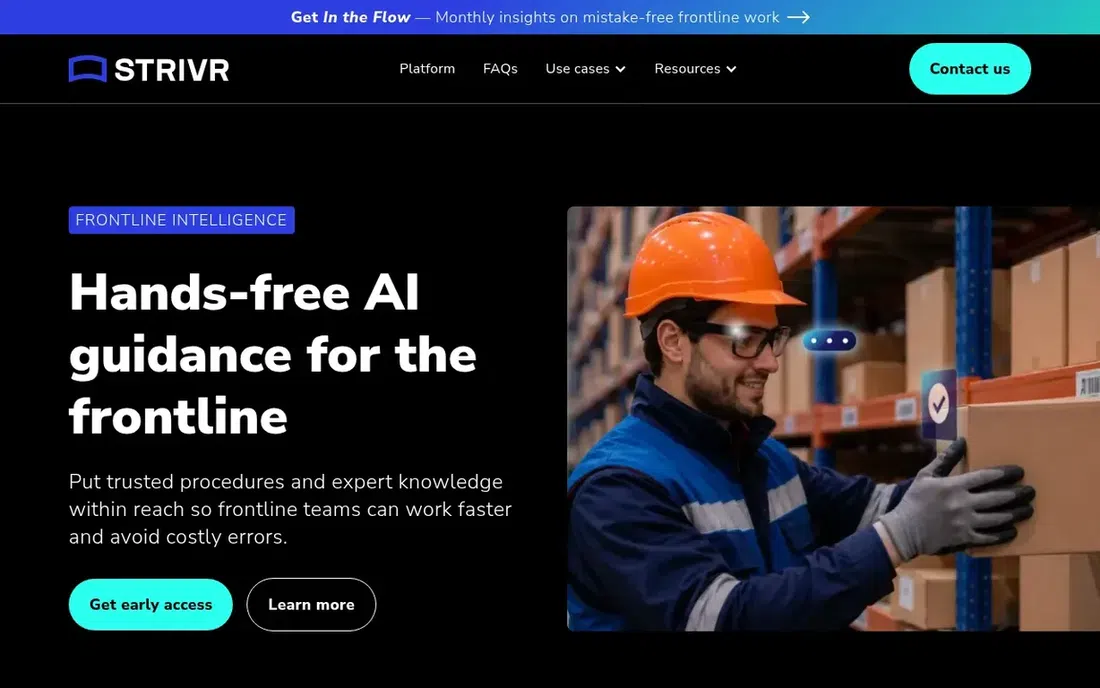
Pick Strivr if this describes you: hands-free AR error detection. Strivr concentrates on delivering AI-powered error detection, procedural guidance, and quality assurance support through smart glasses. This makes it a good fit for frontline workers who require live, hands-free assistance during complicated tasks.
Watch-outs: Limited to smart glasses hardware.
Organizations looking to cut errors and boost efficiency in industrial or field settings will find Strivr especially handy. Even so, Strivr's reliance on smart glasses means it may not suit environments where such hardware is impractical. On top of that, the product is specialized for error detection and guidance. So teams seeking broader soft-skills training might have to consider other choices like Talespin or Mursion. Check the vendor site for Strivr pricing; none is listed in this comparison. Free access: Not stated.
- QA support
- Procedural guidance via smart glasses
- May need technical setup
Talespin
Best for: Engaging immersive learning experiences
Talespin is built with engaging immersive learning experiences in mind. Talespin gives you an immersive learning system and training options meant to boost engagement.
Teams needing live procedural guidance on smart glasses should evaluate Strivr or similar tools. Pricing for Talespin is not stated here, so ask the vendor for current figures. Free options: Not stated.
Watch-outs: May require custom content development.
- Immersive learning product
- Training options
- Restricted hardware integration details
How these tools were picked
Pricing pages, product documentation and feature lists were the main sources, and every entry carries at least one honest drawback. Plan names, prices and limits change often. Treat the figures here as a starting point and verify them with the vendor. Tools are placed by general fit for augmented reality training simulator software, with price clarity and free access as tie-breakers. A different team can reasonably rank them differently.
Questions to settle before buying
- Ask each vendor, from Pixaera to Talespin, for a written quote; none of them publishes a starting price.
- Read the limits listed for Pixaera first: restricted to safety scenarios.
- Price Virti for your actual team size; headline prices rarely include add-ons or overage.
- See whether Talespin offers onboarding or training, and whether it is included in the price.
- Map your must-have features to a specific Strivr plan before you compare prices.
FAQ
Can I try these options before paying?
Not by default. None of the tools, from Pixaera to Talespin, lists a free plan or a free trial here, so ask each vendor for a demo before committing.
How are the tools for augmented reality training simulator software ordered?
The order follows typical fit for augmented reality training simulator software, with Pixaera first and Talespin last, then price clarity and free access. It is editorial judgement, not a score, so another team could rank the tools differently.
What is an augmented reality training simulator?
An augmented reality training simulator overlays digital information onto the real world to build interactive training experiences. It commonly uses smart glasses or mobile devices to offer live guidance and feedback.
Can these tools be used for soft skills training?
Yes, Talespin and Mursion are capable choices for soft skills training, offering immersive simulations and AI-powered upskilling. Virti also offers AI roleplay for conversational practice.
Is Pixaera the right pick for everyone comparing augmented reality training simulator software?
No single tool suits every team. Pixaera comes first because it fits safety training through decisions, while Mursion suits AI-powered upskilling simulations and Virti suits AI roleplay and coaching. Match the tool to your own size, budget and workflow before deciding.
Which tool is best for practical procedural training?
For most readers this guide would start with Pixaera, built for safety training through decisions. Mursion is the alternative for AI-powered upskilling simulations, and Virti for AI roleplay and coaching. The right answer depends on budget and workflow.
Sources
- https://www.pixaera.com
- https://www.mursion.com
- https://www.virti.com
- https://www.interplaylearning.com
- https://www.strivr.com
- https://www.talespin.com