The 6 Best Asset Tracking Software for Schools in 2026, Ranked
Best asset tracking software for schools: 6 contenders ranked by fit, with entry costs and free tiers. Limits and pricing notes included. Updated for 2026.
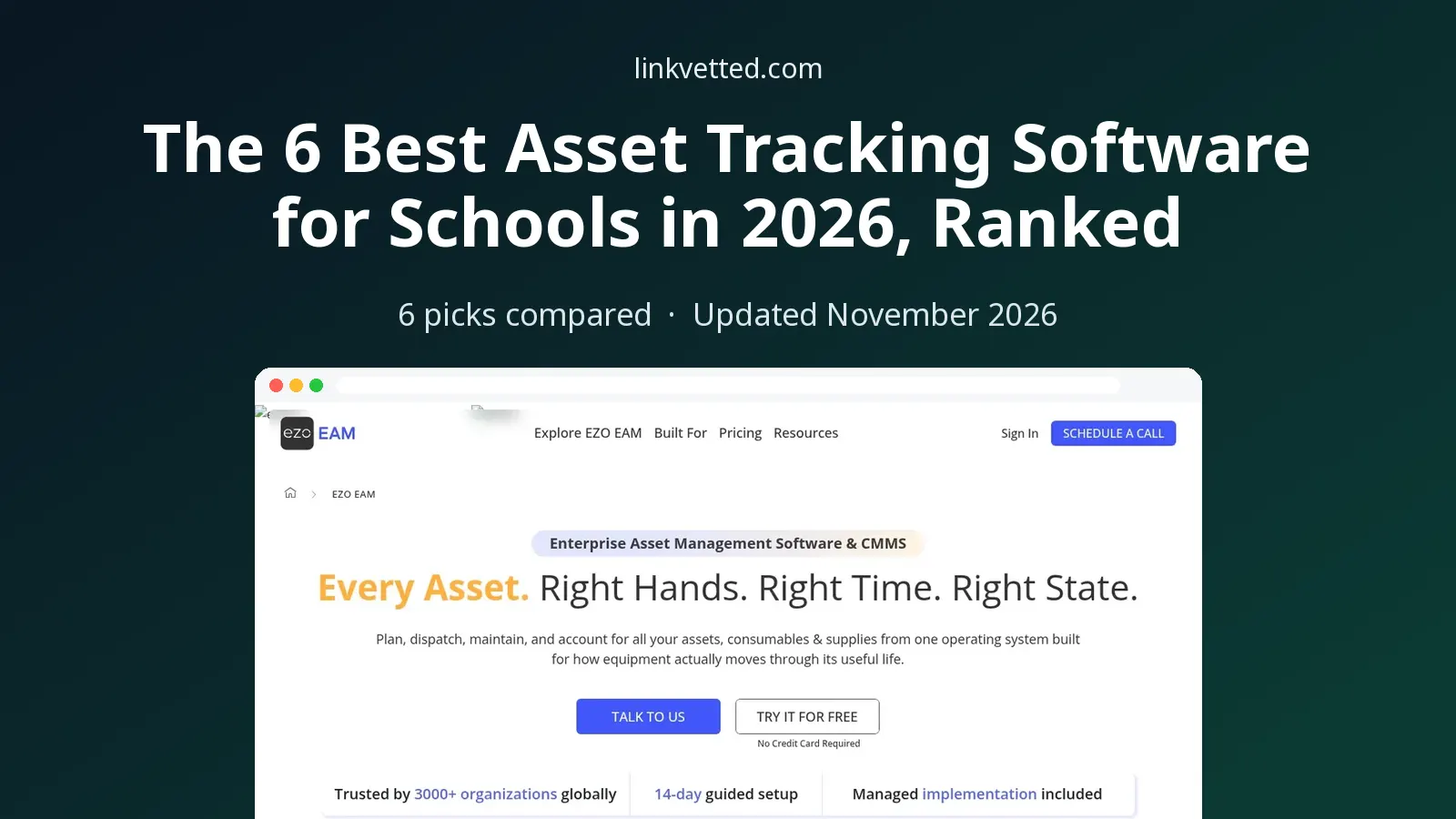
- Editor's choice
 EZOfficeInventory
Enterprise asset management and CMMS
Starts atSee websiteVisit ezofficeinventory.comFull review - Great alternative
 Snipe-IT
Free open-source IT asset management
Starts at$39.99 per monthVisit snipeitapp.comFull review - Also considerIvanti Neurons for ITAM
AI-driven IT asset data authority
Starts atSee websiteVisit ivanti.comFull review
Direct answer
EZOfficeInventory is the first pick on this list for enterprise asset management and CMMS. Listed starting prices: Snipe-IT from $39.99 per month. Snipe-IT fits free open-source IT asset management; Ivanti Neurons for ITAM fits AI-driven IT asset data authority. The remaining 3 options are covered below with prices and limits.
TL;DR:
- Number one here is EZOfficeInventory, a fit for enterprise asset management and CMMS.
- Neither EZOfficeInventory nor Asset Panda, nor any of the other 4 tools, has a permanent free plan; trials and quotes are the norm.
- Snipe-IT is the lowest-priced starter here at $39.99 per month.
- Before buying Tyler Technologies Asset Management, weigh this: may need implementation effort.
- Asset Panda is the one to check for mobile-first asset lifecycle tracking.
Last checked November 2026. Prices and plan details were read from the vendors' own pages in November 2026; vendors change plans often, so confirm the current price on the vendor site before you buy.
Quick comparison
| Tool | Best for | Starts at | Free plan? | |
|---|---|---|---|---|
| EZOfficeInventory | Enterprise asset management and CMMS | See website | Not stated | Visit |
| Snipe-IT | Free open-source IT asset management | $39.99 per month | Not stated | Visit |
| Ivanti Neurons for ITAM | AI-driven IT asset data authority | See website | Not stated | Visit |
| Tyler Technologies Asset Management | Public sector and district workflows | See website | Not stated | Visit |
 ManageEngine AssetExplorer | IT asset management within ITOps | See website | Not stated | Visit |
 Asset Panda | Mobile-first asset lifecycle tracking | See website | Not stated | Visit |
The full asset tracking software for schools list
LinkVetted compared 6 asset tracking software for schools. The goal is a practical shortlist: published prices, free plan facts, best-fit use cases and honest limits for every entry.
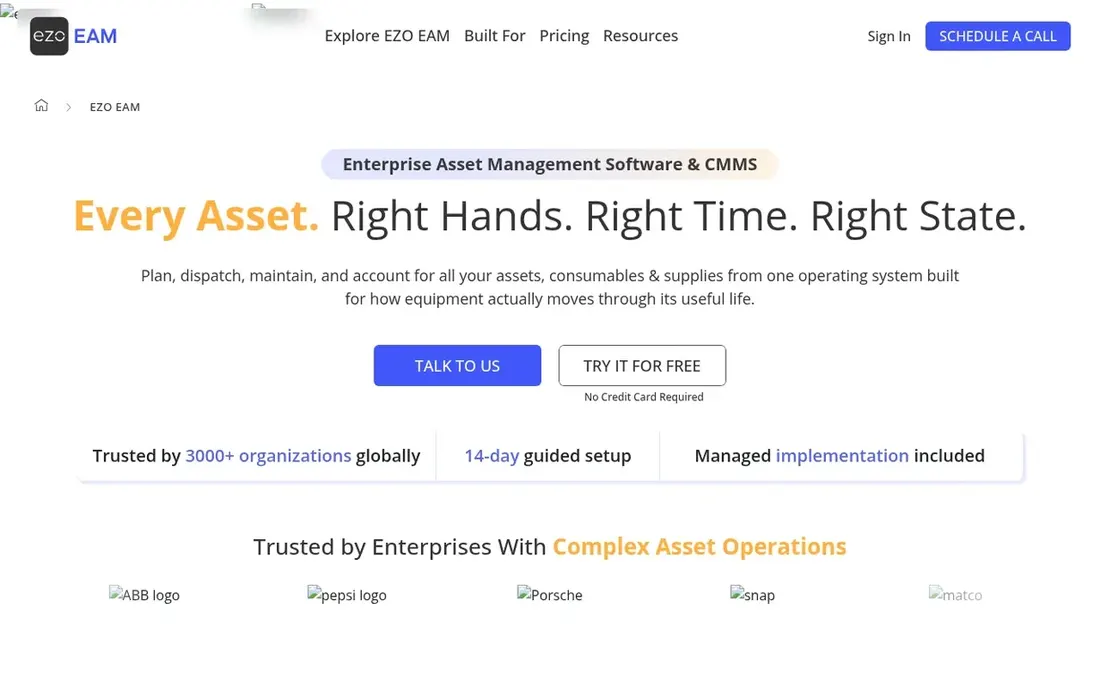
EZOfficeInventory was built for enterprise asset management and CMMS. The enterprise focus means the system may bundle features that smaller schools do not need, and setup can take time.
For schools, this can mean tracking devices alongside facilities equipment and scheduling upkeep. More specifically, schools looking for a straightforward checkout tool might find it heavy. EZOfficeInventory shows no starting price here, so confirm the cost on the vendor site. As for free access: Not stated.
Limits to weigh: May be complicated for small schools.
- Supports maintenance workflows
- Scalable for bigger organizations
- Needs planning for school-specific use
Where Snipe-IT fits: free open-source IT asset management. Schools with technical staff or volunteers can deploy it to track IT equipment.
Limits to weigh: Needs technical setup.
The open-source nature lets for adjustments to fit specific needs. Since it is open source, Snipe-IT needs technical knowledge to install, host, and maintain, and it does not bundle vendor support. Entry price for Snipe-IT: $39.99 per month. Trial and free access: Not stated.
- Written in PHP
- Self-hosted control
- No vendor support included
Ivanti Neurons for ITAM
Best for: AI-driven IT asset data authority
Pick Ivanti Neurons for ITAM if this describes you: AI-driven IT asset data authority. Ivanti Neurons for ITAM is positioned as a trusted data authority for AI-driven, autonomous endpoint management. It aims to transform IT operations with self-healing capabilities.
What to check first: May be complicated for small teams.
In practice, the enterprise and AI-driven orientation may be more than small school IT teams need, and implementation can need significant planning. Also, consider Ivanti when IT asset data quality and automation are strategic goals. More specifically, schools seeking a straightforward inventory tool might find it complicated. For schools, this means a focus on accurate IT asset data that can support automatic endpoint management, which suits districts with mature IT operations looking to cut manual effort. No starting price is listed for Ivanti Neurons for ITAM here; confirm pricing on the vendor site. On free options: Not stated.
- AI-driven IT management
- Focus on data authority
- Enterprise-oriented
Tyler Technologies Asset Management
Best for: Public sector and district workflows
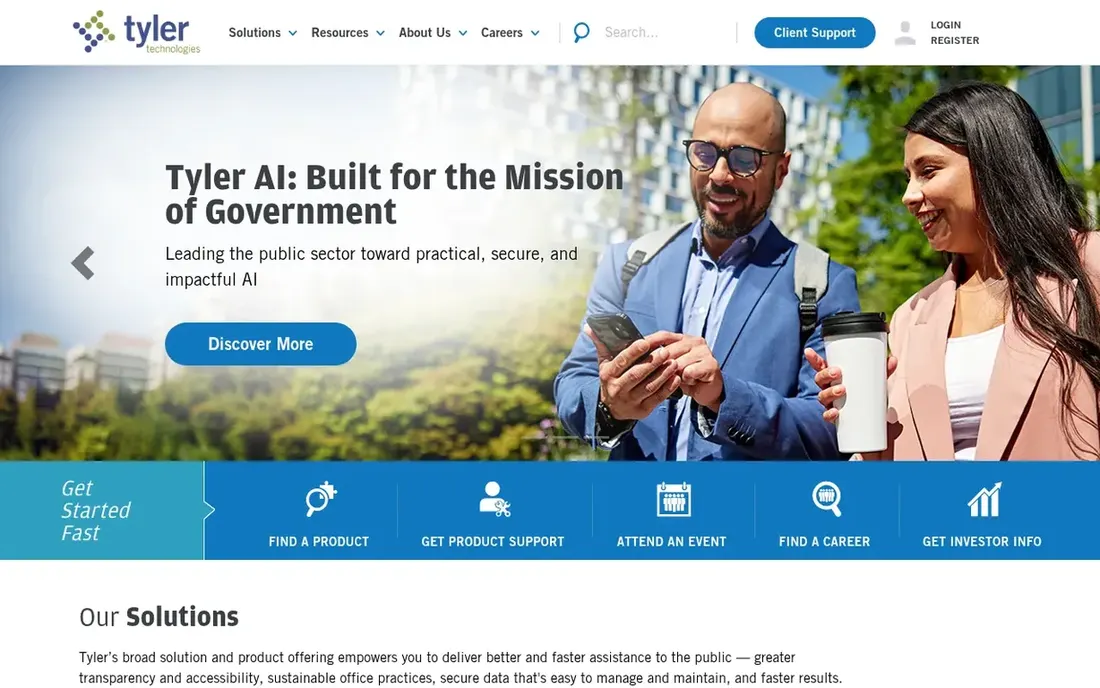
Where Tyler Technologies Asset Management fits: public sector and district workflows. Tyler Technologies Asset Management is part of Tyler's public sector software suite, built for state, local, and federal government organizations along with school districts.
What to check first: Not focused solely on IT assets.
It suits districts that prefer a vendor with a public-sector focus and need asset management aligned with government and school processes. No starting price is listed for Tyler Technologies Asset Management here; confirm pricing on the vendor site. Free options: Not stated.
- Addresses school district needs
- Designed for public sector
- May need implementation effort
ManageEngine AssetExplorer was built for IT asset management within ITOps. Schools with dedicated IT staff can use it to keep hardware and software inventories organized alongside other IT workflows.
The main drawbacks: May need integration planning.
Schools wanting a single system for all asset types might have to look at broader products. No starting price is listed for ManageEngine AssetExplorer here; confirm pricing on the vendor site. On free options: Not stated.
- Part of ITOps suite
- Enterprise-grade IT focus
- IT-centric scope
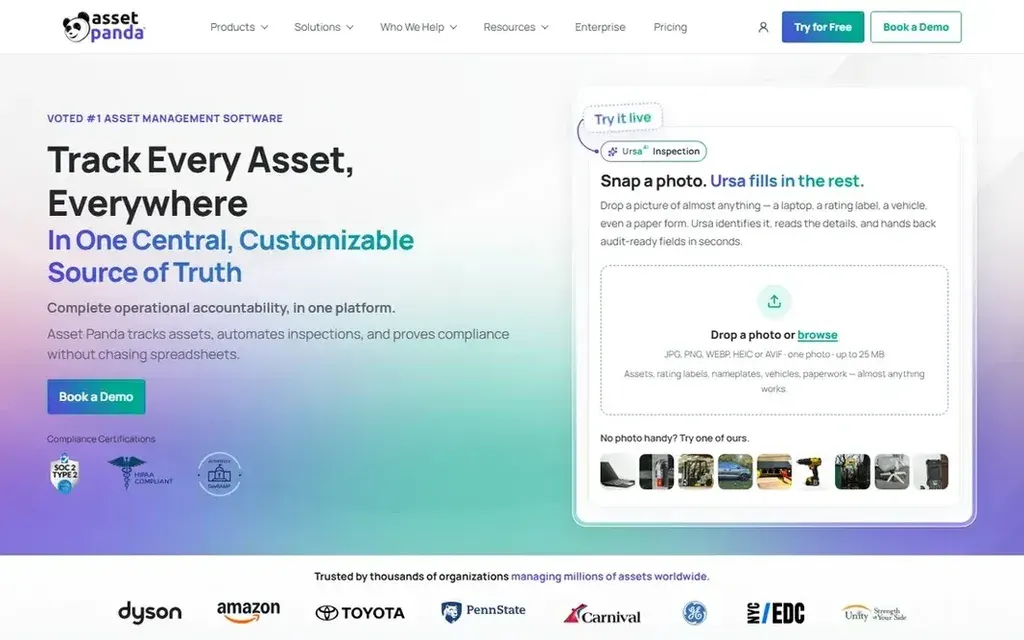
Asset Panda is aimed squarely at mobile-first asset lifecycle tracking. Asset Panda is an asset management system that spans the full asset lifecycle, from tracking and inspections to audits and compliance. It is mobile-first and meant to work without coding, which fits school staff who require to check out devices or verify inventory from a phone or tablet.
What to check first: May be wide for small schools.
Schools that only need entry-level IT asset tracking might prefer a more straightforward or open-source tool. From a buyer's view, since Asset Panda spans many different asset management features, smaller schools may find some modules beyond their immediate needs. This comparison lists no price for Asset Panda; ask the vendor. As for free access: Not stated.
- No coding required
- Supports audits and inspections
- Needs setup for school-specific fields
Our selection method
Selection started from tools commonly considered for asset tracking software for schools, then narrowed to 6 that have clear pricing information or a clear quote process. Where a vendor does not publish a price, the entry says quote. Where a price depends on seats or billing term, the entry says so. The ranking is editorial: typical fit first, then clear pricing, then free access. If your needs are unusual, read the profiles rather than relying on position.
Pre-purchase checklist
- Confirm the entry price on the vendor page. For EZOfficeInventory, Ivanti Neurons for ITAM, Tyler Technologies Asset Management and others that means a quote rather than a fixed price.
- Read the limits listed for EZOfficeInventory first: may be complicated for small schools.
- Pick one real project and run it in EZOfficeInventory first; a small pilot shows fit faster than a checklist.
- List the apps you already depend on and check that Ivanti Neurons for ITAM supports each one on the plan you would buy.
- Confirm minimum seats and billing terms with Asset Panda before you commit to an annual plan.
FAQ
Can asset tracking software help with school audits?
Yes, plenty of tools contain audit and inspection features. Worth adding: Asset Panda, for instance, supports audits and compliance checks. Regular audits help schools verify inventory and cut losses.
How do IT-focused tools differ from general asset trackers?
General trackers like Asset Panda handle a broader range of assets, including facilities and equipment. Choose based on whether your priority is IT or school-wide asset visibility.
Is open-source asset tracking a solid fit for schools?
Open-source tools like Snipe-IT can be a solid fit if your school has technical staff to manage installation and maintenance. They offer customization and avoid licensing costs.
Is EZOfficeInventory the right pick for everyone comparing asset tracking software for schools?
No single tool suits every team. EZOfficeInventory comes first because it fits enterprise asset management and CMMS, while Snipe-IT suits free open-source IT asset management and Ivanti Neurons for ITAM suits AI-driven IT asset data authority. Match the tool to your own size, budget and workflow before deciding.
How are the tools for asset tracking software for schools ordered?
EZOfficeInventory sits first and Asset Panda last because the order follows typical fit for asset tracking software for schools, then price clarity and free access. It is a judgement call, so read each profile for fit and limits.
Does any tool for asset tracking software for schools here have a free plan?
No tool in this list, EZOfficeInventory and Asset Panda included, has a permanent free plan. Trials and quotes are the usual route, so plan a short evaluation period.
Sources
- https://www.ezofficeinventory.com
- https://snipeitapp.com
- https://www.ivanti.com
- https://www.tylertech.com
- https://www.manageengine.com
- https://www.assetpanda.com