Best Art Gallery Management Software for 2026: Our 6 Vetted Picks
Need the best Art gallery management software? We compare 6 tools on cost, free access and who each suits. Read the caveats before you buy. Details below.
- Editor's choiceArtBinder
Mobile gallery inventory and selling
Starts atSee websiteVisit artbinder.comFull review - Great alternativeArtCloud
Existing ArtCloud users continuing on the product
Starts at£42 per user per monthVisit artcld.comFull review - Also considerArtwork Archive
Artists and smaller collections organizing work
Starts atSee websiteVisit artworkarchive.comFull review
Direct answer
If you need mobile gallery inventory and selling, ArtBinder is the first tool to look at here. Listed starting prices: ArtCloud from £42 per user per month, Art Galleria from $65 a month billed annually and Artlogic from £42 per user a month. ArtCloud fits existing ArtCloud users continuing on the product; Artwork Archive fits artists and smaller collections organizing work. Prices, free plans and limits for all 6 tools follow.
TL;DR:
- This list starts with ArtBinder, which is built for mobile gallery inventory and selling.
- For museums and collections needing structured data, Gallery Systems is worth a look.
- Art Galleria is the lowest-priced starter here at $65 per month billed annually.
- ArtBinder, Gallery Systems and the 4 others all need a premium plan or a trial, since no free plan is listed.
Last checked November 2026. Prices and plan details were read from the vendors' own pages in November 2026; vendors change plans often, so confirm the current price on the vendor site before you buy.
Quick comparison
| Tool | Best for | Starts at | Free plan? | |
|---|---|---|---|---|
| ArtBinder | Mobile gallery inventory and selling | See website | Not stated | Visit |
| ArtCloud | Existing ArtCloud users continuing on the product | £42 per user per month | Not stated | Visit |
| Artwork Archive | Artists and smaller collections organizing work | See website | Not stated | Visit |
| Art Galleria | Catalog once, then sell and publish | $65 a month billed annually | Free trial | Visit |
| Artlogic | All-in-one inventory, website and sales | £42 per user a month | Not stated | Visit |
| Gallery Systems | Museums and collections needing structured data | See website | Not stated | Visit |
The best Art gallery management software
Choosing Art gallery management software usually comes down to price, fit and limits. This LinkVetted guide sets 6 tools side by side on those three points, with the facts kept short and checkable.
ArtBinder
Best for: Mobile gallery inventory and selling
ArtBinder serves mobile gallery inventory and selling. Since it centers on inventory and selling, galleries needing an integrated website and marketing suite may want to pair it with other tools or look at broader products.
ArtBinder shows no starting price here, so confirm the cost on the vendor site. On free options: Not stated.
Limits to weigh: Confirm website features separately.
- Secure syncing across devices
- Mobile access for on-the-go work
- Narrower than full all-in-one suites
ArtCloud
Best for: Existing ArtCloud users continuing on the product
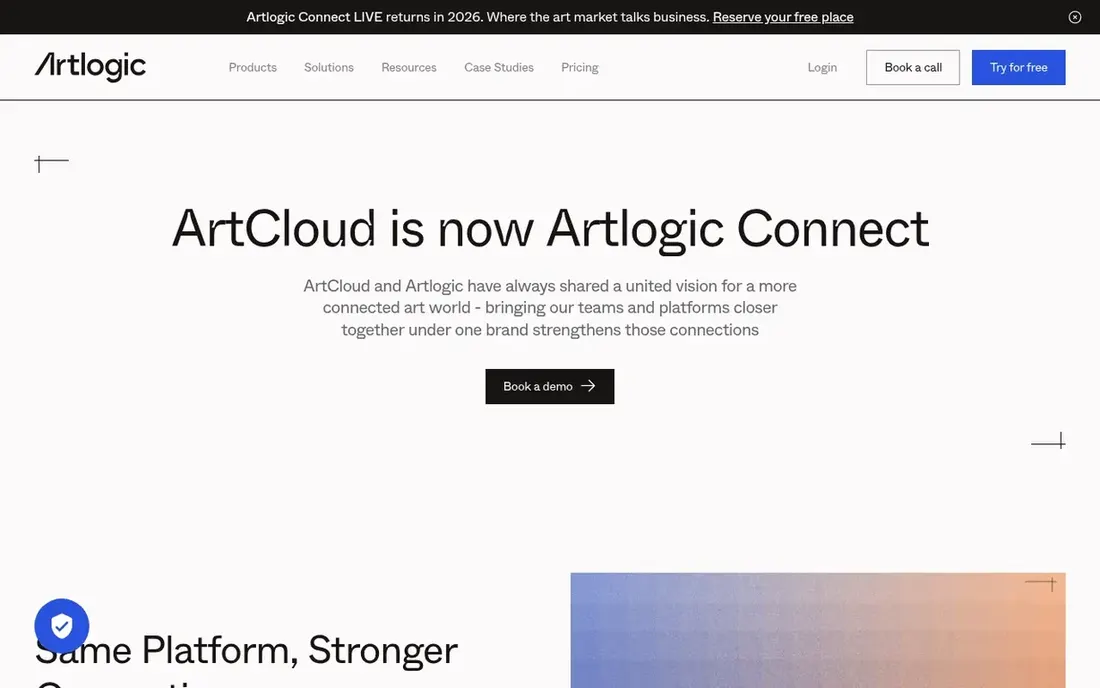
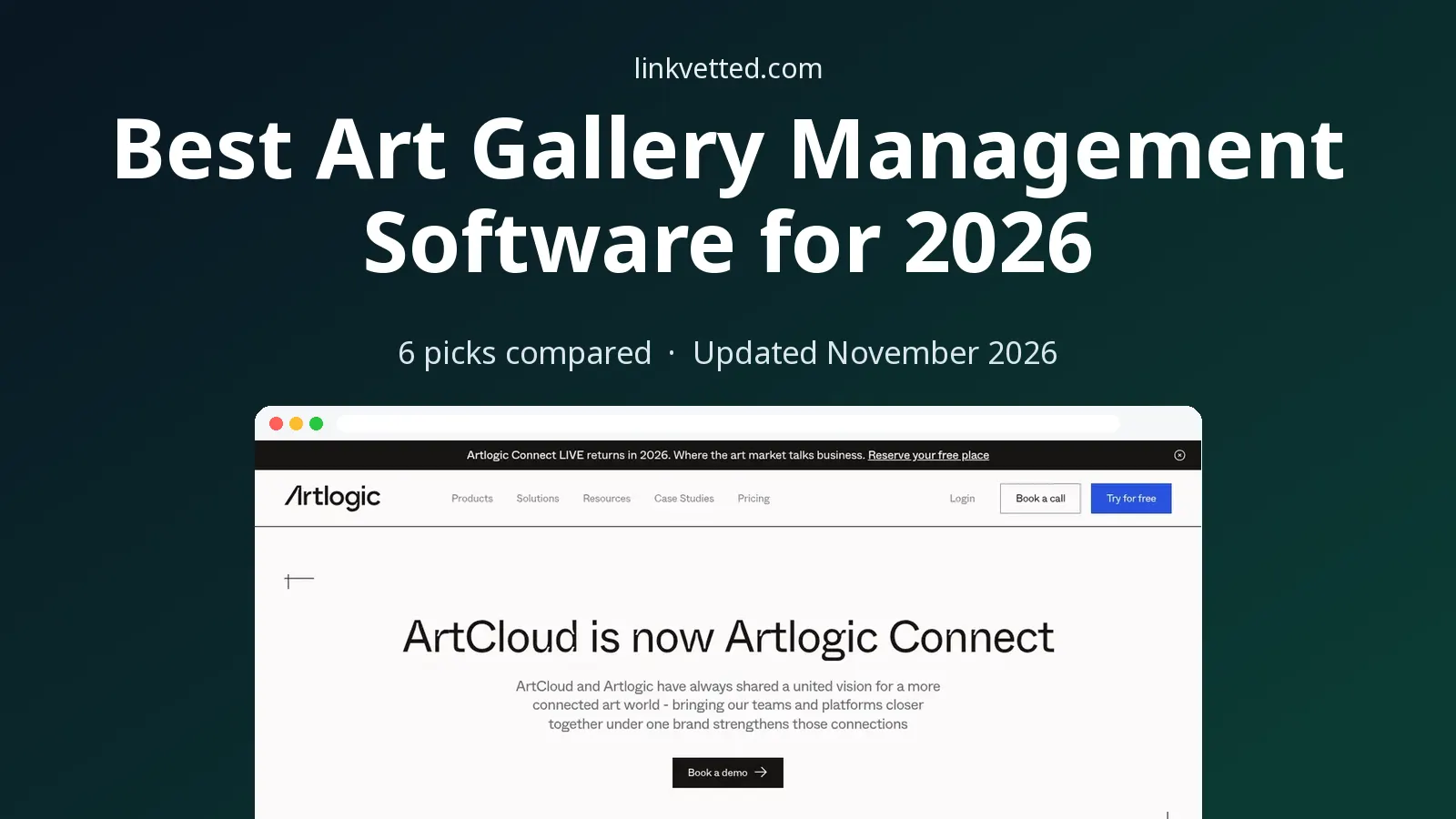
ArtCloud makes the most sense for existing ArtCloud users continuing on the product. ArtCloud now appears as Artlogic Connect, described as the same ArtCloud product with a new name and look.
Where it falls short: Name change may confuse new buyers.
Galleries starting fresh without prior ArtCloud history may prefer to compare the wider Artlogic offering straight. ArtCloud starts at: £42 per user per month. As for free access: Not stated.
- Same product under a new name
- Login and help resources available
- Feature scope best confirmed straight
Artwork Archive
Best for: Artists and smaller collections organizing work
Artwork Archive serves artists and smaller collections organizing work. For bigger gallery teams needing integrated websites, sales pipelines and multi-user workflows, a broader product may be a better fit. Buyers should confirm which gallery-oriented features are available and how records can be exported.
On top of that, Artwork Archive is widely known as a tool for organizing artwork records, contacts and related details. It is often used by individual artists and smaller collections. Pricing for Artwork Archive is not stated here, so ask the vendor for current figures. Free plan details: Not stated.
Watch-outs: Less oriented to large gallery teams.
- Handy for smaller collections
- Organizes artwork records
- Confirm gallery features straight
Art Galleria
Best for: Catalog once, then sell and publish
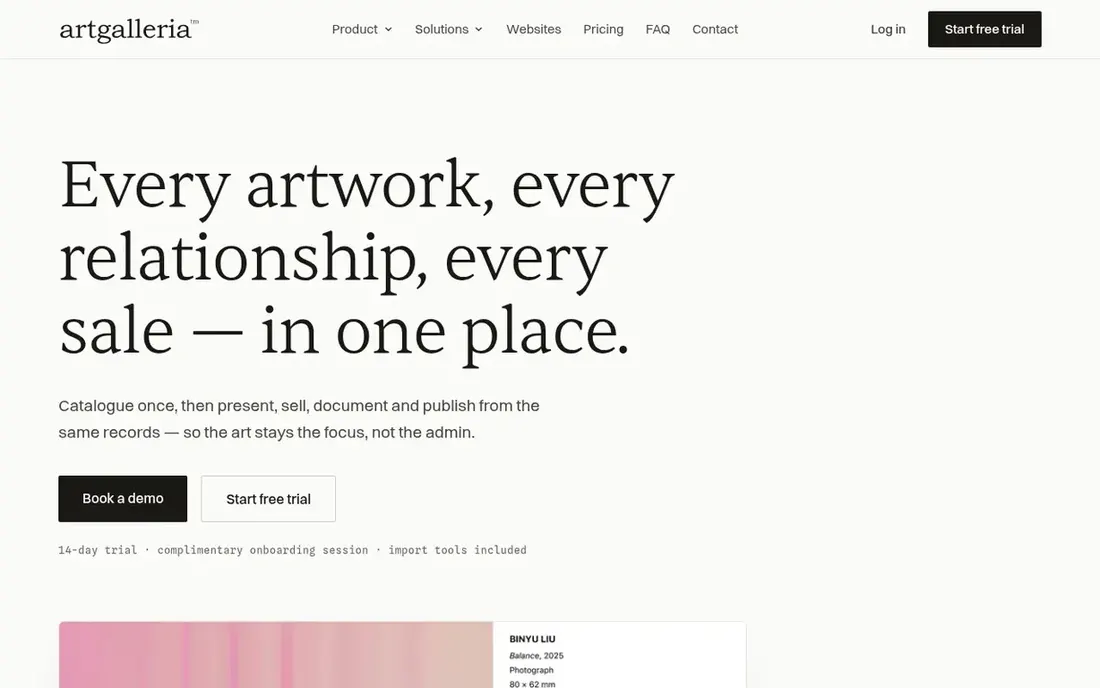
Where Art Galleria fits: catalog once, then sell and publish. Art Galleria describes itself as art business management for the art world, built around a catalog-once approach.
Beyond that, check the vendor site for current feature detail. On top of that, records created once can then be used to present, sell, document and publish, which fits galleries that want to avoid re-entering the same artwork details across separate tools. Entry price for Art Galleria: $65 per month billed annually. As for free access: Free trial.
Points against: Details vary by gallery workflow.
- Selling and publishing
- Records feed presenting
- Confirm integrations on vendor site
Artlogic
Best for: All-in-one inventory, website and sales
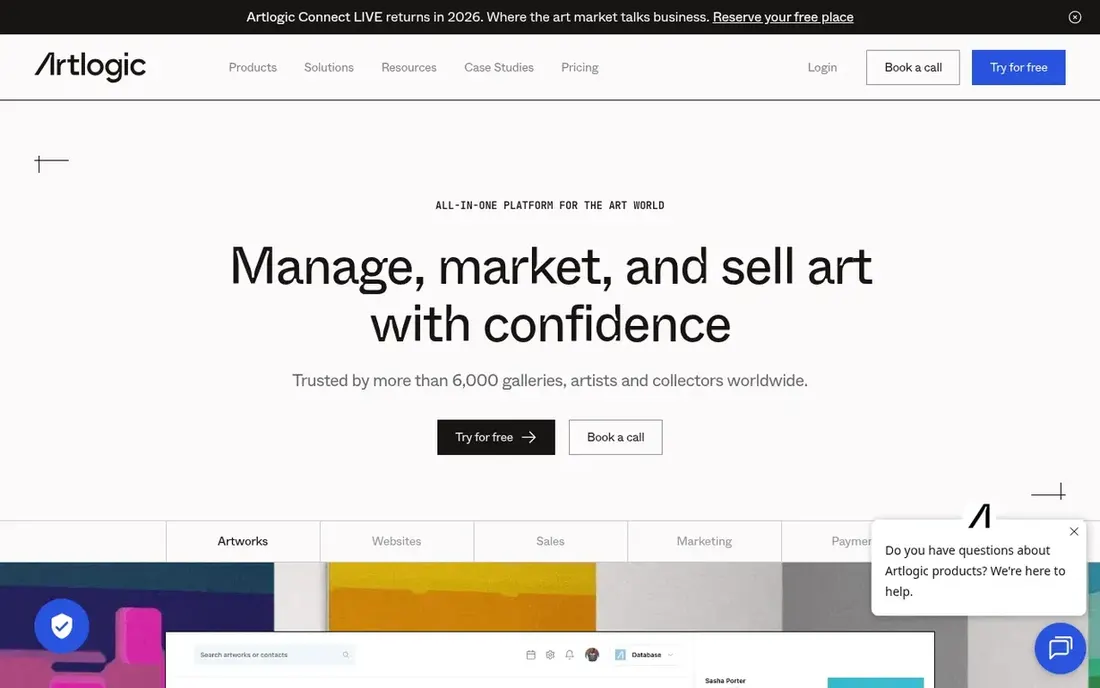
Artlogic was built for all-in-one inventory, website and sales. It is targeted at galleries, artists and collectors who want these functions connected instead of spread across separate systems.
Drawbacks to consider: Setup effort relies on team size.
A product handling this much ground can be more than a very small studio needs. Setup effort tends to scale with the number of features used. Entry price for Artlogic: £42 per user per month. As for free access: Not stated.
- Handles selling art in one system
- Websites and marketing
- Wide scope may exceed small needs
Gallery Systems
Best for: Museums and collections needing structured data
Gallery Systems serves museums and collections needing structured data. The institutional orientation can feel heavy for a small commercial gallery that mainly needs inventory and a website. Review current product information on the vendor site to check fit before shortlisting.
Where it falls short: May be heavy for small commercial galleries.
More specifically, museums and bigger collections are the most natural audience for this kind of depth. For everyday use, Gallery Systems supplies software for museums, galleries and collections, centered on managing collections, workflows, data and digital assets on a connected system. No starting price is listed for Gallery Systems here; confirm pricing on the vendor site. On free options: Not stated.
- Connected system approach
- Includes workflows and digital assets
- Oriented toward institutional users
Our selection method
We compared the tools on published pricing, free plan or trial availability, feature coverage for Art gallery management software, and the limits each vendor documents. Where a price is missing, the vendor does not list one publicly or ties it to a quote. Always confirm before budgeting. Order on the page follows fit for the typical buyer first, then price transparency and free access. Your own requirements should decide the final pick.
Questions to settle before buying
- Ask ArtBinder, Artwork Archive and Gallery Systems for a written quote, since no starting price is shown.
- Use real work to test the free trial from Art Galleria, rather than a demo project.
- Read the limits listed for ArtBinder first: narrower than full all-in-one suites.
- Confirm that Artlogic connects to the apps your team already uses, on the plan you would actually buy.
- Check whether the features you need in ArtBinder sit on the entry plan or only on higher tiers.
FAQ
Is ArtBinder the right pick for everyone comparing Art gallery management software?
No single tool suits every team. ArtBinder comes first because it fits mobile gallery inventory and selling, while ArtCloud suits existing ArtCloud users continuing on the platform and Artwork Archive suits artists and smaller collections organizing work. Match the tool to your own size, budget and workflow before deciding.
Do these tools publish their prices?
Not all of them. ArtBinder, Artwork Archive and Gallery Systems publish no starting price, so expect a quote request for those. The rest, ArtCloud included, show a starting price, though seats and billing terms still change the final cost.
How are the tools for Art gallery management software ordered?
ArtBinder sits first and Gallery Systems last because the order follows typical fit for Art gallery management software, then price clarity and free access. It is a judgement call, so read each profile for fit and limits.
What is the cheapest option for Art gallery management software in this list?
On published monthly entry prices, Art Galleria is the lowest here at $65 per month billed annually. Entry price is only part of the cost, because seats, add-ons and billing terms can change the total.
What should gallery software handle first?
Then check whether the tool links those records to your website and client communications. Matching the core workflow first avoids re-entering data later.
Sources
- https://www.artbinder.com
- https://artcld.com
- https://www.artworkarchive.com
- https://www.artgalleria.com
- https://artlogic.net
- https://www.gallerysystems.com