Best Apps for Toddlers in 2026: 8 Apps
Our best apps for toddlers guide covers free and paid learning apps for 3 year olds, with screen-time tips, parental controls, and ad-free picks for families.
- Editor's choice
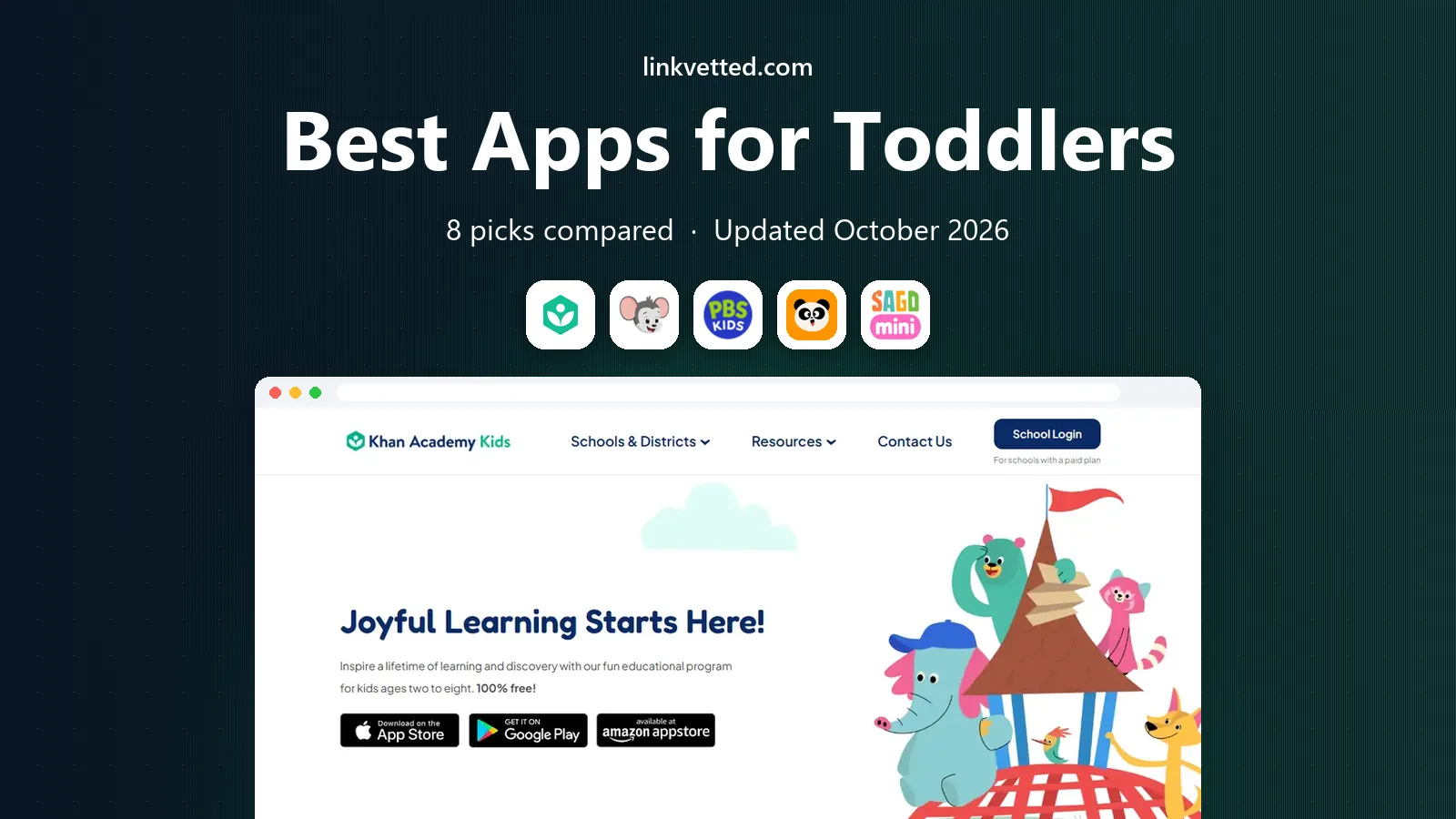
 Khan Academy Kids
Free, ad-free learning for ages 2 to 8
Starts atFreeVisit khanacademy.orgFull review - Great alternative
 ABCmouse
Structured curriculum with progress reports
Starts atSee websiteVisit abcmouse.comFull review - Also consider
 PBS KIDS Games
Free games with familiar characters
Starts atFreeVisit pbskids.orgFull review
TL;DR:
- Khan Academy Kids and PBS KIDS Games are the strongest free starting points, with no ads or subscriptions in the core experience.
- ABCmouse and Lingokids offer more structure and progress tracking, but they are paid, so check trial and cancellation terms first.
- The best apps for 3 year olds use simple taps, large buttons, and short activities, rather than long videos or complex menus.
- For toddlers, a calm, ad-free app with a parent gate beats a busy app with many characters and purchase prompts.
Quick comparison
| Tool | Best for | Starts at | Free plan? | |
|---|---|---|---|---|
| Khan Academy Kids | Free, ad-free learning for ages 2 to 8 | Free | Yes | Visit |
| ABCmouse | Structured curriculum with progress reports | See website | Free trial | Visit |
| PBS KIDS Games | Free games with familiar characters | Free | Yes | Visit |
 Lingokids | Play-based English learning | See website | Yes | Visit |
 Sago Mini World | Calm, open-ended pretend play | See website | Free trial | Visit |
 Duolingo ABC | Free early phonics and letters | Free | Yes | Visit |
 SplashLearn | Math and reading that grows with the child | See website | Yes | Visit |
 Kokotree | Structured video lessons and tracking | See website | Free trial | Visit |
The best apps for toddlers
Note on screen time: apps for toddlers work best in short sessions with an adult nearby. Use parental controls, turn off in-app purchases where you can, and mix app time with books, outdoor play, and conversation. No app replaces adult interaction at this age.
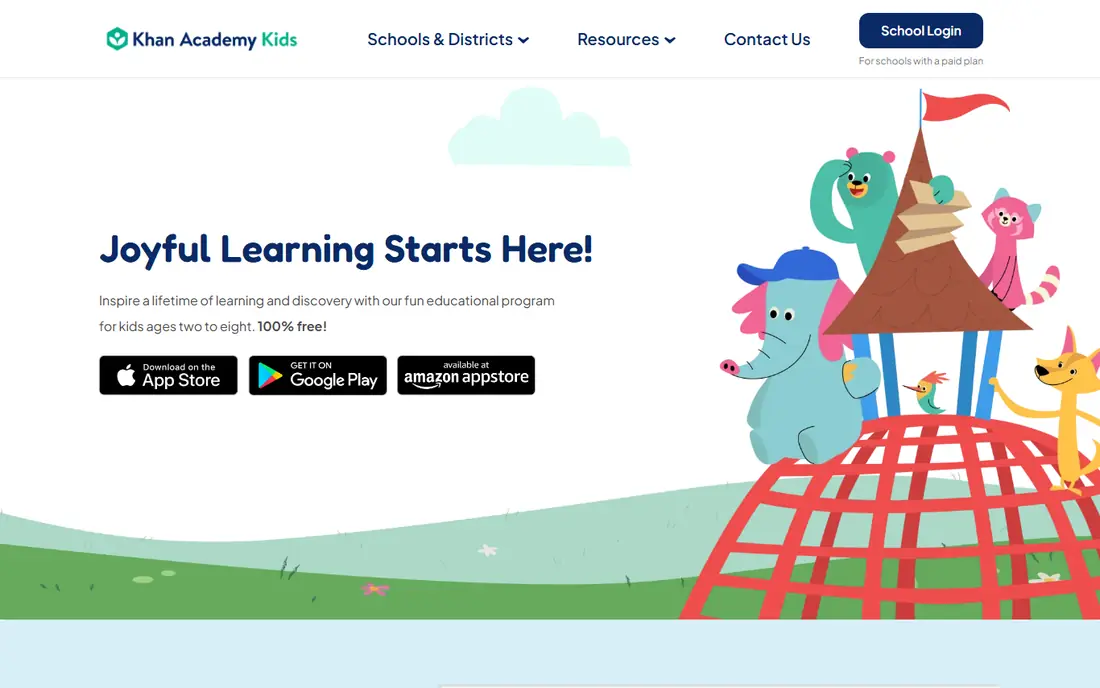
Khan Academy Kids fits almost every family as a first toddler app, since it is free, nonprofit-backed, and ad-free. Its learning path covers letters, numbers, shapes, and social skills with books, songs, and games, and teacher tools help families track progress.
The main limit is range, since the same app serves ages two to eight, so a toddler will see only part of the content at first. Start here, use it in short shared sessions, and add a second app only for a specific interest. Check the current plan page before you pay, since prices and free limits change, and start with the free or trial option when one is offered.
- Free with no ads or subscriptions
- Reading, math, and social learning
- Offline books and games
- Content spans a wide age range
- Older toddlers may outgrow the simplest games
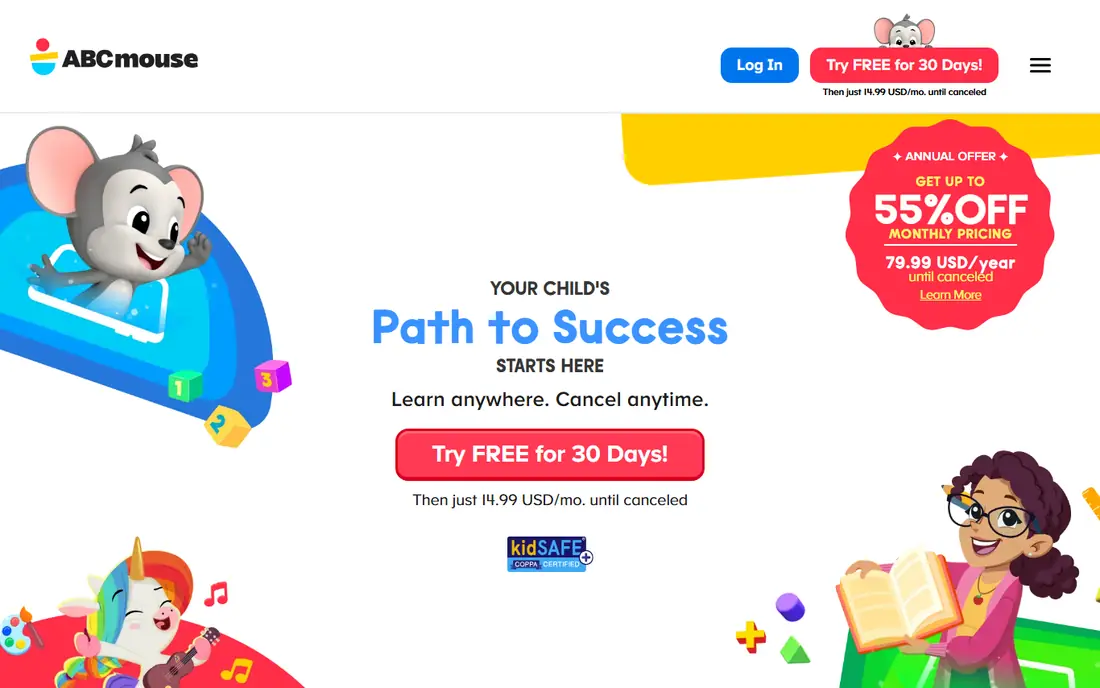
ABCmouse fits families who want a clear curriculum and regular progress reports rather than a loose set of games. Its step-by-step path moves a child through reading, math, art, and music, and parents can see which skills have been covered.
The catch is cost and sign-up care, since it is a paid subscription and past complaints focused on cancellation and trial terms. Read the trial terms, set a cancel reminder, and check progress reports before renewing. Check the current plan page before you pay, since prices and free limits change, and start with the free or trial option when one is offered.
- Step-by-step learning path
- Thousands of activities
- Parent progress reports
- Paid subscription
- Cancellation terms need care
- Online-first design
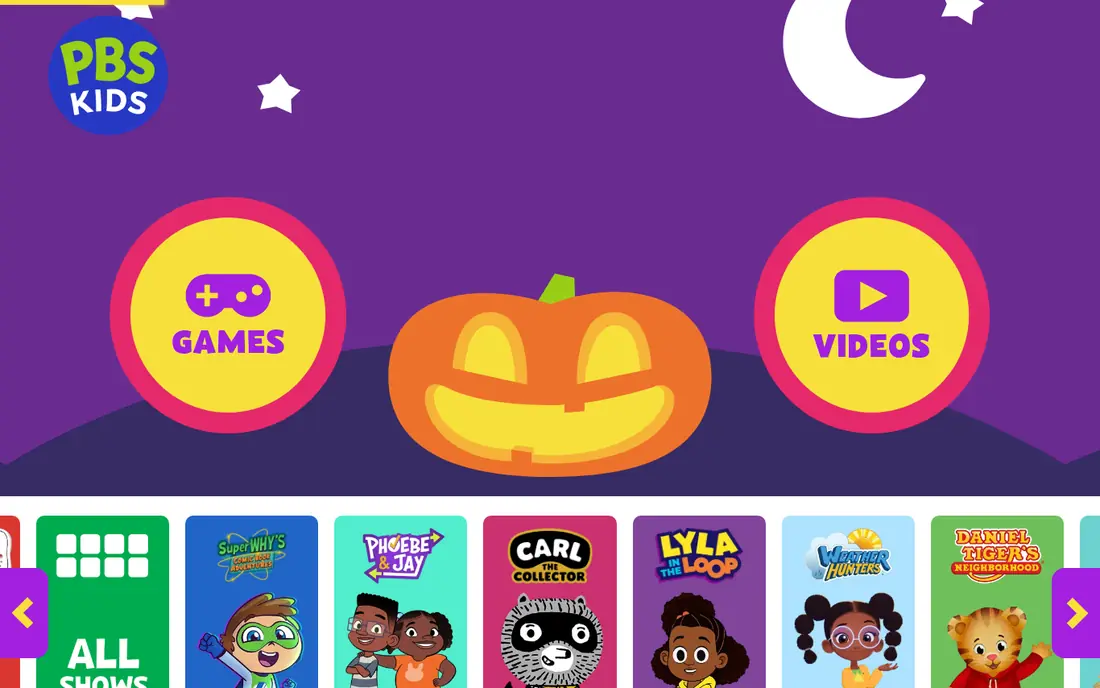
PBS KIDS Games fits families who want free, gentle games tied to shows a child already knows. Its games feature characters from PBS KIDS shows and cover letters, numbers, science, and creativity in short, friendly tasks.
The trade-off is structure, since it is a companion to TV shows rather than a full curriculum with a learning path. Use it for fun practice and character-led play, and pair it with Khan Academy Kids for more structure. Check the current plan page before you pay, since prices and free limits change, and start with the free or trial option when one is offered.
- Free with familiar show characters
- Many subjects
- No subscription
- No structured curriculum
- Progress tracking is limited
Lingokids fits families who want early English exposure through play, songs, and games. Its activities mix vocabulary, phonics, and social skills in short sessions, and parents can follow progress in a separate section.
The limit is scope, since the free tier is a sample and the full library needs a subscription. Try the free activities first, and pay only if your child returns to the language games often. Check the current plan page before you pay, since prices and free limits change, and start with the free or trial option when one is offered.
- Play-based language games and songs
- Progress reports for parents
- Many activities
- Full content needs a paid plan
- Language focus may not suit every family
Sago Mini World fits toddlers who enjoy pretend play more than quizzes or timed games. Its small worlds invite a child to explore, dress characters, cook, and build, without scores, timers, or fail states.
The trade-off is teaching focus, since it builds imagination and fine motor skills more than it drills letters or numbers. Use it as a calm play option, and pair it with a letter app if you want direct early literacy practice. Check the current plan page before you pay, since prices and free limits change, and start with the free or trial option when one is offered.
- Gentle open-ended play
- No stressful scoring
- Many themed worlds
- Subscription for full access
- Less direct letter and number teaching
Duolingo ABC fits families who want a free, focused start on letters and sounds. Its short lessons build letter recognition and early phonics step by step, with clear audio and simple taps.
The limit is breadth, since it does not cover math, science, or open play in the same way as a full learning app. Use it for a few minutes of letter practice, then switch to books or a broader app for the rest of the session. Check the current plan page before you pay, since prices and free limits change, and start with the free or trial option when one is offered.
- Free phonics and letter lessons
- Short, clear tasks
- No subscription
- Focus is narrow
- Less math and creative play than broader apps
SplashLearn fits families who want math and reading practice that adapts as a child improves. Its games adjust difficulty and give parents reports on skills, which helps a family see where practice is needed.
The catch is age fit, since some activities suit preschoolers better than young toddlers, and full access is paid. Start with the free content for a toddler, and judge the paid plan only after a few weeks of regular use. Check the current plan page before you pay, since prices and free limits change, and start with the free or trial option when one is offered.
- Math and reading paths
- Adapts to skill level
- Parent reports
- Full access is paid
- Some content suits older preschoolers more than toddlers
Kokotree fits families who want short teaching videos plus games and progress tracking in one place. Its lessons link videos, games, and printable activities to clear learning goals, which helps parents see what a child is working on.
The trade-off is style, since video-led learning may suit some toddlers less than hands-on play or simple games. Watch a few lessons together first, and check whether your child stays engaged without an adult leading every step. Check the current plan page before you pay, since prices and free limits change, and start with the free or trial option when one is offered.
- Video lessons tied to learning goals
- Progress tracking
- Printable activities
- Paid subscription
- Video-heavy style may not suit every toddler
How we picked these
We compared official app pages, age guidance, pricing, and parent controls for each app, and we checked whether free plans include ads or purchases. We did not test with children, so our notes reflect published features and age guidance, not observed learning results. We gave extra weight to ad-free options, simple navigation, and clear parent controls.
How to choose a toddler app that stays calm and safe
Start with age and attention span. A toddler may enjoy five to ten minutes of a simple game, then lose focus, and that is normal. Look for apps that let a child stop and restart without losing progress, and that do not punish a wrong tap with loud sounds or locked screens.
Check the money side before handing over a tablet. Free apps can still include purchases, so open the parent section, set a device passcode, and disable in-app purchases in device settings. For paid apps, note the monthly price, the annual price, and how to cancel, and set a reminder before a trial ends.
Watch for ads and chat features. The safest toddler apps have no ads, no chat, and no links out to the open web without a parent gate. If an app includes video, check whether it can play only curated clips or whether it can lead to wider video browsing.
FAQ
What are the best free apps for toddlers?
Khan Academy Kids and PBS KIDS Games are strong free choices, with learning games, books, and songs and no subscription in the core app. Duolingo ABC is also free and focuses on early letters and sounds. Free does not always mean ad-free, so check the app store listing and parent settings.
What are the best apps for 3 year olds?
Apps with large buttons, spoken instructions, and short tasks work best at age three, such as Khan Academy Kids, PBS KIDS Games, and Sago Mini World. Avoid apps that need reading, typing, or long instructions, since a three-year-old will need an adult to guide most steps.
How much screen time is right for a toddler?
Guidance varies by family and by child, but short, shared sessions are a sensible default. Sit nearby, talk about what is on screen, and stop when the child gets frustrated or restless. Use app time as one small part of a day that also includes play, meals, sleep, and outdoor time.
Are toddler apps safe?
Safety depends on ads, purchases, chat, and data collection, not just the age rating. Choose apps with parent gates, no chat, and clear privacy policies, and keep purchases locked in device settings. Check the app again after updates, since features and purchase prompts can change.
Should I pay for ABCmouse or use a free app?
Pay only if you want its structured curriculum and progress reports and your child uses it often. Many families do well with Khan Academy Kids and PBS KIDS Games for free, then add one paid app for a specific need, such as language or phonics. Try the free options first.