Best Apps for Teenage Girl in 2026: 9 Safe Apps Compared
The best apps for teenage girl users in 2026, chosen for learning, creativity and fun, with privacy, ads and purchase notes for families to use. at home.
- Editor's choice
 Duolingo
Daily language practice
Starts atFreeVisit duolingo.comFull review - Great alternative
 Canva
Posters, slides and social graphics
Starts atFreeVisit canva.comFull review - Also consider
 Notion
Homework and life organization
Starts atFreeVisit notion.soFull review
TL;DR:
- Every app here is age appropriate for teens and leaves out dating and adult content by design.
- Parents should check privacy settings, ad settings and in app purchase controls before a teen starts.
- Duolingo, Khan Academy and Canva cover learning and creativity without a social feed.
- Spotify, Pinterest and Goodreads work best when a teen follows friends and creators they already trust.
Quick comparison
| Tool | Best for | Starts at | Free plan? | |
|---|---|---|---|---|
| Duolingo | Daily language practice | Free | Yes | Visit |
| Canva | Posters, slides and social graphics | Free | Yes | Visit |
| Notion | Homework and life organization | Free | Yes | Visit |
 Spotify | Music and teen friendly podcasts | Free | Yes | Visit |
 Pinterest | Saving ideas for style, art and study | Free | Yes | Visit |
 Goodreads | Tracking books and finding new reads | Free | Yes | Visit |
 Khan Academy | Free help with school subjects | Free | Yes | Visit |
 Forest | Staying focused while studying | See website | No | Visit |
 Day One | Private journaling and memories | Free | Yes | Visit |
The best apps for teenage girl
We compared official app listings, privacy pages and pricing pages for apps that are suitable for teens in October 2026. Parents and teens should set up accounts together where an app offers a family or supervised option, and turn off purchases that are not needed.
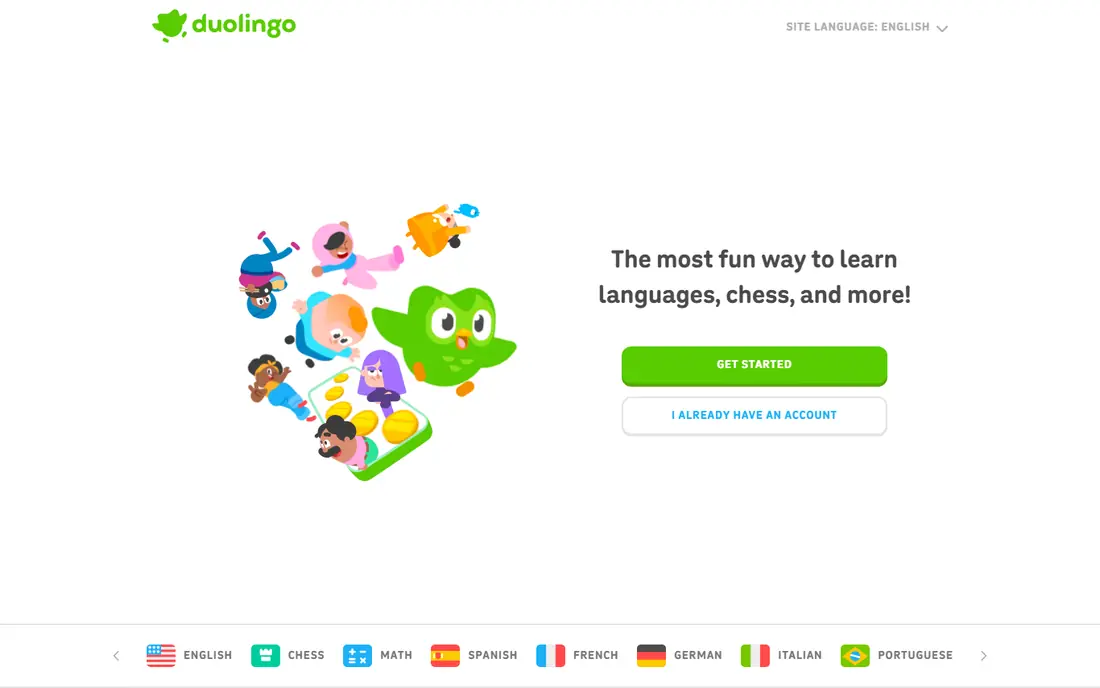
Duolingo works well for a teen who wants ten minutes of language practice a day. Lessons are short, visual and built around listening, speaking and reading, and the streak system gives a gentle reason to return. It also offers school based options that teachers already use.
Parents should note the free version includes ads, and a paid Super plan removes ads and adds offline lessons. Check the app privacy settings and turn off social features if a teen does not need them. For a first language app, Duolingo is a low risk and fun starting point.
- Short gamified lessons
- Many languages
- Streaks keep practice steady
- Ads in the free version
- Advanced grammar depth is limited
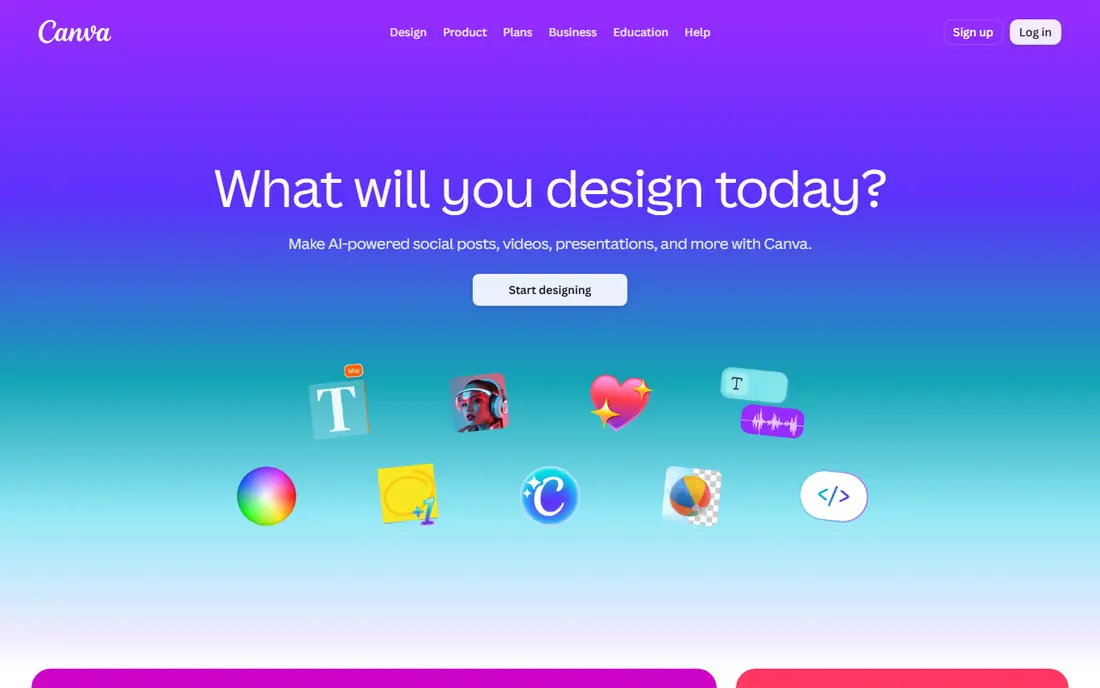
Canva is a strong creative tool for school projects, club posters and personal art. Teens can start from a template, change text and images, and export a finished design without learning complex software. It also works in a browser, so it is not limited to one phone.
The free plan covers a lot, but premium photos and templates sit behind Canva Pro. Before sharing a design, check who can view or edit the link, since a public link can spread further than intended. With those settings checked, Canva is a creative and practical pick.
- Large template library
- Easy drag and drop editor
- School friendly projects
- Many premium templates need Pro
- Sharing settings need a check
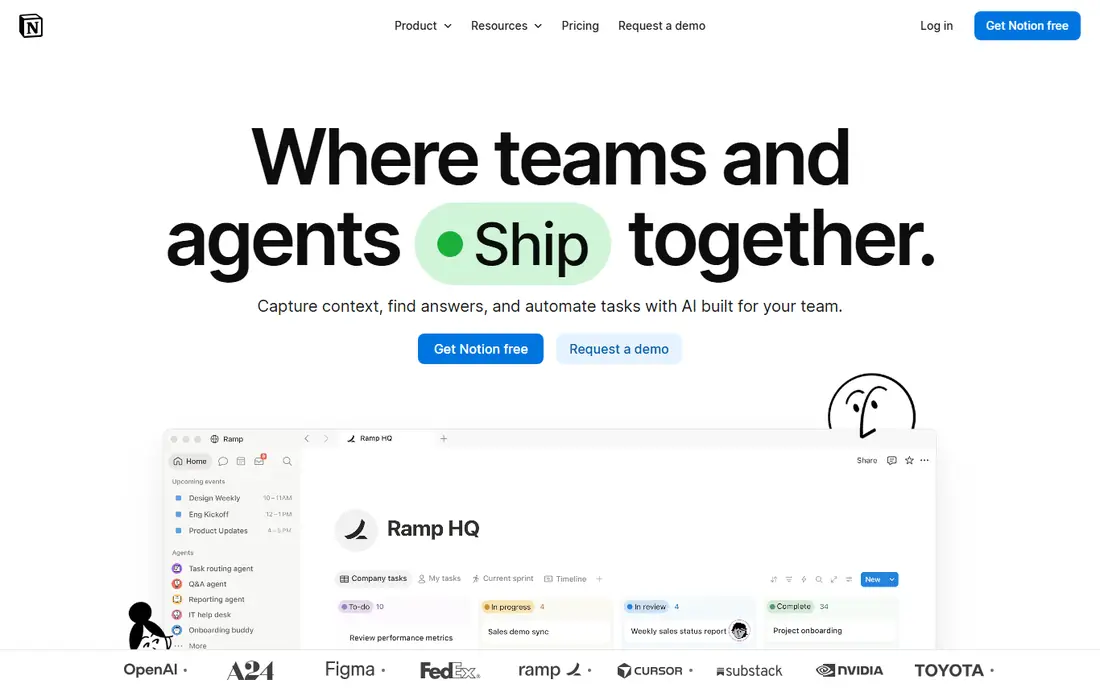
Notion helps a teen keep homework, revision notes, club plans and reading lists in one place. Pages can hold checklists, tables and calendars, and templates give a fast start for a study planner or a project tracker. The free personal plan is enough for most school use.
The learning curve is the main catch. Start with one page for school and one for personal plans, rather than building a large system on day one. Also check sharing settings, since a page shared by link can be viewed by anyone with that link. Used simply, Notion builds useful planning habits.
- Notes, tasks and calendars in one place
- Free personal plan
- Good templates
- Can feel complex at first
- Offline use is limited on some devices
Spotify is the music app most teens already know, and it covers playlists, albums and podcasts in one place. A family plan can add a teen account with a parent managing billing, which avoids a teen entering card details alone. Parents can also use content filters where offered.
The free version includes ads and shuffle limits on mobile, which is a fair trade for a free catalog. Check the explicit content setting and the social settings, since public listening activity can show what a teen plays. With those controls set, Spotify is a safe and social music choice.
- Huge music catalog
- Playlists and podcasts
- Family plan option
- Ads in the free version
- Explicit content settings need a check
Pinterest suits a teen who likes collecting ideas for outfits, room decor, art projects or study notes. Boards keep ideas private by default when set that way, and a teen does not need to post photos of herself to use it well. Search is strong, and saved pins are easy to return to.
Parents should talk about links that lead to shopping sites or outside pages, and about keeping boards private when they hold personal plans. Pinterest is not a dating app and has no dating features, but like any large platform, it benefits from a quick privacy check at setup.
- Visual boards for ideas
- No need to post personal photos
- Strong search
- Some pins link to shopping or outside sites
- Ads appear in the feed
Goodreads helps a teen track books she has read, books she wants to read, and books she is reading now. Reading challenges give a light goal for the year, and friend recommendations often beat algorithm picks. It is also useful for school reading lists.
Since Goodreads is owned by Amazon, check account and privacy settings at sign up, and keep the profile and shelves as private as needed. Reviews are public by default in many cases, so a teen should think before posting a review with personal details. For book lovers, it remains the widest free tracker.
- Large book database
- Reading challenges
- Friend recommendations
- Owned by Amazon, so account links matter
- Social feed needs privacy care
Khan Academy is the safest academic pick on this list. It offers free lessons in math, science, computing and test prep, with practice exercises and progress tracking. There are no ads in the core learning experience, and no purchases are needed to use the main courses.
The main limit is style. Some teens prefer a different teacher or a shorter video format, and advanced topics may need a textbook too. As a free backup for homework and revision, though, Khan Academy is hard to beat, and parents can follow progress without seeing a social feed.
- Completely free core content
- Math, science and test prep
- Progress tracking
- Less depth for some advanced topics
- Video style may not suit everyone
Forest turns study time into a small game. Plant a virtual tree, set a timer, and the tree grows if you stay in the app. If you leave to check messages, the tree withers, which is a clear and gentle nudge to return to work. It also tracks focus time over days and weeks.
It is a paid app in most stores, so parents should buy it once rather than letting a teen enter payment details. Forest has no social feed and no dating features, which keeps it focused on its job. For a teen who struggles with phone distraction during homework, it is a simple tool that helps.
- Simple timer that grows a virtual tree
- Discourages phone switching
- Study stats
- Paid app with no free plan in many stores
- Focus timer needs self discipline
Day One gives a teen a private place to write about her day, save photos and track moods, without a public feed. Entries can be locked with a passcode, and the app supports end to end encryption options on paid plans. That privacy focus sets it apart from social apps.
The free plan covers basic journaling, while Premium adds unlimited photos, videos and sync features. Parents should help set up backup and passcode options, and talk about keeping journals private. For a teen who likes writing, Day One is a calm and personal choice.
- Private by design
- Photos and location on entries
- Passcode and encryption options
- Some features need Premium
- Sync needs an account for backup
How we picked these
We compared official app listings, privacy policies and pricing pages for apps that are live in October 2026 and suitable for teens. We left out any app with dating features, adult content or a primary focus on meeting strangers, and we favored apps with clear privacy controls and a free way to start.
We did not test accounts as a teen for this roundup. Our notes on ads, purchases and privacy come from published app pages and store listings, and families should still review settings together at setup, since app policies change.
Setting up apps safely for a teen
Check three settings first
Turn on purchase approval, review privacy and location settings, and set profiles to private where that option exists. These three steps take a few minutes and prevent most common problems.
Talk about sharing
Teens should avoid posting their school name, home address, daily routine or photos that show personal details. A private board, a private journal and a private playlist are good defaults, and public posts can wait until a teen is older.
Keep a short app list
A phone full of apps is harder to manage than a small set that gets used. Start with one app for learning, one for creativity, one for music and one for planning, then add more only when a need appears.
FAQ
What are the best apps for teen girls?
Good starting points are Duolingo for language, Canva for creativity, Khan Academy for school help, Spotify for music and Goodreads for books. The best mix depends on what a teen enjoys, not on what is most popular.
Are these apps safe for teenagers?
These apps are designed for general audiences and do not include dating features, but safety still depends on settings. Parents should review privacy, ads and purchase controls at setup and talk about what is safe to share.
Should parents monitor a teen app account?
A balance works best. For younger teens, a shared setup and regular check ins help. For older teens, clear rules about privacy, purchases and sharing, plus trust, work better than constant monitoring.
Do these apps have in app purchases?
Some do. Duolingo, Canva, Spotify and Day One offer paid plans, while Khan Academy and Pinterest are free for core use. Turn on purchase approval on the device so a teen cannot buy a plan by accident.
Can a teen use these apps without social media?
Yes. Most apps on this list work well without a public profile. Keep boards, shelves and playlists private, turn off social features where offered, and use the app for its main job rather than its feed.