Best Apps to Apply for Jobs in 2026: 8 Products Compared
We compared the best apps to apply for jobs on listings, tracking, alerts and price, so job seekers can find the best job tracking app for search today.
- Editor's choice
 Indeed
The largest general job search across industries
Starts atFreeVisit indeed.comFull review - Great alternative
 LinkedIn
Professional jobs, networking, and recruiter visibility
Starts atFreeVisit linkedin.comFull review - Also consider
 ZipRecruiter
Fast applications and smart job alerts
Starts atFreeVisit ziprecruiter.comFull review
TL;DR:
- Indeed and LinkedIn offer the largest job pools, so start there for most searches, then add a niche app for your field.
- Teal is our pick for job tracking, since it keeps applications, contacts, and follow-ups in one place.
- Handshake suits students and recent graduates, while Snagajob suits hourly and shift work.
- Set alerts, tailor each application, and track every application, so follow-ups do not get lost.
- Free tiers cover most job searching, with paid features mainly adding visibility, insights, or coaching.
Quick comparison
| Tool | Best for | Starts at | Free plan? | |
|---|---|---|---|---|
| Indeed | The largest general job search across industries | Free | Yes | Visit |
| LinkedIn | Professional jobs, networking, and recruiter visibility | Free | Yes | Visit |
| ZipRecruiter | Fast applications and smart job alerts | Free | Yes | Visit |
 Glassdoor | Jobs plus salary data and company reviews | Free | Yes | Visit |
 Handshake | Students and recent graduates seeking internships and entry roles | Free | Yes | Visit |
 Snagajob | Hourly, retail, restaurant, and shift work | Free | Yes | Visit |
 Monster | General job search plus resume and career resources | Free | Yes | Visit |
 Teal | Tracking applications, contacts, and follow-ups in one place | Free | Yes | Visit |
The best apps to apply for jobs
We compared official feature pages, pricing pages, app store listings, and public reviews for the best apps to apply for jobs. We weighed listing size, application ease, alerts, tracking tools, and company insight, since a good job search needs more than a long list of postings. Every app here is available in 2026, and most job searching is free for seekers.
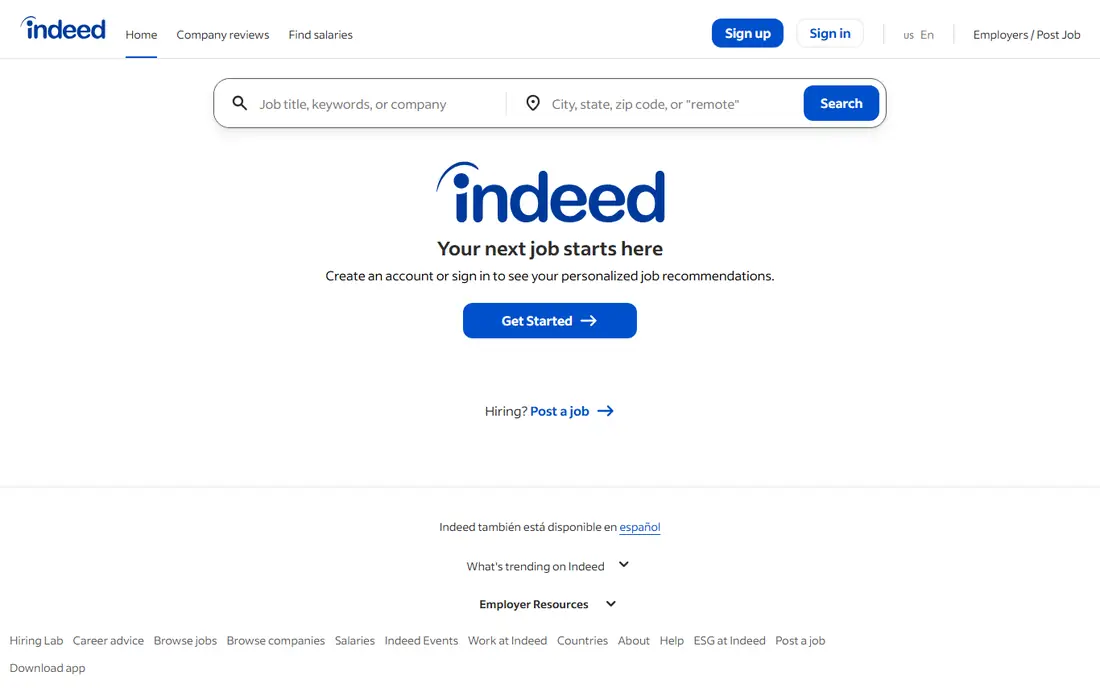
Indeed remains the largest general job board for most seekers, with listings across industries, locations, and job types. Search filters cover salary, job type, remote work, and company, and alerts let you hear about new postings without checking daily. Many employers allow applications through Indeed, which keeps resumes and messages in one place. Listing quality varies, since Indeed aggregates postings from many sources, and duplicates can appear. Always check the employer site or posting details before you apply, and be cautious with postings that ask for fees or personal financial details. For breadth, Indeed is the best first app, paired with a tracking tool such as Teal.
- Very large listing pool, alerts, salary estimates, easy applications
- Many listings vary in quality, duplicate postings appear at times
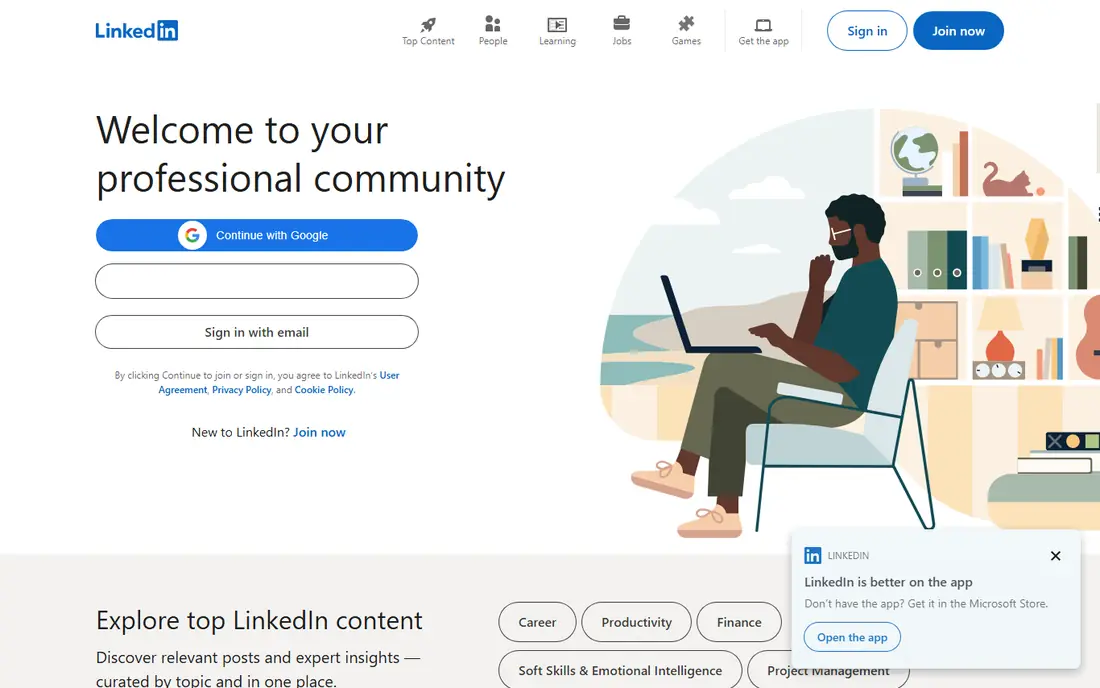
LinkedIn combines job listings with professional networking, which gives it an edge for office, tech, finance, and other professional roles. Recruiters search LinkedIn profiles directly, so a complete profile with skills, experience, and a clear headline can bring opportunities to you, not only the other way around. Company pages show hiring trends, employee posts, and culture clues. The free tier covers job searching and applications well, while paid plans add insights, messaging credits, and learning features, with current pricing on the official site. The feed can distract, so use saved jobs and alerts to keep searching focused. LinkedIn works best when you treat your profile as a living resume, updated before each search.
- Large professional pool, recruiter search, networking and company insight
- Some features need a paid plan, feed can distract from searching
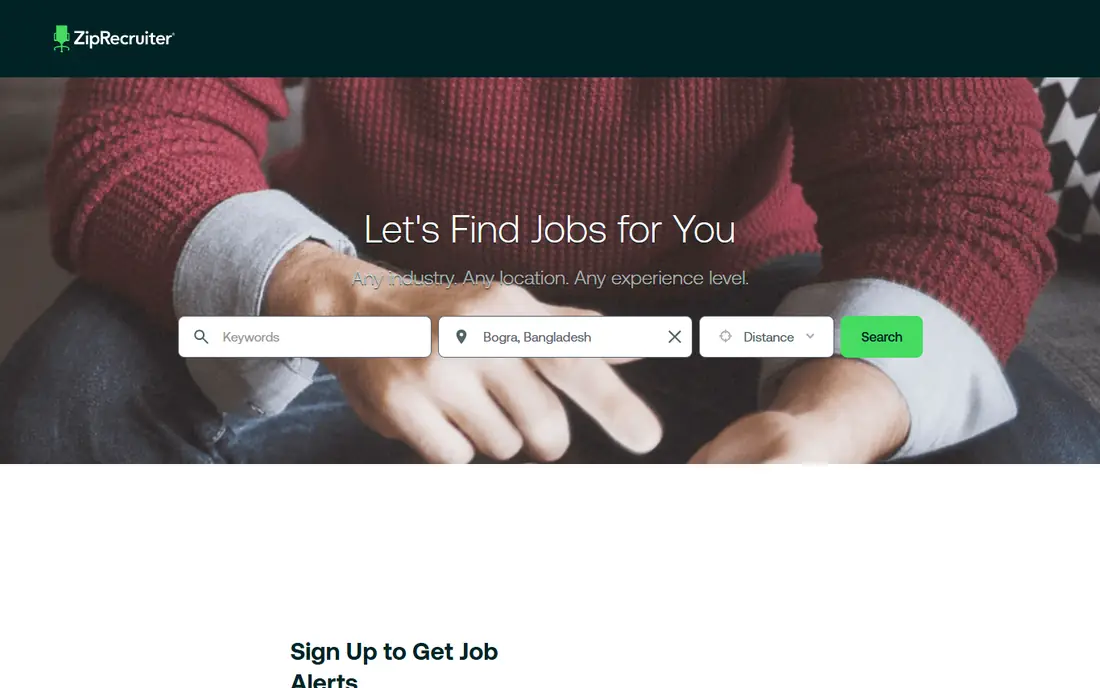
ZipRecruiter focuses on speed and matching. One-tap applications let you apply quickly from a phone, and matching alerts suggest jobs based on your profile and activity. That speed helps when you are applying to many roles, especially for general and entry-level positions, where timing can matter. The listing pool is smaller than Indeed, and some matches may feel loose, so check each posting before you apply. ZipRecruiter suits seekers who want a fast mobile workflow beside a larger board, rather than as a sole source. Use alerts daily, but tailor your resume for roles you truly want, rather than applying to everything.
- One-tap applications, matching alerts, easy mobile search
- Listing pool smaller than Indeed, some matches may be loose
Glassdoor pairs job listings with salary estimates, company reviews, and interview reports, which helps you judge a role beyond the job description. Before an interview, you can read how other candidates experienced the process, what questions came up, and what employees say about management and work-life balance. That context helps you ask better questions and negotiate with more confidence. Reviews vary in quality and can be dated, so read many reviews and look for patterns, rather than trusting one extreme post. Salary data is often broad, so cross-check with other sources and with the employer. Glassdoor works best as a research app beside Indeed or LinkedIn, where you find roles first and research them second.
- Job listings, salary estimates, company reviews, interview insight
- Reviews vary in quality, some salary data is dated or broad
Handshake
Best for: Students and recent graduates seeking internships and entry roles
Handshake is built for students and recent graduates, with internships, entry-level roles, and employer partnerships tied to colleges and universities. Employers post roles specifically for students, which means less competition from experienced hires than on general boards. Profiles highlight coursework, projects, and skills, which suits people with short work histories. The pool depends on school partnerships, so listings vary by institution and region. After early career, Handshake becomes less useful, and a general board or LinkedIn takes over. For students, Handshake is a strong first app, especially for internships, since it is designed around student needs rather than general hiring.
- Student-focused listings, employer partnerships, internship search
- Less useful after early career, listings vary by school partnership
Snagajob focuses on hourly work, including retail, restaurants, warehouses, and customer service, with filters for shift, location, and schedule. That focus makes it faster than a general board for hourly seekers, since listings match the way hourly hiring works: location, availability, and start date matter as much as experience. Applications are quick and mobile-friendly. Snagajob is less useful for salaried professional roles, so pair it with Indeed or LinkedIn if you are searching across job types. Listing quality varies by area, so verify employer details before you share personal information. For hourly work, Snagajob is a practical, focused choice.
- Hourly job focus, shift and location filters, quick applications
- Less suited to salaried professional roles, listing quality varies by area
Monster is a long-running general job board with listings across industries, plus resume building tools and career advice content. Resume tools help new seekers format a resume, while advice articles cover interviews, negotiation, and career changes. That bundle suits seekers who want job listings and guidance in one place. The listing pool is smaller than Indeed or LinkedIn, and the interface feels dated compared with newer apps. Monster works best as a second board, where an extra listing source and resume tools add value, rather than as a sole search app. Check postings carefully, as with any large board, and verify employer details before applying.
- Long-running job board, resume tools, career advice content
- Listing pool smaller than leaders, interface feels dated to some users
Teal is not a job board, but it may be the most useful app in a long job search. The job tracker lets you save roles from any board, record application dates, contacts, interview stages, and follow-up tasks, and see your whole search at a glance. Resume tools and a browser extension help you save roles and tailor applications without losing track. The free tier covers core tracking well, with a paid plan for advanced features, so check current pricing on the official site. Teal works best beside Indeed or LinkedIn: find roles on a board, track them in Teal, and follow up on time. If you have ever lost track of an application or missed a follow-up, Teal is our pick for the best job tracking software in this list.
- Job tracker, resume tools, application organisation, Chrome extension
- Not a job board itself, paid plan adds advanced features
How we picked these
We compared official feature pages, pricing pages, app store listings, and public reviews, and we favoured apps with active listings, clear free tiers, and honest application processes. We looked at listing size, application ease, alerts, tracking, company insight, and suitability for different job types, from hourly work to professional roles. We did not claim hands-on testing that did not happen. Job searching is usually free for seekers, with employers paying for listings, while paid plans add visibility, insights, or coaching. Check current pricing before paying for any premium tier, and be cautious with any posting or service that asks job seekers for fees, bank details, or personal financial information. Legitimate employers do not charge to apply.
Running a job search that stays organised
Build a short daily routine
Job searching works best as a daily habit, not a weekend marathon. Each day, check alerts, review new roles, apply to a small number of well-matched jobs, and log every application in Teal or a simple tracker. A short, daily routine keeps your search moving without burnout, and it ensures follow-ups happen on time.
Tailor each application, briefly
Generic applications are easy to spot. For each role you truly want, adjust your resume summary and key bullets to match the posting, using the employer's language for skills and outcomes. That tailoring need not take an hour: ten focused minutes per application is enough for most roles. Save tailored versions in Teal, so you can reuse strong bullets for similar roles.
Research before interviews
Use Glassdoor and LinkedIn to research salary ranges, company reviews, interview formats, and hiring managers before each interview. Prepare two or three questions about the role, the team, and success in the first months, since good questions signal genuine interest. After each interview, log notes and follow-up dates in your tracker the same day.
Protect yourself from scams
Verify employer names, websites, and contact details before you share sensitive personal data. Be cautious with postings that offer very high pay for vague work, ask for fees, request bank details early, or move communication off official channels quickly. Report suspicious postings through the app, and trust your instinct when a role feels wrong.
FAQ
What is the best app to apply for jobs?
Indeed and LinkedIn are our top picks for most seekers, thanks to large listing pools and easy applications. ZipRecruiter suits fast mobile applications, while Glassdoor adds salary and company research. The best platform to apply for jobs depends on your field, location, and whether you need hourly, entry-level, or professional roles.
What is the best job tracking app?
Teal is our pick for job tracking, since it saves roles from any board, tracks stages and follow-ups, and includes resume tools. A simple spreadsheet can also work, but Teal keeps contacts, notes, and deadlines in one place, which helps during a long search. Use Teal beside a job board, not instead of one, since Teal itself is not a job board.
Are job apps free for job seekers?
Yes, job searching and applying are free on Indeed, LinkedIn, ZipRecruiter, Glassdoor, Handshake, Snagajob, and Monster for most seekers. Paid plans add visibility, insights, learning, or advanced tracking, but they are not required to apply. Be cautious with any service that charges job seekers a fee to apply for a role.
How many jobs should I apply for each week?
Quality matters more than volume. A focused target, such as five to ten well-matched applications per week, with tailored resumes and tracked follow-ups, usually beats fifty generic applications. Adjust the number by urgency and market: a tight market may need more applications, while a niche field may need fewer, better-targeted ones.
Is LinkedIn better than Indeed for jobs?
LinkedIn suits professional roles and networking, since recruiters search profiles directly and company insight is built in. Indeed suits breadth, with the largest general pool across industries and job types. Most seekers benefit from using both: Indeed for breadth, LinkedIn for professional visibility and networking, and Teal to track everything.
How do I avoid job scams on apps?
Verify the employer, check the official company site, and avoid postings that ask for fees, bank details, or personal financial information. Be cautious with vague roles, very high pay for little work, and pressure to move off the app quickly. Report suspicious postings, and never pay to apply for a legitimate job.
Sources
https://www.indeed.com https://www.linkedin.com https://www.ziprecruiter.com https://www.glassdoor.com https://joinhandshake.com https://www.snagajob.com https://www.monster.com https://www.tealhq.com