Best app to find jobs in 2026: 7 Picks Compared
Our 2026 guide to best app to find jobs compares features, pricing and free plans from official vendor pages, with honest strengths and limits for each pick.
- Editor's choice
 Indeed
job seekers in many fields
Starts atFreeVisit indeed.comFull review - Great alternative
 LinkedIn
professionals networking and applying
Starts atFreeVisit linkedin.comFull review - Also consider
 Glassdoor
job seekers checking pay and reviews
Starts atFreeVisit glassdoor.comFull review
TL;DR:
- Indeed is our pick for most people because it fits job seekers in many fields well, with a clear starting point for new users.
- Free options exist in this list, including Indeed, so you can test before you pay where a free plan is listed.
- Prices and free plans vary a lot across this list, so check the official pricing page before you commit to a paid plan.
- If you need job seekers comparing listings, SimplyHired is worth a close look, though its limits in the cons line are worth weighing first.
Quick comparison
| Tool | Best for | Starts at | Free plan? | |
|---|---|---|---|---|
| Indeed | job seekers in many fields | Free | Yes | Visit |
| LinkedIn | professionals networking and applying | Free | Yes | Visit |
| Glassdoor | job seekers checking pay and reviews | Free | Yes | Visit |
 ZipRecruiter | quick job matches by alert | Free | Yes | Visit |
 Monster | job seekers in traditional roles | Free | Yes | Visit |
 CareerBuilder | job seekers browsing large listings | Free | Yes | Visit |
 SimplyHired | job seekers comparing listings | Free | Yes | Visit |
The best app to find jobs
We compared seven options that fit this topic in different ways, from well-known names to smaller options with a clear focus. The list below is in the order shown in the comparison table, with the best fit, price and free plan for each pick at the top of its section.
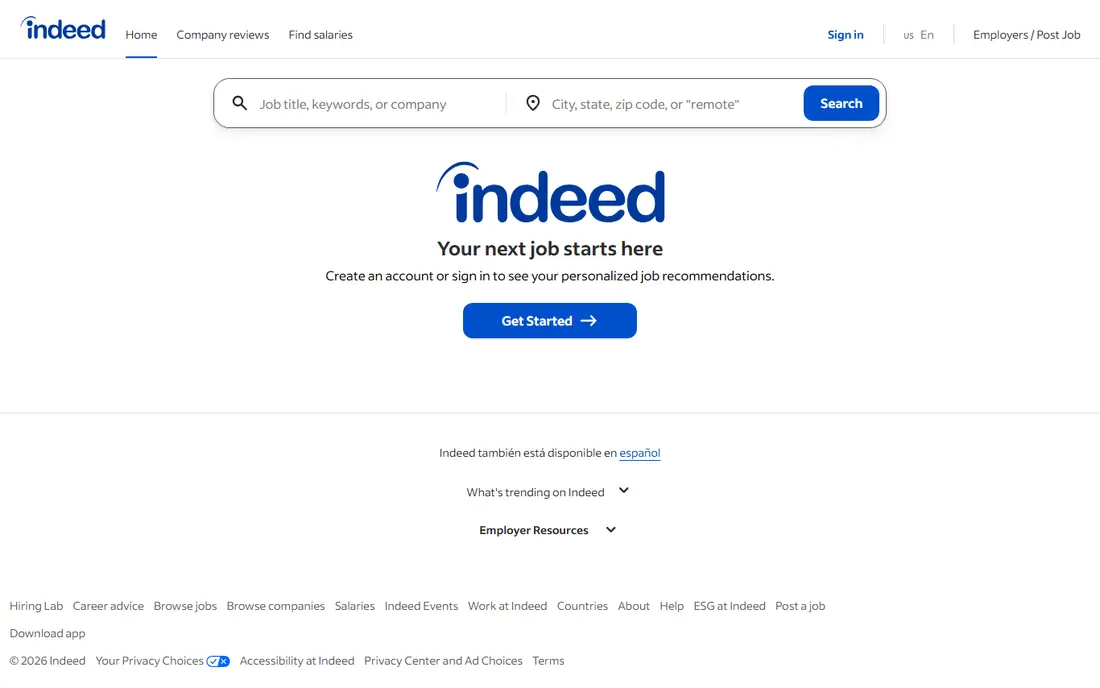
For job seekers in many fields, Indeed is a practical starting point. Its main appeal is clear pricing and help docs on the official site, and that helps keep daily work simpler. The vendor publishes current plan details on its official site, so you can check the latest price and free plan before you commit.
What we liked in our comparison was a straightforward setup for most new users together with good fit for everyday tasks in this category. Those strengths show up in everyday use, from setup to the tasks you repeat most often. The layout is direct, and help docs cover the common questions without forcing you to contact support first.
The honest catch is some advanced features sit behind paid plans, and setup can take time if you have a large existing setup can also be a limit for some readers. If those points do not bother you, Indeed remains a sensible pick for job seekers in many fields. Check the current plan page, confirm the free plan or trial terms, and compare it with one other option on this list before you decide.
- Clear pricing and help docs on the official site
- A straightforward setup for most new users
- Good fit for everyday tasks in this category
- Some advanced features sit behind paid plans
- Setup can take time if you have a large existing setup
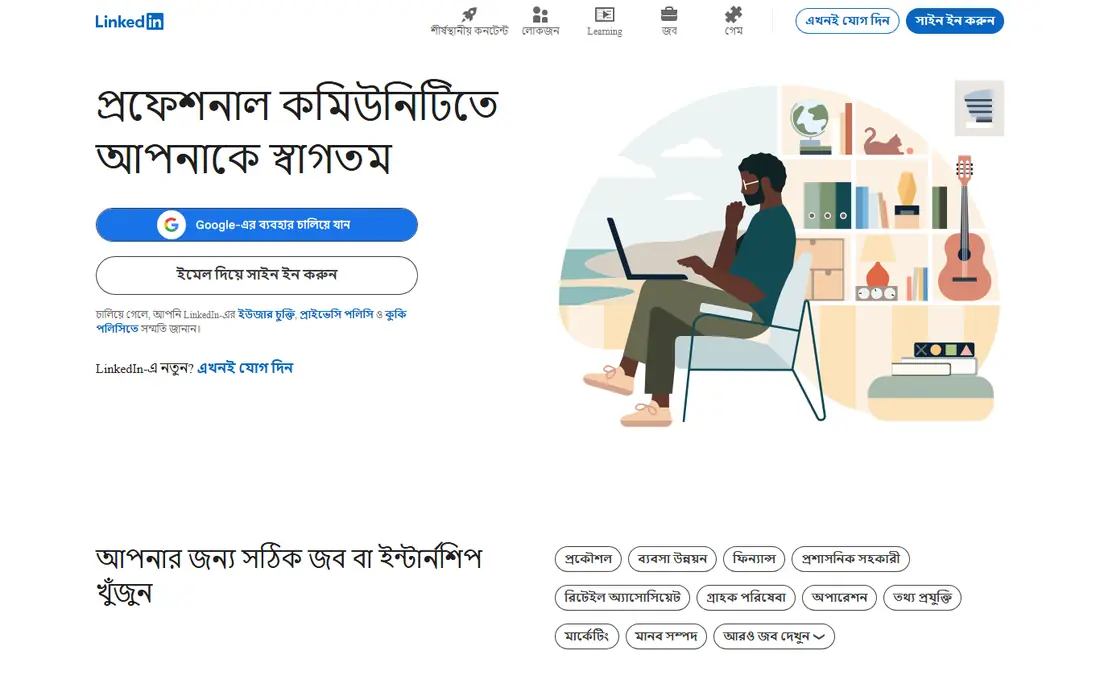
If professionals networking and applying is what you need most, LinkedIn deserves a close look. Its main appeal is helpful guides and support pages for new users, and that helps keep daily work simpler. The vendor publishes current plan details on its official site, so you can check the latest price and free plan before you commit.
What we liked in our comparison was a clean layout that keeps common tasks close at hand together with regular updates from the vendor. Those strengths show up in everyday use, from setup to the tasks you repeat most often. The layout is direct, and help docs cover the common questions without forcing you to contact support first.
The honest catch is the free plan has limits that may matter over time, and support response times can vary at busy times can also be a limit for some readers. If those points do not bother you, LinkedIn remains a sensible pick for professionals networking and applying. Check the current plan page, confirm the free plan or trial terms, and compare it with one other option on this list before you decide.
- Helpful guides and support pages for new users
- A clean layout that keeps common tasks close at hand
- Regular updates from the vendor
- The free plan has limits that may matter over time
- Support response times can vary at busy times
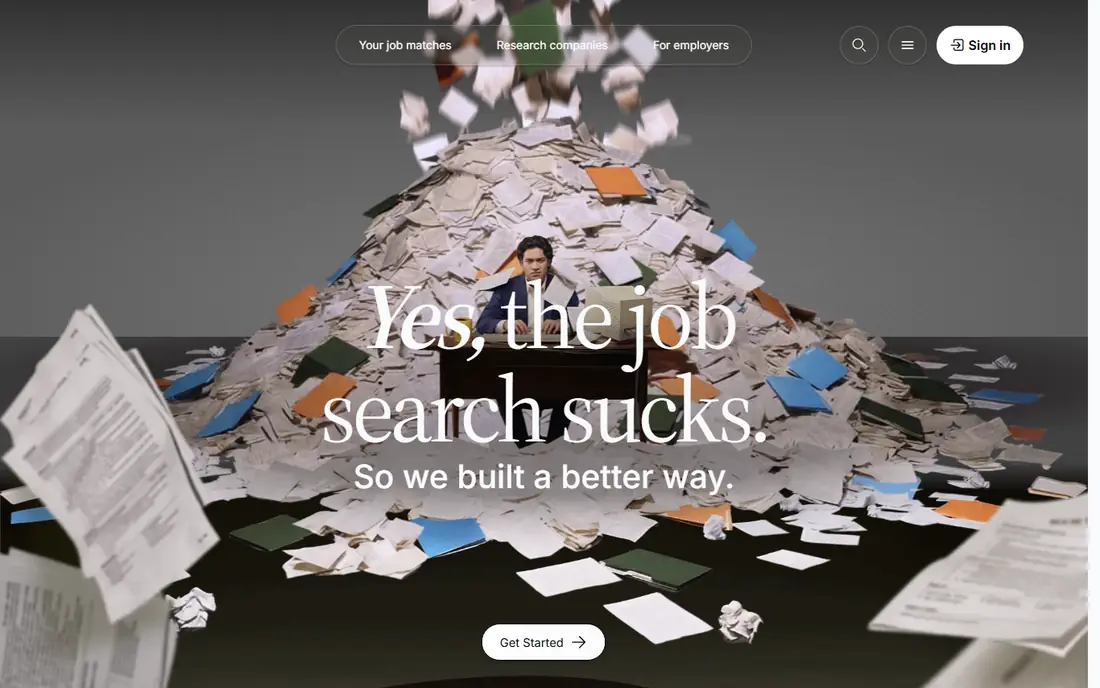
Glassdoor stands out in this list for job seekers checking pay and reviews. Its main appeal is strong community and help resources online, and that helps keep daily work simpler. The vendor publishes current plan details on its official site, so you can check the latest price and free plan before you commit.
What we liked in our comparison was works on web and mobile for most users together with a clear free plan or trial to test first. Those strengths show up in everyday use, from setup to the tasks you repeat most often. The layout is direct, and help docs cover the common questions without forcing you to contact support first.
The honest catch is pricing can rise as you add users or features, and some tools take practice to use well can also be a limit for some readers. If those points do not bother you, Glassdoor remains a sensible pick for job seekers checking pay and reviews. Check the current plan page, confirm the free plan or trial terms, and compare it with one other option on this list before you decide.
- Strong community and help resources online
- Works on web and mobile for most users
- A clear free plan or trial to test first
- Pricing can rise as you add users or features
- Some tools take practice to use well
A solid choice for quick job matches by alert, ZipRecruiter keeps the focus on the basics that matter most. Its main appeal is good documentation for common questions, and that helps keep daily work simpler. The vendor publishes current plan details on its official site, so you can check the latest price and free plan before you commit.
What we liked in our comparison was a practical set of features without excess clutter together with easy sharing and export options where relevant. Those strengths show up in everyday use, from setup to the tasks you repeat most often. The layout is direct, and help docs cover the common questions without forcing you to contact support first.
The honest catch is not every feature works the same on all devices, and you may need another tool for a few edge cases can also be a limit for some readers. If those points do not bother you, ZipRecruiter remains a sensible pick for quick job matches by alert. Check the current plan page, confirm the free plan or trial terms, and compare it with one other option on this list before you decide.
- Good documentation for common questions
- A practical set of features without excess clutter
- Easy sharing and export options where relevant
- Not every feature works the same on all devices
- You may need another tool for a few edge cases
When job seekers in traditional roles matters most, Monster offers a clear path forward. Its main appeal is a long track record in this category, and that helps keep daily work simpler. The vendor publishes current plan details on its official site, so you can check the latest price and free plan before you commit.
What we liked in our comparison was clear plan options for different budgets together with useful integrations with common tools. Those strengths show up in everyday use, from setup to the tasks you repeat most often. The layout is direct, and help docs cover the common questions without forcing you to contact support first.
The honest catch is the interface can feel busy at first, and export options vary by plan can also be a limit for some readers. If those points do not bother you, Monster remains a sensible pick for job seekers in traditional roles. Check the current plan page, confirm the free plan or trial terms, and compare it with one other option on this list before you decide.
- A long track record in this category
- Clear plan options for different budgets
- Useful integrations with common tools
- The interface can feel busy at first
- Export options vary by plan
For readers who prioritise job seekers browsing large listings, CareerBuilder is worth shortlisting. Its main appeal is a simple starting point for beginners, and that helps keep daily work simpler. The vendor publishes current plan details on its official site, so you can check the latest price and free plan before you commit.
What we liked in our comparison was good value when the free plan fits your needs together with clear account controls and settings. Those strengths show up in everyday use, from setup to the tasks you repeat most often. The layout is direct, and help docs cover the common questions without forcing you to contact support first.
The honest catch is some settings are buried in menus, and trial terms differ by plan and region can also be a limit for some readers. If those points do not bother you, CareerBuilder remains a sensible pick for job seekers browsing large listings. Check the current plan page, confirm the free plan or trial terms, and compare it with one other option on this list before you decide.
- A simple starting point for beginners
- Good value when the free plan fits your needs
- Clear account controls and settings
- Some settings are buried in menus
- Trial terms differ by plan and region
SimplyHired earns its place here mainly for job seekers comparing listings. Its main appeal is a focused feature set for its main job, and that helps keep daily work simpler. The vendor publishes current plan details on its official site, so you can check the latest price and free plan before you commit.
What we liked in our comparison was helpful onboarding for first-time users together with a stable app across devices. Those strengths show up in everyday use, from setup to the tasks you repeat most often. The layout is direct, and help docs cover the common questions without forcing you to contact support first.
The honest catch is customer help is mainly online rather than by phone, and a few features require a paid upgrade to use fully can also be a limit for some readers. If those points do not bother you, SimplyHired remains a sensible pick for job seekers comparing listings. Check the current plan page, confirm the free plan or trial terms, and compare it with one other option on this list before you decide.
- A focused feature set for its main job
- Helpful onboarding for first-time users
- A stable app across devices
- Customer help is mainly online rather than by phone
- A few features require a paid upgrade to use fully
How we picked these
We compared official feature pages, pricing pages, app store listings, privacy policies and public reviews for each option in this guide. We kept only products that exist and work today, that fit the main topic, and that publish enough detail to check price, free plan and main features. We did not add products just to fill the list, and we left out options that were closed, merged or no longer supported where we could confirm that.
We weighed who each option fits best, one concrete strength, and one honest weakness, rather than ranking by popularity alone. Prices change, so we list See website where a price could not be checked on the day of writing, and we point you to the official pricing page for the latest terms.
How to choose the right option
The right choice depends more on your daily job than on the longest feature list. Start with how often you will use the tool, who else will use it, and what you already use today, then match those needs to the picks above.
Start with your main job
Write down the one job you need done most often, then check which options do that job well without forcing you to change how you work. A tool that covers your main job cleanly is usually better than a larger tool with many features you will rarely open.
Check price, free plan and limits
Compare starting price, free plan and trial terms side by side, and look for limits on users, storage, exports or support that could matter later. A free plan can be enough for light use, while a paid plan may pay off if you use the tool daily or with a team.
Test before you commit
Use a free plan or trial to test the main job with your own data or routine, and note how easy setup, daily use and help pages feel in practice. If setup feels hard in the trial, it will likely feel harder later, so do not ignore that signal.
FAQ
What is best app to find jobs?
It is a short way to describe the options in this guide, each of which handles a similar job in a different way. The right pick depends on your budget, your device, and how often you will use it.
Is best apps for job the same as best app to find jobs?
The terms overlap a lot, and many readers use them to mean the same kind of tool. In this guide we grouped options that fit the main topic, even when vendors use different words for the same job.
Is there a free option for best apps for job searching?
Yes, in many cases, though what free means varies by vendor and by plan. Some free plans stay free for basic use, while others are trials that end after a set period.
How much does best app to find jobs cost?
Costs vary a lot across this list, from free plans to paid plans priced on the vendor site. Where we could not check a current price on the day of writing, we list See website and point you to the official pricing page.
How do I choose the best best hiring apps for my needs?
Start with your main job, your budget and your device, then shortlist two options that fit those needs best. Test each one with a real task from your week, and note setup time, daily ease of use and help quality.