Best App to Manage Subscriptions in 2026: 8 Apps Compared
Find the best app to manage subscriptions, track renewals, cancel unused services and spot price rises, with free and paid options compared in 2026 today.
- Editor's choice
 Rocket Money
Automatic detection and cancellation help
Starts atFreeVisit rocketmoney.comFull review - Great alternative
 Bobby
Simple manual tracking with no bank link
Starts atFreeVisit bobbyapp.coFull review - Also consider
 Monarch Money
Households that want budgeting plus subscriptions
Starts at$14.99 per monthVisit monarchmoney.comFull review
TL;DR:
- Rocket Money is our pick for most people because it finds recurring charges from linked accounts and offers cancellation help on its paid plan.
- Bobby is the best choice if you prefer a simple manual list with no bank connection and no monthly fee.
- Monarch Money and Copilot Money suit households that want subscription tracking inside a fuller budgeting and net worth view.
- Automatic detection is convenient, but it requires bank access, so check the privacy policy and use read-only connections where offered.
- A one-time audit with a free tier often finds enough forgotten charges to pay for a year of a paid plan.
Quick comparison
| Tool | Best for | Starts at | Free plan? | |
|---|---|---|---|---|
| Rocket Money | Automatic detection and cancellation help | Free | Yes | Visit |
| Bobby | Simple manual tracking with no bank link | Free | Yes | Visit |
| Monarch Money | Households that want budgeting plus subscriptions | $14.99 per month | Free trial | Visit |
 Copilot Money | iPhone users who want smart categorization | $95 per year | Free trial | Visit |
 PocketGuard | Seeing what is safe to spend after bills | Free | Yes | Visit |
 Subby | Manual lists with shared reminders | See website | Yes | Visit |
 TrackMySubs | Small business and freelancer subscription lists | See website | Yes | Visit |
 Emma | Spending tracking with subscription alerts | See website | Yes | Visit |
The best app to manage subscriptions
Subscriptions add up quietly. A streaming service here, a cloud plan there, a gym app you stopped opening months ago, and suddenly the monthly total surprises you. The apps below take two different paths. Some scan your bank accounts and find charges for you. Others give you a clean manual list and reminders, with no bank link at all. We compared official pricing pages, app store listings and help pages to sort the trade-offs.

Rocket Money, formerly Truebill, remains the best known subscription manager for a reason. Link your bank and card accounts and it surfaces recurring charges in a dashboard, including ones you may have forgotten. That first scan is often the most valuable part, since many people find two or three charges they meant to cancel months earlier.
The free tier covers tracking and basic budgeting, while Premium is priced on a pay-what-you-want range of about 7 to 14 dollars per month in published comparisons. Premium adds cancellation help, bill negotiation and fuller budgeting tools. If you do not want to link accounts, this is not the right pick, but if you want the least manual work, it is hard to beat.
- Scans linked accounts for recurring charges
- Clear monthly subscription total
- Premium adds cancellation and bill negotiation
- Cancellation and negotiation sit behind the paid plan
- Requires bank linking for automatic detection
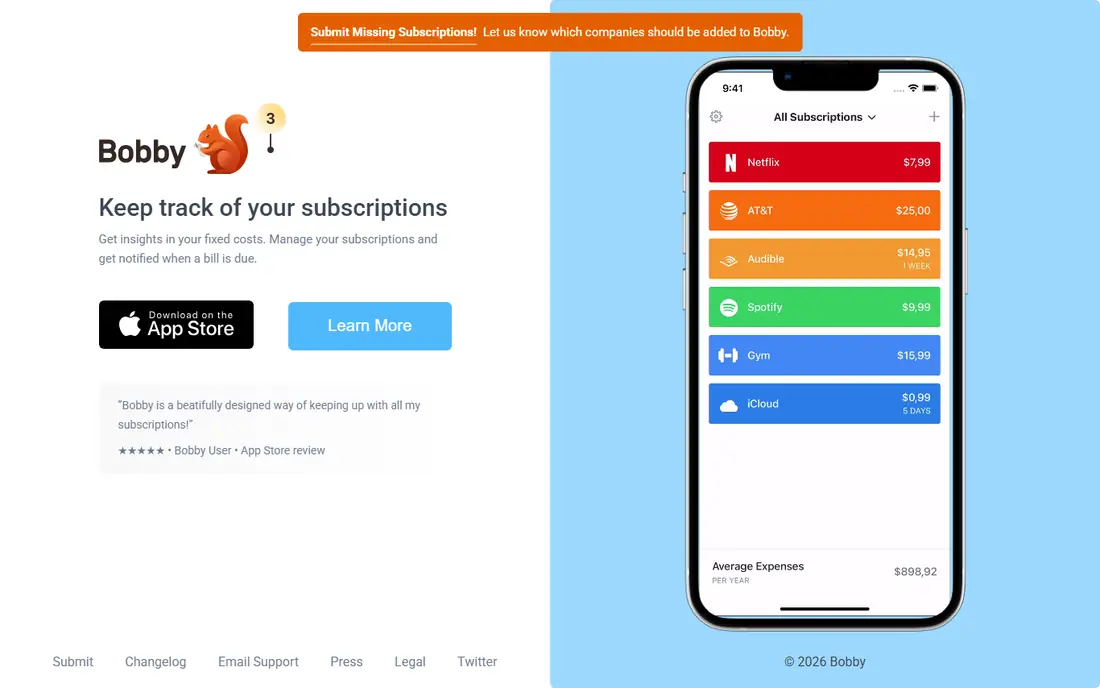
Bobby is for people who want control without handing over bank access. You add each subscription, its cost and its renewal date, and Bobby shows upcoming renewals and your monthly and yearly totals. Widgets on iPhone make the next renewal easy to spot before a charge lands.
The limit is obvious. Bobby only knows what you type in, so a forgotten charge will stay forgotten unless you add it. For many users that is a fair trade for privacy and simplicity. The Pro upgrade is a small one-time purchase in app store listings, adding widgets, themes and export, which keeps the long-term cost far below a monthly subscription manager.
- Clean manual list and renewal dates
- No bank connection needed
- Cheap one-time Pro upgrade
- No automatic detection
- IPhone focused, so Android users need another option
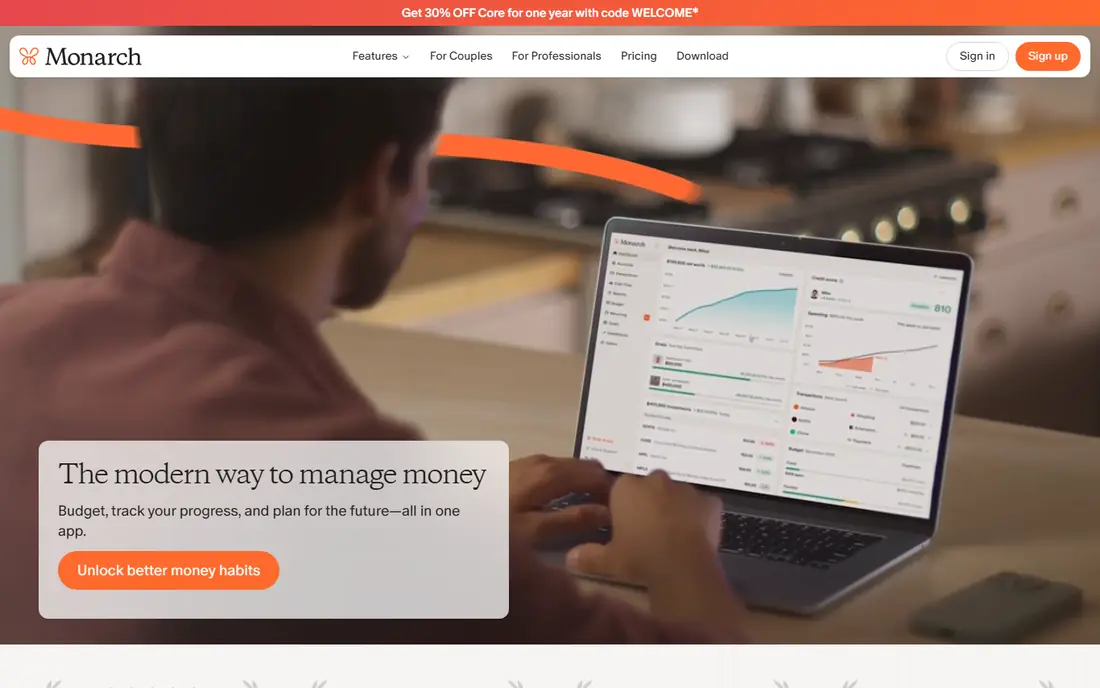
Monarch Money is a full budgeting app first, and a subscription tracker second. It pulls in bank, card, loan and investment accounts, then shows recurring charges alongside budgets, goals and net worth trends. Partners can share one household view, which helps when subscriptions are split across two people.
At 14.99 dollars per month, or 99.99 dollars per year in published pricing, Monarch is not the cheapest way to list subscriptions alone. It makes sense if you also want budgeting, bill reminders and a shared money picture. If you only want to cancel a few services, start with a free tool and move to Monarch only if the wider dashboard earns its keep.
- Shared budgeting for partners
- Net worth and investment views
- Subscription tracking inside a fuller dashboard
- No permanent free plan
- Costs more than a single-purpose tracker
Copilot Money is built for Apple users who care about design and detail. It categorizes transactions well, shows recurring charges clearly, and gives a calm overview of spending without a cluttered dashboard. For iPhone households, that polish is a real advantage, since you are more likely to open an app you enjoy using.
The catch is platform. Android users cannot use it, and there is no free tier beyond a trial, with annual pricing around 95 dollars per year in published comparisons. If you live in the Apple ecosystem and want subscription tracking as part of a smarter budget, Copilot is a strong pick. If you need Android or a free plan, look at Rocket Money or Bobby instead.
- Strong automatic categorization
- Clean iPhone and Mac design
- Subscription and recurring charge views
- IPhone and Mac only, with no Android app
- No permanent free plan
PocketGuard answers a simple question: after bills and subscriptions, how much can you safely spend? It links accounts, lists recurring charges and shows a single spending figure that adjusts as bills approach. That simplicity helps people who find full budgets too much work to maintain.
The free plan is useful for subscription tracking alone, while the paid plan, listed around 74.99 dollars per year in comparisons, adds more categories, custom budgets and extra features. PocketGuard is a good middle ground. It automates detection like Rocket Money, but it frames the result around daily spending rather than cancellation services.
- Free tier covers tracking and subscription views
- Simple safe-to-spend figure
- Bill and subscription reminders
- Premium features require a paid plan
- Budgeting depth is lighter than Monarch or Copilot
Subby appeals to users who want a shared subscription list without linking financial accounts. You add services manually, set renewal dates, and get reminders before charges renew. That makes it useful for families who want to agree on which services to keep, since everyone can see the same list.
Because it relies on manual entry, Subby will not catch a charge you forgot to add. It also lacks the bill negotiation and cancellation concierge features of Rocket Money. For privacy-minded users who mainly need reminders and a shared total, those limits are acceptable, and the price stays low.
- Manual entry with no bank link
- Renewal reminders
- Shared tracking for households
- No automatic bank detection
- Feature depth varies by platform
TrackMySubs is a web tool for tracking recurring costs, and it suits freelancers and small teams who pay for many software tools. You can list each service, its cost, its billing cycle and its renewal date, then get alerts before renewals. That helps at tax time too, since software costs are easier to total from one list.
It is not a consumer budgeting app, and it does not auto-detect charges or cancel services for you. If your goal is to keep a tidy record of business subscriptions and avoid surprise renewals, it does that job well. If you want automatic detection for personal streaming and shopping services, Rocket Money is a better fit.
- Web based list with renewal alerts
- Useful for business software costs
- No bank link required
- Manual entry only
- Less polished mobile experience than Bobby or Rocket Money
Emma links bank accounts and cards, then groups spending and flags recurring subscriptions. It also offers alerts for upcoming renewals and insights into where money goes each month. For users who want subscription tracking as part of a wider spending app, rather than a single-purpose list, Emma covers that ground.
Paid tiers add more features, and bank coverage can vary, so check that your banks connect before you rely on it. Emma is worth trying if you already track spending in an app and want subscription alerts without adding another monthly fee. If you want a dedicated cancellation service, Rocket Money still leads on that specific job.
- Links accounts and flags subscriptions
- Spending insights and alerts
- Free tier for basic tracking
- Some premium features require a paid plan
- Availability and bank coverage vary by country
How we picked these
We compared official pricing pages, app store listings and help pages, and we favored apps that are live in October 2026 and clearly track subscriptions, not just general budgets with no renewal view. We included both bank-linked and manual options, since privacy preferences split users into two clear groups. We left out apps that had shut down, apps with no subscription feature, and apps that only tracked one store, such as App Store subscriptions alone.
How to run a subscription audit that actually sticks
Start by listing every recurring charge from the last 90 days of bank and card statements, not just the ones you remember. Add streaming, cloud storage, apps, memberships, software and delivery services, then mark each one as keep, cancel or review. Cancel the obvious ones the same day, before the list gets stale.
Set a monthly check
Put a 15 minute monthly check on your calendar, ideally a few days before your largest renewal cluster. Review new charges, price rises and services you have not used in the past month. A manual app such as Bobby works well for this habit, since opening it forces you to look at the list. An automatic app works well if you trust the bank link and want the list to update itself.
Watch for price rises and renewal traps
Many services raise prices with a short email notice that is easy to miss. Turn on renewal alerts in your chosen app, and check the billing page of each major service once a year. Also note annual plans, since a yearly charge can surprise you even when the monthly equivalent looks small. A shared list helps households avoid paying twice for the same service under two accounts.
FAQ
What is the best app for subscription management?
Rocket Money is our pick for most people because it finds recurring charges automatically and offers cancellation help on its paid plan. Bobby is the best pick if you want a manual list with no bank connection.
Can I manage subscriptions without linking my bank?
Yes. Bobby, Subby and TrackMySubs all work with manual entry and renewal reminders, with no bank link. You will need to add each service yourself, and you should check bank statements every few months to catch anything you missed.
How much does Rocket Money cost?
Rocket Money has a free tier for tracking, and Premium is priced on a sliding scale of about 7 to 14 dollars per month in published comparisons. Bill negotiation, where offered, takes a share of first-year savings only when it succeeds, so check the current terms on the vendor site.
What is the best app to manage subscriptions on iPhone?
Bobby is the simplest iPhone option, and Copilot Money is the strongest full budgeting option for iPhone and Mac users. Rocket Money also works well on iPhone and Android, and it adds automatic detection that Bobby lacks.
Do these apps cancel subscriptions for me?
Rocket Money offers cancellation help on its paid plan, where it contacts providers on your behalf for supported services. Most other apps in this list remind you to cancel yourself, and they do not log in to provider accounts for you.
How often should I review subscriptions?
Review them monthly for new charges and price rises, and do a deeper audit every six months. Annual plans deserve a check a month before renewal, since that is when you can still cancel without paying for another year.