Best App to Read Books for Free Offline in 2026: 8 Apps Compared
Best app to read books for free offline in 2026: we compare 8 legal free options, from library borrowing to public domain classics you can keep forever.
- Editor's choice
 Libby
Library ebooks and audiobooks
Starts atFreeVisit libbyapp.comFull review - Great alternative
 Hoopla
Instant borrows with no waitlists
Starts atFreeVisit hoopladigital.comFull review - Also consider
 Project Gutenberg
Public domain classics
Starts atFreeVisit gutenberg.orgFull review
TL;DR:
- Libby is our pick for most readers, because a library card gives free ebooks and audiobooks that download for offline reading.
- Hoopla is the best backup when Libby has a waitlist, because its titles are available instantly with no holds.
- For classics you can keep forever, Project Gutenberg and Open Library beat any library loan, because public domain books do not expire.
- Only use legal sources in this list. Piracy sites may look free, but they break copyright law and often carry malware and poor quality files.
Quick comparison
| Tool | Best for | Starts at | Free plan? | |
|---|---|---|---|---|
| Libby | Library ebooks and audiobooks | Free | Yes | Visit |
| Hoopla | Instant borrows with no waitlists | Free | Yes | Visit |
| Project Gutenberg | Public domain classics | Free | Yes | Visit |
 Open Library | Borrowed and public domain books | Free | Yes | Visit |
 Google Play Books | Free classics and your own files | Free | Yes | Visit |
 Apple Books | Free books on Apple devices | Free | Yes | Visit |
 Aldiko Next | Flexible ebook reader | Free | Yes | Visit |
 FBReader | Lightweight offline reading | Free | Yes | Visit |
The best apps to read books for free offline
Every app here offers genuinely free, legal books that you can download and read without a connection. Some borrow books for a set loan period, while others give you public domain books to keep.
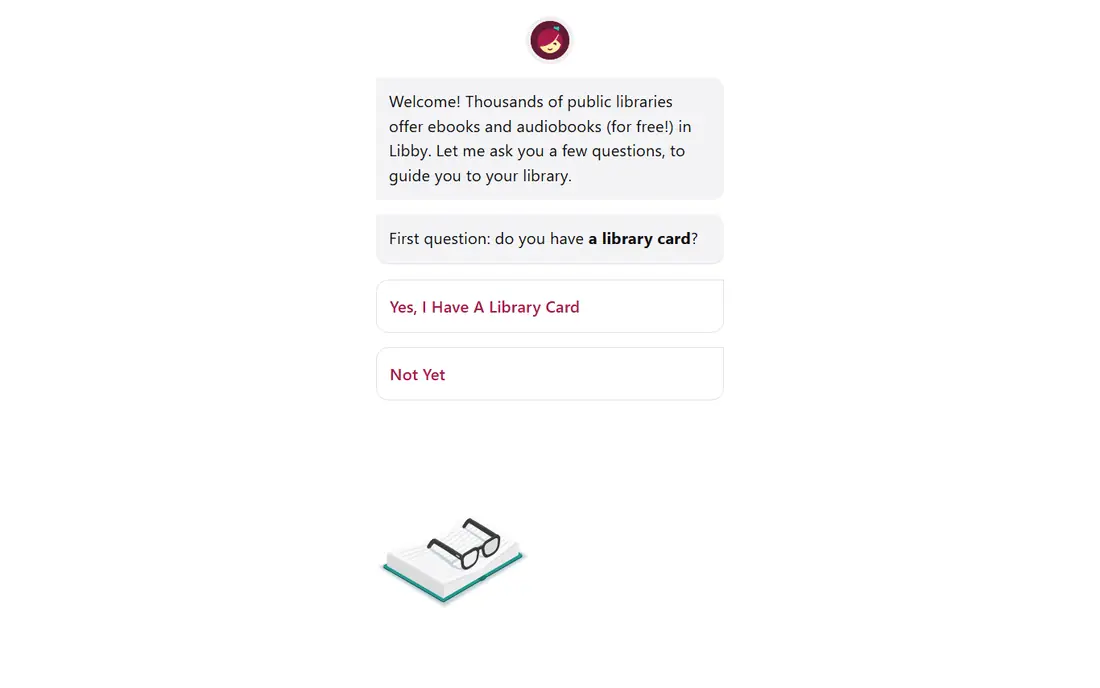
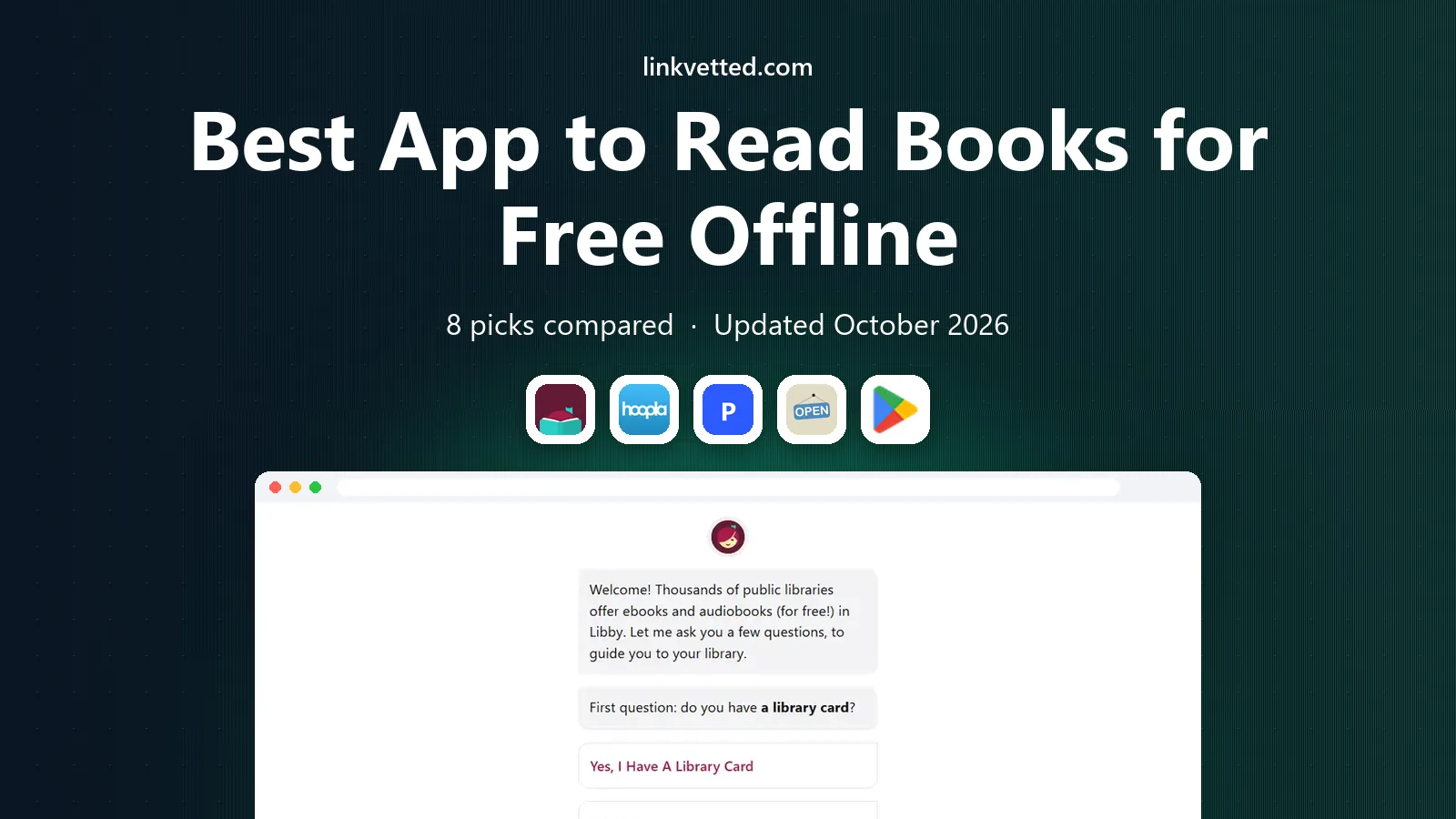
Libby, by OverDrive, is the app most US readers should install first. Add your library card, browse your library catalogue, borrow an ebook or audiobook, and download it to your phone for offline reading. Loans return automatically at the end of the loan period, so there are no late fees, and you can place holds on popular titles.
The main limit is demand. A new bestseller may have a long hold queue, and loan periods vary by library, often 7, 14 or 21 days. That is easy to work around: keep a public domain classic or a Hoopla borrow on hand while you wait. For new books, audiobooks and magazines at no cost, Libby is hard to beat.
- Free with a library card
- Ebooks and audiobooks
- Downloads for offline reading
- Popular titles can have waitlists
- Loan periods end automatically
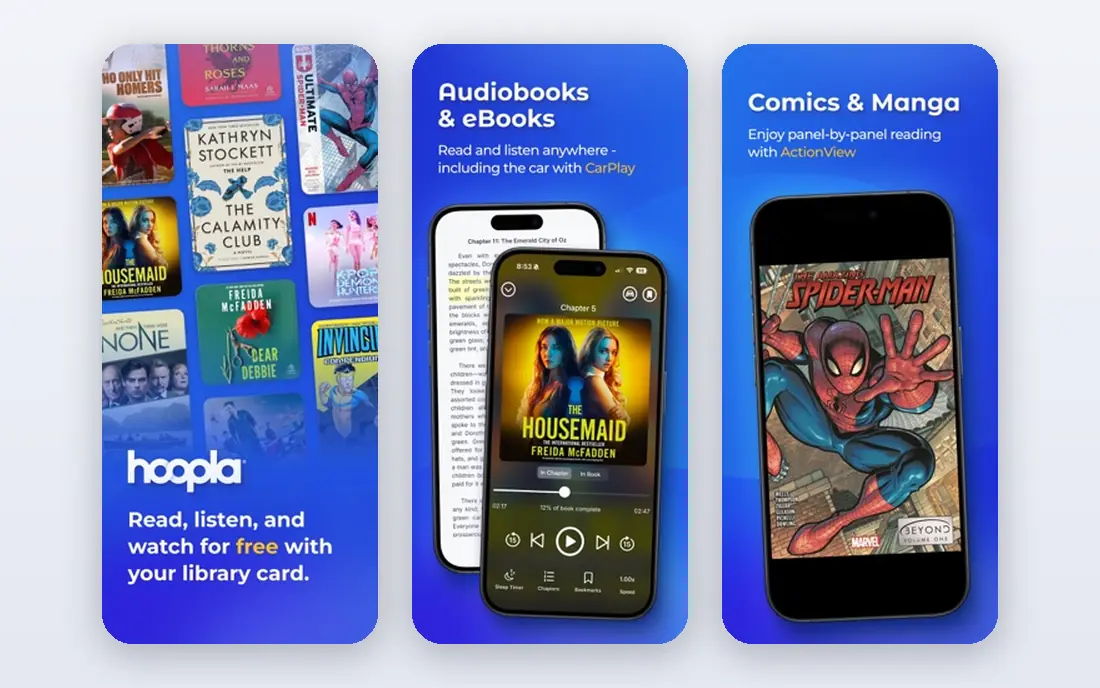
Hoopla works like Libby, but with one key difference: there are no holds. When you borrow a title, it is yours at once, which makes it ideal for a weekend read or a book club pick that everyone needs at the same time. It also covers comics, music and video in some libraries, so it is more than a book app.
Your library sets a monthly borrow limit, so you cannot borrow without limit all month. Catalogue also varies, because each library chooses what to offer through Hoopla. Use Libby for holds on new releases and Hoopla for instant reads, and you will rarely be stuck without a book.
- No waitlists
- Ebooks, audiobooks, comics and more
- Instant borrowing
- Monthly borrow limit set by your library
- Catalogue varies by library
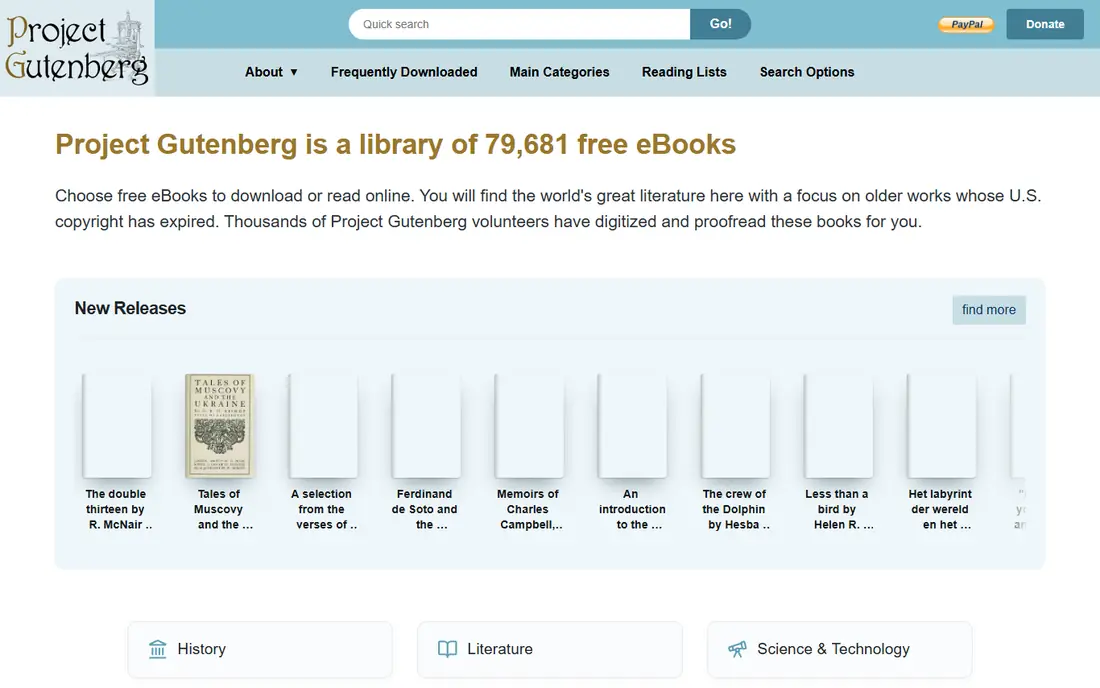
Project Gutenberg is a volunteer run archive of public domain books, with tens of thousands of titles you can download free and keep. That includes Austen, Dickens, Shakespeare, Twain and many more, in EPUB, Kindle and plain text formats. Because the books are out of copyright, there is no loan period and no waitlist.
You will not find recent bestsellers here, and some older scans have uneven formatting. For classic literature, history and reference, though, it is the cleanest free source available. Download a batch before a flight or a camping trip, open them in any reader app, and you have a library that never expires.
- Tens of thousands of free classics
- No account needed
- Books are yours to keep
- No new bestsellers
- Older formatting on some titles
- No library loan features
Open Library, run by the Internet Archive, aims to list every book ever published, with many titles available to borrow or read free. Public domain titles can be downloaded, while newer titles are offered through controlled digital lending, where one digital copy is lent to one reader at a time. A free account is all you need to borrow.
The experience is less polished than Libby, and popular borrowed titles can be in use by another reader. Its strength is range: out of print books, academic texts and older titles that are hard to find elsewhere often turn up here. Pair it with a reader app for offline use where the format allows, and keep Libby for new releases.
- Large catalogue from the Internet Archive
- Controlled digital lending
- Free account
- Some titles have loan limits
- Reading in a browser can be less smooth than a native app
Google Play Books is often overlooked as a free reading app, because most of its store is paid. Its free section, though, includes many public domain classics and promotional free titles, all of which download for offline reading on Android, iOS and the web. You can also upload your own EPUB and PDF files, including books from Project Gutenberg, and read them in the same app.
That upload feature makes it a good home base: download classics from Gutenberg, send them to Play Books, and keep your library, bookmarks and reading position in sync. Just be clear that only the free section is free. New releases in the store are paid, and they should not be confused with the free titles in this article.
- Large free classics section
- Upload your own EPUB and PDF files
- Offline downloads
- Most new books are paid
- Free section needs browsing to find the best titles
Apple Books is the built in reading app on iPhone, iPad and Mac, and its free books section includes classics and selected free titles that download for offline reading. The reading experience is clean, with adjustable fonts, night mode and bookmarks, and it syncs across Apple devices.
It only runs on Apple devices, so Android readers need another app in this list. Its free catalogue is also smaller than a public library, because Apple Books is mainly a paid store. Use it for free classics and for any Project Gutenberg files you add, and use Libby or Hoopla for library loans.
- Clean reading experience on iPhone and iPad
- Free books section
- Offline downloads
- Apple devices only
- Free range is smaller than a library catalogue
Aldiko Next is a reader app first and a store second. It opens EPUB and PDF files, offers a built in catalogue of public domain books, and lets you customise fonts, margins, brightness and reading themes. Books you download are stored on your device for offline reading, which is exactly what this list is about.
Aldiko is a good fit for readers who already have files from Gutenberg or Open Library and want a pleasant reader to open them in. Some features, such as extra cloud or advanced tools, may be paid, but basic offline reading of free books works in the free version. Check the current app listing for the exact free and paid split before you rely on a paid feature.
- Supports EPUB and PDF
- Public domain catalogue built in
- Custom reading settings
- Store features vary by region
- Some advanced features are paid
FBReader is a long running, lightweight ebook reader for Android, iOS and desktop. It supports EPUB, MOBI and other common formats, opens files from your device or from online catalogues including Project Gutenberg, and reads fully offline once a book is downloaded. It is a strong choice for older phones, because it uses little storage and runs fast.
Discovery is basic compared with a library app: FBReader is a reader, not a catalogue, so you bring your own books or fetch them from a public catalogue. For readers who value speed, offline use and format support over a polished store, that trade off is worth it. Pair FBReader with Gutenberg for a free offline library that costs nothing and weighs almost nothing.
- Very light and fast
- Wide format support
- Works well on older devices
- Plainer design than Libby or Apple Books
- Book discovery is basic
How we picked these
We compared official feature pages, library service pages and app store listings for free reading apps live in October 2026, and we only kept apps with a legal free source: a public library loan, a public domain archive, or a store free section. We checked offline download support, file formats and whether a library card or account is needed. We did not claim hands on testing, and we left out piracy sites, sites that offer copyrighted books without permission, and apps whose free books are only short samples.
How to build a free offline library
Start with a library card, because Libby and Hoopla together cover new books, audiobooks and instant reads at no cost. Ask your library about digital cards, because many US libraries now issue cards online to local residents, and some allow multiple library cards if you live, work or study in different areas. Add a hold in Libby for the book you want next, and borrow an instant title in Hoopla for this week.
Next, download classics you can keep. Project Gutenberg and Open Library give you books that never expire, so download a dozen before a trip and you will not need a connection at all. Put those files in Google Play Books, Apple Books, Aldiko or FBReader, whichever reader you like, and set downloads to Wi-Fi only so a large audiobook does not eat mobile data.
Managing loans and storage
Library loans end automatically, so check the loan period when you borrow and finish or renew in time if your library allows renewal. Audiobooks take more storage than ebooks, so download one or two at a time on a phone with limited space, and delete finished titles to free room. For flights and rural trips, download everything the night before, open each book once to confirm it opens offline, and carry a charger, because offline reading still uses battery.
FAQ
Can I really read books for free offline legally?
Yes, through a public library app such as Libby or Hoopla, or through public domain archives such as Project Gutenberg. Library books are loans with an end date, while public domain books are yours to keep, and both are legal.
Do I need a library card for Libby and Hoopla?
Yes, both need a library card from a participating library. Many libraries issue digital cards online to residents, so check your local library website if you do not have a physical card.
What happens when a library loan ends?
The book returns automatically and disappears from your device, with no late fee. You can borrow it again if it is available, or place a hold if another reader has it.
Are Project Gutenberg books really free forever?
Yes, Project Gutenberg books are in the public domain in the US, so you can download, keep and read them without payment or a loan period. Copyright rules vary by country, so check local rules if you live outside the US.
Can I read offline on a plane?
Yes, if you download the book before you lose connection. Open the book once after downloading to confirm it is stored on the device, and turn on offline mode in the app if it offers one.
Which app is best for audiobooks for free offline?
Libby is the strongest free audiobook option for most readers, because library audiobooks download for offline listening. Hoopla is a good backup when Libby has a waitlist for the audiobook you want.