Best App to Learn Latin in 2026: 8 Apps Compared
Searching for the best app to learn Latin? We compared 8 Latin learning apps, from Duolingo to Legentibus, on reading, grammar, audio and cost. Updated 2026.
- Editor's choice
 Duolingo
Free first steps
Starts atFreeVisit duolingo.comFull review - Great alternative
 LingQ
Reading and vocabulary
Starts at$14.99 per monthVisit lingq.comFull review - Also consider
 Mango Languages
Library access and structure
Starts atFreeVisit mangolanguages.comFull review
TL;DR:
- Duolingo is the easiest free start, but serious readers will outgrow it fast and need reading-based tools.
- LingQ and Legentibus are the strongest picks for reading real Latin, with graded texts and vocabulary help.
- Mango Languages is a good free route through many public libraries, so check your library before you pay.
- Grammar still matters, so pair any app with a clear grammar guide and regular reading, not app drills alone.
Quick comparison
| Tool | Best for | Starts at | Free plan? | |
|---|---|---|---|---|
| Duolingo | Free first steps | Free | Yes | Visit |
| LingQ | Reading and vocabulary | $14.99 per month | Yes | Visit |
| Mango Languages | Library access and structure | Free | Yes | Visit |
 Rosetta Stone | Pronunciation and immersion | $11.99 per month | No | Visit |
 Memrise | Vocabulary drills | Free | Yes | Visit |
 Legentibus | Graded Latin reading | See website | No | Visit |
 LatinTutorial | Free grammar videos | Free | Yes | Visit |
 Latinitium | Spoken Latin and listening | See website | Yes | Visit |
The best app to learn Latin
Latin rewards steady reading more than streaks and badges. The apps below differ in a key way: some teach short phrases for beginners, while others help you read longer texts in Latin itself. We compared them on text quality, grammar support, audio, price and how well they serve a reader who wants to move past the basics.
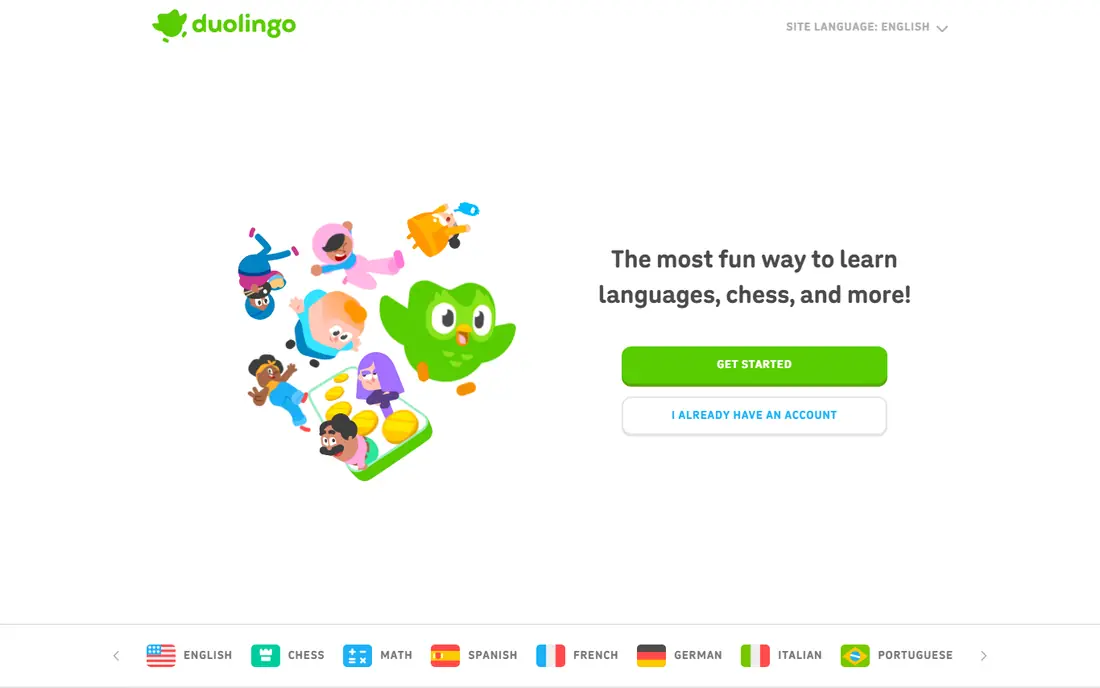
Duolingo offers a free Latin course built around short lessons, matching exercises and repetition. It is a low-pressure way to learn basic vocabulary, common phrases and simple sentence patterns, and the daily lesson format suits a busy schedule. If you have never studied Latin, Duolingo will teach you the alphabet sounds, basic nouns and verbs, and a feel for word order.
The limit shows up quickly. Duolingo Latin does not take you deep into real Roman texts, and grammar notes are thin compared with a textbook. Treat it as a warm-up, not a full course. Use it for a few weeks to build a habit, then move to reading tools such as LingQ or Legentibus for longer texts.
- Free core course
- Short daily lessons
- Clear progress tracking
- Shallow depth for reading
- Limited grammar explanation
- Ads on the free plan
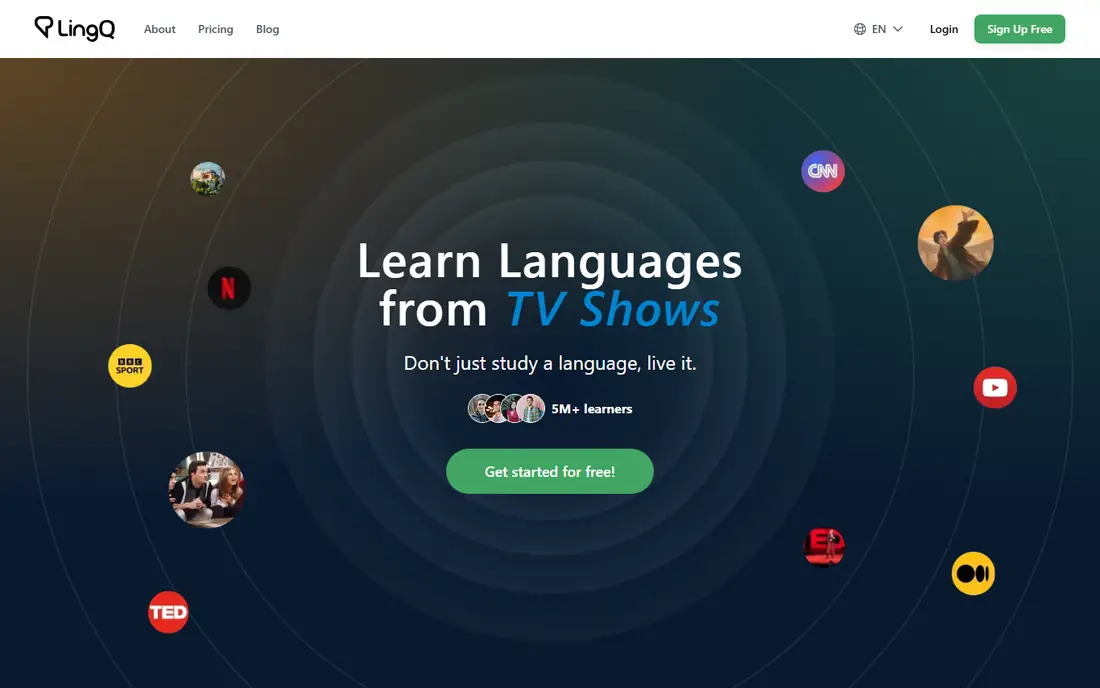
LingQ is built for reading. You open a text in Latin, tap unknown words to see meanings, and save those words for review. That loop suits Latin well, because progress comes from meeting the same words again in new sentences. You can also import public domain texts, which opens up a wide range of classical and medieval material.
The free plan is limited, and the paid plan costs $14.99 per month or about $119.88 per year, so try the free tier first. The Latin library is smaller than the Spanish or French libraries, but importing texts fills much of that gap. Our pick for most people who want to read Latin is LingQ paired with a grammar book.
- Large reading library
- Click-to-define words
- Import your own texts
- Latin library is smaller than major languages
- Interface takes time to learn
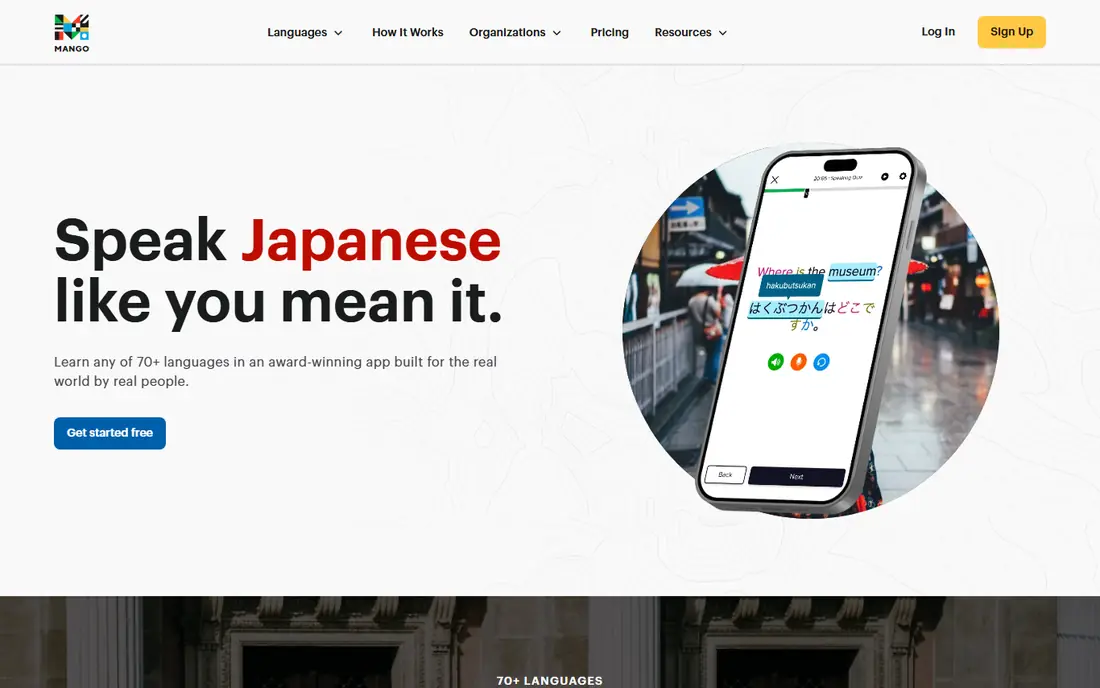
Mango Languages offers a Latin course through its language platform, and many US public libraries provide free access with a library card. Lessons focus on conversation patterns, pronunciation and practical phrases, with audio from recorded speakers. That structure helps beginners who want a guided path rather than open-ended reading.
The course stays at an introductory level, so it will not carry you into Caesar or Cicero on its own. Its value is access and clarity: if your library offers Mango free, you get a solid, well-organised start at no cost. Check your library website first, because that free route beats paying for a similar beginner course elsewhere.
- Free through many libraries
- Structured lessons
- Clear audio
- Latin course is introductory
- Not designed for advanced reading
Rosetta Stone teaches by image and sound, without translation in the core lessons. Its speech recognition gives feedback on pronunciation, which helps with Latin vowel lengths and stress. The interface is polished, and progress syncs across phone, tablet and computer.
The immersion style is also its weakness for Latin. Without grammar notes, learners can guess meanings for a long time without understanding cases, verb forms or sentence structure. Latin learners need that grammar layer, so use Rosetta Stone only as a pronunciation and vocabulary supplement, not as your main course. Prices start around $11.99 per month on some plans, with lifetime options also sold, so check the current offer.
- Strong speech tools
- Immersion style
- Works across devices
- Little grammar explanation
- Latin content is limited
- No free plan
Memrise focuses on memorising words and phrases through spaced repetition, short videos and quick drills. For Latin, that is useful for building a base of common nouns, verbs and adjectives. Sessions are short, which makes it easy to fit review into a commute or a lunch break.
Memrise is not a course in Latin grammar or reading. User-made sets vary in quality, so favour sets with clear sources and consistent macrons, the marks that show long vowels. Use Memrise to lock in vocabulary while your main study happens in a reading app or a textbook. The free plan covers basic review, with a paid plan adding extra features.
- Strong spaced repetition
- Short sessions
- User-made Latin content
- Content quality varies
- Not a full Latin course
- Some features are paid
Legentibus is one of the few tools built only for Latin reading. It offers graded texts written in Latin, from easier stories to more demanding prose, with audio narration to support listening. The grading matters, because jumping straight to unadapted classical prose frustrates most learners. Legentibus lets you build reading stamina step by step.
It suits learners who already know basic grammar and want to read more. Absolute beginners should first learn noun cases and verb forms elsewhere, then use Legentibus to turn that knowledge into reading skill. Check the current subscription price on its website, since plans and trials change, and try a sample text before you subscribe.
- Graded Latin texts
- Audio narration
- Built for Latin readers
- Subscription cost
- Less useful for absolute beginners
- Smaller app presence
LatinTutorial is a free video project that explains Latin grammar in plain, visual lessons. Topics include cases, verb conjugations, participles and sentence structure, with diagrams that make abstract grammar easier to see. For learners who feel lost in an app, a short video on one grammar point can clear up weeks of confusion.
It is a teaching site and video channel rather than a drill app, so you will need to pair it with reading and vocabulary practice. Use it as your grammar reference: when LingQ or Legentibus throws up a form you do not recognise, search LatinTutorial for that topic. The fact that it is free makes it an easy addition to any study plan.
- Free and clear grammar lessons
- Video format suits visual learners
- Covers core topics
- Not an interactive app
- No built-in drills
- Video pace varies by topic
Latinitium focuses on Latin as a living, spoken language, with videos, audio and reading material in Latin. Listening to spoken Latin helps with pronunciation, word order and comprehension, and it breaks the habit of translating every word in your head. The site offers free material alongside paid courses and books.
Beginners may find some content fast, so start with easier videos and short texts. For intermediate learners, Latinitium is a strong complement to reading apps, because it trains your ear as well as your eye. Check the site for current free videos and course prices before you buy.
- Spoken Latin audio and video
- Listening practice
- Free content available
- Site layout is less app-like
- Advanced content can challenge beginners
How we picked these
We compared official course pages, pricing pages, library listings and app store listings, along with the actual Latin content each tool offers. We favoured tools that are still maintained in 2026, that offer real Latin texts or clear grammar teaching, and that state their prices openly. We also mixed free starts with paid reading tools, because most learners need both a low-cost entry and a deeper tool for reading.
How to study Latin with an app without stalling
Pick one main tool and one support tool, then read every day. A good week might include 20 minutes of reading in LingQ or Legentibus, 10 minutes of vocabulary review in Memrise, and one grammar video from LatinTutorial when a form confuses you. That mix covers reading, memory and grammar, which drills alone do not.
Set a reading goal, not just a streak goal. Aim to finish one short Latin story per week, then a longer text each month. Keep a notebook for new words and grammar patterns, and read aloud when you can, since Latin pronunciation helps memory. If an app stops challenging you, move up a level rather than repeating easy lessons for months.
FAQ
What is the best app for learning Latin?
The best app for learning Latin depends on your level. Beginners do well starting free with Duolingo or Mango Languages through a library. Intermediate readers do better with LingQ or Legentibus, which focus on reading real Latin texts and building vocabulary in context.
What are the best Latin learning apps for reading?
LingQ and Legentibus are the best Latin learning apps for reading. LingQ lets you read and tap unknown words for meanings, and lets you import texts. Legentibus offers graded Latin stories with audio, so you can build reading stamina without jumping straight to hard classical prose.
Is there a free app to learn Latin?
Yes. Duolingo offers a free Latin course, LatinTutorial offers free grammar videos, and Mango Languages is free through many public libraries. Latinitium also offers free spoken Latin material. A free start works well, though serious readers often add a paid reading tool later.
Can I learn Latin only with an app?
An app alone rarely takes you to fluent reading. Apps help with vocabulary, habit and early grammar, but Latin needs grammar study and long reading practice too. Pair an app with a grammar guide, a dictionary and regular reading of graded texts for the best results.
What is the best app for learning Latin grammar?
LatinTutorial is the clearest free option for grammar, with videos on cases, verbs and sentence structure. No app in this list replaces a good grammar textbook, but LatinTutorial answers specific grammar questions fast. Use it alongside a reading app when you meet a form you do not know.
How long does it take to learn Latin with an app?
Basic Latin takes a few months of daily study, while comfortable reading of classical texts often takes one to three years, depending on study time and prior language experience. Daily reading matters more than total months. Short, regular sessions beat long, rare study bursts.