Best App for Identifying Insects in 2026: 7 Apps Compared
Best app for identifying insects in 2026: we compare 7 photo ID and citizen science apps for garden bugs, with accuracy limits and safety tips in full.
- Editor's choice
 Picture Insect
Quick insect photo ID
Starts atFreeVisit pictureinsect.comFull review - Great alternative
 Seek by iNaturalist
Free family learning
Starts atFreeVisit inaturalist.orgFull review - Also consider
 iNaturalist
Community confirmed ID
Starts atFreeVisit inaturalist.orgFull review
TL;DR:
- Picture Insect is our pick for quick photo identification, because it is built for insects and gives species details from a single photo.
- Seek by iNaturalist is the best free option for families and learning, with no subscription, no ads and badge based exploration.
- iNaturalist is the best choice when accuracy matters, because a community of naturalists can confirm or correct an AI suggestion.
- No photo app is certain enough for medical, pest control or food safety decisions. For bites, infestations or allergic reactions, contact a professional or a clinician.
Quick comparison
| Tool | Best for | Starts at | Free plan? | |
|---|---|---|---|---|
| Picture Insect | Quick insect photo ID | Free | Yes | Visit |
| Seek by iNaturalist | Free family learning | Free | Yes | Visit |
| iNaturalist | Community confirmed ID | Free | Yes | Visit |
 Insect Identifier | Simple photo ID | See website | Yes | Visit |
 Bug Identifier | Fast bug checks | See website | Yes | Visit |
 NatureID | Nature ID in one app | See website | Yes | Visit |
 Google Lens | General visual search | Free | Yes | Visit |
The best apps for identifying insects
Photo identification works best with a clear, close photo in good light. These apps differ in speed, accuracy and cost, so the best choice depends on whether you want a quick guess or a confirmed answer.
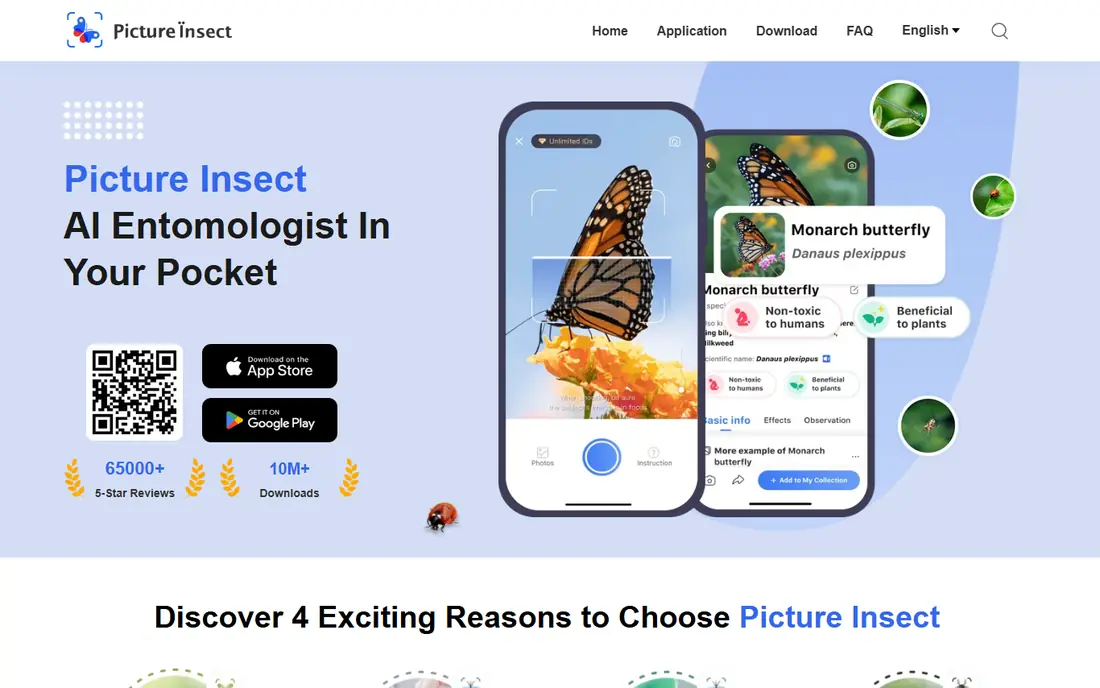
Picture Insect is the most focused insect app in this list. Snap a photo or upload one from your gallery, and the app suggests an identification with species details, habitat notes and similar species to compare. That insect first design helps when you want a quick answer in the garden, on a walk or at home.
The free version covers basic identification, while full features and unlimited use sit behind a subscription, so check the current in app pricing before you rely on it daily. Accuracy also depends on photo quality: a blurry, distant or partly hidden insect is harder to identify than a clear close up. Use Picture Insect for learning and curiosity, and confirm important identifications elsewhere.
- Built for insects
- Photo ID from camera or gallery
- Species details and similar species
- Full features need a subscription
- AI guesses can be wrong for similar species
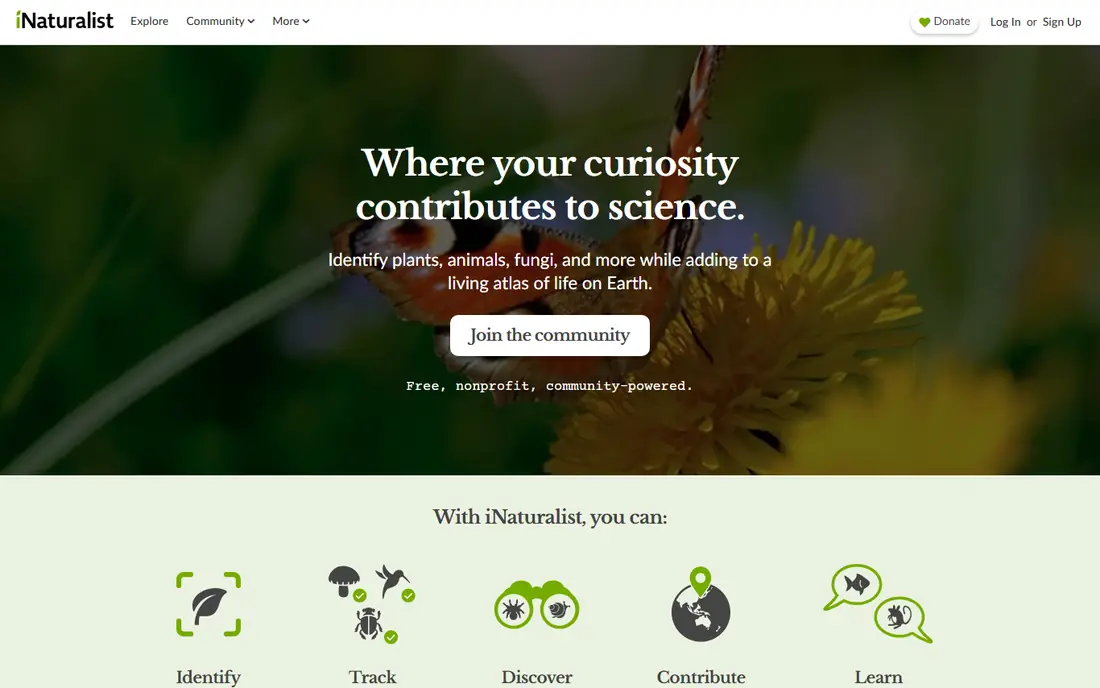
Seek by iNaturalist is the best free starting point, especially for families, schools and casual nature lovers. Point the camera at an insect, plant or animal, and Seek suggests an identification based on millions of iNaturalist observations. You earn badges for new species and challenges, which makes exploring feel like a game without a paywall.
Seek is free, with no subscription and no ads, and basic use needs no account. Because it covers all wildlife, not just insects, its insect suggestions can be broader than a dedicated insect app. For learning and outdoor fun at no cost, it is hard to beat.
- Completely free with no ads
- No account needed for basic use
- Badges and challenges
- Broader than insects alone
- Live camera ID can be less precise than a still photo
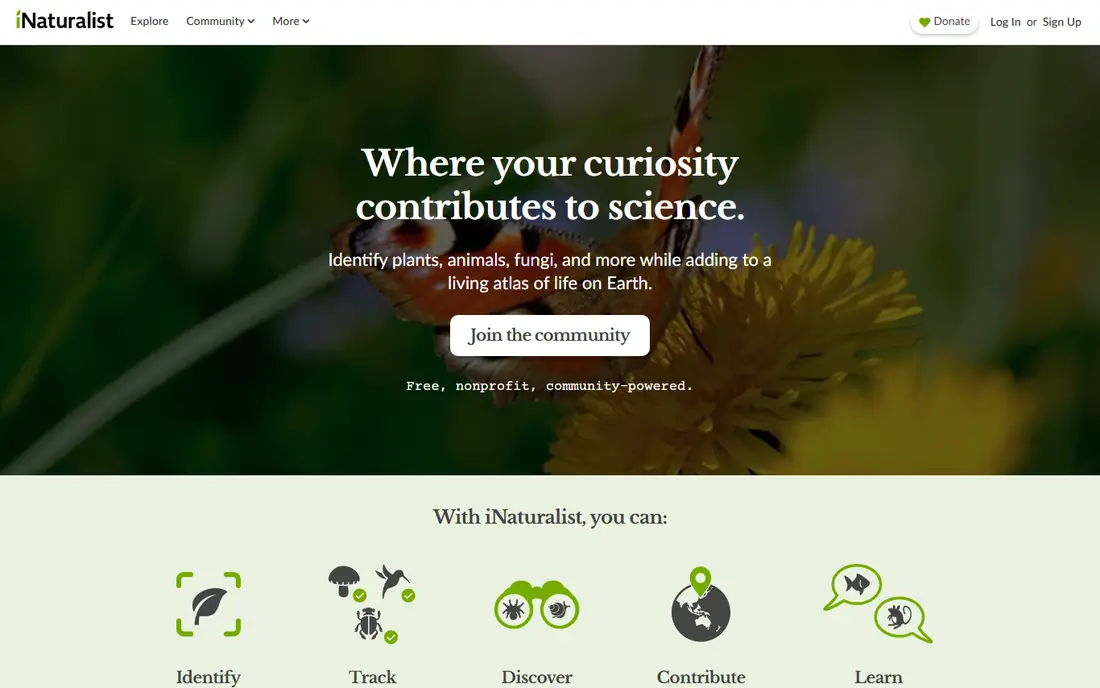
iNaturalist is the companion to Seek for users who want a confirmed answer. Upload an observation with photos and location, get an AI suggestion, and let a global community of naturalists and scientists confirm or correct it. When enough users agree, an observation becomes research grade and feeds biodiversity research.
That process takes longer than an instant app, because confirmation depends on other users, and iNaturalist covers plants, fungi and animals as well as insects. For accuracy, citizen science and learning from experts, though, it is the strongest option here, and it is completely free with no ads or premium tier.
- Free with no ads
- Community verification
- Observations support real research
- Confirmation takes time
- Broader focus than insects alone
Insect Identifier keeps the workflow as simple as possible: take a photo, get a suggestion with an accuracy estimate, and read basic details. That simplicity suits users who want a fast answer without badges, challenges or community features. The accuracy estimate is useful, because it reminds you that a suggestion is a probability, not a certainty.
Full use is paid, with an annual plan listed in older summaries at around $39.99 per year, so check the current app listing before you subscribe. For a simple, insect focused photo check, it does the job, but Seek offers a free alternative for casual use.
- Very simple photo workflow
- Accuracy estimates for suggestions
- Insect focused
- Paid annual plan for full use
- Fewer learning features than Seek or iNaturalist
Bug Identifier is another photo first insect app, aimed at quick checks for household and garden bugs. Upload a photo, get a likely identification and basic information, and decide whether the insect is a pest, a pollinator or harmless. That quick triage is useful when you find an unknown bug indoors and want a first idea of what it might be.
As with other paid insect apps, full features need a subscription, and accuracy is best for common species with clear photos. Rare species, larvae and similar looking insects are harder, so treat the result as a starting point, not a final verdict, especially for pest control decisions.
- Fast photo identification
- Simple interface
- Covers common household and garden bugs
- Paid features for full use
- Accuracy varies for rare or similar species
NatureID covers insects alongside plants and other nature subjects, which suits users who want one app for garden questions in general. Take a photo, get a suggestion, and read detail pages that help you learn more about the species and its habits. That breadth is handy on a walk where you notice a bug, a flower and a mushroom in quick succession.
Because it is not insect only, its insect database and detail depth can be less focused than Picture Insect. Paid features also apply for full use, so check the current pricing in the app. For general nature curiosity, NatureID is a convenient all in one option.
- Identifies insects, plants and more
- Care and detail pages
- Simple photo flow
- Broader than insects alone
- Paid plan for full features
Google Lens is already on many Android phones and available on iOS through the Google app, so it needs no new install for a quick check. Point it at an insect, and it searches visually similar images and pages, which often identifies common species fast and free.
It is not built for insects, so it lacks insect specific details, accuracy estimates and pest guidance, and results can be inconsistent for similar species. Use Lens as a free second opinion alongside Picture Insect or iNaturalist, especially when you want to find web pages about a species you have already identified.
- Free and already on many phones
- Fast visual search
- Useful for common species
- Not built for insects
- Accuracy is inconsistent for similar species
- Needs a connection
How we picked these
We compared official feature pages, pricing pages and app store listings for insect identification apps live in October 2026, favouring apps with photo identification, current support for iOS or Android, and a clear free or paid path. We checked whether identification is AI only or community confirmed, and whether the app is insect focused or general nature. We did not claim hands on testing, and we left out apps with no clear current homepage or no insect identification feature.
How to get a better identification
Take a clear, close photo in good light, with the insect filling a good part of the frame. Include side and top views if you can, and a second photo showing size, such as next to a coin or a leaf, helps for similar species. Avoid flash glare, heavy shadows and photos taken through glass, because all three reduce accuracy.
Run the same photo through two apps, such as Picture Insect and iNaturalist, and compare suggestions. If they agree, confidence rises. If they disagree, trust neither at once, and look at similar species, range and habitat notes, or ask the iNaturalist community. Note where and when you saw the insect, because location and season narrow the likely species a lot.
Safety, bites and pest decisions
Do not handle an unknown insect, and do not rely on an app to decide whether a bite is dangerous, whether a home infestation needs treatment, or whether an insect is safe to touch or eat. For bites with swelling, pain, allergic symptoms or a spreading rash, seek medical advice promptly. For infestations, structural damage or agricultural pests, contact a licensed pest professional or local extension service, and use the app result only as a starting point for that conversation.
FAQ
What is the best app for identifying insects by photo?
Picture Insect is the best dedicated photo app for quick insect identification, while Seek by iNaturalist is the best free option and iNaturalist is best when you want community confirmation.
Are insect identifier apps accurate?
They are good for common species with clear photos, but they can confuse similar species, larvae and rare insects. Treat results as likely suggestions, not certain identifications, and confirm important cases with iNaturalist or an expert.
Is Seek by iNaturalist really free?
Yes, Seek is completely free, with no subscription, no ads and no hidden upgrades for basic use. It is tied to the nonprofit iNaturalist project, supported by the California Academy of Sciences and the National Geographic Society.
Can an app tell me if a bug is dangerous?
An app can give a likely species and general information, but it cannot diagnose a bite or judge risk for your situation. For bites, allergic reactions or infestations, contact a clinician or a pest professional.
Do I need internet to identify an insect?
Most photo ID apps need a connection to process the image and return a suggestion, although some can store photos for later identification. Take the photo in the field, then identify it when you have a connection if needed.
What photo works best for insect identification?
A sharp, close photo in natural light, showing the insect from the side or top, with size context where possible. Blurry, distant or partly hidden photos lower accuracy sharply.